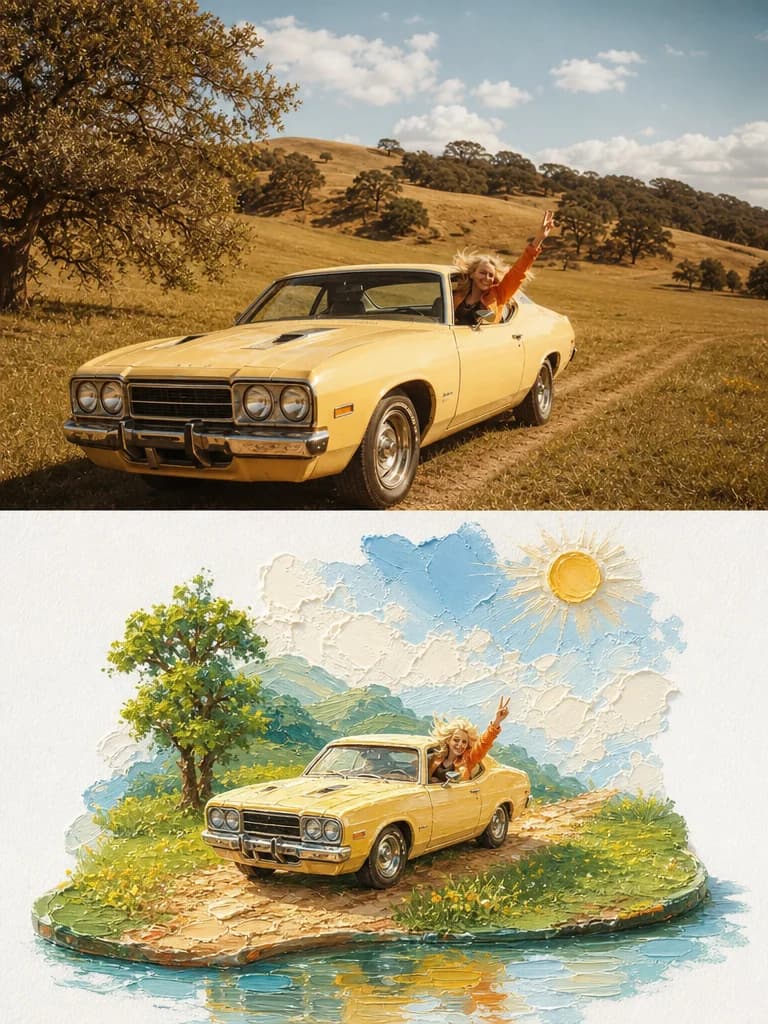
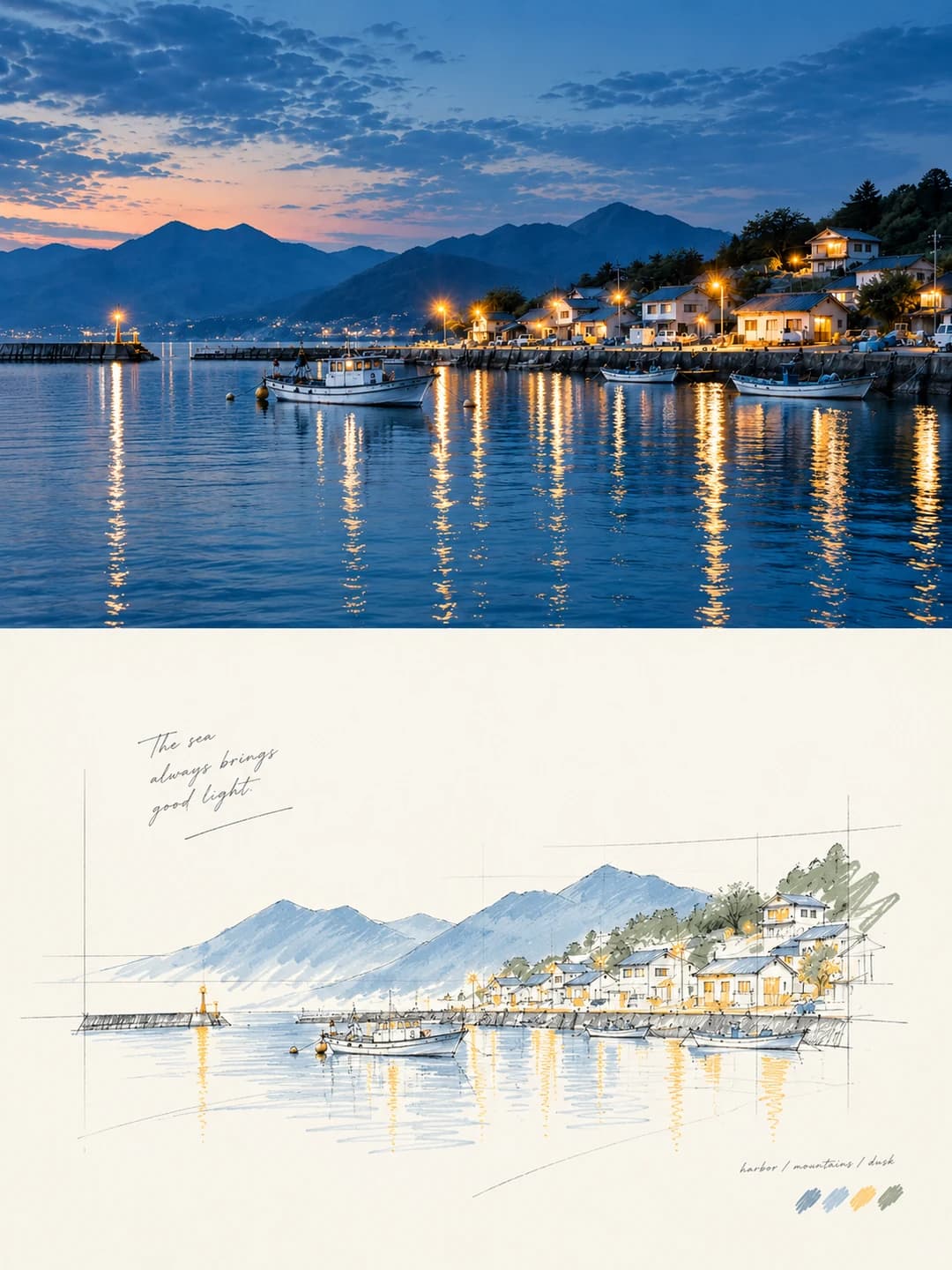
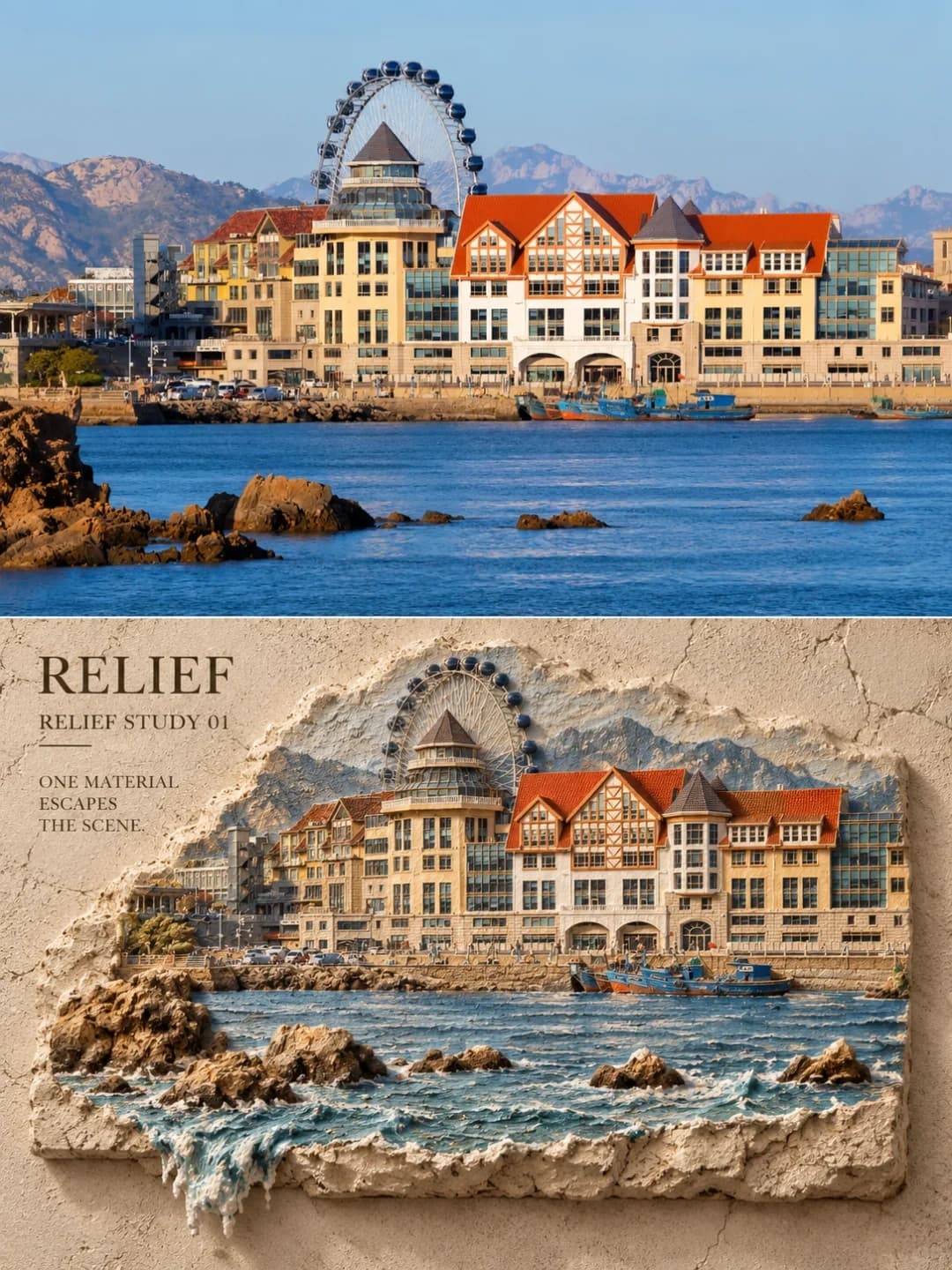
Miniature Model Poster
Your photo on top, and the same town rebuilt as a hand-sized scale model underneath
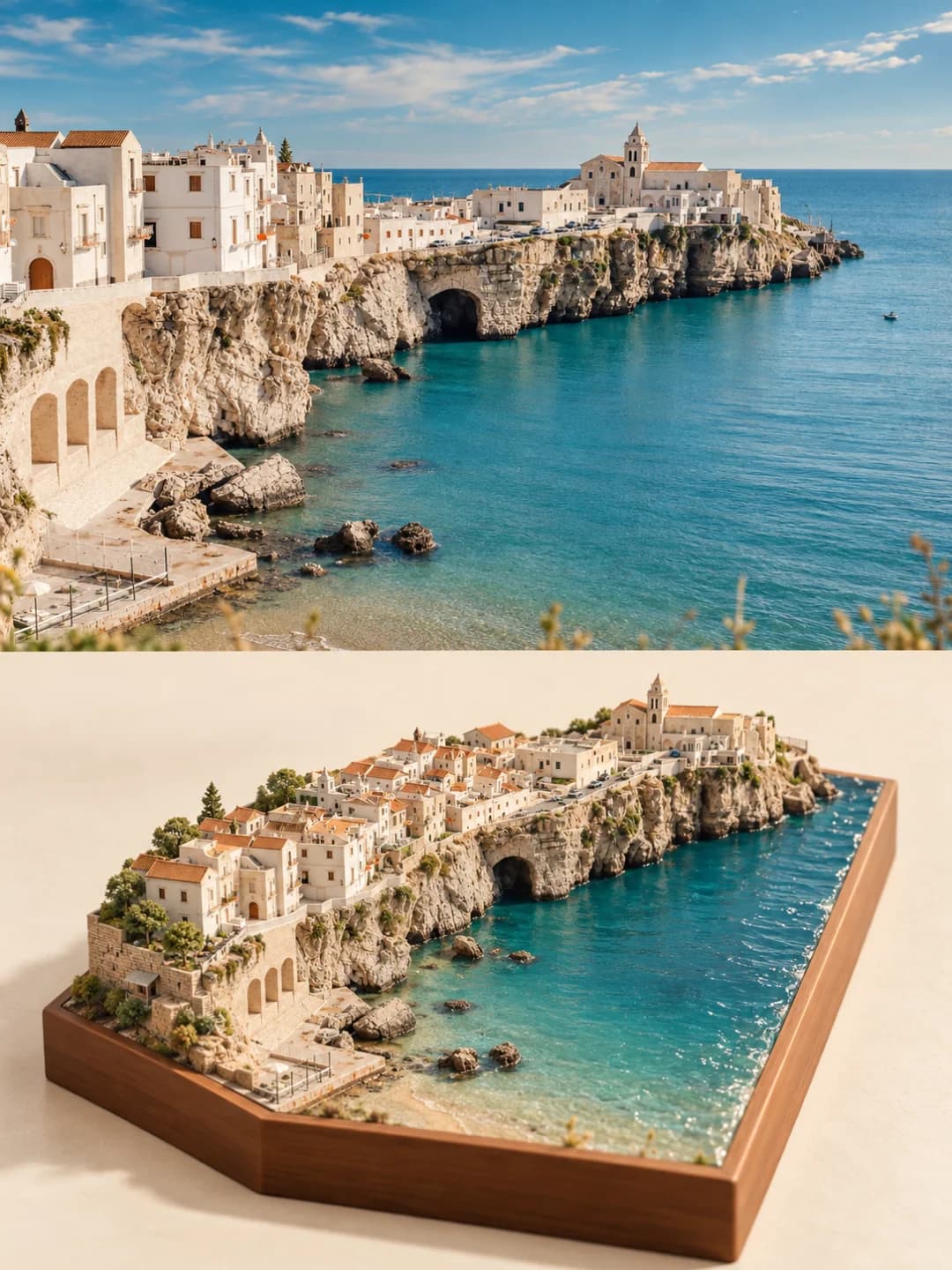
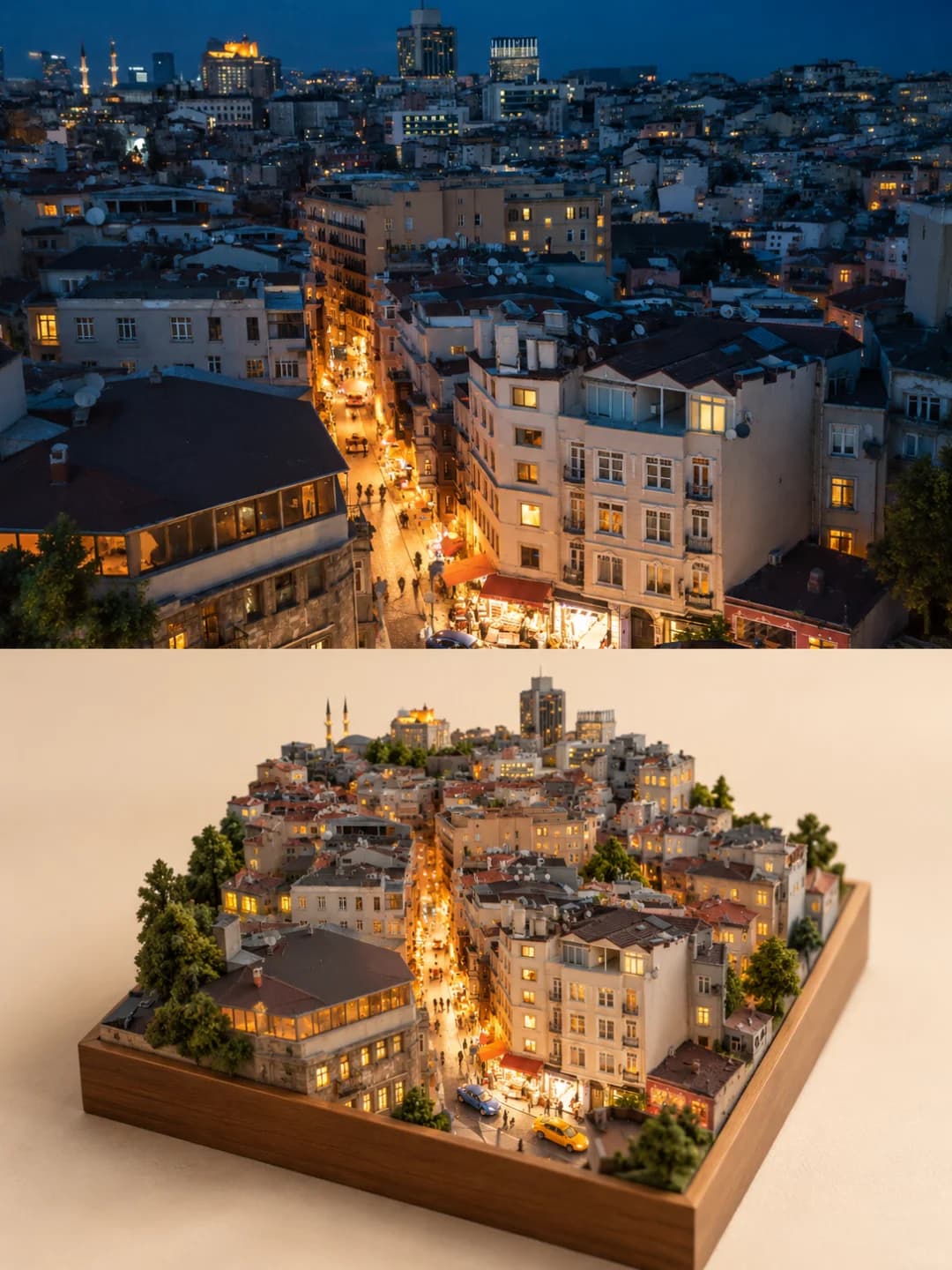
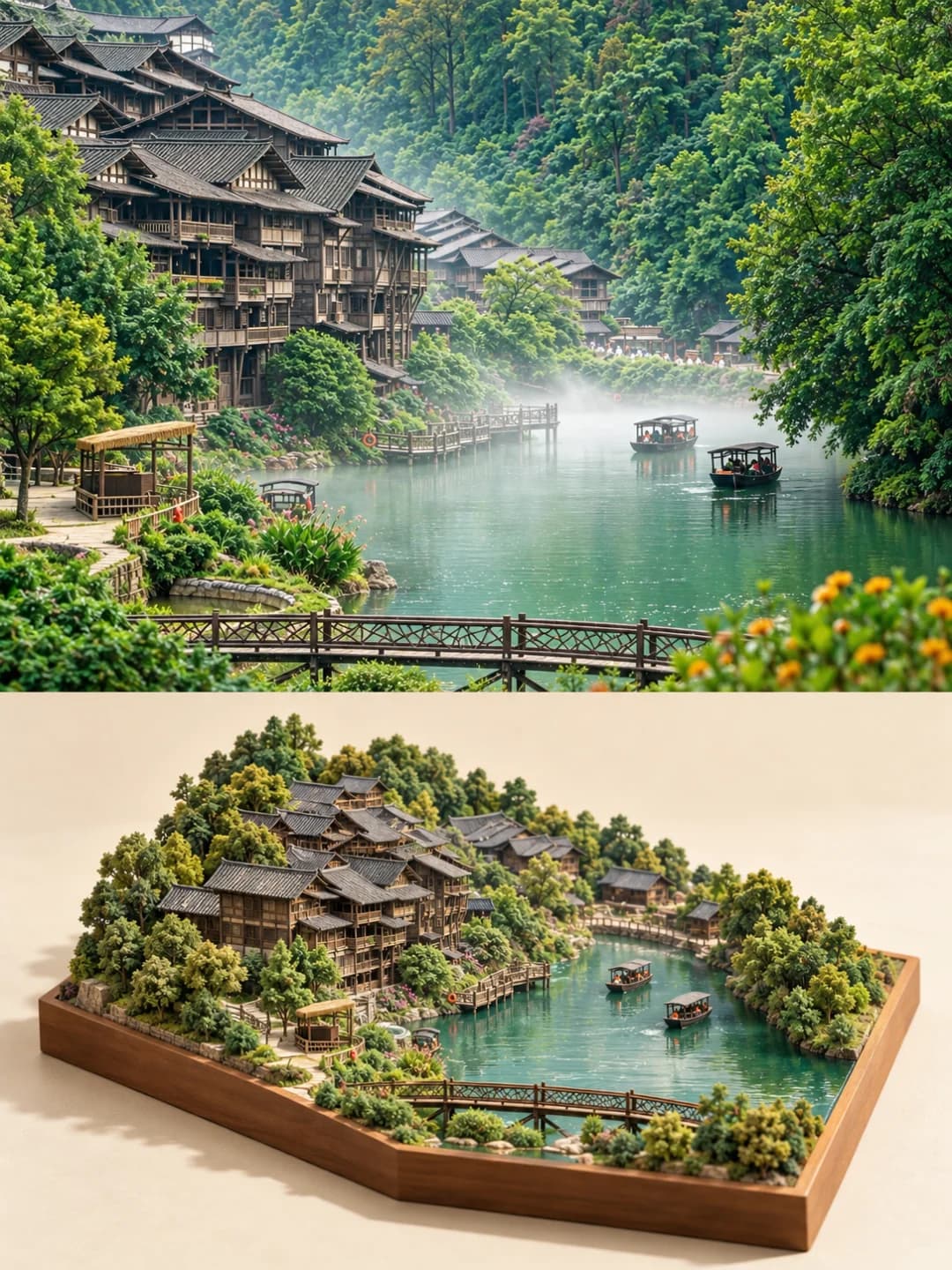
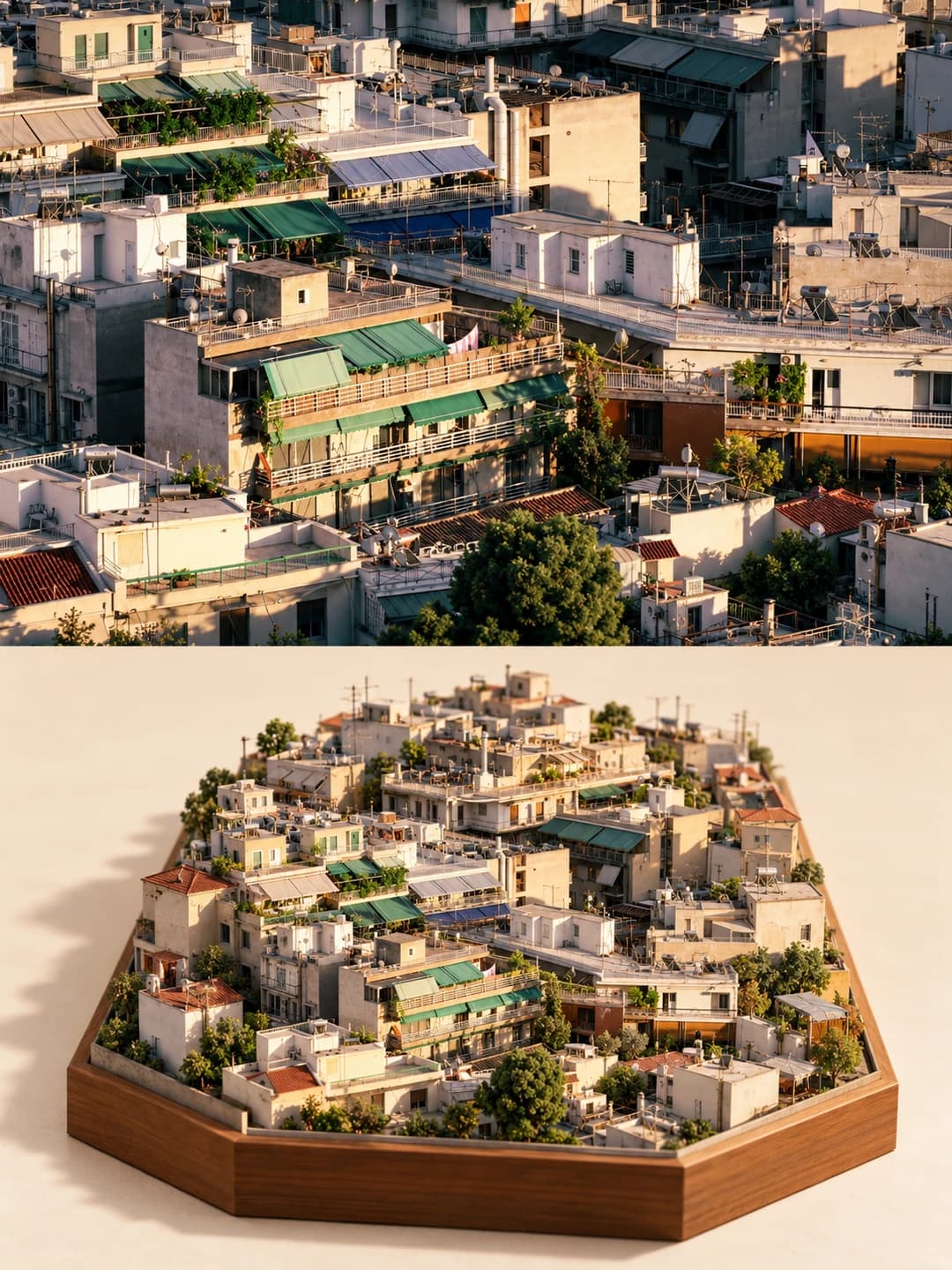
Upload a photo of a town, a street or a waterfront and get back a 3:4 poster: the photo across the top half, lightly graded, and underneath the same place rebuilt as a 3D miniature scale model seen from 45 degrees — paper walls, roof tiles you can count, resin water and flocked trees on a warm off-white ground.
100 credits per image · about a minute · New accounts get 500 credits — 5 free images.
Try it with your own photo
New accounts get 500 credits — 5 free images.
Examples
Every image below was made with the prompt on this page.
What is a Miniature Model Poster?
A miniature model poster splits a 3:4 vertical frame exactly in half. The top half is your photo, kept as it is apart from a light colour grade. The bottom half rebuilds the same place as a 3D miniature sand-table model in a 45-degree isometric view: the landmark buildings, rooftops, main street or river, bridges, steps and trees are pulled out of the photo and compressed into a model small enough to hold, in the materials of real model-making — matte paper and thin wood for walls and roof frames, sand and card for paving, cast resin for water, flock for trees — lit like a studio miniature shoot with shallow depth of field and no text anywhere.
Which photos work well?
Landscape-shaped photos of a place with buildings in it: an old town on a river, a clifftop village above the sea, a busy street seen from above, a sea of rooftops, a harbour. Elevated or aerial viewpoints work best, because the model is shown from above and the more roofs and streets the photo shows, the more the model has to work with. Night shots work too — the lit windows carry over.
Which photos struggle?
Portraits, close-ups and single objects — there is no town to model, and people turn into tiny figurines. Open landscapes with no buildings (a bare beach, a mountain lake) give the model little to build. It also wants a landscape-shaped photo: the top half is 3:2, so a tall portrait gets cropped hard. If you want a painted, brush-textured diorama rather than a photographed physical model, the oil painting diorama poster suits better.
How to turn a photo into a Miniature Model Poster
- 1
Pick an effect
Browse the samples on each tool page to see exactly what you will get before you spend anything.
- 2
Upload your photo
JPEG, PNG or WebP, up to 12 MB. Your photo stays private and is never used to train anything.
- 3
Add your own caption
Most effects let you set the text that appears in the final image, in any language.
- 4
Download the result
You get a high-resolution image, yours to use. 2K is 100 credits, 4K is 200.
The prompt behind this tool
This is the full prompt, translated into English. Copy it and use it with any image model that accepts a reference photo.
A 3:4 vertical high-end design poster. The top and bottom halves are exactly 1:1 in height, each taking 50% of the frame. Output a single image, not several images joined together.

Top half: keep the original photo I uploaded, with only a light, refined colour grade. Add no text and no border.

Bottom half: rebuild this place from the photo as a finely made 3D miniature sand-table model, seen in a 45-degree overhead isometric view.
Take the most recognisable landmark buildings, the stretches of rooftops, the main street or river, the bridges, steps and trees from the photo, and compress and rearrange them according to their real spatial relationships into a three-dimensional model small enough to hold in your hand.
Render every building in the material language of a scale model: matte paper-model and thin wooden pieces build the walls and roof frames; the roof tiles are clearly countable one by one; streets and steps are paved with fine sand and card; water in the river is clear, cast-resin; trees are clusters of miniature flocking; along the streets are tiny street lamps, potted plants, stone balustrades and other miniature parts.
The edges of the buildings and terrain may be cropped naturally by the frame and run off beyond it, giving the sense that "this town is bigger than the picture"; there is no need to fit the whole town onto one tidy base.
Around the model is a large area of clean, soft, warm off-white negative space with a fine paper texture. Use the soft studio lighting and shallow depth of field of miniature photography, so the image feels clean and high-end.
Keep the palette unified: low-saturation, warm and soothing, avoiding pure black, fluorescent colours and a dirty grey cast.

Do not include any map base, road-grid map, administrative boundaries or national borders; do not include any text, signs, watermarks or platform logos.
3:4 vertical, single image output, not several images joined together.
Frequently asked questions
Will it change my photo?
- The top half is meant to stay your photo — the prompt keeps it as uploaded with only a light colour grade and no text or border. Image models occasionally redraw it anyway, so look at the top half before you use the poster, and run it again if it is not your picture.
How faithful is the model to my place?
- It keeps the recognisable parts — the landmark buildings, the run of roofs, the main street or river, bridges, steps and trees — and squeezes them into a model you could hold, in roughly their real arrangement. It is a compression, not a survey: streets get shorter, minor buildings merge, and the model tends to add more tiny figures than the real scene had. The creator of the original prompt noticed the same crowding on a busy street.
Why does it look like a real physical model rather than an illustration?
- Because the prompt describes materials, not a drawing style: matte paper-model walls and thin wooden roof frames, roof tiles you can count, sand-and-card paving, cast-resin water, flocked trees, tiny street lamps and planters, all lit like a studio miniature shoot with shallow depth of field. If you want a painted, brush-textured diorama instead, the oil painting diorama poster is the one.
Will there be a wooden base?
- Usually. The prompt lets the edges run off the frame so the town feels bigger than the picture and does not require a base, but in every sample the creator posted the model sits in a walnut-coloured tray. Expect a tray most of the time and an open-edged model now and then.
Can I add a title?
- No. The prompt explicitly bans text, signs, watermarks and logos anywhere in the image, and the samples carry none, so there is no text box. Add a caption afterwards if you need one.
What size do I get, and how long does it take?
- A 3:4 vertical poster: 2K (1792 × 2400) for 100 credits or 4K for 200. Most images come back in 60 to 90 seconds.
Can I use my own prompt instead?
- Not on this page. The full prompt is shown above, though, so you can copy it and use it elsewhere.
What happens to my photo?
- It is stored privately, used only to make your image, deleted on a schedule, and never used for training.