2Slides Team
6 min read

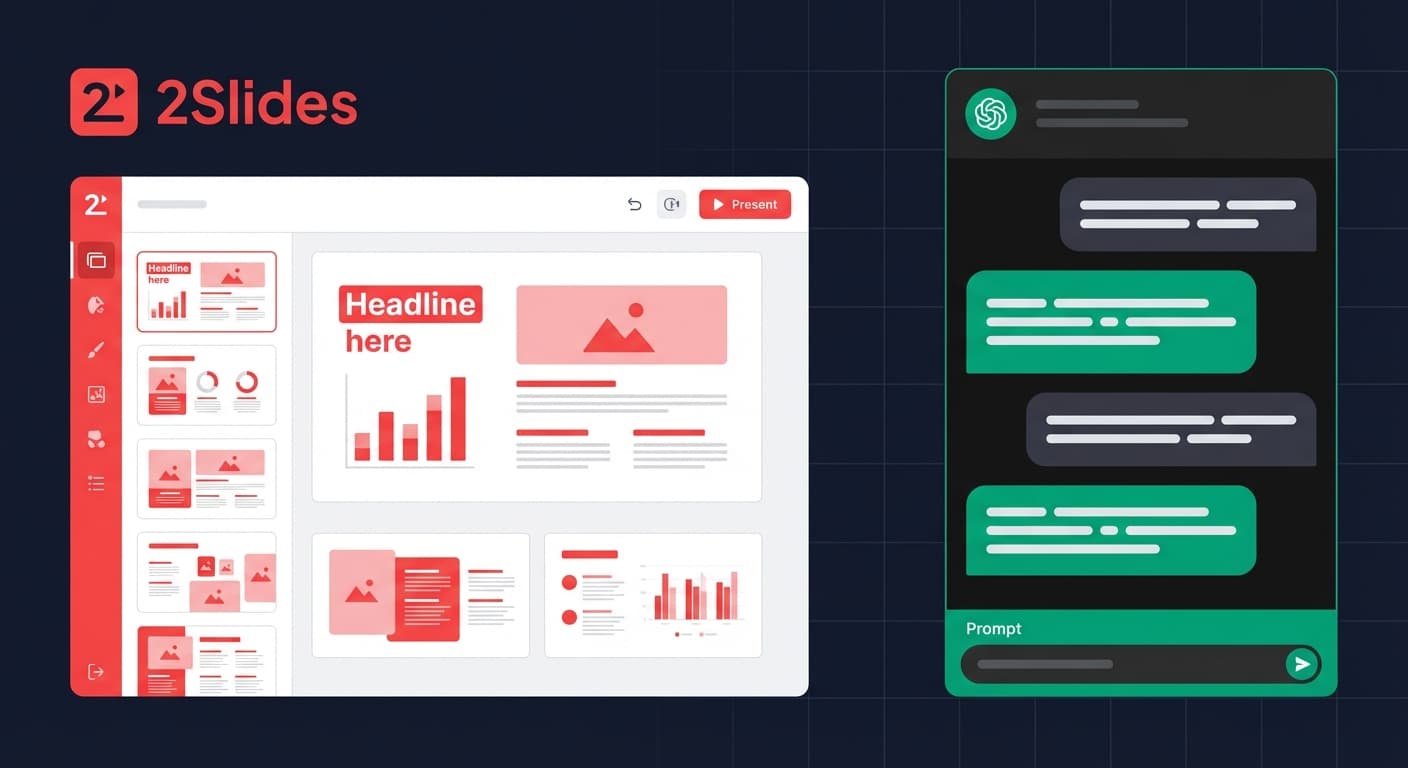
2Slides is a purpose-built AI presentation agent that generates professional slide decks in under 30 seconds from plain text, with native PowerPoint output, 1,500+ templates, and a full REST API. ChatGPT is a general-purpose AI chatbot that can help draft presentation content and outlines, but lacks native slide generation, template support, and direct PowerPoint export. This fundamental difference shapes every aspect of the comparison below.
| Feature | 2Slides | ChatGPT |
|---|---|---|
| Purpose | Dedicated AI slide generator | General-purpose AI chatbot |
| Output Format | PowerPoint (.pptx), PDF, PNG, MP4 video | Text/Markdown (no native slide file) |
| Slide Generation | Automated end-to-end in <30 seconds | Manual: generate outline → copy to PPT |
| Templates | 1,500+ professional templates | None — text output only |
| Design Quality | Production-ready slides with layouts | Plain text, no visual design |
| REST API | Full V1 API for automation | API available but no slide generation |
| MCP / Agent Support | Native MCP + Agent Skills | Plugin ecosystem (no slide-specific) |
| Voice Narration | Multi-speaker AI narration | Not available |
| Video Export | H.264 MP4, 16:9 & 9:16 | Not available |
| Languages | 22+ with full i18n | 90+ languages for text |
| Image Generation | AI images per slide (512px–4K) | DALL-E integration (separate) |
| Pricing | From $5 (2,000 credits) | Free / $20 mo (Plus) / $200 mo (Pro) |
2Slides is an AI presentation agent — you provide a topic, and it handles everything:
The entire process is automated. You can customize with:
ChatGPT's presentation workflow requires multiple manual steps:
ChatGPT excels at content ideation and copywriting, but it cannot produce a finished slide file.
Key Difference: 2Slides delivers a finished .pptx file. ChatGPT delivers text that you must manually convert into slides. For a 10-slide deck, this difference means 30 seconds vs 30–60 minutes of work.
Verdict: 2Slides wins decisively on output quality because it produces finished, designed slides — not just content.
| Scenario | 2Slides Cost | ChatGPT Cost |
|---|---|---|
| 10-slide deck (no images) | ~10 credits ($0.025) | Included in subscription |
| 10-slide deck + AI images | ~1,010 credits ($2.53) | $20/mo subscription + manual work |
| 100 decks/month (API) | ~$25 (Pro plan) | Not possible (no slide API) |
Verdict: 2Slides is more cost-effective for volume and offers pay-as-you-go flexibility. ChatGPT's flat subscription is simpler but offers no slide-specific output.
This is where the comparison becomes most clear-cut.
POST /api/v1/slides/generate
{
  "userInput": "Q1 2026 Sales Report",
  "themeId": "consulting-dark",
  "mode": "async"
}
# → Returns job ID → Poll → Download .pptxVerdict: If you need programmatic slide generation, 2Slides is the only option. ChatGPT's API produces text — you'd need to build an entire rendering pipeline yourself.
| Capability | 2Slides | ChatGPT |
|---|---|---|
| Voice Narration | Multi-speaker, 10+ voices | Not available |
| Video Export | H.264 MP4, 16:9 & 9:16 | Not available |
| Data-to-Slides | CSV/Excel/JSON → Slides | Not available |
| Image Generation | Per-slide, 512px–4K, integrated | DALL-E (separate from slides) |
| Style Cloning | Upload reference → clone design | Not available |
Yes — and many professionals do. A strong workflow is:
This combines ChatGPT's content ideation strength with 2Slides' slide production capability.
ChatGPT is a brilliant content assistant — but it is not a presentation maker. It can help you think through your story, draft your talking points, and refine your message. However, it cannot produce a finished slide deck.
2Slides is a purpose-built AI presentation agent that takes your content and delivers polished, download-ready slides in under 30 seconds — with professional templates, AI images, voice narration, and video export.
If you need slides, use a slide tool. If you need content, use a content tool. If you need both, use both.
Ready to create professional slides instantly? Try 2Slides free — generate your first AI presentation in under 30 seconds.
Create stunning AI-powered presentations in seconds. Transform your ideas into professional slides with 2slides AI Agent.
Try For FreeYour AI Agent for slides. Save time, shine faster with intelligent presentation creation.




© 2026 2slides. All rights reserved.