2Slides Team
7 min read

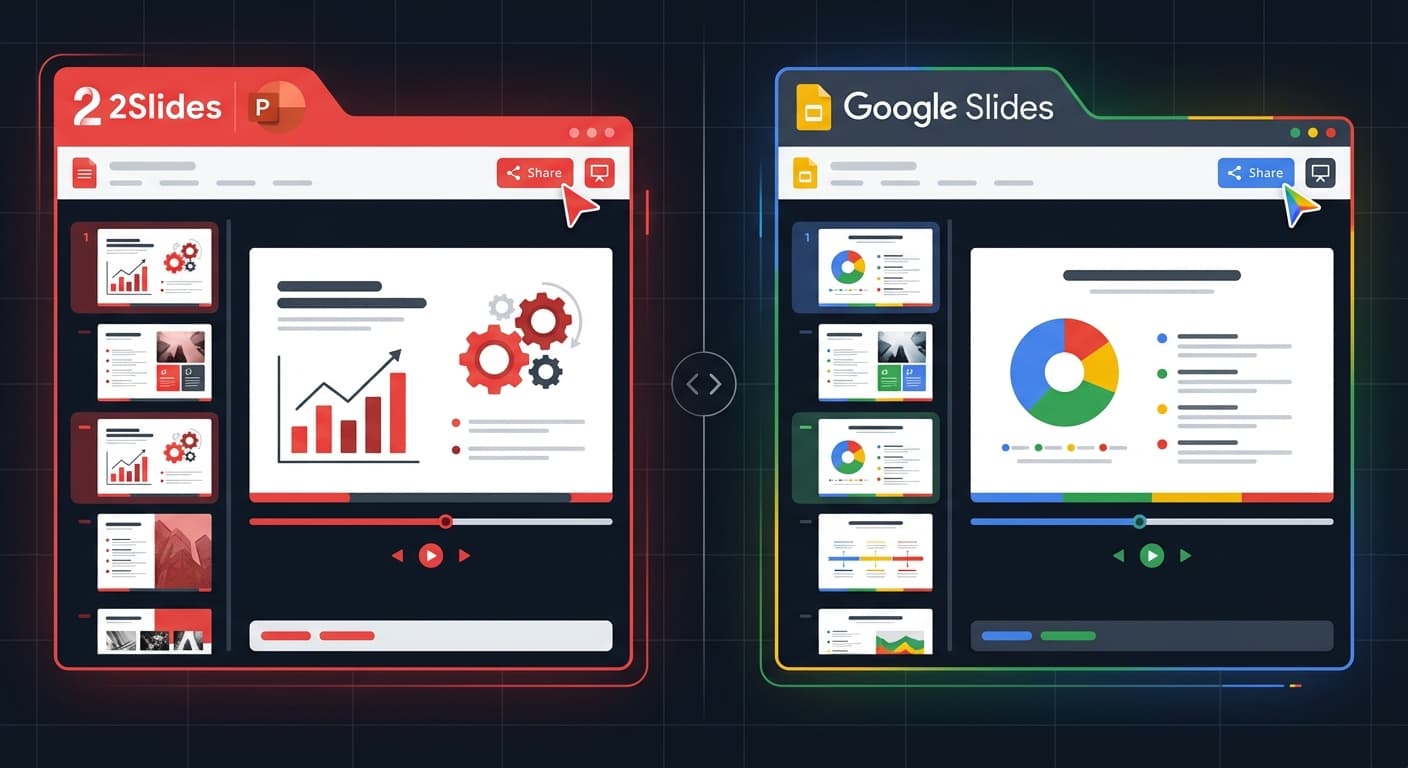
2Slides is a dedicated AI presentation agent that generates professional PowerPoint decks from plain text in under 30 seconds, offering 1,500+ templates, a REST API, and video export. Google Gemini integrates AI into Google Slides through the Workspace ecosystem, providing AI-assisted content generation and image creation within the familiar Slides interface. Both use Gemini AI models, but they serve fundamentally different workflows.
| Feature | 2Slides | Google Gemini (in Slides) |
|---|---|---|
| Approach | AI generates complete slide deck | AI assists within Google Slides editor |
| Output | PowerPoint (.pptx), PDF, PNG, MP4 | Google Slides (export to .pptx, PDF) |
| Generation Speed | <30 seconds for full deck | Manual process with AI suggestions |
| Templates | 1,500+ designer templates | Google Slides template gallery |
| REST API | Full V1 API | Google Slides API (no AI generation) |
| AI Image Generation | Per-slide, 512px–4K | Gemini image generation in Slides |
| Design Cloning | Upload reference → clone style | Not available |
| Voice Narration | Multi-speaker AI narration | Not available |
| Video Export | H.264 MP4 | Not available |
| Languages | 22+ with i18n | 40+ languages |
| Pricing | From $5 (pay-as-you-go) | Free (basic) / $19.99/mo (Gemini Advanced) |
| Ecosystem | Standalone + API + MCP | Google Workspace ecosystem |
2Slides handles the entire presentation pipeline automatically:
Key capabilities:
Gemini in Google Slides works as an AI assistant within your editor:
Key capabilities:
Key Difference: 2Slides generates a complete, finished deck automatically. Gemini assists you while you build the deck manually in Google Slides. This is the difference between an AI agent and an AI copilot.
Verdict: 2Slides produces higher design quality out of the box due to its curated template library. Gemini excels at content ideation within an existing workflow for teams already using Google Workspace.
POST /api/v1/slides/generateVerdict: 2Slides is the only option for programmatic AI slide generation. Google's APIs let you manipulate existing slides, but cannot generate new AI-powered presentations.
| Plan | Price | What You Get |
|---|---|---|
| Starter Pack | $5 one-time | 2,000 credits |
| Pro Monthly | $12.50/mo | 10,000 credits/month |
| Pro Yearly | $132/yr | 10,000 credits/month |
| Plan | Price | What You Get |
|---|---|---|
| Google Workspace (free) | $0 | Basic Gemini features in Slides |
| Google One AI Premium | $19.99/mo | Gemini Advanced + 2TB storage |
| Workspace Business | $14/user/mo + AI add-on | Gemini for Workspace |
Verdict: If your team lives in Google Workspace, Gemini's native integration is powerful. If you need a standalone, API-driven, or cross-platform solution, 2Slides is more flexible.
| Capability | 2Slides | Google Gemini |
|---|---|---|
| Voice Narration | Multi-speaker, 10+ voices | Not available in Slides |
| Video Export | H.264 MP4, 16:9 & 9:16 | Not available |
| Data-to-Slides | CSV/Excel/JSON/PDF/URL | Sheets data (manual) |
| Style Cloning | Upload reference image | Not available |
2Slides wins on multimedia capabilities. Google has no narration or video export features for Slides.
Google Gemini makes Google Slides smarter — it helps you create better content faster within the Google ecosystem. It's an AI copilot for an existing workflow.
2Slides is a purpose-built AI presentation agent — it generates complete, professional slide decks from scratch in under 30 seconds, with features no other tool offers: API access, design cloning, voice narration, and video export.
If you need an AI that assists you while you build slides manually, choose Gemini. If you need an AI that builds the slides for you, choose 2Slides.
Generate professional presentations in seconds — try 2Slides free and see the difference.
Create stunning AI-powered presentations in seconds. Transform your ideas into professional slides with 2slides AI Agent.
Try For FreeYour AI Agent for slides. Save time, shine faster with intelligent presentation creation.




© 2026 2slides. All rights reserved.