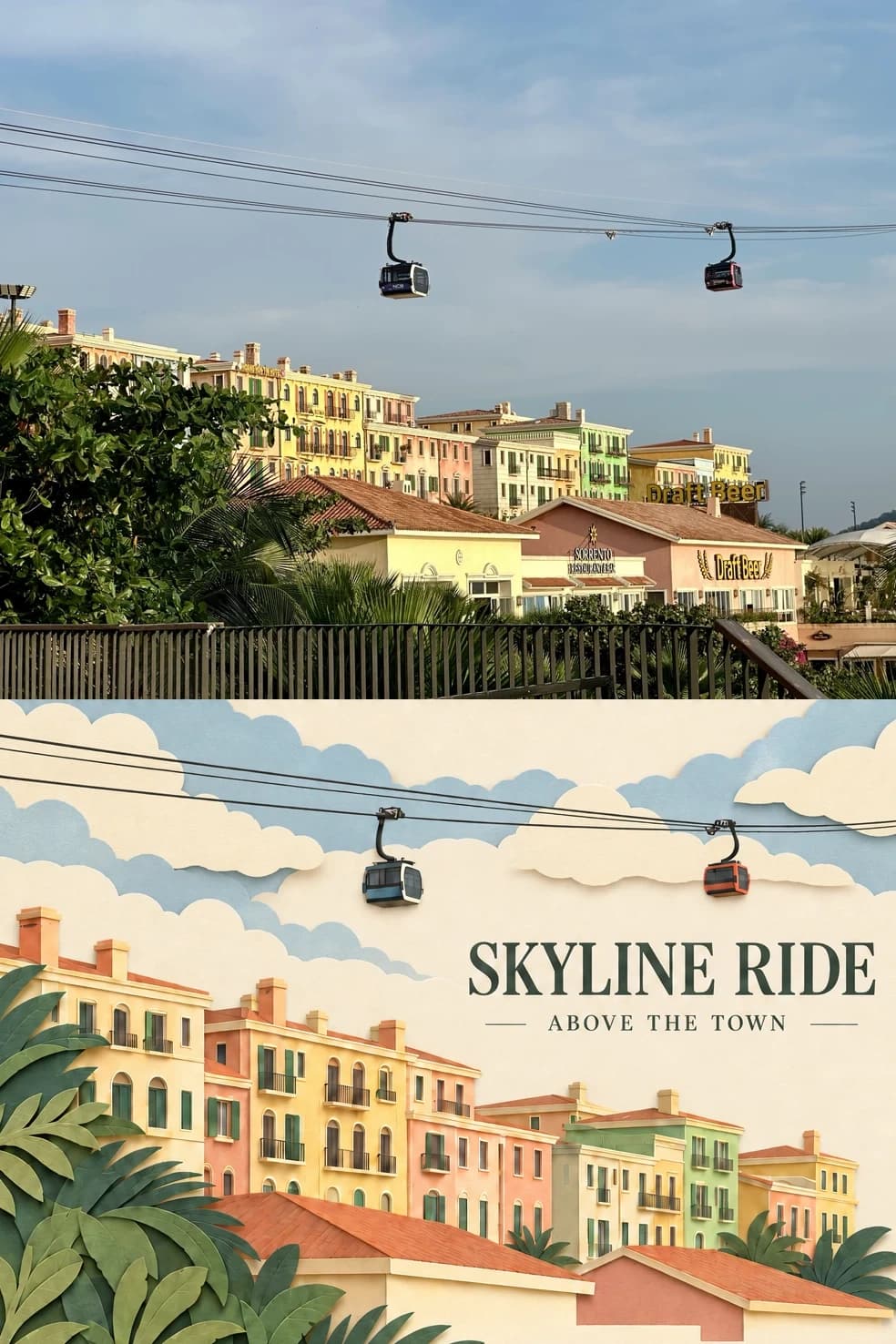
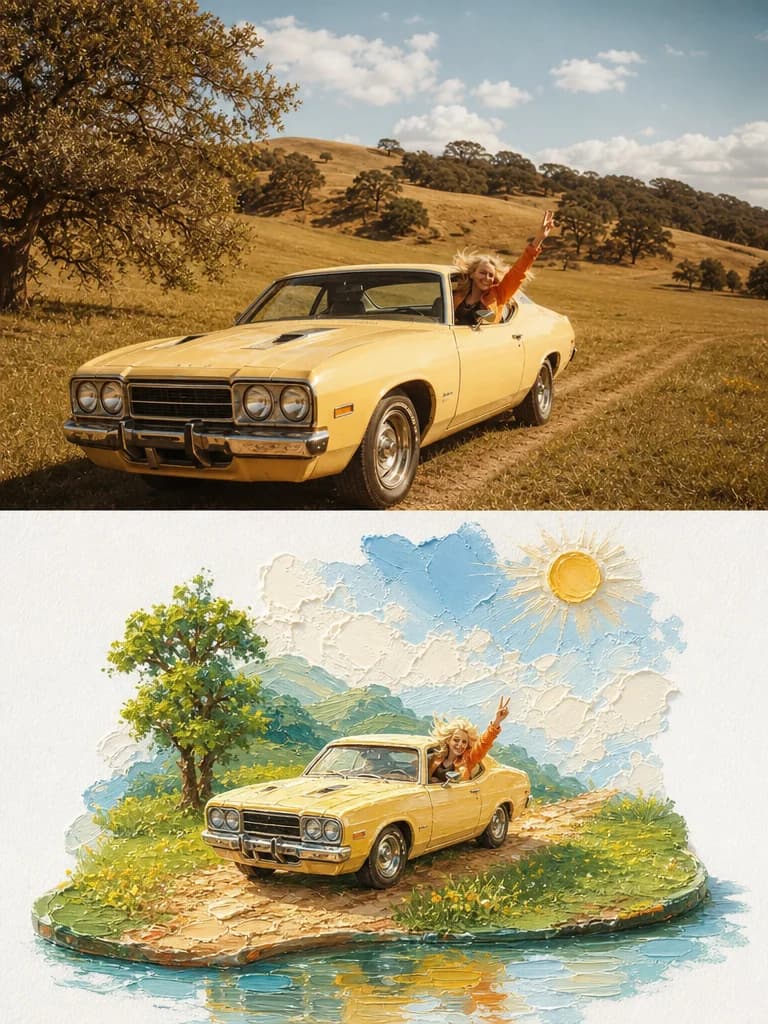
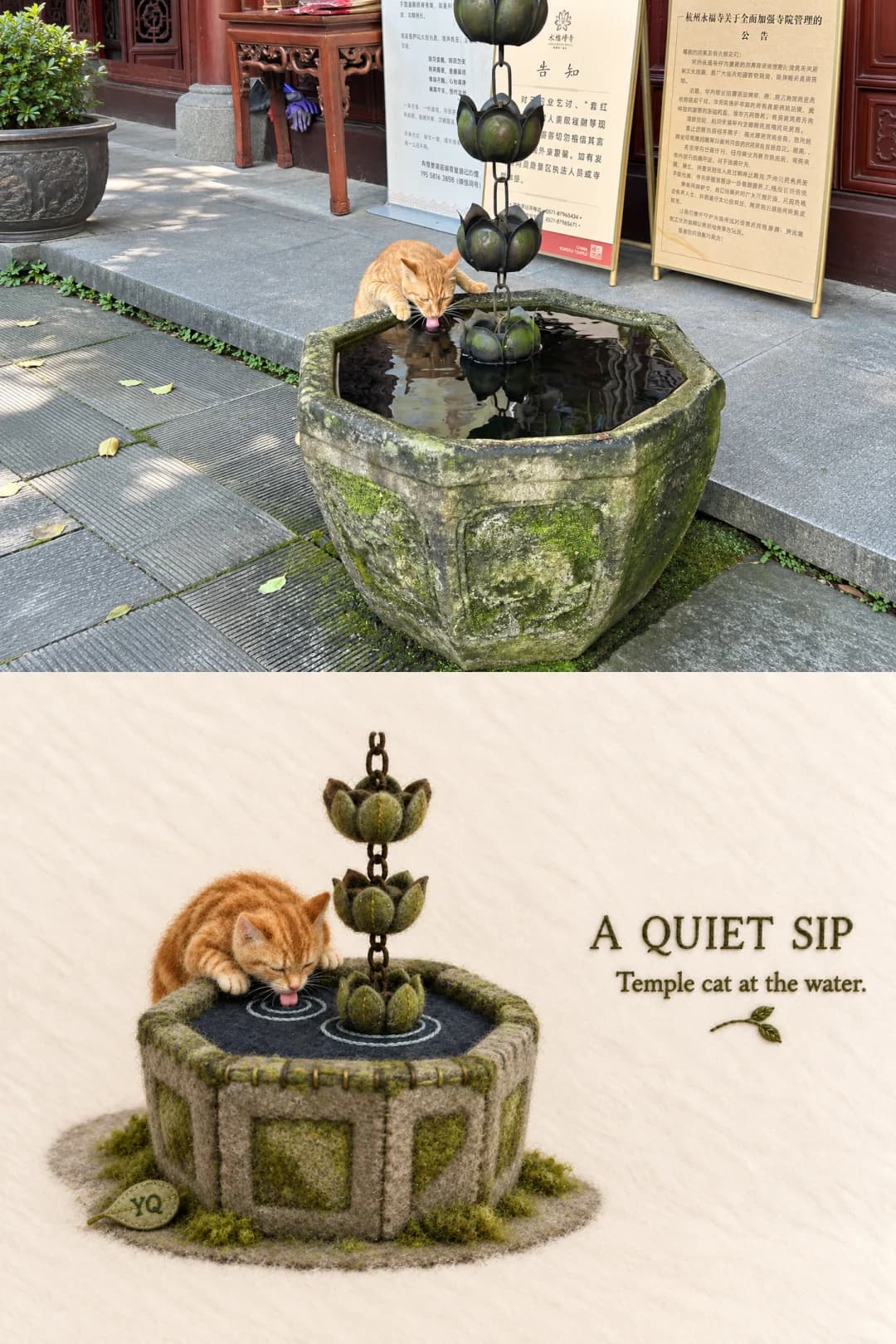
Plaster Relief Travel Poster
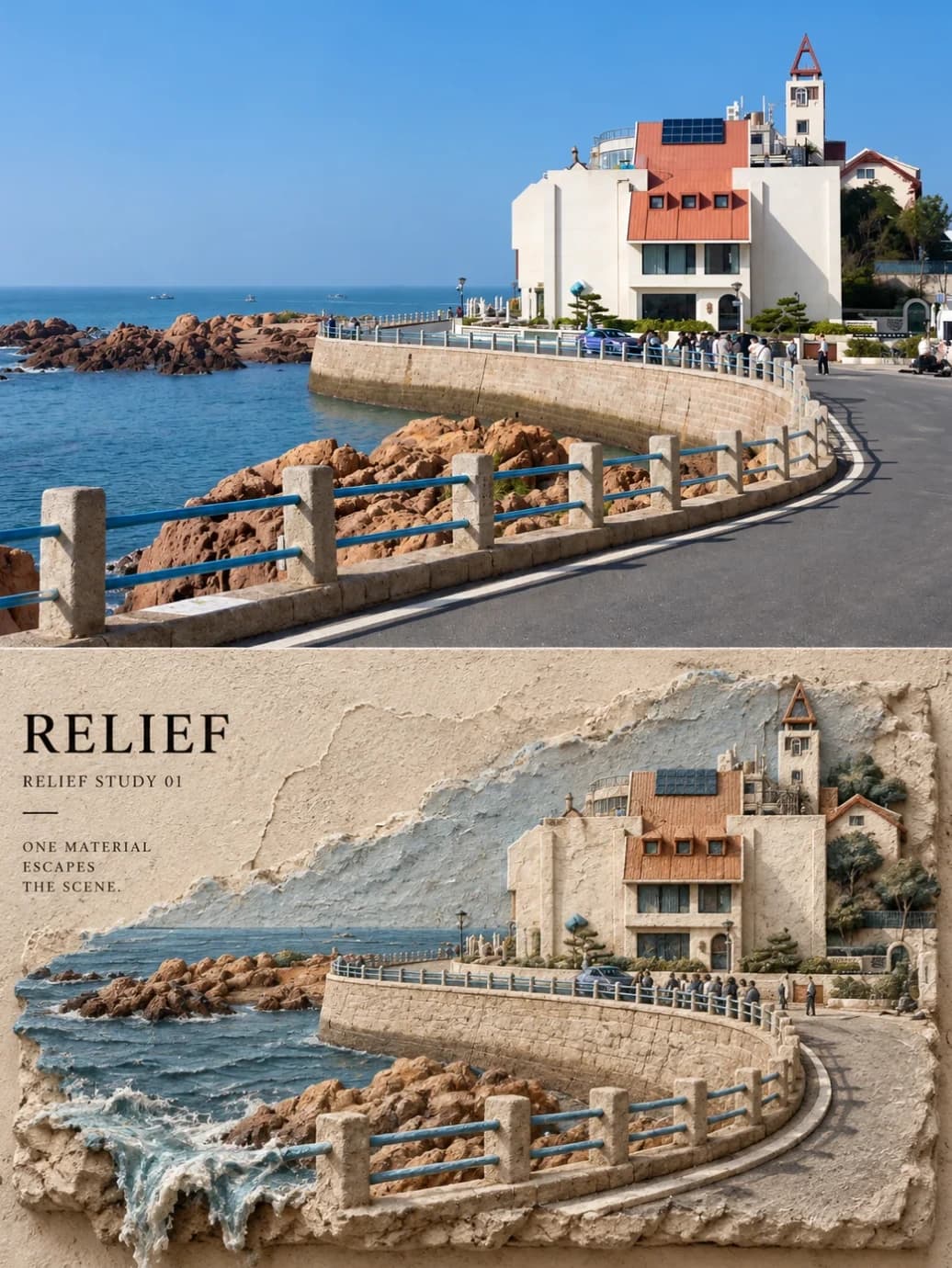
Your travel photo above, the same scene carved into a rough plaster wall below
Upload a landscape travel photo and get back a 3:4 poster: the photo itself across the top, and underneath the same scene rebuilt as a thick, cracked plaster relief set into a wall. One element from the photo — the sea, a vine, a road line — breaks out of the relief and spills down the wall.
100 credits per image · about a minute · New accounts get 500 credits — 5 free images.
Try it with your own photo
New accounts get 500 credits — 5 free images.
Examples
Every image below was made with the prompt on this page.
What is a Plaster Relief Travel Poster?
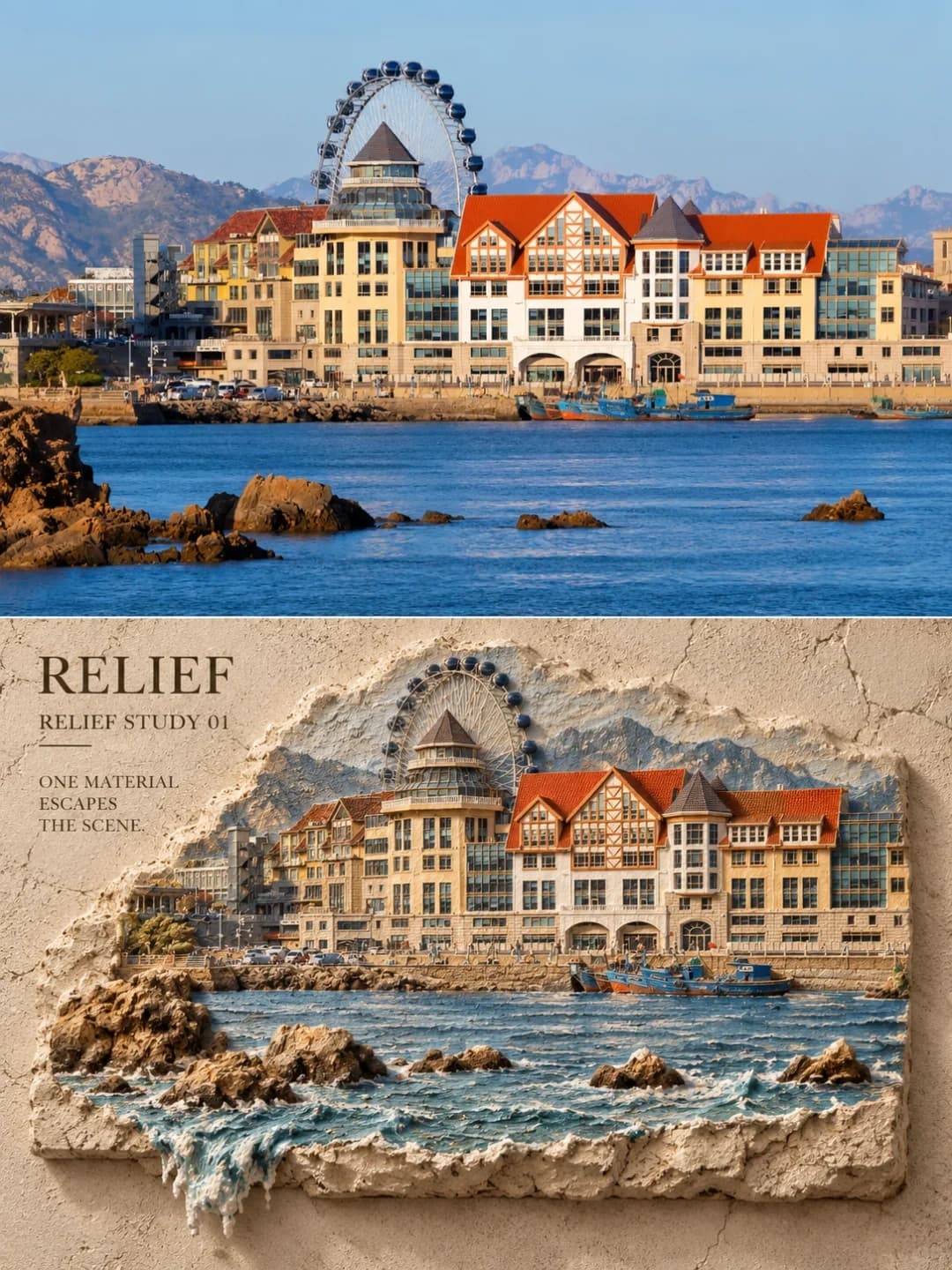
A plaster relief travel poster is a 3:4 vertical frame with two parts. The upper 40–50% is your photo, left as it is apart from a light colour grade. The lower part rebuilds the same scene as a physical wall relief: buildings, railings, ridges and trees become raised blocks of plaster, pulp board or hand-troweled cement, with grain, trowel marks, cracks and chipped edges you can almost feel. Exactly one element from the photo escapes the relief — usually sea water, sometimes vines, smoke or a road line — and runs a short way down the wall. The palette is cut to three to seven matte mineral tones taken from the photo, with a small serif title set in the open wall.
Which photos work well?
Daylight travel photos with strong built or natural structure: a seafront with buildings, a coastal road with railings, a harbour, a hill town, a mountain ridge, a temple front. Water in the frame is a gift, because it is the element the model most often lets spill out of the relief.
Which photos struggle?
Close-up portraits, dense crowds, interiors and night shots. The relief simplifies everything into chunky plaster blocks, so faces lose their likeness and crowds turn into lumps, and a dark photo leaves little colour to turn into mineral tones. Photos full of shop signs or brand logos also come out with those logos carved into the wall, so pick a frame without them.
How to turn a photo into a Plaster Relief Travel Poster
- 1
Pick an effect
Browse the samples on each tool page to see exactly what you will get before you spend anything.
- 2
Upload your photo
JPEG, PNG or WebP, up to 12 MB. Your photo stays private and is never used to train anything.
- 3
Add your own caption
Most effects let you set the text that appears in the final image, in any language.
- 4
Download the result
You get a high-resolution image, yours to use. 2K is 100 credits, 4K is 200.
The prompt behind this tool
This is the full prompt, translated into English. Copy it and use it with any image model that accepts a reference photo.
Make a vertical 3:4 before-and-after travel poster. The upper 40–50% keeps the input photo itself: the same number of subjects, the same poses of people or animals, the same road, building and terrain structure, viewing angle, light and natural colour, with only a light publication-grade grade. Do not turn the photo into an illustration, do not swap the landmark and do not change the people.
The lower half rebuilds the same scene as a rough, touchable physical wall relief, not a copy of the full photo framing. Compress the key buildings, roads, railings, ridgelines, tree canopies, tabletops or objects into layered blocks with real thickness, and change the scale, cropping and density of the subject. The ground is a rough mineral-coated wall, plasterboard, paper pulp board or hand-troweled cement, with grain, trowel marks, pressed marks, cracks, chipped edges, visible side thickness and contact shadows.
Pick just one narrative element from the photo to spill out — sea water, rain, smoke, tree roots, vines, a road edge line, fabric or a piece of architecture — and let it run out of a crack, a hole or the bottom edge of the relief for about 5–20% of the frame, with the shadows, highlights, grain or fibres of the real material. Take the colours from the input photo and reduce them to 3–7 matte mineral tones.

Keep a continuous, low-detail open area in the lower half and write in it: RELIEF, RELIEF STUDY 01, ONE MATERIAL ESCAPES THE SCENE.

No collage, grids, mosaic, sequins, smooth plastic 3D, digital glitches, logos, watermarks, or corner badges from the source photo or an AI tool.
Frequently asked questions
Will it change my photo?
- The top part is meant to be your photo, not a repaint of it. The prompt tells the model to keep the number of subjects, their poses, the buildings and terrain, the camera angle and the light, to apply only a light colour grade, and not to swap the landmark or change the people. It fills roughly the upper 40–50% of the frame.
What does the relief half actually look like?
- A chunk of rough wall. The scene is compressed into raised, layered blocks of plaster or cement with visible side thickness, trowel marks, cracks and chipped edges, sitting in a larger textured wall with contact shadows. It is deliberately not a copy of the photo's framing: the model changes scale and crop so it reads as a carved object.
What is the thing spilling out of the relief?
- The prompt asks the model to pick one element from your photo with some story to it — sea water, rain, smoke, roots, vines, a road line, fabric or part of a building — and let it escape through a crack, a hole or the bottom edge for about 5–20% of the frame. On seaside photos it is almost always the water. Only one element does it, which is what keeps the effect from turning into a mess.
Can I choose the headline?
- Yes, and it is the more reliable route. Type a headline and an optional subtitle and they are copied exactly, with no other text added. Leave them blank and the poster uses the creator's own lines — RELIEF, RELIEF STUDY 01 and ONE MATERIAL ESCAPES THE SCENE.
What language can the headline be in?
- Any. The creator's design uses small English serif capitals and a blank headline stays in English, but a supplied line is drawn as given. Keep it short; it sits in the open wall beside the relief, not over it.
Where do the colours come from?
- From your photo, reduced to three to seven matte mineral tones. A blue sea and orange roofs stay blue and orange, just chalkier, like pigment worked into plaster rather than paint on top.
What size do I get?
- A 3:4 vertical poster. 2K is 100 credits and 4K is 200, and generation usually takes 60 to 90 seconds.
What happens to my photo?
- It is stored privately so the generator can read it, deleted on a schedule, never shown to other users and never used to train a model. You can't swap in your own prompt, but the full prompt is on this page.