Colored Pencil Travel Poster
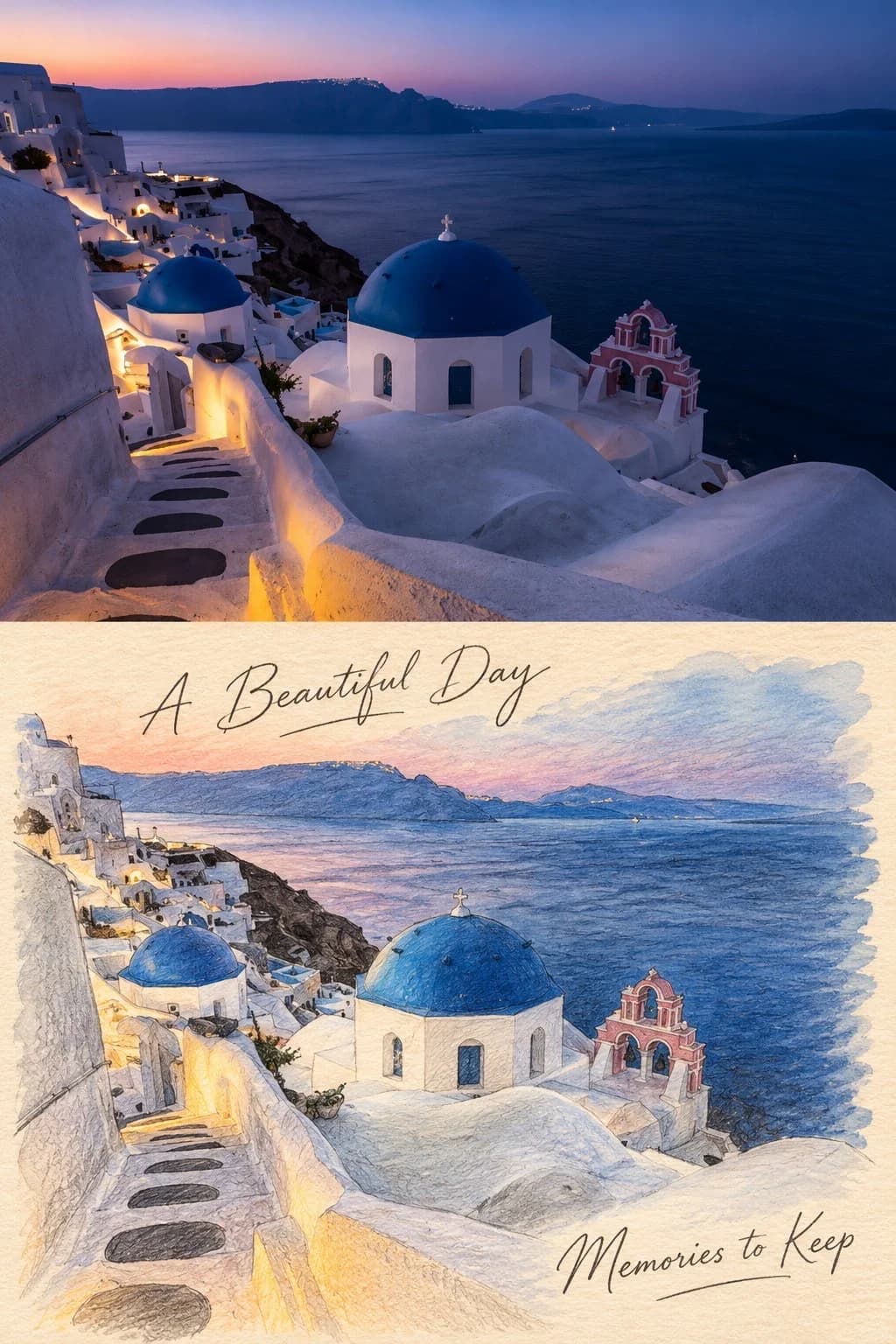
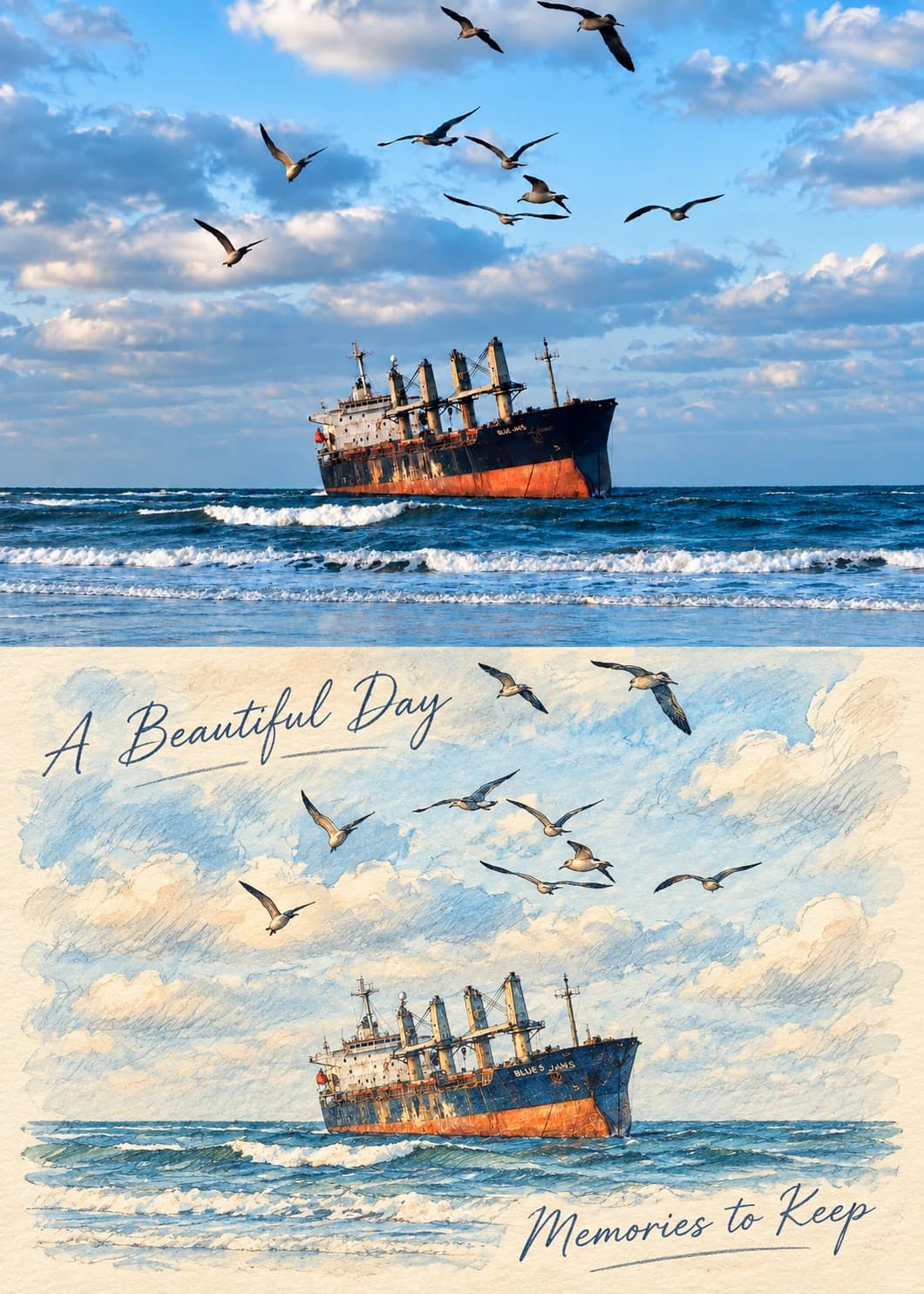
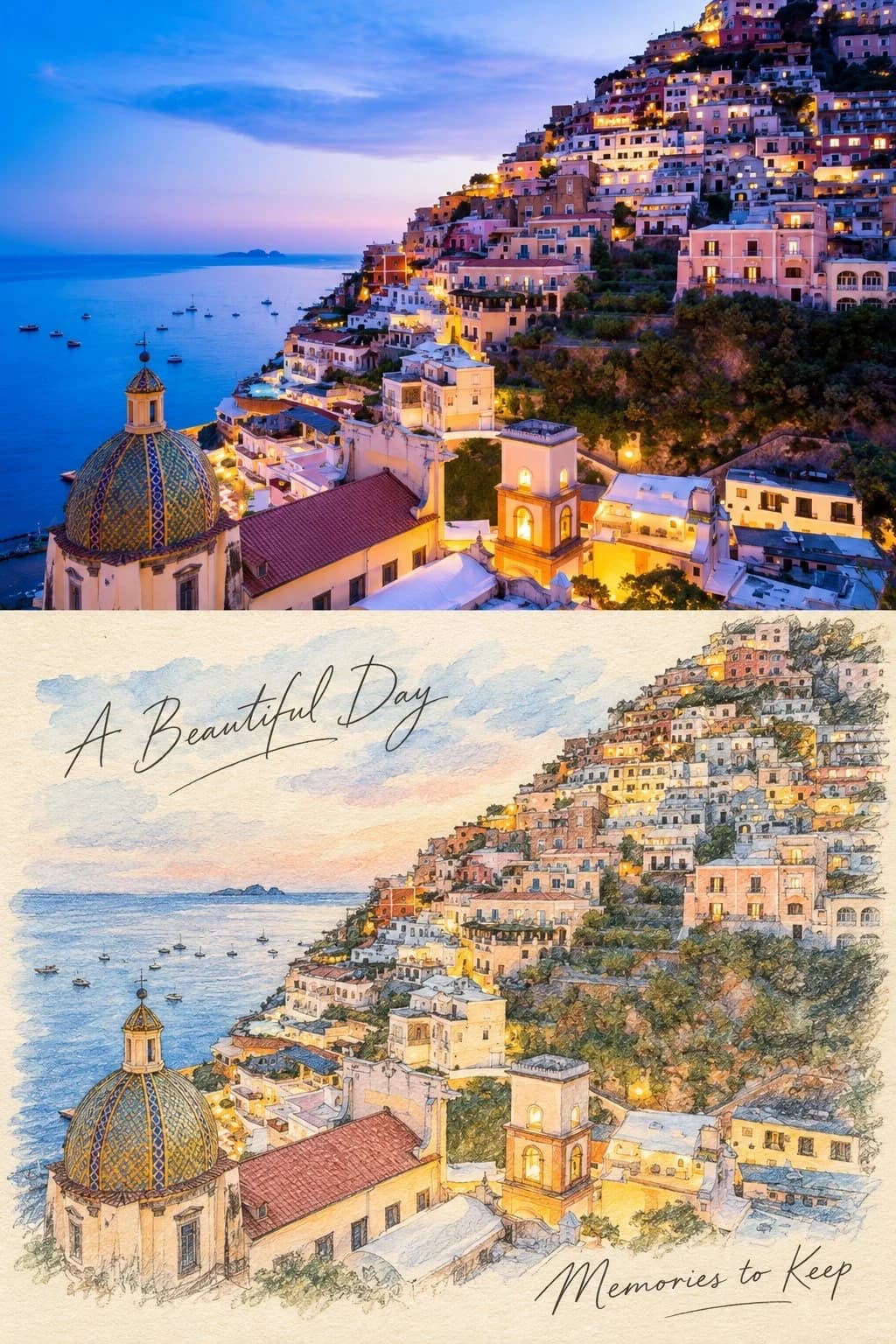
Your photo above, the same view in coloured pencil below
Upload a landscape photo and get back a vertical poster split exactly in half: the photograph on top, and beneath it the same scene redrawn in coloured pencil and watercolour on warm cream paper. You set the two lines of handwriting.
100 credits per image · about a minute · New accounts get 500 credits — 5 free images.
Try it with your own photo
New accounts get 500 credits — 5 free images.
Examples
Every image below was made with the prompt on this page.
What is a Colored Pencil Travel Poster?
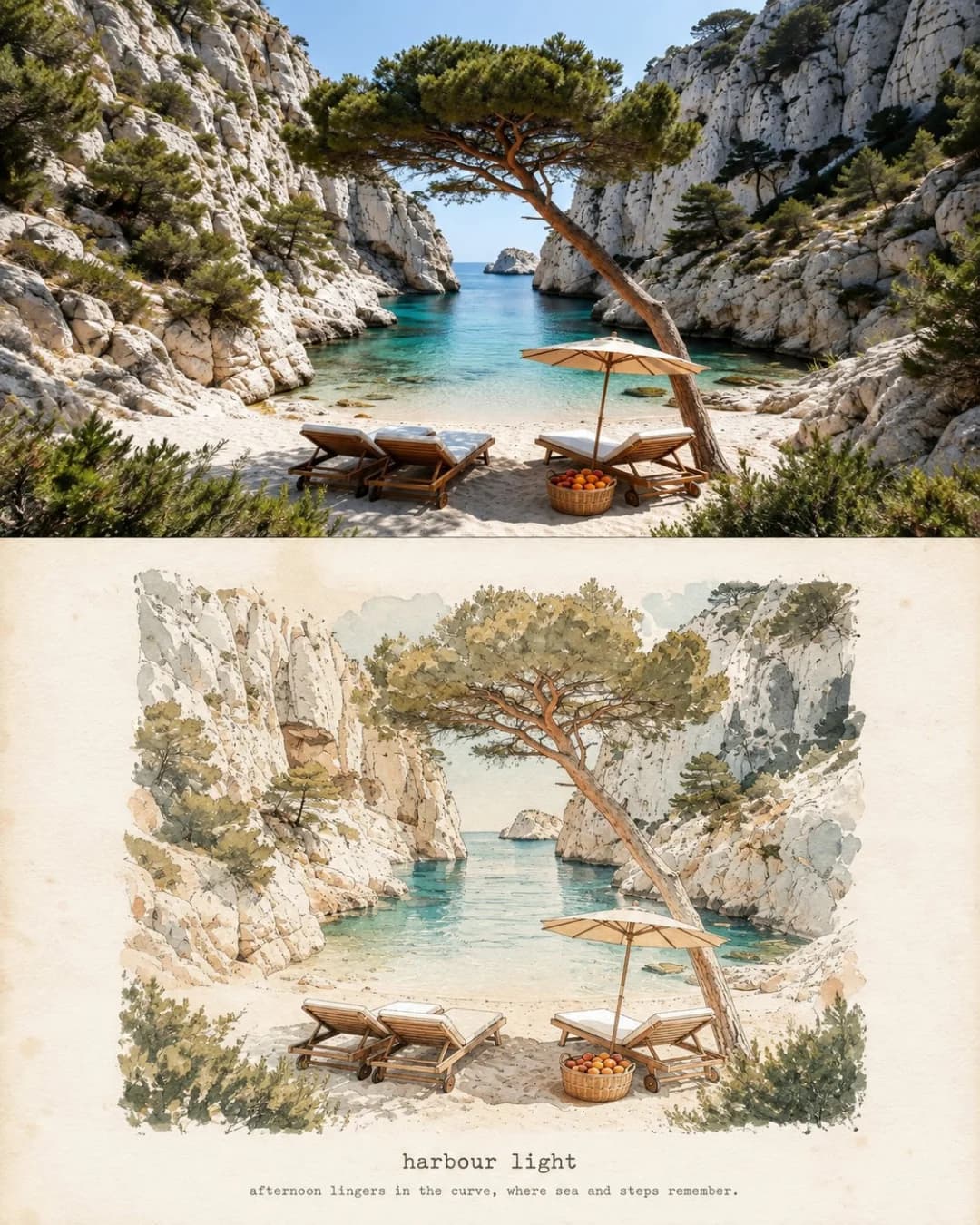
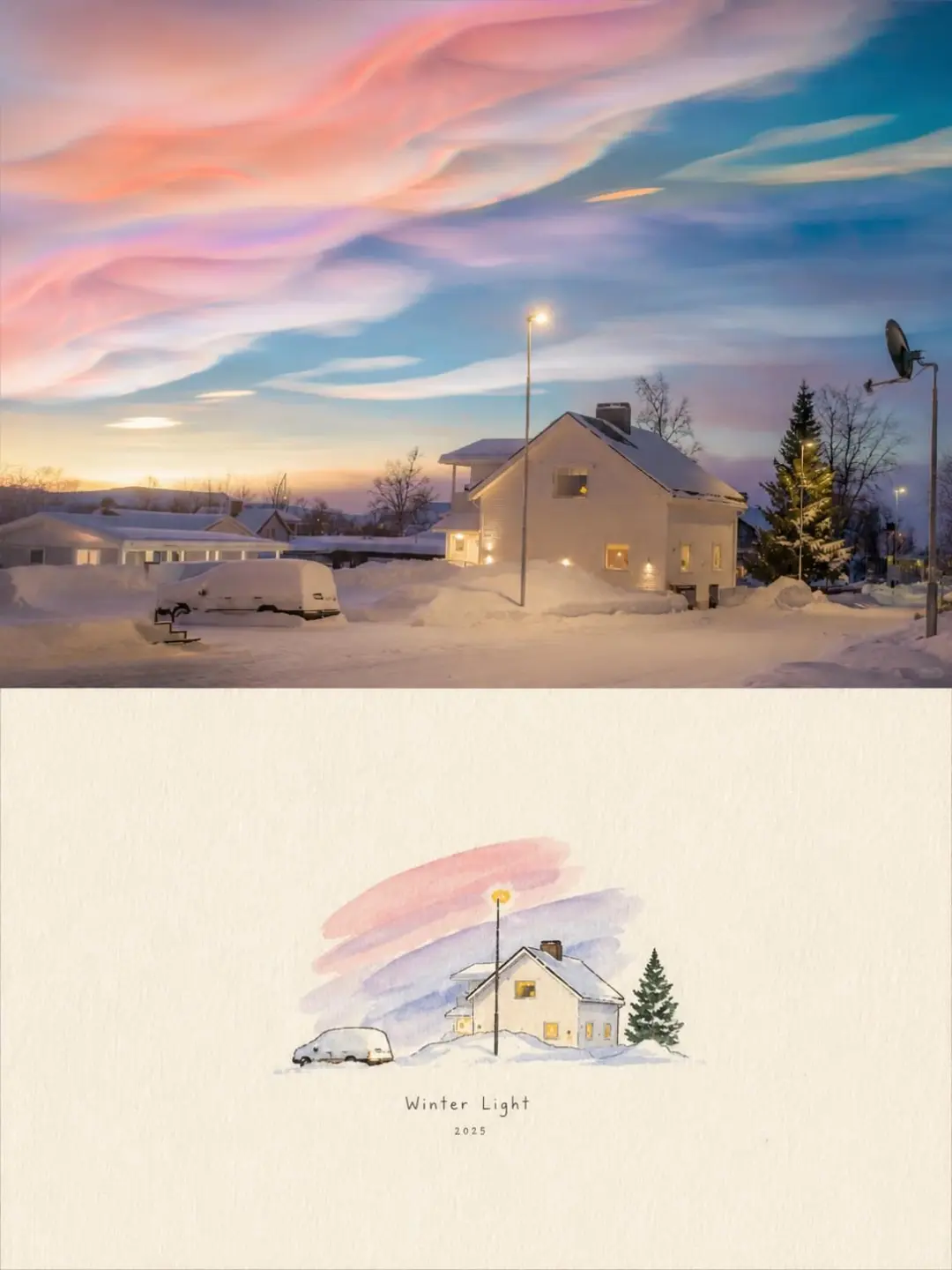
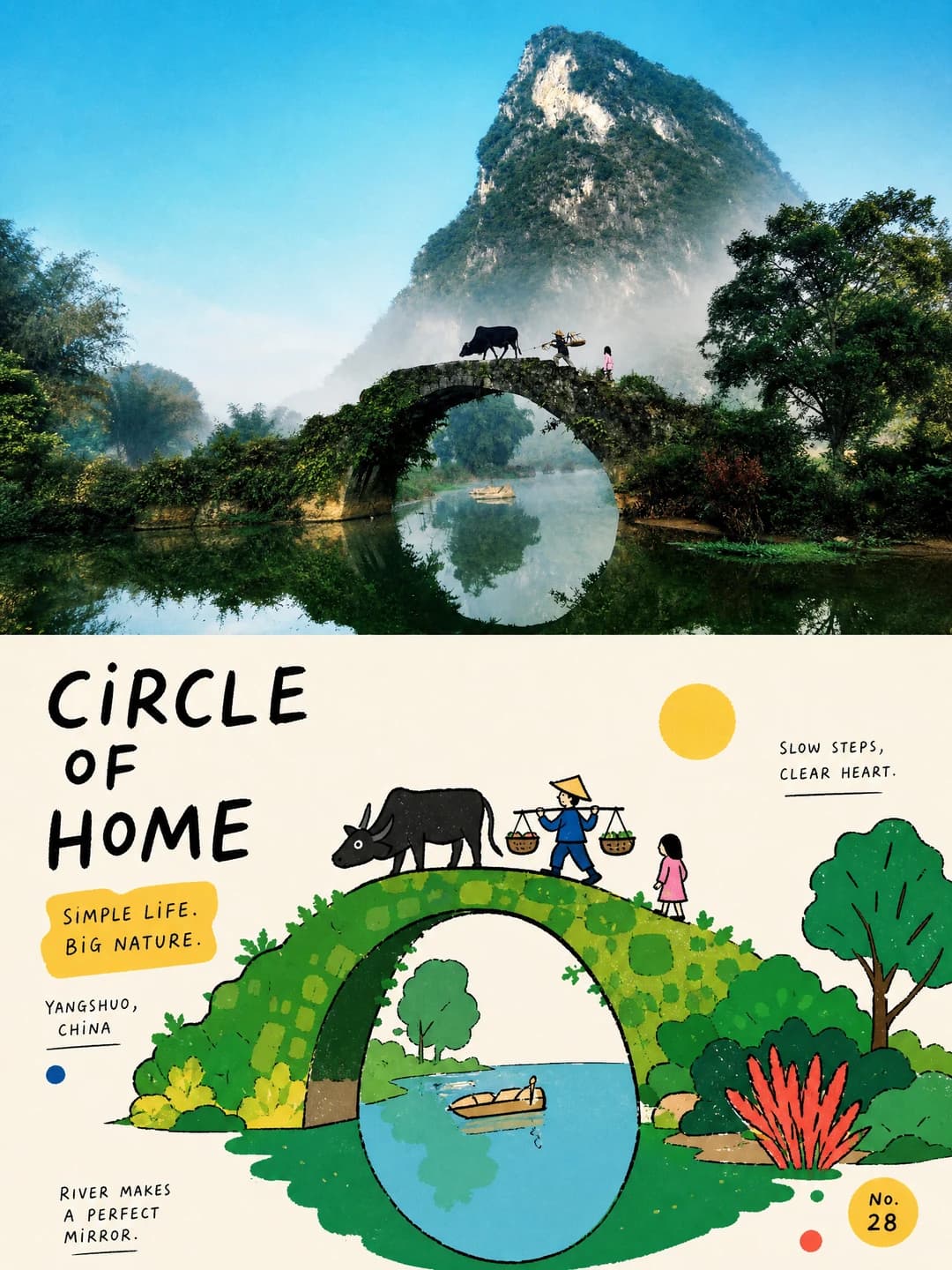
A colored pencil travel poster splits a vertical frame into two equal halves. The upper half is your photograph, kept as shot — same composition, architecture, people, colour, light and perspective. The lower half redraws that exact view on warm cream paper in coloured pencil over watercolour, with visible pencil strokes, soft bleeding, paper grain, imperfect outlines and gentle cross-hatching, and every object still recognisable. Two lines of elegant handwriting sit over the drawing, one above and one below.
Which photos work well?
Detailed travel scenes that reward a drawn treatment: a hillside town, domed rooftops, a harbour, a ship at sea. Because the drawing keeps far more detail than a loose watercolour would, busy architecture and dense rooflines survive here where a simpler style would flatten them.
Which photos struggle?
Close-up portraits, and photos that are already soft or low in detail. The pencil treatment works by tracing structure, so it needs edges to follow — fog, plain sky or a shallow-focus subject give it nothing, and a face comes back as an approximation.
How to turn a photo into a Colored Pencil Travel Poster
- 1
Pick an effect
Browse the samples on each tool page to see exactly what you will get before you spend anything.
- 2
Upload your photo
JPEG, PNG or WebP, up to 12 MB. Your photo stays private and is never used to train anything.
- 3
Add your own caption
Most effects let you set the text that appears in the final image, in any language.
- 4
Download the result
You get a high-resolution image, yours to use. 2K is 100 credits, 4K is 200.
The prompt behind this tool
This is the full prompt, translated into English. Copy it and use it with any image model that accepts a reference photo.
Create a high-quality vertical travel-journal poster from the photo I upload as the only source, with the upper and lower halves each taking exactly 50% of the area.

Upper half (50%): keep the original photograph as it is, holding the same composition, architecture, people, colour, light, perspective and detail.

Lower half (50%): turn that same photograph into a delicate hand-drawn coloured-pencil and watercolour sketch on warm cream paper, with visible pencil strokes, soft bleeding, a subtle paper grain, imperfect outlines and gentle cross-hatching. Every object must stay recognisable.

Handwriting · generated
Add elegant handwriting to the lower half: A Beautiful Day placed above, Memories to Keep placed below.

Simple, nostalgic, refined travel-magazine style. No extra objects, nothing photorealistic in the lower half, and hold the 50/50 layout exactly.
Frequently asked questions
Will it change the photo in the top half?
- No. The prompt holds the upper half to the original: same composition, architecture, people, colour, light, perspective and detail. Only the lower half is drawn.
Can I choose the two handwritten lines?
- Yes. The defaults are A Beautiful Day above and Memories to Keep below, exactly as the original prompt sets them, but anything you type is transcribed in their place.
What language can the handwriting be in?
- Any language. The samples are English because that is what the original prompt specified, but a supplied line is drawn as given. Keep it short — the script is set large and a long line crowds the drawing.
How is this different from the watercolor travel print?
- Medium and fidelity. That one simplifies the scene into washes and ink outlines; this one draws it in coloured pencil with cross-hatching and keeps much more of the original detail. Choose this when the architecture is the point.
Why exactly half and half?
- The prompt pins the split to 50/50 and says so twice. The comparison is the product — an uneven split reads as a photo with a decoration rather than a before and after.
What size do I get?
- 2K is 100 credits and 4K is 200. Both come back as a 2:3 vertical poster.
How long does it take?
- Usually 60 to 90 seconds. A 4K render is a larger job and can run a little longer.
What happens to my photo?
- It is stored privately so the generator can read it, deleted on a schedule, never shown to other users, and never used to train a model.