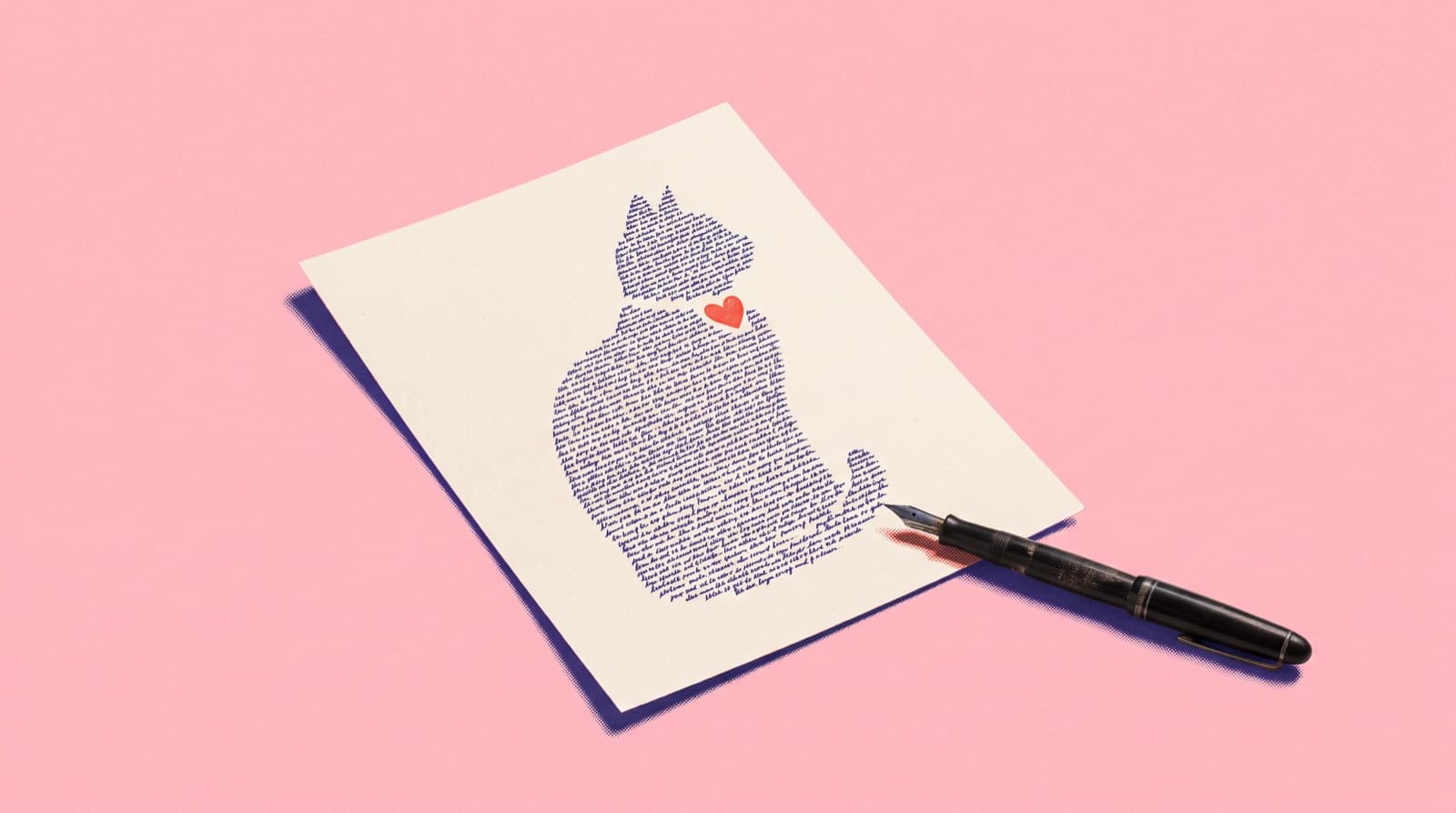
2Slides Team
10 min read

Quick answer: A calligram is a picture made of words, where the text itself forms the shape of the subject. You can make one from a photo in three ways: trace the photo and hand-letter along its contours (1–3 hours), fill the outline with type in Photoshop or Illustrator (30–60 minutes), or use an AI calligram generator such as 2Slides Calligram Word Art Poster (a median of 35 seconds per attempt). Pick a photo with one clear subject on a plain background.
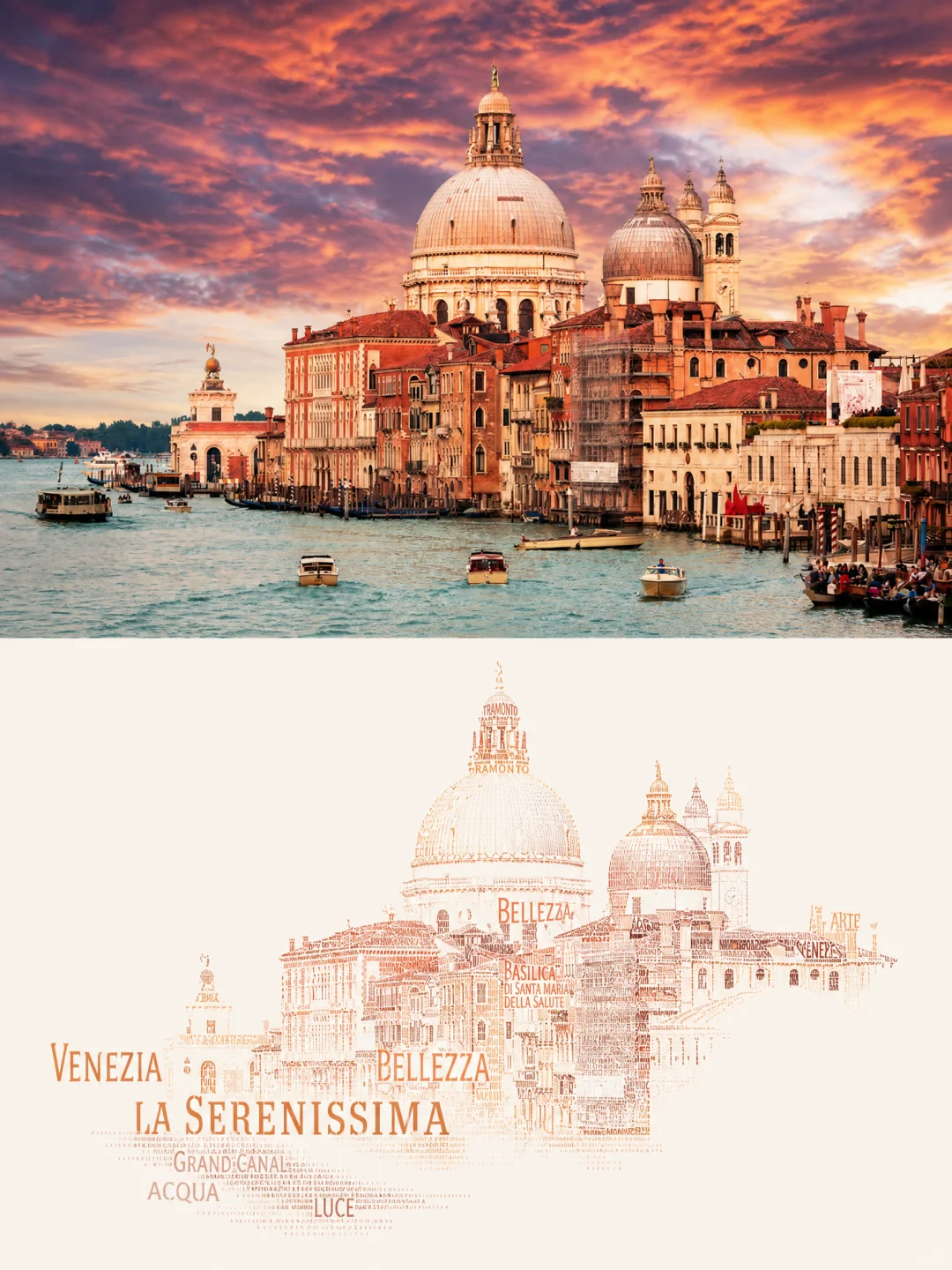
Made with the AI calligram generator: VENEZIA and LA SERENISSIMA carry the skyline, and smaller words build the domes.
A calligram is a piece of text arranged so that it forms an image, usually an image of what the words are about. The shape and the text carry the same meaning. From across the room you see the subject; up close you read it.
The word comes from Guillaume Apollinaire's 1918 collection Calligrammes, in which poems such as "Il pleut" ("It's raining") run down the page in slanted lines like rain. The idea is much older than the name. Medieval Hebrew scribes drew decorative shapes out of tiny lettering, a practice called micrography. Islamic calligraphers formed birds and animals from sacred phrases. In English, George Herbert's "Easter Wings" (1633) and Lewis Carroll's tail-shaped "Mouse's Tale" in Alice's Adventures in Wonderland (1865) are early shaped poems.
| Calligram | Word cloud | Text portrait | |
|---|---|---|---|
| What forms the image | The arrangement of the words | Usually nothing; the shape is optional | Text used as a fill texture |
| How word size is decided | By the drawing: big words for outlines, dense small words for shadows | By how often a word appears | Usually uniform |
| Do the words relate to the subject? | Yes, that is the point | Yes, they come from a source text | Often not |
| Readable up close? | Yes | Yes | Often not |
A word cloud put inside a heart outline is not quite a calligram. In a calligram the words build the light, shadow and contours of the subject.
A calligram is drawn with massed text, so the subject needs a shape you would recognise as a silhouette. In our testing, these worked well:
These worked badly:
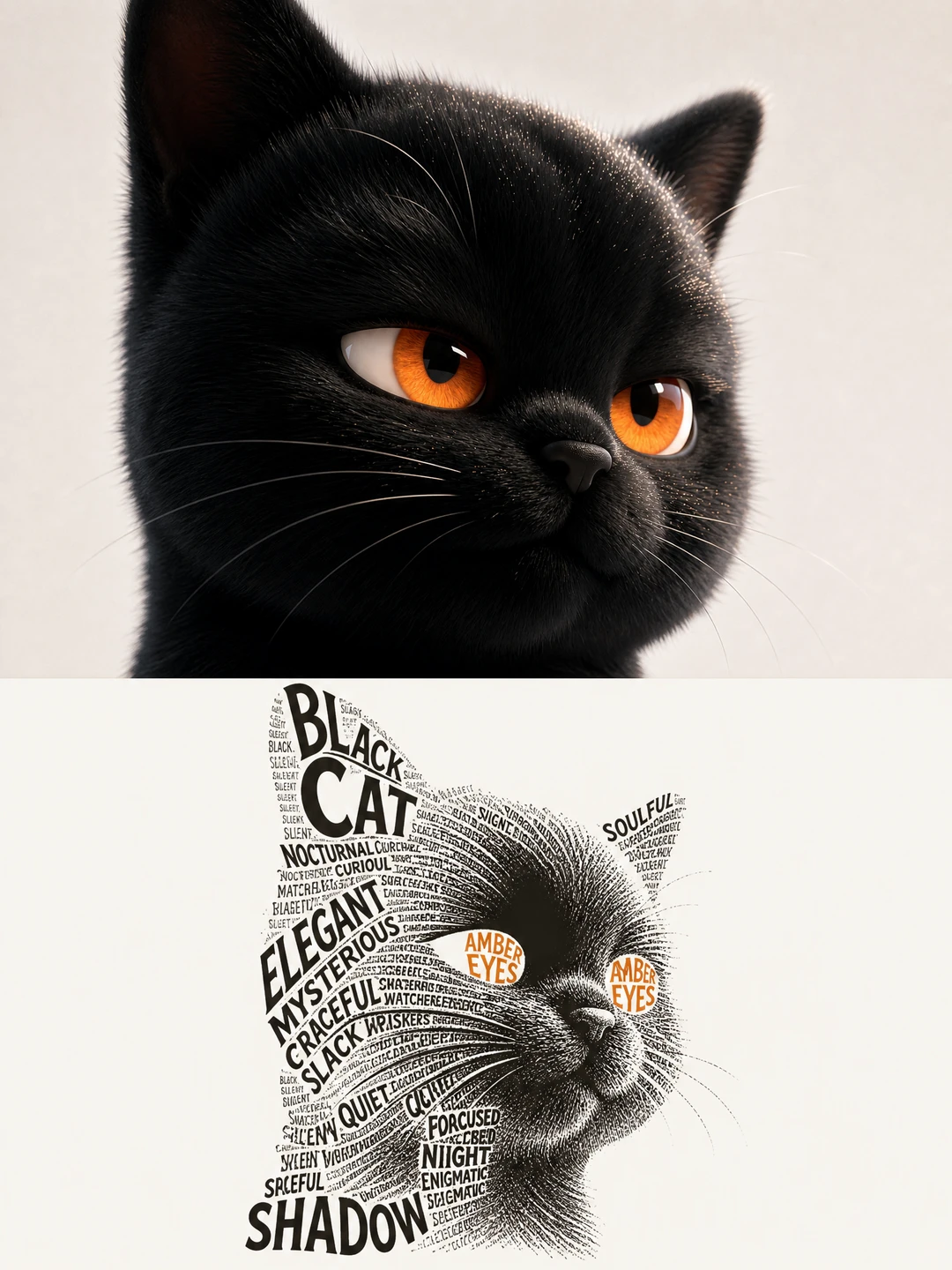
A high-contrast subject on a plain ground is the easiest case: dense type makes the shadow side, and AMBER EYES sits where the eyes are.
Best for: a gift, a school project, or anyone who enjoys lettering.
Expect 1–3 hours for a postcard-sized piece. You get full control, and your handwriting is part of the result.
Best for: designers who want exact control over fonts and word placement.
Expect 30–60 minutes once you know the tools. Several tools automate parts of this. Canva has a calligram tool that fills a shape you choose with text, and the free Windows tool Callipy fills the black areas of a black-and-white PNG with lettering. Both still need you to prepare a clean silhouette first.
Best for: getting a finished, printable calligram from a photo without design work.
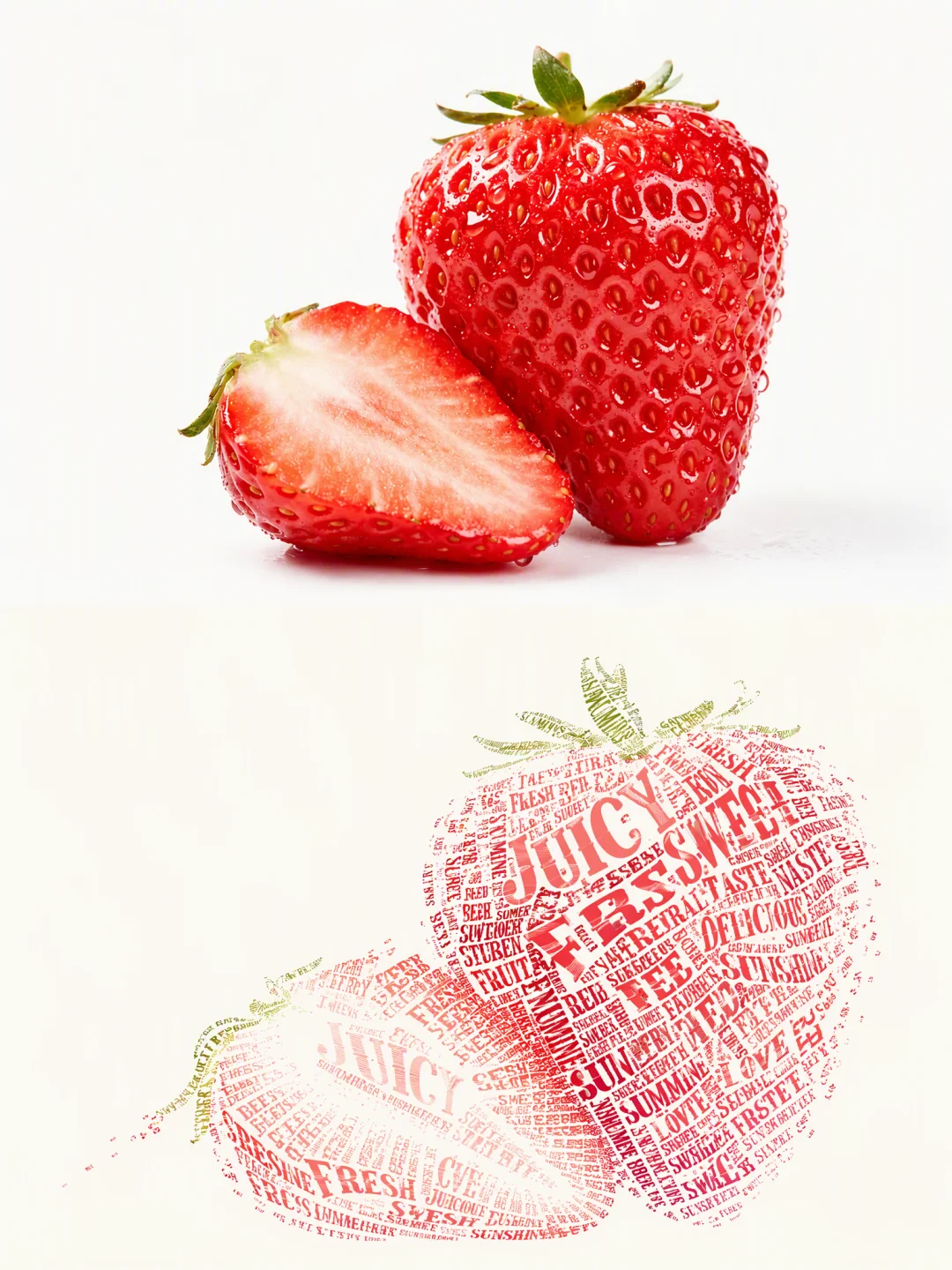
The Calligram Word Art Poster on 2Slides takes your photo and returns a 3:4 poster: the original photo in the top half and the subject rebuilt entirely out of words in the bottom half.
The model takes two to four main colours from your photo, deepens them, and sets the type on a near-white background with a lot of empty space around the subject.
We publish our test results for every effect, and the calligram is the least predictable of the 34. In 6 test runs on one photo (a cat on a rural railway platform), 2 were clean and 4 had a real problem:
| Result | Runs | What happened |
|---|---|---|
| Clean | 2 | The subject was drawn from words, with plenty of empty space around it |
| Flooding | 2 | Type filled the whole frame and the subject stopped reading |
| Overlay | 1 | Words were laid over a posterised copy of the photo instead of drawing it |
| Spelling | 1 | Two words in the largest type were misspelled |
Some parts were completely reliable. The photo/calligram split landed correctly, the original photo was preserved, and all of the user's words appeared in all 6 runs. When it works, the result is one of the best outputs any of our effects has produced, but treat it as "generate a few and keep the best". At about three attempts per keeper, budget roughly 300 credits for one finished 2K calligram. New accounts get 500 free credits, and failed generations are refunded.
To improve your odds:
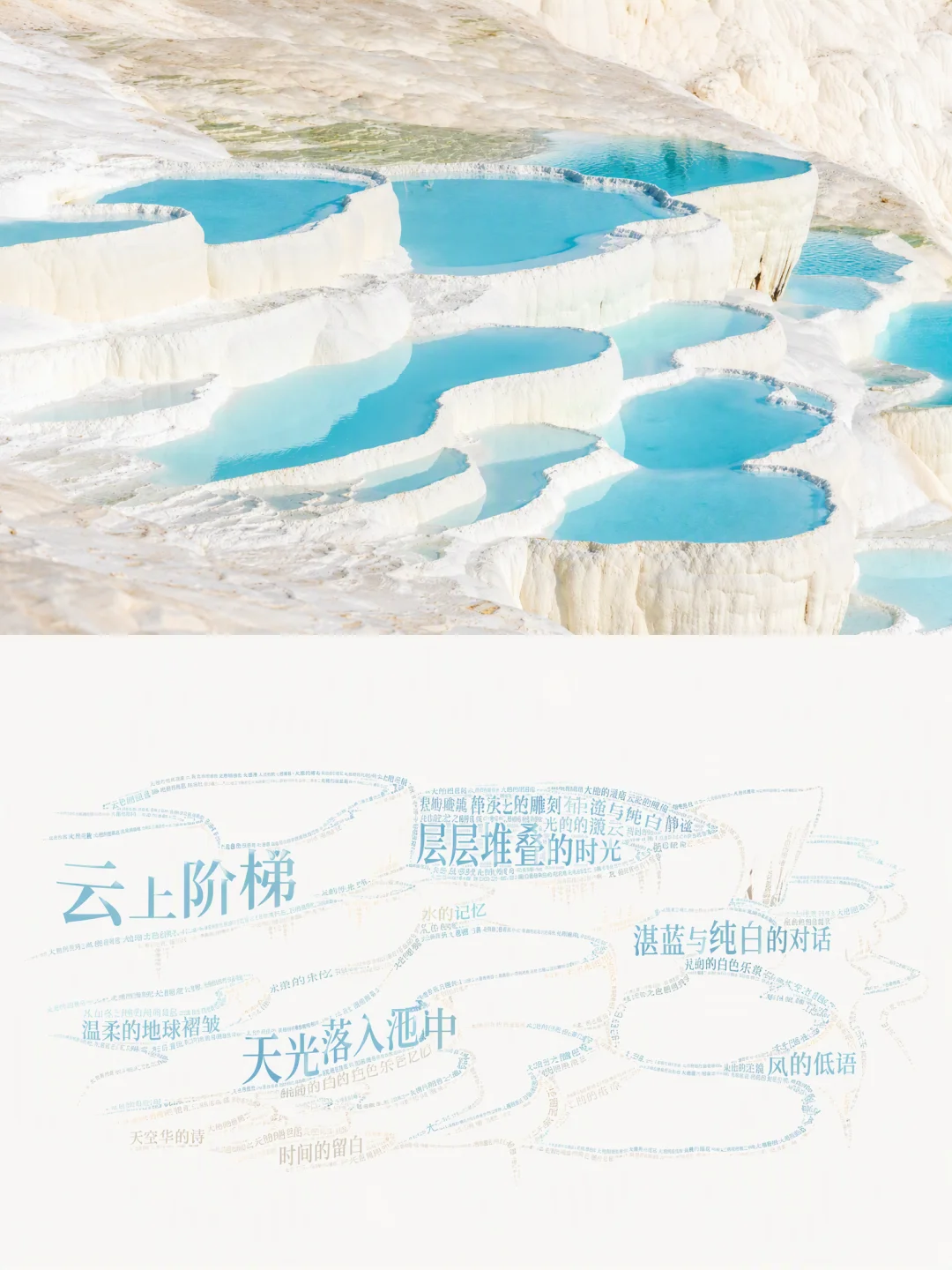
Chinese phrases pool into the shape of the terraced water at Pamukkale.
| By hand | Photoshop / Illustrator | AI generator | |
|---|---|---|---|
| Time | 1–3 hours | 30–60 minutes | 35 seconds median per attempt |
| Skill needed | Lettering | Design software | None |
| Control over word placement | Full | Full | Low (you choose the words, not where they go) |
| Cost | Paper and pens | Software subscription | 100 credits (about $0.25) per 2K attempt |
| Consistency | Depends on you | High | About 1 in 3 attempts clean in our tests |
| Best for | Gifts and art projects | Branded or exact designs | Fast, printable posters from photos |
A calligram is text arranged to form a picture of its subject, so the words and the image say the same thing. The name comes from Guillaume Apollinaire's 1918 poetry collection Calligrammes.
Canva offers a calligram tool for filling a shape with text, and Callipy is a free Windows tool that fills a black-and-white image with lettering. To make one directly from a photo, the 2Slides Calligram Word Art Poster is free to try with the 500 credits every new account receives, which covers five 2K images.
You can, but faces are the weakest case. Massed text cannot hold a likeness. A full-body silhouette, a person seen from behind, or a pet works much better than a close-up portrait.
Yes. With the AI generator, type the words you want and the model builds the shape mainly from them, repeating, scaling and rotating them. In our tests every supplied word appeared in every run. Leave the field blank and it chooses words from the photo.
Yes. Chinese characters carry more ink per glyph, so they mass into solid shadow areas more easily than English words. Some of our sample calligrams use Chinese phrases.
The 2K output is 1792 × 2400 pixels, which prints cleanly at poster size. Choose 4K if the smallest words need to stay sharp in a large print.
A good calligram starts with a good silhouette. If you enjoy lettering, trace the photo and write along its lines. If you want exact control, use type on a path in Photoshop or Illustrator. If you want a finished poster from a photo in under a minute, try the AI calligram generator, give it your own words, and plan for a couple of attempts. For other ways to turn a photo into art, see our comparison of all 34 AI photo-to-art styles.
Create stunning AI-powered presentations in seconds. Transform your ideas into professional slides with 2slides AI Agent.
Try For FreeYour AI Agent for slides. Save time, shine faster with intelligent presentation creation.




© 2026 2slides. All rights reserved.