Photo Memory Stamp
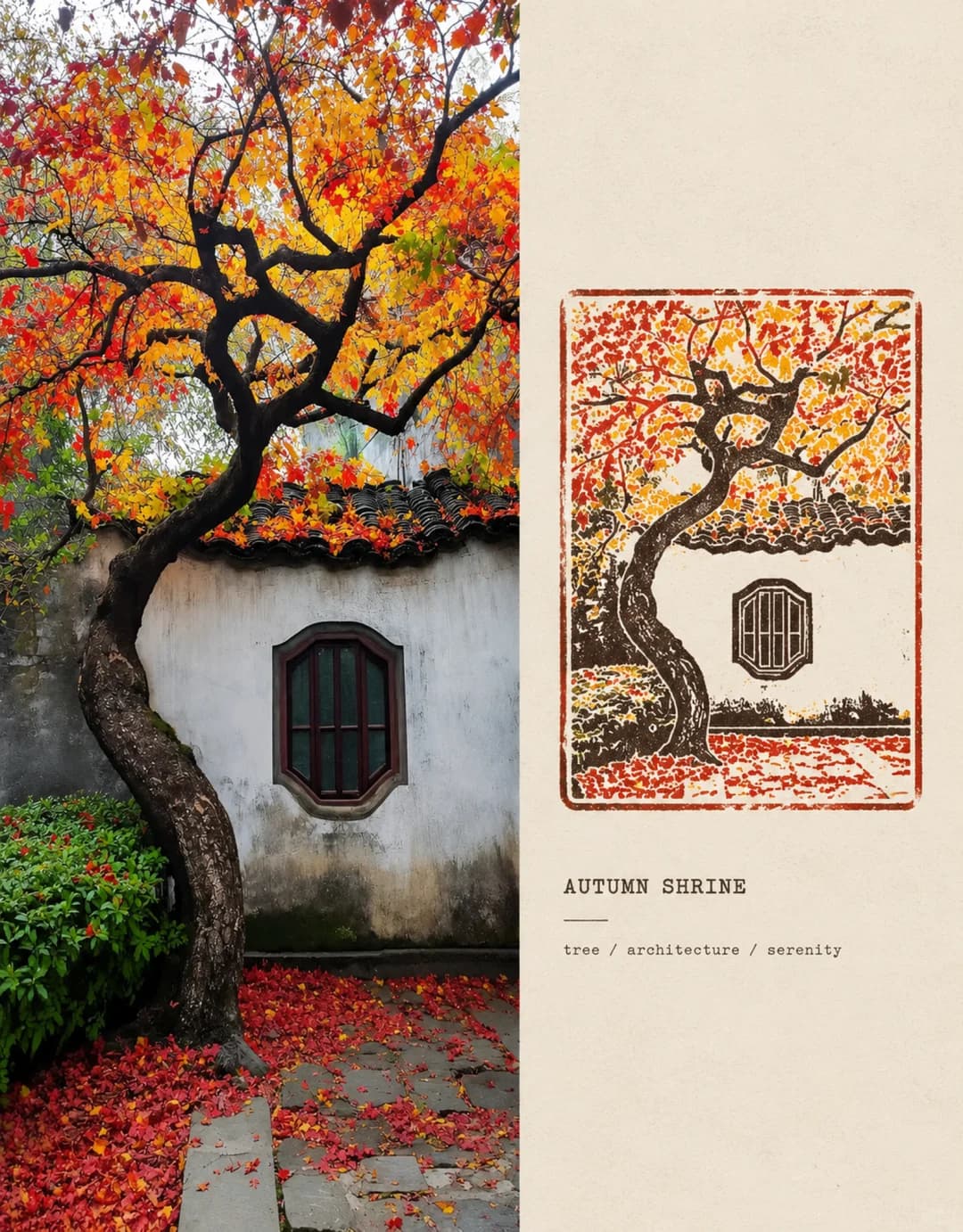
Your photo down the left, a letterpress memory stamp on archive paper to the right
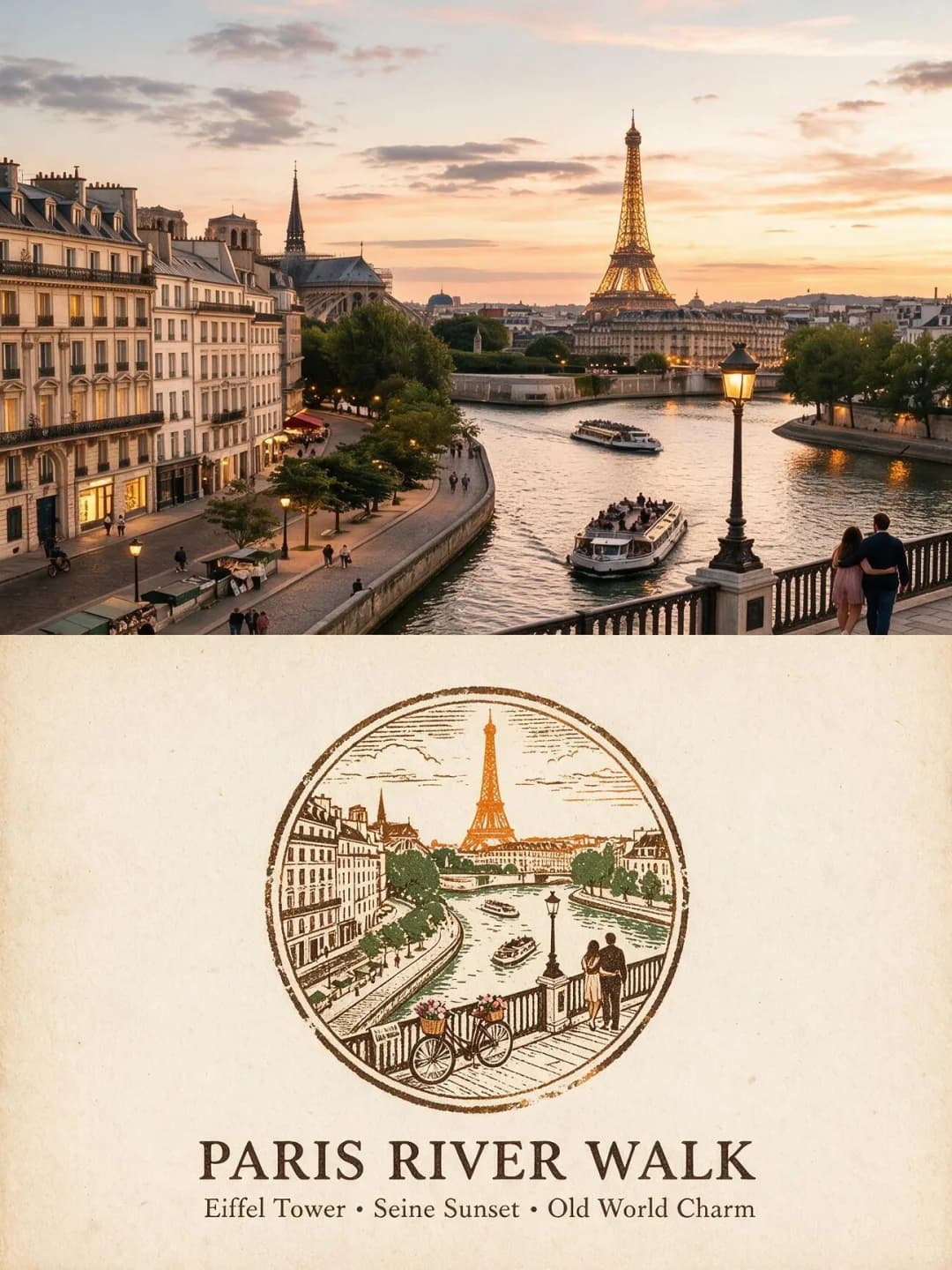
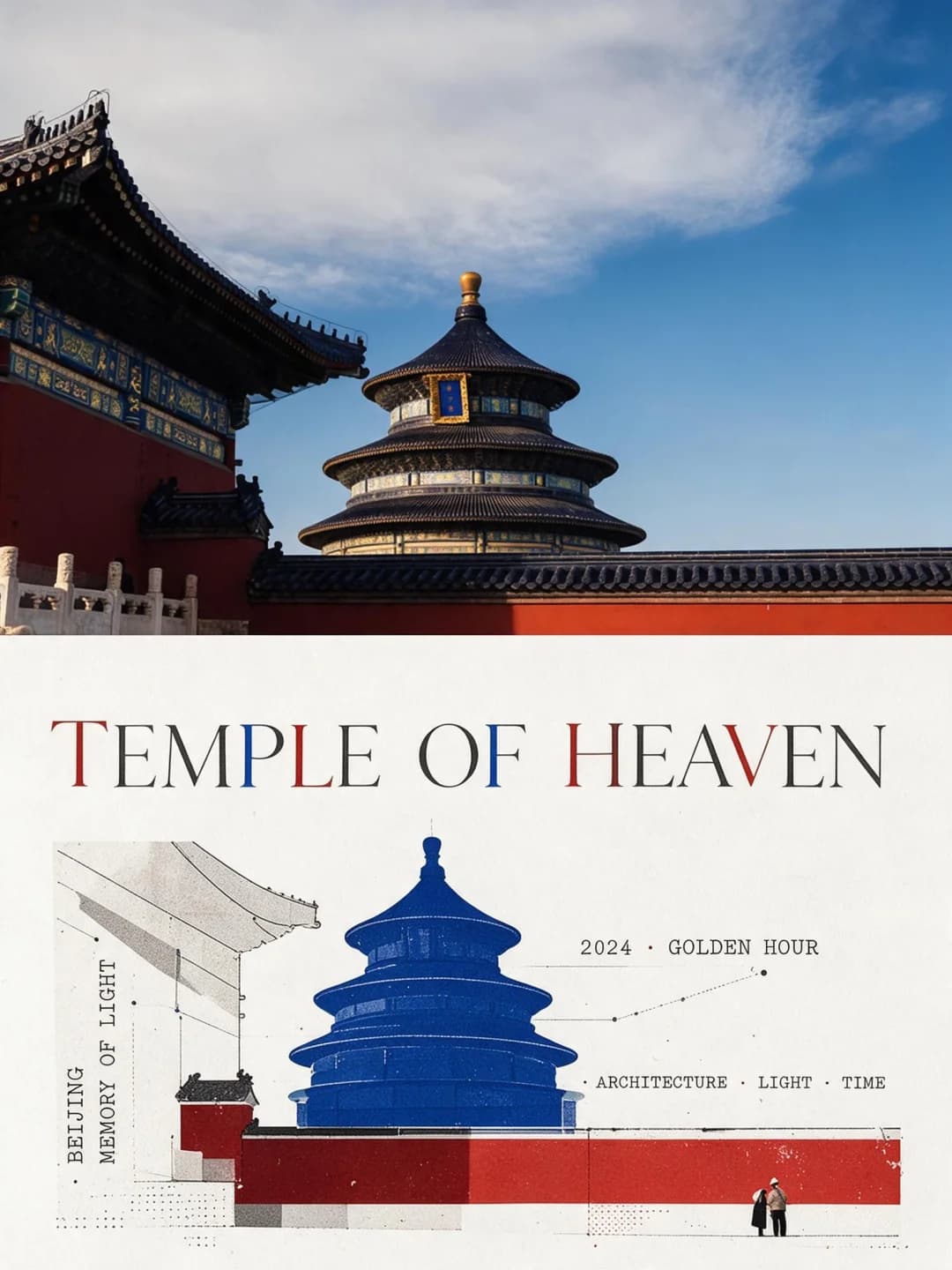
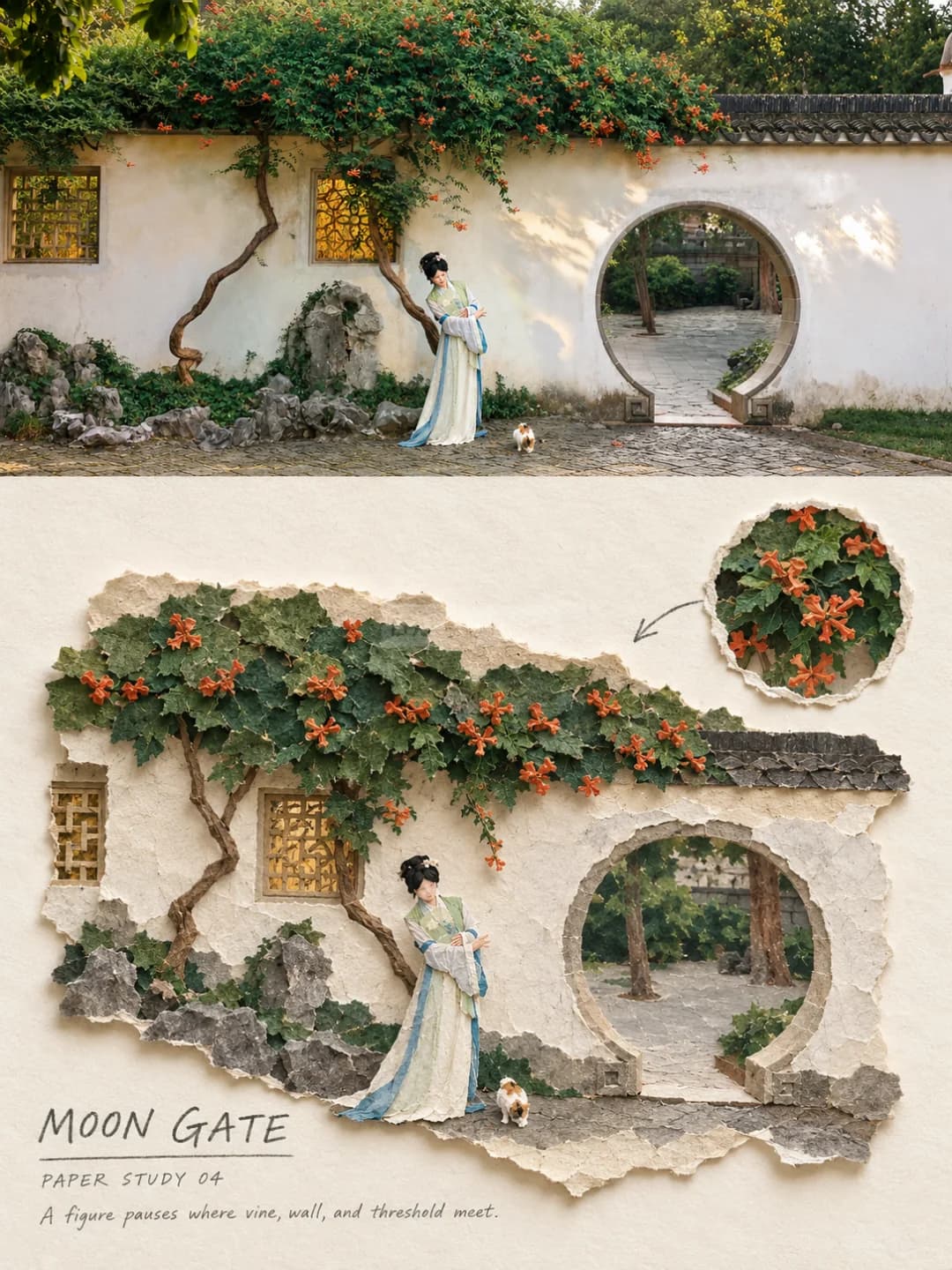
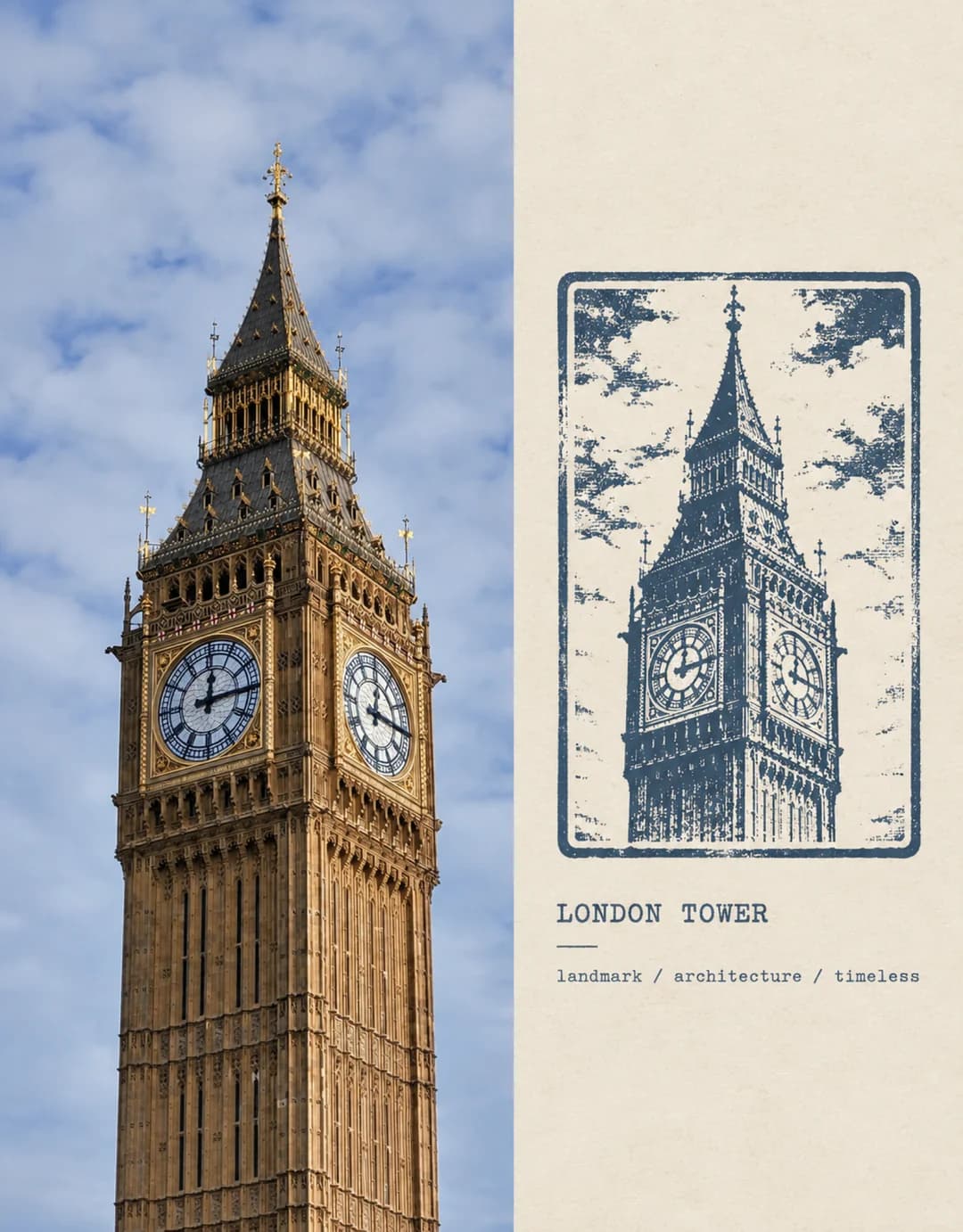
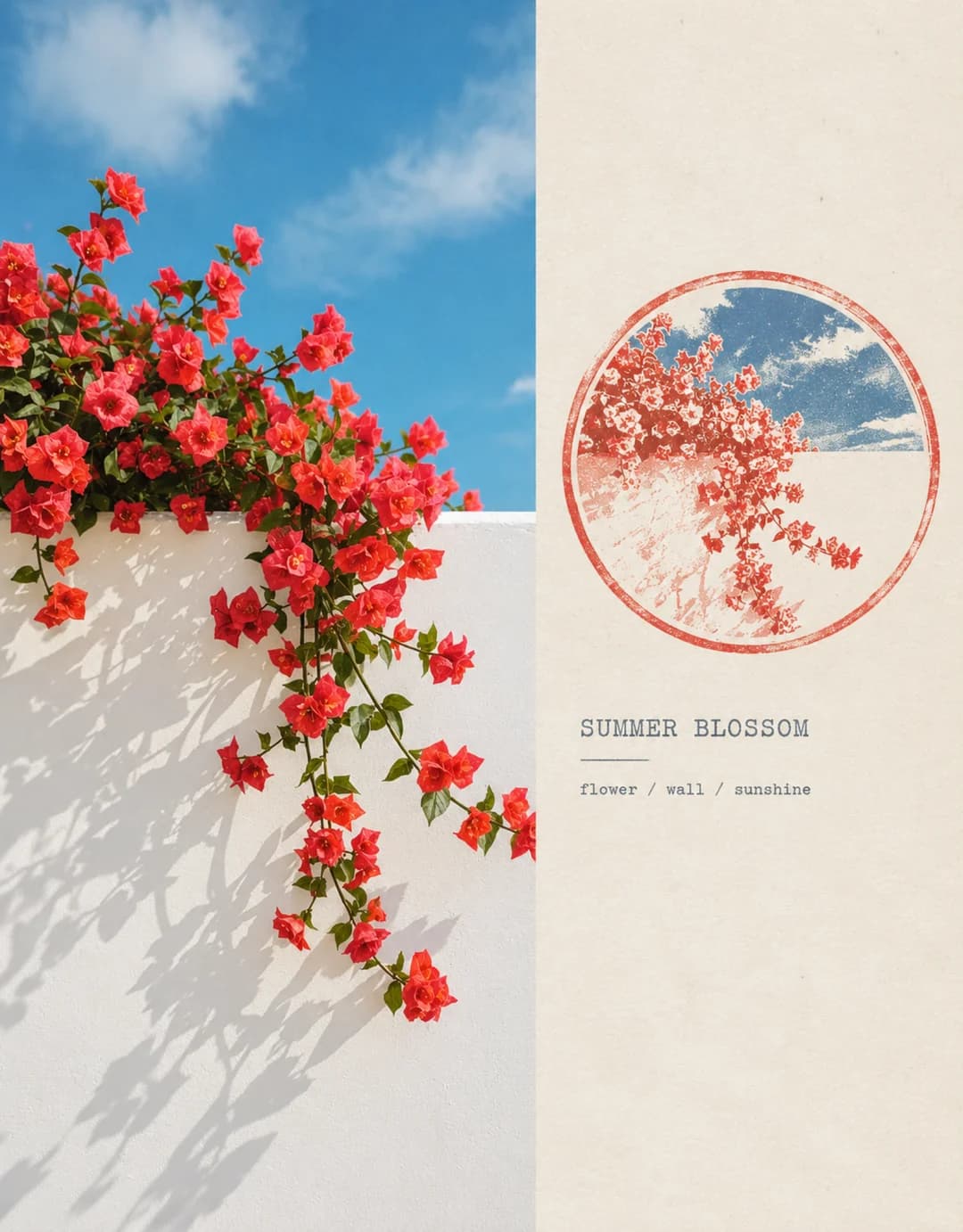
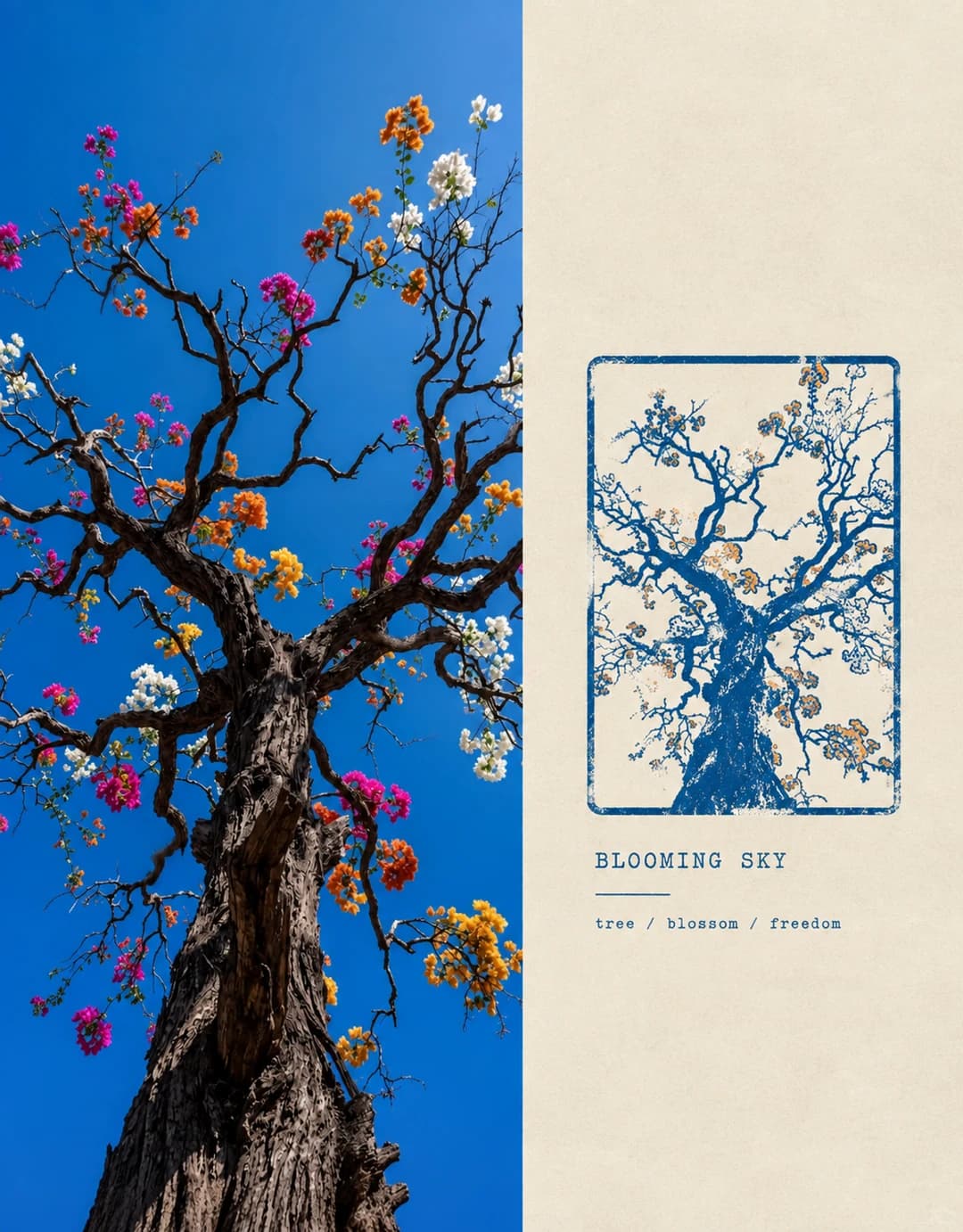
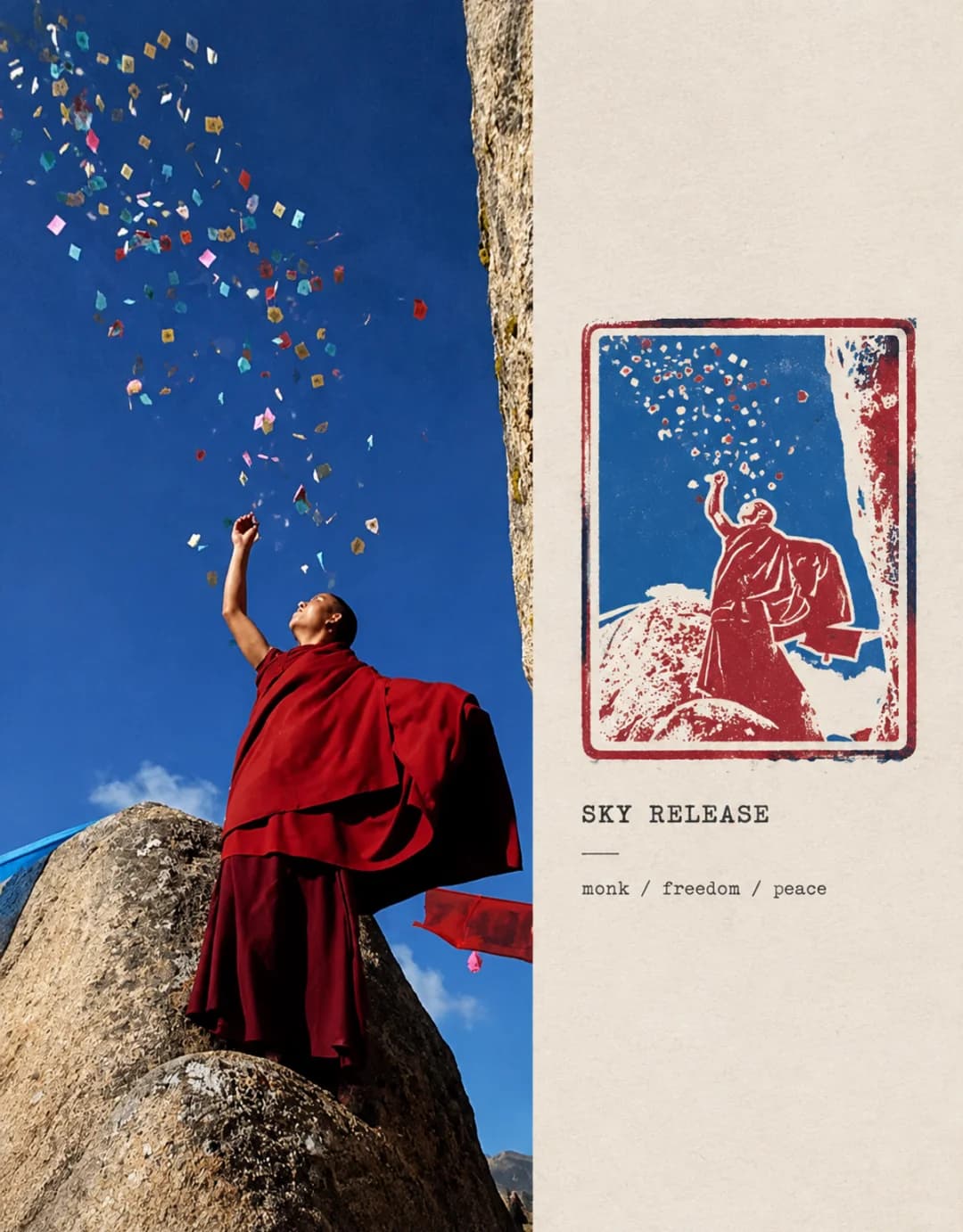
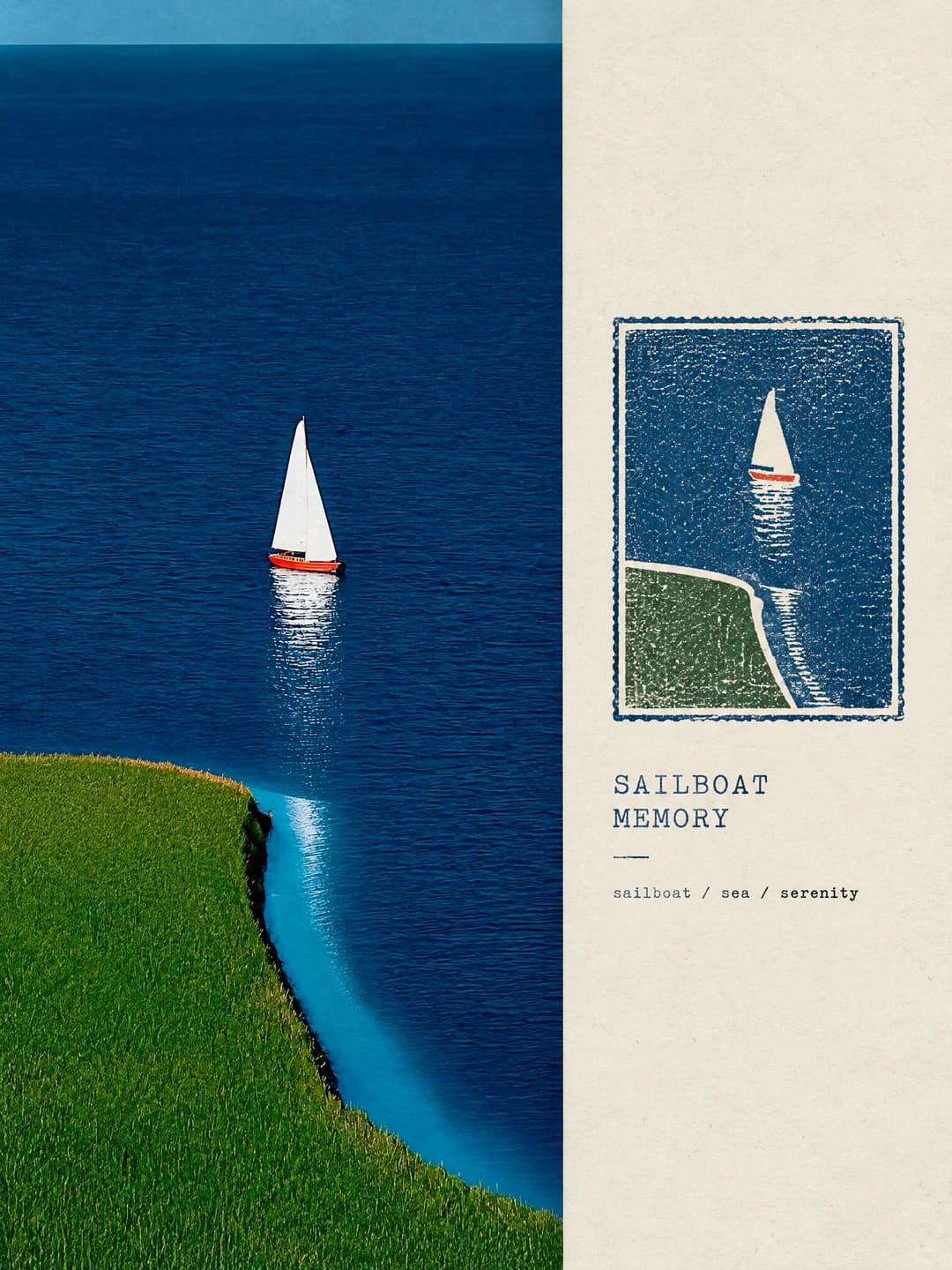
Upload a photo and get back an archive card: your photograph running full-bleed down the left, and beside it the same scene distilled into a hand-printed memory stamp, titled and filed like something from a collection.
100 credits per image · about a minute · New accounts get 500 credits — 5 free images.
Try it with your own photo
New accounts get 500 credits — 5 free images.
Examples
Every image below was made with the prompt on this page.
What is a Photo Memory Stamp?
A photo memory stamp is a two-column archive card. The left 50-60% is your photograph, running edge to edge with no margin and no frame, kept as a locked asset — same subject, same perspective, same light and colour. The right 40-50% is warm off-white archive stock, mostly empty, carrying a single stamp: the same scene reduced to its three to five strongest visual anchors and re-cut in the language of print, with the character of a vintage rubber stamp, letterpress or linocut, printed in one to three colours taken from the photograph itself. Underneath sit a short title and three keywords, set small and plain.
Which photos work well?
Built for portrait photos, unlike the other effects here — the photograph occupies a tall column, so anything shot vertically fits without losing its subject. A single strong form works best: a tower, a tree, a doorway, a figure against open sky, a boat on water.
Which photos struggle?
Struggles with wide landscape shots, which lose their edges to the narrow column, and with busy scenes that have no dominant form. The stamp is a reduction to a few anchors, so a photo that only reads as a whole has nothing for it to cut.
How to turn a photo into a Photo Memory Stamp
- 1
Pick an effect
Browse the samples on each tool page to see exactly what you will get before you spend anything.
- 2
Upload your photo
JPEG, PNG or WebP, up to 12 MB. Your photo stays private and is never used to train anything.
- 3
Add your own caption
Most effects let you set the text that appears in the final image, in any language.
- 4
Download the result
You get a high-resolution image, yours to use. 2K is 100 credits, 4K is 200.
The prompt behind this tool
This is the full prompt, translated into English. Copy it and use it with any image model that accepts a reference photo.
Use the photo I have uploaded as the only visual source. Do not ask questions, do not change what is in the photo, and do not rebuild the scene — go straight through: read the photo's meaning, extract its memory anchors, design the memory stamp, lay out the archive panel, and produce the final image. The work combines Photography × Semantic Stamp × Archive Design into a restrained, high-end, collectable "photographic memory stamp", built on one idea: Photography records reality. Stamp preserves memory.

The original photograph is a locked asset. Keep its real photographic character — the subject, the people, the architecture, the plants, the spatial relationships, the perspective, the light and the colour all stay accurate. Slight cropping and edge tidying are allowed; stretching, distorting, replacing the subject, altering an action, adding things that were not there, and changing the scene are not. Do not turn it into an illustration, a cartoon or a 3D render.

Before generating, identify the photo's core subject and pull out the three to five visual memory anchors that matter most — a contour, a structure, the shape of a tree, a road, the play of light, a colour, a posture — and discard the meaningless detail. The memory stamp is not the photo shrunk with a filter over it. Build it by distilling the subject, simplifying the structure, compressing the colour and translating all of it into the language of print, so the result stands on its own with the character of a vintage rubber stamp, letterpress, linocut or archival seal: the feel of something printed by hand, faint grain, slight misregistration, but clean, crisp and refined overall. The stamp keeps the core subject, its supporting structure and a little of the setting. Let its outline follow from the photo's own meaning. Print it in one to three colours, drawn from whichever colours in the original carry the most memory.

Lay the whole thing out as photograph plus archive panel. The photographic area takes 50-60%: the photo runs down the left edge to edge, top to bottom, flush, with no white margin and no frame. The archive area takes 40-50% in warm white or off-white paper stock, kept generously empty. No tape, no stickers, no decorative borders, nothing extraneous.

The finished image has to hold the relation between reality and memory. Do not add stray people, animals, buildings or vehicles, and no logos, watermarks, platform marks or unrelated text.
Frequently asked questions
Should I upload a portrait or landscape photo?
- Portrait. The photograph runs down a tall column on the left, so a vertical shot fits it naturally. A wide landscape photo has to lose most of its width to fit, which usually takes the subject with it. This is the opposite of the other effects on this site.
Will it change what is in my photo?
- It should not. The prompt treats the photograph as a locked asset: the subject, perspective, light and colour stay as shot, and only slight cropping and edge tidying are allowed. The stamp beside it is a deliberate redrawing, so there the scene is reduced to a few shapes by design.
Can I choose the title and keywords?
- Yes, and it is more reliable than letting the model invent them. Type a short title and three keywords and they are set as written. Leave them blank and it writes its own from what it sees.
Why are there only three keywords?
- Because the format is part of the look. The archive panel is mostly empty on purpose, and a fixed 'keyword / keyword / keyword' line keeps it that way.
Where do the stamp colours come from?
- From your photograph. The prompt asks for one to three ink colours drawn from whichever colours in the original carry the most memory, which is why each card is keyed to its own source.
What size do I get?
- 2K at a 4:5 archive-card shape, which prints cleanly. 4K doubles that and costs 200 credits instead of 100.
How long does it take?
- Usually under a minute, occasionally up to a minute and a half. Keep the tab open while it runs — the finished image only comes back to that page.
What happens to my photo?
- It is stored privately so the generator can read it, and deleted on a schedule. It is never made public, never shown to other users, and never used to train a model.