2Slides Team
4 min read


Quick Answer (≤60 words): MagicSlides is a versatile AI slide maker (add-on + web app) that takes text, PDFs, YouTube links, and Notion content and exports to PowerPoint and Google Slides. 2Slides is a standalone tool with an official read-only Notion integration, per-page narration, MP4 export, and 21 languages. Choose MagicSlides for input variety inside Google Slides; choose 2Slides for a native Notion connection and video-ready, multilingual decks.
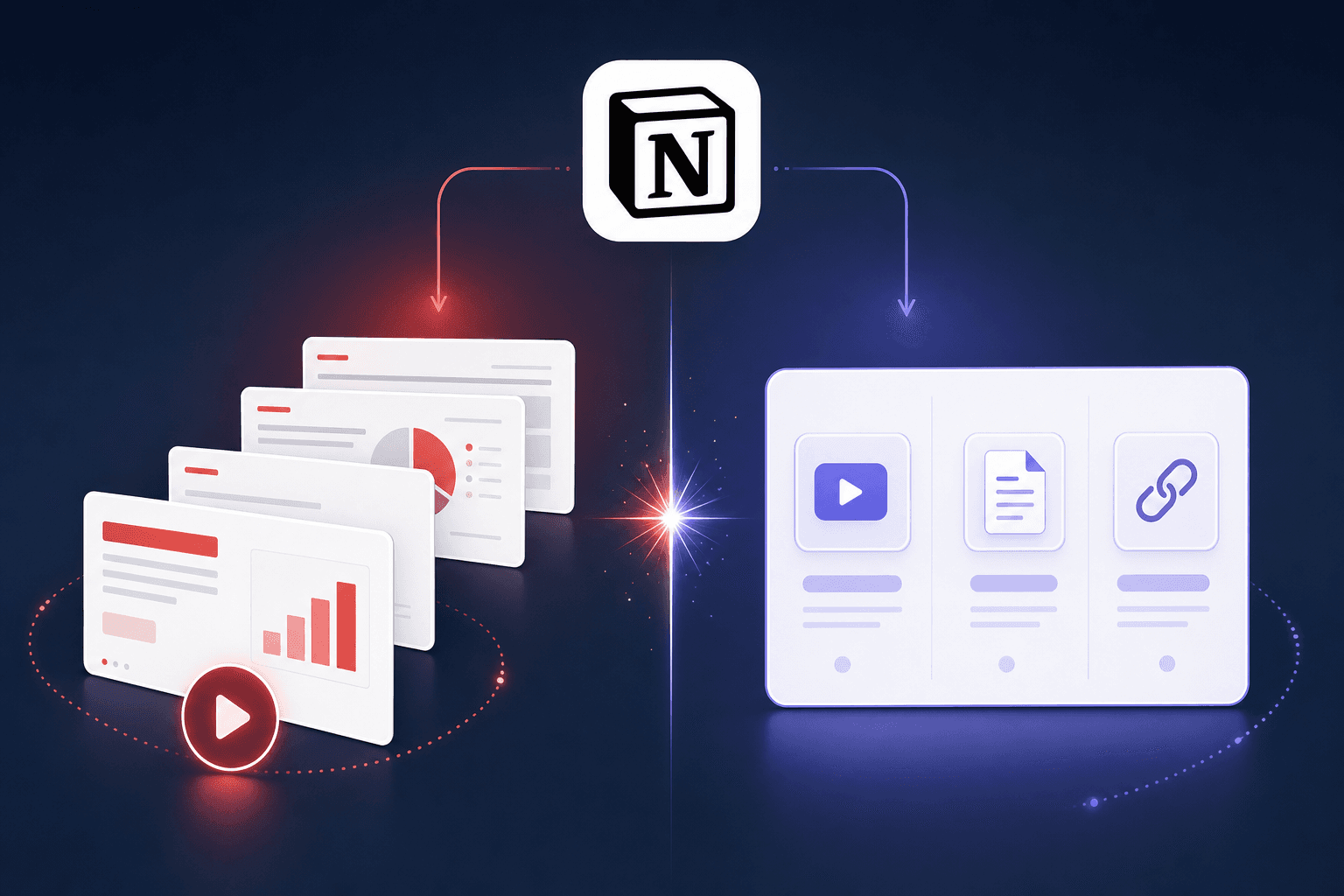
If you've searched "Notion to slides," both names come up. They overlap but aren't the same shape - one is a flexible converter, the other a Notion-integrated presentation tool with narration and video. Here's the honest side-by-side.
MagicSlides is an AI presentation maker available as a Google Slides add-on and a web app. Its calling card is input flexibility: paste text, drop a PDF, feed a YouTube URL, or bring Notion content, and it produces a deck you can download as PPT or edit in Google Slides. It's a strong, popular Gamma-style alternative focused on native slide compatibility.
2Slides is a standalone AI presentation tool with a direct, official read-only Notion integration: connect once, search and pick a page (private pages stay private), and generate. Output goes beyond a static deck - native .pptx, PDF, and an H.264 MP4 with per-page AI narration, in any of 21 languages.
| MagicSlides | 2Slides | |
|---|---|---|
| Form factor | Google Slides add-on + web app | Standalone tool + integrations |
| Notion input | Bring Notion content | Official read-only OAuth + page picker |
| Other inputs | Text, PDF, YouTube URL | Text, PDF, docs, Google Docs, data files |
| Exports | PPT / Google Slides | PPTX / PDF / MP4 video |
| Narration | ❌ | ✅ Per-page AI voiceover |
| Languages | Multiple | 21 native output languages |
| Templates | Its own set | Large template library + Fast PPT |
| Free tier | ✅ (limited) | ✅ (free credits) |
Be fair: if you value input variety - especially turning a YouTube video or an arbitrary PDF into slides alongside Notion - MagicSlides is genuinely handy, and it exports cleanly to both PowerPoint and Google Slides. If you already work inside Google Slides and want an add-on that handles many input types without leaving it, MagicSlides is a very reasonable pick.
Pick 2Slides when Notion is central and you want a first-class connection, not a paste. The read-only OAuth integration searches your pages, keeps private pages private, and preserves structure. Pick it too when the deck needs to be more than static: per-page narration and MP4 export turn a Notion page into a briefing your team can watch, and 21-language generation turns one page into decks for multiple markets. For the workflow, see how to generate presentations from Notion.
If your job is "occasionally convert a Notion page and stay in Google Slides," MagicSlides fits. If Notion is your workspace and you want designed, narratable, multilingual decks from it, 2Slides fits.
Q: Does MagicSlides have an official Notion integration? A: MagicSlides can work from Notion content, but 2Slides offers an official read-only Notion OAuth integration with a built-in page picker and private-page support.
Q: Which exports to video? A: Only 2Slides. Its Workspace flow adds per-page AI narration and exports an H.264 MP4. MagicSlides exports to PowerPoint and Google Slides.
Q: Which handles YouTube or arbitrary PDFs better? A: MagicSlides is built around input variety including YouTube URLs. 2Slides handles PDFs, Google Docs, and data files, and connects to Notion natively - pick by which inputs you actually use.
Q: Do both produce editable PowerPoint?
A: Yes. MagicSlides downloads as PPT or edits in Google Slides; 2Slides generates native .pptx (Fast PPT) or a designed deck exportable to PPTX/PDF/MP4.
Q: Which supports more languages? A: 2Slides generates in 21 languages natively. MagicSlides supports multiple languages; confirm the current list on their site.
Last reviewed: 2026-07-08 by the 2Slides team. MagicSlides capabilities verified against public docs as of 2026-07.
Create stunning AI-powered presentations in seconds. Transform your ideas into professional slides with 2slides AI Agent.
Try For FreeYour AI Agent for slides. Save time, shine faster with intelligent presentation creation.




© 2026 2slides. All rights reserved.