2Slides Team
6 min read


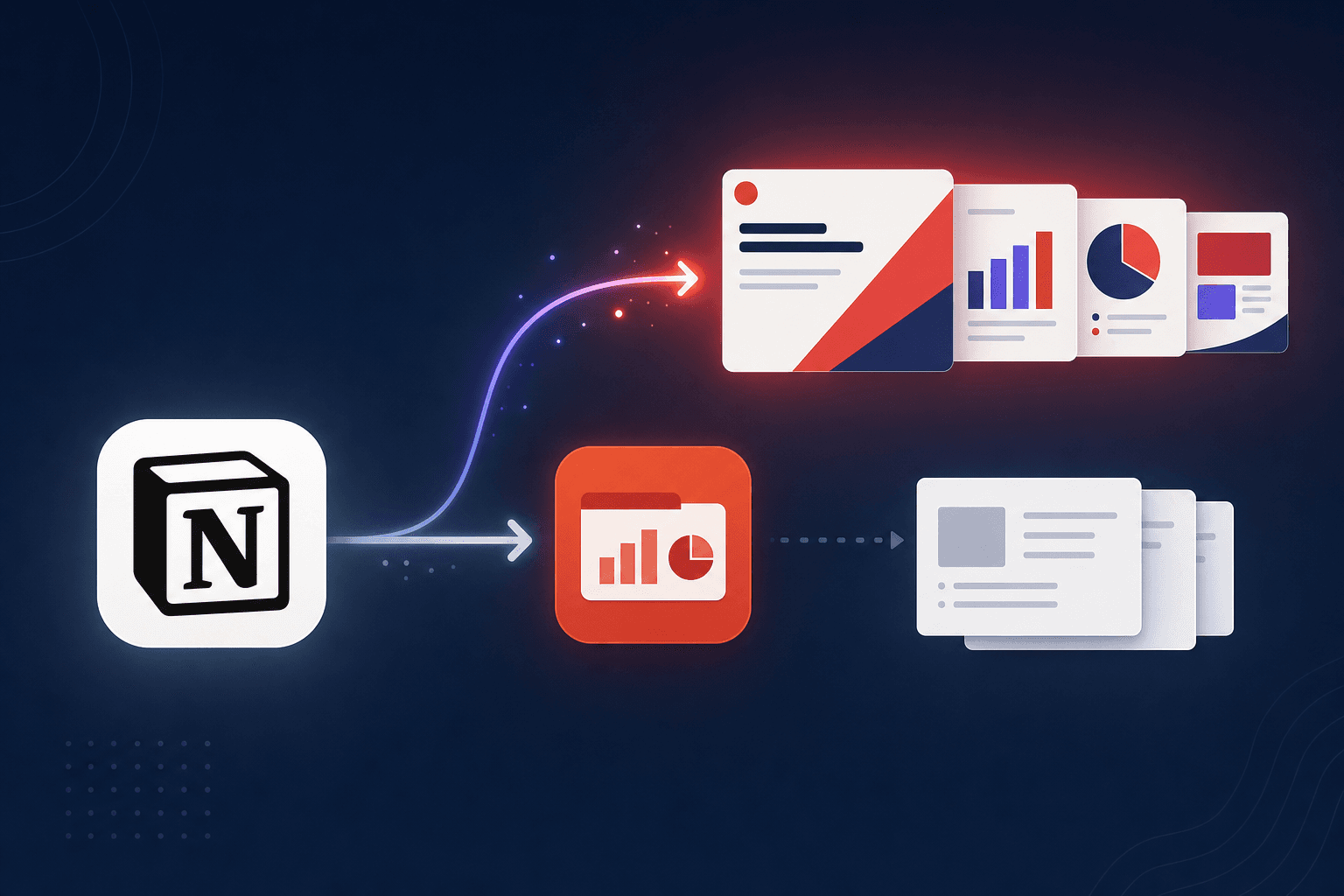
Quick Answer (≤60 words): As of Notion 3.6 (July 2026), Notion Agents can create Microsoft Office files - "turn a page into a polished PowerPoint," plus XLSX and DOCX. It's a real, handy feature for quick internal decks. But it's a page-to-PPTX conversion, not a design engine: no template library, no narration, no video, limited layout control. For polished or multilingual decks you still reach for a dedicated slide tool.
Notion shipped something people have wanted for years. In the Notion 3.6 release (July 1, 2026), the company confirmed: "Your Notion Agents now work with PPTX, XLSX, DOCX, and more" and can "turn a page into a polished PowerPoint, spin a database into an Excel model, or summarize PDFs into one clean doc."
That is a genuine upgrade. It also raises the obvious question for anyone who makes real presentations: is this good enough to replace a dedicated slide tool? As the makers of 2Slides, we have an interest here - so let's be precise about what Notion's export does well and where it stops.
.pptx from a page - a real, useful feature for fast internal decks with zero extra tools.Credit where due. For a large set of everyday needs, Notion's built-in export is exactly right:
.pptx is one agent command away.If your bar is "I need something on screen for the team standup in two minutes," this is a great answer and you can stop reading.
The feature is a page-to-slides conversion, and that framing sets its ceiling. What you do not get:
None of this makes the feature bad - it makes it a convenience, not a presentation studio. Notion's own Presentation Mode, similarly, is best understood as a full-screen viewer for a page, not slide software an investor or conference audience expects.
The teams moving fastest aren't choosing one tool - they're using each for what it's best at. Notion is where the thinking happens: outline, structure, gather the facts, let Notion AI tighten the bullets. Then the finished, designed deck is generated in a dedicated tool.
2Slides makes that hand-off one step, because it connects to Notion with an official read-only integration:
You keep Notion as your workspace and get a presentation that looks made for the room. For the step-by-step, see how to generate presentations from Notion, and for the tool trade-offs, 2Slides vs Notion AI.
Yes. As of Notion 3.6 (July 2026), Notion Agents can create Microsoft Office files including .pptx, .xlsx, and .docx - Notion describes it as turning "a page into a polished PowerPoint." It's a page-to-slides conversion, best for quick internal decks.
For internal, low-stakes decks, often yes. For external, branded, multilingual, or video decks, it's limited - there's no large template library, no narration, and no MP4 export. For those, a dedicated slide tool is still the better choice.
No. Notion's PowerPoint export produces a static .pptx. For per-page AI voiceover and H.264 MP4 export, you need a dedicated tool - 2Slides' Workspace flow does this from the same Notion content.
Draft and structure in Notion, then generate the finished deck in a dedicated tool. 2Slides connects to Notion with read-only OAuth, so you pick a page and generate a designed deck in one hand-off - no copy-paste.
No. The integration is read-only and scoped to the pages you grant during Notion's official OAuth flow. Private pages stay private; 2Slides can read the page you pick, not edit your workspace.
Notion adding PowerPoint export is a win - it kills the copy-paste chore for quick internal decks. But it's a conversion feature, not a design studio: no template range, no narration, no video, no multilingual generation. Use it when "good enough, right now" is the goal; reach for a dedicated tool when the deck has to look and sound the part. And for the best of both, draft in Notion and generate in 2Slides.
Try the hand-off: Notion → Slides integration. Go deeper: How to generate presentations from Notion · 2Slides vs Notion AI · All Integrations
Last reviewed: 2026-07-08 by the 2Slides team. Notion 3.6 capabilities verified against Notion's public release notes (2026-07-01).
Create stunning AI-powered presentations in seconds. Transform your ideas into professional slides with 2slides AI Agent.
Try For FreeYour AI Agent for slides. Save time, shine faster with intelligent presentation creation.




© 2026 2slides. All rights reserved.