2Slides Team
4 min read

n8n is the open-source, self-hosted alternative to Zapier — and it works perfectly with the 2Slides API. This guide shows you how to build automated presentation workflows without paying for a commercial automation platform.
| Feature | n8n | Zapier |
|---|---|---|
| Cost | Free (self-hosted) | $20-60+/month |
| Hosting | Self-hosted or cloud | Cloud only |
| Data privacy | Your server, your data | Third-party |
| Complexity | Unlimited workflows | Plan-based limits |
| Open source | Yes (Apache 2.0) | No |
For teams already running n8n, adding 2Slides presentation automation is straightforward.
# Docker (recommended)
docker run -it --rm --name n8n -p 5678:5678 n8nio/n8n

# Or npm
npm install n8n -g && n8n startIn the n8n editor, create a new workflow with these nodes:
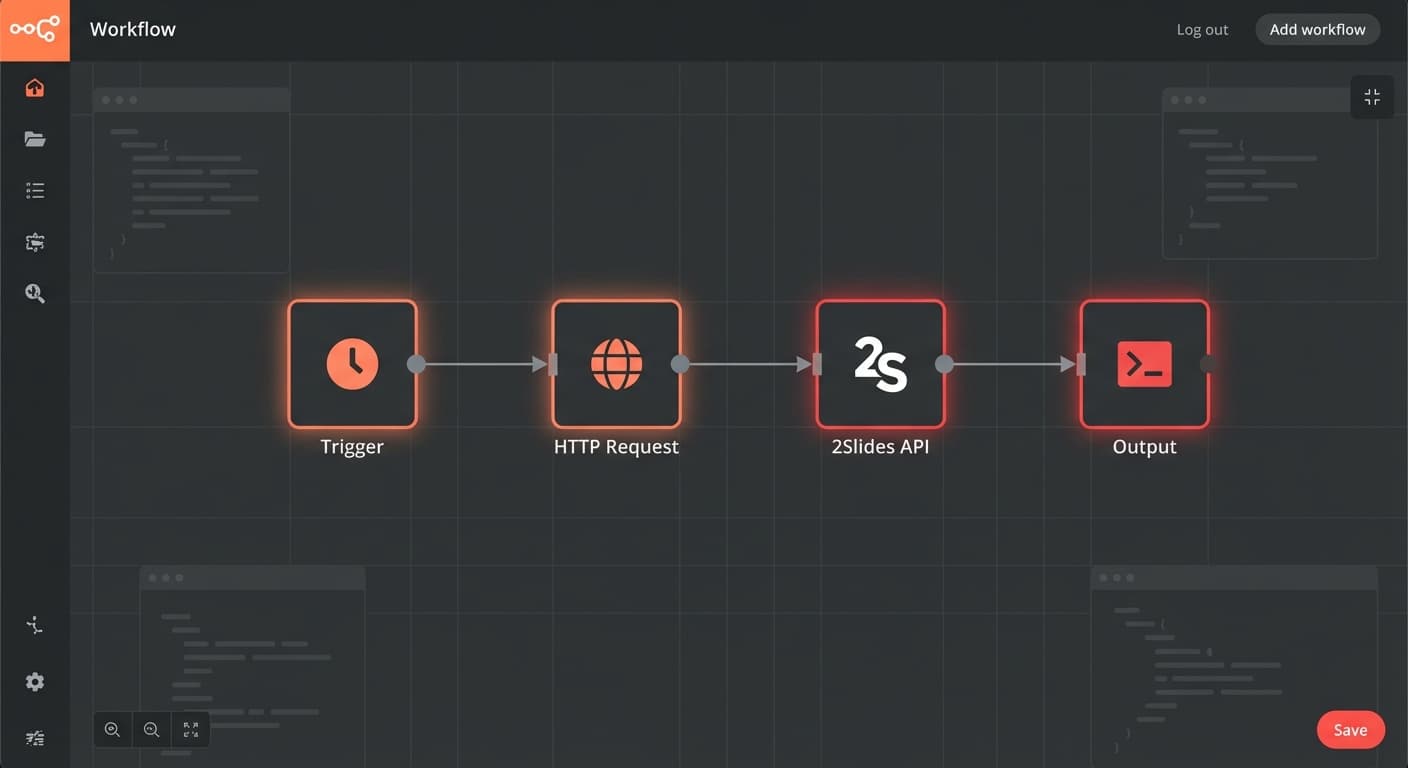
Configure the HTTP Request node to call 2Slides:
https://2slides.com/api/v1/slides/generateAuthorizationBearer sk-2slides-your-api-key{
"userInput": "{{ $json.topic }}",
"themeId": "your-theme-id",
"mode": "sync",
"responseLanguage": "en",
"resolution": "2K"
}Choose what starts the workflow:
Schedule Trigger — for recurring reports:
Webhook Trigger — for on-demand generation:
Gmail/Slack Trigger — for event-based:
Send the generated slides to your team:
Schedule (Monday 9 AM)
  → HTTP Request (2Slides API: generate weekly report slides)
→ Slack (post download link to #team-updates)Google Drive Trigger (new file in folder)
→ HTTP Request (2Slides API: create-pdf-slides)
→ Wait (poll for job completion)
→ Gmail (send slides to uploader)HubSpot Trigger (deal stage = Proposal)
→ Get Deal Data (HubSpot API)
→ HTTP Request (2Slides API: generate pitch deck)
→ HubSpot (attach slides to deal)
→ Slack (notify sales rep)For longer generation jobs, use async mode with a polling loop:
HTTP Request (start job, mode: async)
  → Wait (5 seconds)
  → HTTP Request (check job status)
  → IF (status != 'success')
    → Loop back to Wait
  → ELSE
→ Process result (deliver slides)Yes — use the Loop/Wait nodes to implement polling. n8n supports conditional loops natively.
Self-hosted n8n is completely free. n8n Cloud has a free tier with 5 active workflows.
Yes — n8n runs as a Docker container and coexists with any other services on your server.
Automate slides for free — connect n8n to 2Slides API and build your first workflow in minutes.
Create stunning AI-powered presentations in seconds. Transform your ideas into professional slides with 2slides AI Agent.
Try For FreeYour AI Agent for slides. Save time, shine faster with intelligent presentation creation.




© 2026 2slides. All rights reserved.