
2Slides Team
17 min read

To generate lesson slides programmatically, export your curriculum as one row per lesson (unit, title, objectives, vocabulary, grade, language), then have a script call the 2Slides Fast PPT POST /api/v1/slides/generate endpoint once per row with an education theme from GET /api/v1/themes/search and responseLanguage set per class. Each 12-slide deck is an editable PPTX that costs 120 credits, about $0.30, and returns in about 30 seconds. For flipped classrooms, create-pdf-slides plus generate-narration produces short video lectures. Built for edtech developers, instructional designers, and district curriculum teams.
Key takeaways
responseLanguage accepts a language name such as "Spanish" or "Vietnamese", covering 20+ output languages for bilingual programs from the same curriculum rows.Instructional designers, edtech engineers, and course creators who hold the curriculum in a structured form (a Google Sheet, an LMS CSV, a course database) and need a first-draft deck for every lesson, not a few. District teams running bilingual programs, where one lesson must exist in English and Spanish or Vietnamese, gain the most from the per-row language field.
Skip this recipe if you have five lessons and a teacher with an afternoon; the teacher-focused tool roundup covers the web-app path.
| Step | Tool | What happens | 2Slides endpoint / credits |
|---|---|---|---|
| 1 | Sheets or LMS export | One row per lesson and language: unit, title, grade, objectives, vocabulary, slide count | none |
| 2 | curl or browser | Search education and classroom themes, store one themeId per grade band | GET /api/v1/themes/search, free |
| 3 | Python or Node | Build a structured prompt from the row fields, set responseLanguage per class | none |
| 4 | Python or Make | One generate call per row with mode: "async", at most 6 per minute | POST /api/v1/slides/generate, 10 credits per page |
| 5 | Script | Poll every 5 to 10 s until success, download the PPTX to Drive or the LMS | GET /api/v1/jobs/{id}, free |
| 6 | Teacher | Review, edit, and approve the PPTX before it reaches students | none |
| 7 (optional) | Script plus workspace | Flipped classroom: image-designed slides, single-voice narration, MP4 export | create-pdf-slides 10 + 100 per page at 2K, generate-narration 210 per page |
Flatten the LMS export or pacing guide into one row per lesson per language. If a lesson runs in two languages, duplicate the row and change only the language column. Keep multi-value fields (objectives, vocabulary) pipe-separated so the prompt builder can turn them into bullets.
unit,lesson_title,grade,objectives,vocabulary,language,slide_count
Ecosystems,Food Webs and Energy Flow,7,"Explain how energy moves between trophic levels|Identify producers, consumers and decomposers in a local ecosystem","producer|consumer|decomposer|trophic level",English,12
Ecosystems,Food Webs and Energy Flow,7,"Explain how energy moves between trophic levels|Identify producers, consumers and decomposers in a local ecosystem","producer|consumer|decomposer|trophic level",Spanish,12
Fractions,Comparing Fractions with Unlike Denominators,4,"Compare two fractions using common denominators|Justify comparisons with a visual model","numerator|denominator|equivalent fraction|benchmark fraction",Vietnamese,10
Add three bookkeeping columns the script fills in later: job_id, download_url, and status. The status column drives the review workflow described below.
The themeId decides how a Fast PPT deck looks. Search the 1,500+ templates with classroom terms, then keep one or two IDs per grade band: a hand-drawn or doodle style for elementary, something cleaner for secondary.
curl "https://2slides.com/api/v1/themes/search?query=education&limit=10" \
  -H "Authorization: Bearer $SLIDES_API_KEY"

# Also worth trying: query=classroom, query=doodle, query=science, query=study
Each result includes a themeId and metadata. Store the IDs as environment variables (EDU_THEME_ELEMENTARY, EDU_THEME_SECONDARY) rather than in the sheet. The search endpoint is free but shares the 6 requests per minute limit, so run it once during setup, not once per lesson.

themes/search.
The prompt is where curriculum quality becomes deck quality. Give the model the grade, the objectives as bullets, the vocabulary to define, and a fixed slide structure. Keep userInput under a few hundred words; the objectives and vocabulary are the input, not the entire unit plan.
Then set responseLanguage from the row. It takes a language name, so "Spanish" and "Vietnamese" work and "es" and "vi" do not. Write the prompt in English and let the deck come out in Spanish; one template serves the whole program.
Create a 12-slide lesson deck for grade 7.
Unit: Ecosystems
Lesson: Food Webs and Energy Flow
Learning objectives:
- Explain how energy moves between trophic levels
- Identify producers, consumers and decomposers in a local ecosystem
Key vocabulary to define with one example each: producer, consumer, decomposer, trophic level
Structure: title slide, objectives, warm-up question, 5 content slides with one idea each,
vocabulary slide, quick check with 3 questions, summary.
Use short sentences suitable for the grade level.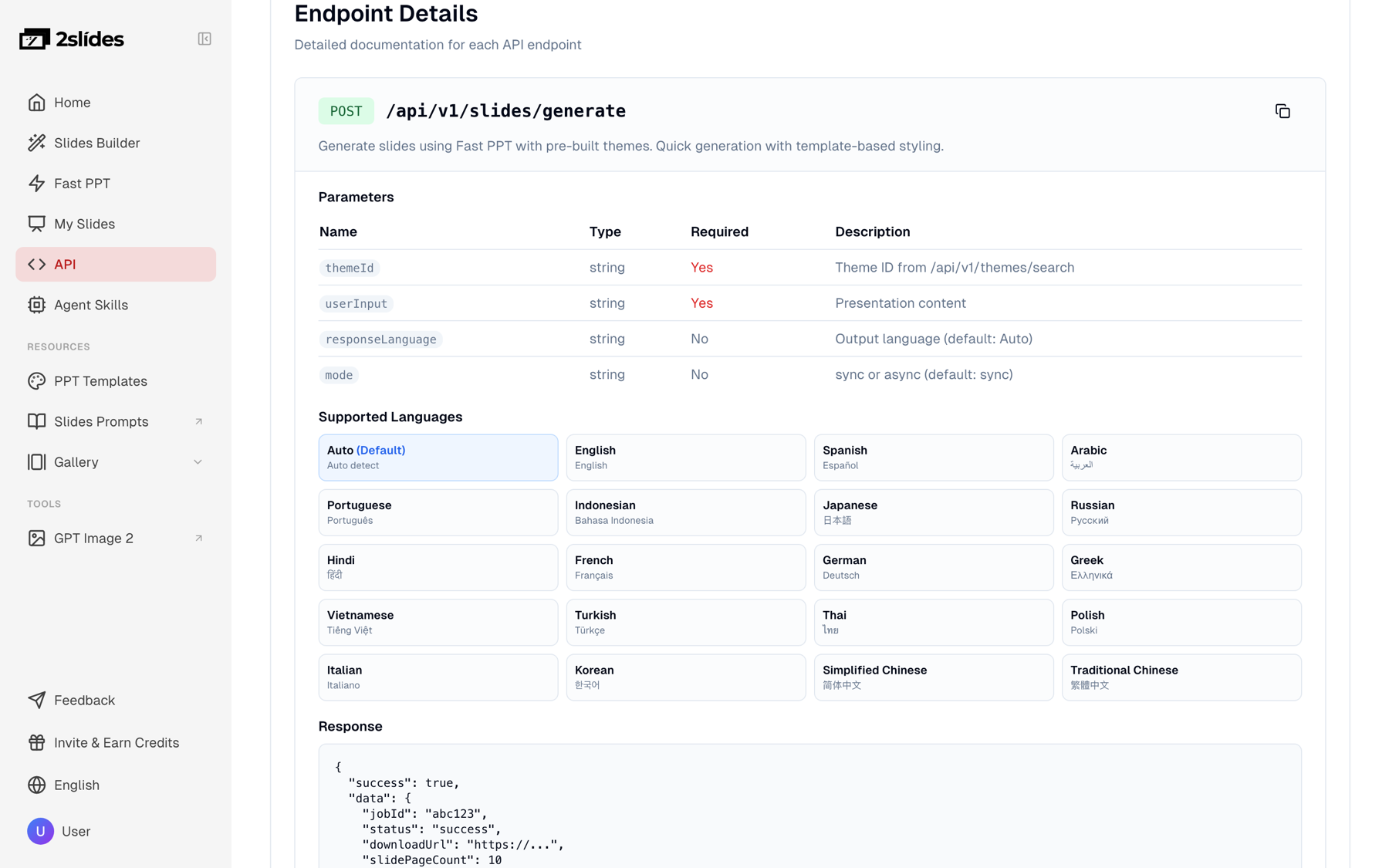
generate endpoint parameters in the 2Slides API docs, including the 20+ values responseLanguage accepts by name.
This is the step that lets a small team bulk create classroom presentations. Fast PPT generate defaults to sync and returns a downloadUrl in one call, fine for a single deck. For a batch, set mode: "async", collect the jobId values, and poll. Each deck takes roughly 30 seconds, and the key allows 6 requests per minute, so space submissions 10 seconds apart.
curl -X POST https://2slides.com/api/v1/slides/generate \
  -H "Authorization: Bearer $SLIDES_API_KEY" \
  -H "Content-Type: application/json" \
  -d '{
    "userInput": "Create a 12-slide lesson deck for grade 7. Unit: Ecosystems. Lesson: Food Webs and Energy Flow. Learning objectives: explain how energy moves between trophic levels; identify producers, consumers and decomposers in a local ecosystem. Key vocabulary to define with one example each: producer, consumer, decomposer, trophic level. Structure: title, objectives, warm-up question, 5 content slides, vocabulary, 3-question quick check, summary.",
    "themeId": "'"$EDU_THEME_SECONDARY"'",
    "responseLanguage": "Spanish",
    "mode": "async"
  }'
# -> {"jobId":"..."}   then poll GET https://2slides.com/api/v1/jobs/{jobId}
The full loop in Python: read the CSV, submit each row with a 10 second gap, poll each job every 8 seconds, and save the PPTX under a filename that includes unit, grade, and language so two grades with the same lesson title never overwrite each other.
import csv, os, time, requests

API = "https://2slides.com/api/v1"
HEADERS = {"Authorization": f"Bearer {os.environ['SLIDES_API_KEY']}"}
THEMES = {
    "elementary": os.environ["EDU_THEME_ELEMENTARY"],
    "secondary": os.environ["EDU_THEME_SECONDARY"],
}

def theme_for(grade: str) -> str:
    return THEMES["elementary"] if int(grade) <= 5 else THEMES["secondary"]

def build_prompt(row: dict) -> str:
    objectives = "\n".join(f"- {o.strip()}" for o in row["objectives"].split("|"))
    vocab = ", ".join(v.strip() for v in row["vocabulary"].split("|"))
    return (
        f"Create a {row['slide_count']}-slide lesson deck for grade {row['grade']}.\n"
        f"Unit: {row['unit']}\nLesson: {row['lesson_title']}\n"
        f"Learning objectives:\n{objectives}\n"
        f"Key vocabulary to define with one example each: {vocab}\n"
        "Structure: title slide, objectives, warm-up question, content slides with one "
        "idea each, vocabulary slide, quick check with 3 questions, summary. "
        "Use short sentences suitable for the grade level."
    )

def submit(row: dict) -> str:
    r = requests.post(f"{API}/slides/generate", headers=HEADERS, timeout=60, json={
        "userInput": build_prompt(row),
        "themeId": theme_for(row["grade"]),
        "responseLanguage": row["language"] or "English",
        "mode": "async",
    })
    r.raise_for_status()
    return r.json()["jobId"]

def wait(job_id: str) -> dict:
    while True:
        job = requests.get(f"{API}/jobs/{job_id}", headers=HEADERS, timeout=30).json()
        if job["status"] in ("success", "failed"):
            return job
        time.sleep(8)  # poll every 5-10 s; jobs endpoint allows 10 req/min

with open("curriculum.csv", newline="", encoding="utf-8") as f:
    rows = list(csv.DictReader(f))

queued = []
for row in rows:
    queued.append((row, submit(row)))
    time.sleep(10)  # 6 submissions per minute, never more

os.makedirs("decks", exist_ok=True)
for row, job_id in queued:
    job = wait(job_id)
    if job["status"] != "success":
        print("FAILED", row["lesson_title"], row["language"], job_id)
        continue
    pptx = requests.get(job["downloadUrl"], timeout=120).content
    name = f"{row['unit']}_G{row['grade']}_{row['lesson_title']}_{row['language']}.pptx"
    with open(os.path.join("decks", name.replace(" ", "_")), "wb") as out:
        out.write(pptx)
    print("saved", name)
Write job_id, download_url, and status = "draft" back to the sheet as each deck lands.
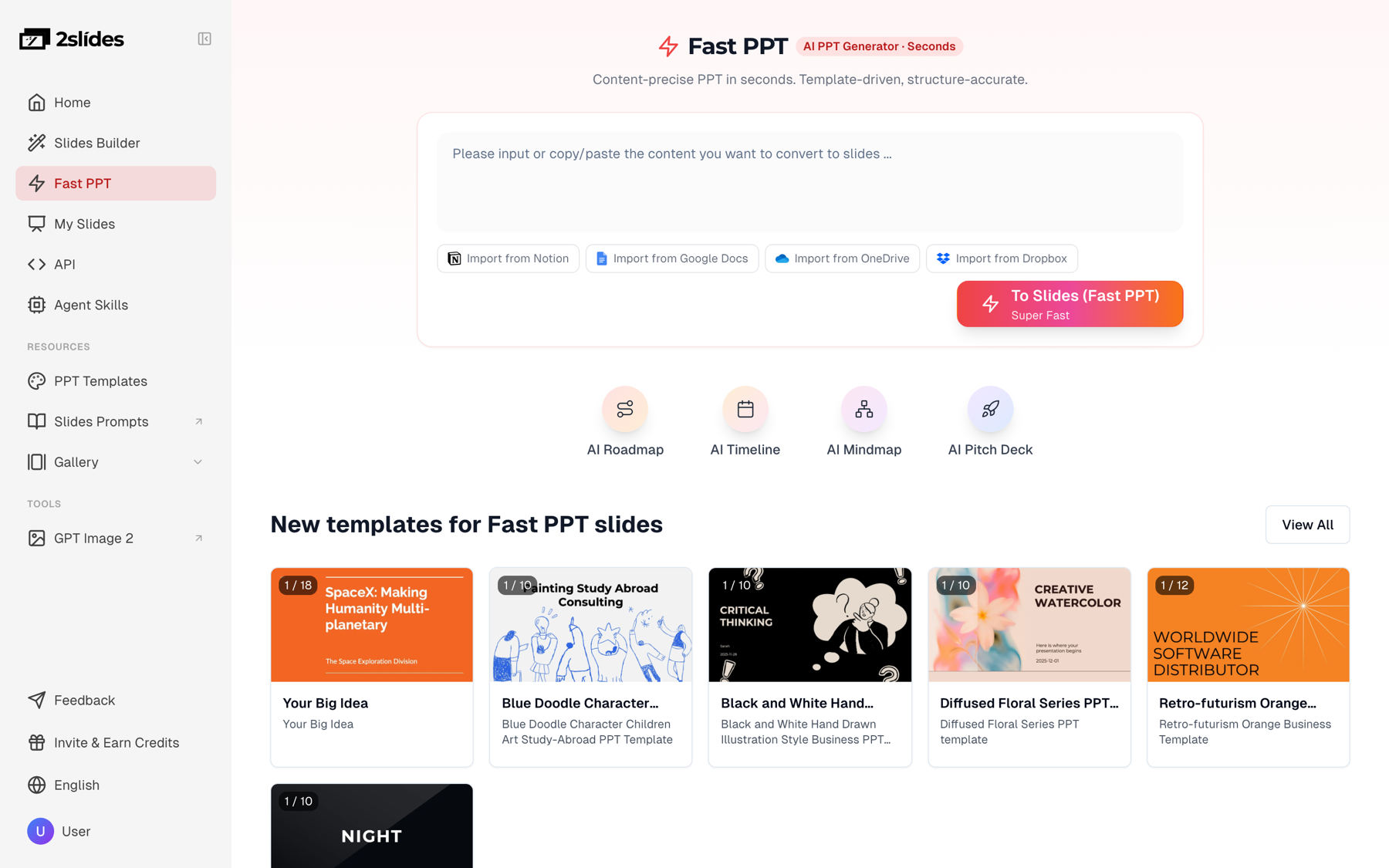
generate endpoint produces the same editable PPTX from the same templates, one call per lesson.
For a flipped classroom the artifact students see at home is a video, so switch pipelines. Fast PPT jobs cannot be narrated. Use create-pdf-slides for image-designed 16:9 slides at 2K, then generate-narration with a single speaker, then export the video. Keep lectures short: 6 to 8 slides at roughly 45 seconds of narration each is a 5 to 6 minute video.
# 1) image-designed slides (async by default)
curl -X POST https://2slides.com/api/v1/slides/create-pdf-slides \
  -H "Authorization: Bearer $SLIDES_API_KEY" \
  -H "Content-Type: application/json" \
  -d '{
    "userInput": "8-slide mini-lecture for grade 7 on food webs and energy flow. One idea per slide, written to be read aloud in about 45 seconds per slide. Cover: what a food web is, producers, consumers, decomposers, trophic levels, the 10 percent energy rule, one local example, a 2-question check.",
    "aspectRatio": "16:9",
    "resolution": "2K",
    "page": 8,
    "contentDetail": "standard",
    "responseLanguage": "English",
    "mode": "async"
  }'
# poll GET /api/v1/jobs/{jobId} until status = success (10 + 8 x 100 = 810 credits)

# 2) single-voice narration on that job (8 x 210 = 1,680 credits)
curl -X POST https://2slides.com/api/v1/slides/generate-narration \
  -H "Authorization: Bearer $SLIDES_API_KEY" \
  -H "Content-Type: application/json" \
  -d '{
    "jobId": "JOB_ID_FROM_STEP_1",
    "mode": "single",
    "speakerName": "Teacher",
    "voice": "Leda",
    "contentMode": "standard",
    "includeIntro": true
  }'
# poll again until success

# 3) per-page PNG + WAV, free
curl -X POST https://2slides.com/api/v1/slides/download-slides-pages-voices \
  -H "Authorization: Bearer $SLIDES_API_KEY" \
  -H "Content-Type: application/json" \
  -d '{"jobId": "JOB_ID_FROM_STEP_1"}' -o lecture-assets.zip
Two options for the MP4: open the job in the 2Slides workspace and use Export, then Generate Video, which renders an H.264 MP4 at 1920×1080 in the browser for 20 credits per page; or stitch the PNG and WAV pairs from the ZIP with FFmpeg for a fully scripted LMS upload. The faceless educational shorts post shows the 9:16 version for revision clips.
If nobody on the curriculum team wants to run a Python job, the same loop fits in a Make scenario (n8n and Zapier work the same way):
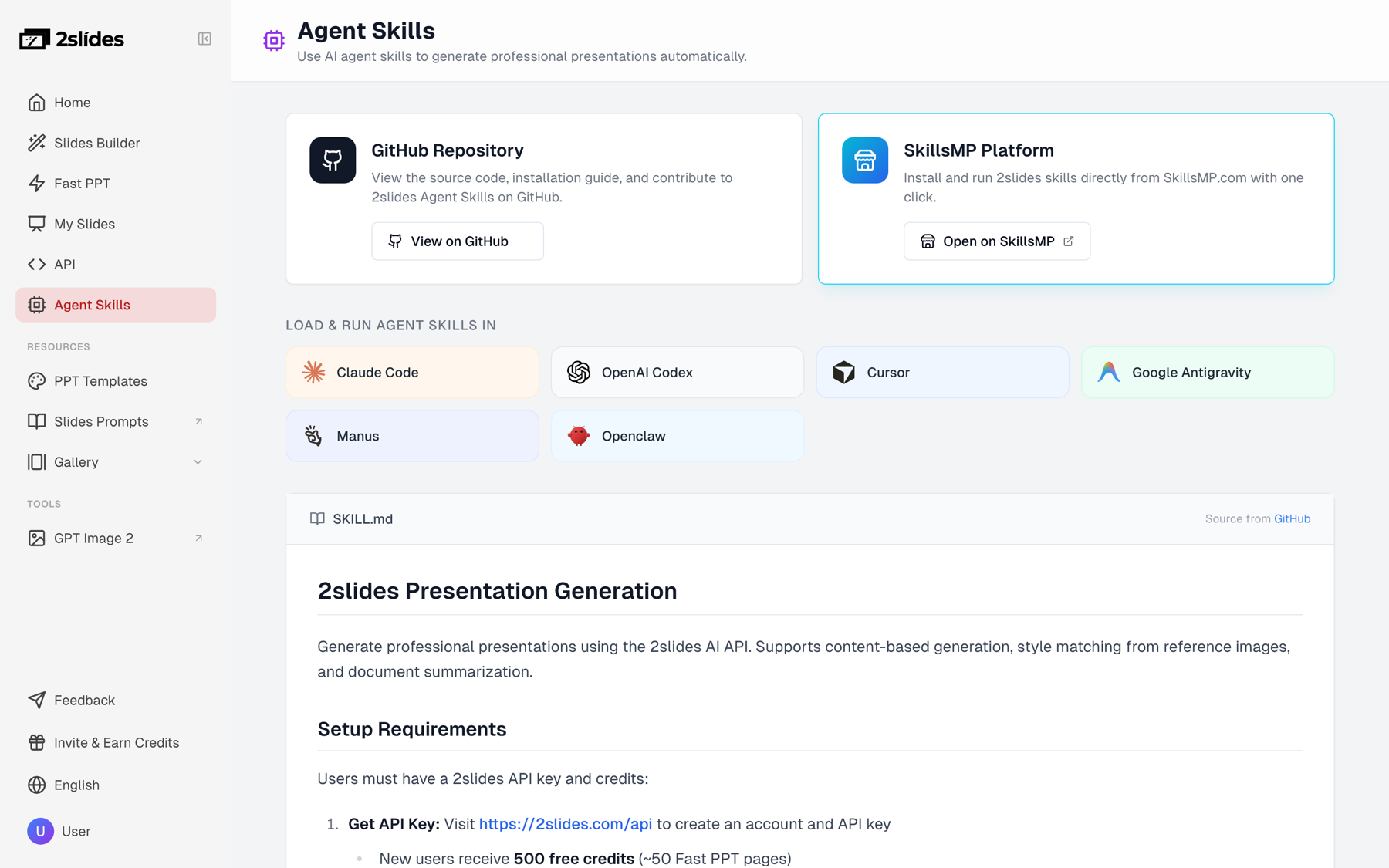
userInput from the row fields using the Step 3 template.POST https://2slides.com/api/v1/slides/generate with mode: "async", the Authorization: Bearer header stored as a scenario secret, and responseLanguage mapped from the row.GET https://2slides.com/api/v1/jobs/{jobId}; if status is not yet success or failed, loop through another wait.download_url and status = "draft" back to the row.Teachers who work in Claude Code, Codex, or Cursor can skip both the script and the scenario. Install the 2Slides Agent Skill or add the hosted MCP server (claude mcp add --transport http 2slides "https://2slides.com/api/mcp?apikey=YOUR_KEY"), paste the curriculum table, and ask for one deck per row. The agent calls the same themes_search, slides_generate, and jobs_get tools with the same key and credits; see the Agent Skills page.
Treat every generated deck as a draft. The status column moves from draft to reviewed to approved with the reviewer's initials, and nothing reaches students until it says approved. This is a policy, not a feature, and it is why the editable PPTX matters more than a prettier PDF for classroom use.
A review checklist per deck:
download-slides-pages-voices gives you one WAV per slide, so a transcript from any speech-to-text tool and captions on the MP4 take minutes.Budget about 10 minutes of teacher review per deck: roughly 7 hours for 40 lessons, against zero hours spent building decks from a blank template.
Credits are pay-as-you-go: $5 buys 2,000 credits ($0.0025 each) and $80 buys 40,000 ($0.002 each). New accounts get 500 free credits, enough for 4 test decks of 12 slides.
| Volume | Pipeline | Credits | USD |
|---|---|---|---|
| 40 lessons × 12 slides (one department, one term) | Fast PPT generate | 480 pages × 10 = 4,800 | ≈ $12.00 at the $5 pack rate |
| 500 lessons × 12 slides (district or course marketplace, per month) | Fast PPT generate | 6,000 pages × 10 = 60,000 | ≈ $120 at the $80 pack rate |
| 40 flipped lectures × 8 slides, 2K plus narration | create-pdf-slides 40 × 810, generate-narration 40 × 1,680 | 32,400 + 67,200 = 99,600 | ≈ $199 to $249 |
| Optional MP4 export for those 40 lectures in the workspace | 320 pages × 20 | 6,400 | ≈ $13 to $16 |
Time is the other budget. At 6 submissions per minute, 40 lessons submit in about 7 minutes and 500 in about 84 minutes, each deck finishing roughly 30 seconds after submission.
generate) when teachers must edit in PowerPoint or Google Slides and volume is high: 120 credits for a 12-slide deck, delivered in about 30 seconds.create-pdf-slides when the deck is the final student-facing artifact (video lecture, LMS embed) or needs a specific visual style: 1,010 credits for 10 pages at 2K, plus 210 per page for narration.create-like-this when the district has a branded slide every deck should match; pass its public URL as referenceImageUrl, same cost as create-pdf-slides.create-pdf-slides and create-like-this jobs, not for Fast PPT.create-pdf-slides first.responseLanguage: "es" is not "Spanish". Validate the language column against the supported names.create-pdf-slides defaults to page: 1: set the count explicitly (8 for a mini-lecture) or use page: 0 to let the model choose. A one-page lecture is a common first-run surprise.userInput: long standards documents produce unfocused decks. Reduce each lesson to objectives, vocabulary, and a slide structure first.Yes. In Make, n8n, or Zapier, a Sheets trigger feeds an HTTP Request step that calls POST /api/v1/slides/generate with mode: "async", followed by a wait step and a second HTTP Request to GET /api/v1/jobs/{id}. Teachers can also skip automation tools and ask an AI agent with the 2Slides skill or MCP server to build the decks from a pasted curriculum table. Every path uses the same API key and the same credits.
Duplicate each lesson row once per language and set the language column to a name such as "Spanish" or "Vietnamese". The script passes that value as responseLanguage, so identical objectives and vocabulary produce an English deck and a Spanish deck from one prompt template. 2Slides supports 20+ output languages. Have a bilingual teacher review each translated deck, because vocabulary examples need cultural fit as well as correct translation.
Yes, several presentation tools have APIs. Gamma's API offers similar automation but requires a Pro plan for API keys, while 2Slides keys work on any account, including a free one with 500 credits. SlideSpeak and Canva Connect also expose APIs. 2Slides is our product, so compare on the points that matter for education: editable PPTX output, per-request language, and per-slide pricing.
For a 45 to 50 minute class period, 10 to 14 slides is a workable default: title, objectives, warm-up, 4 to 6 content slides with one idea each, a vocabulary slide, a quick check, and a summary. At 10 credits per slide, a 12-slide deck costs 120 credits. State the count in userInput so every deck in the batch has a predictable size, review time, and cost.
Yes. The Fast PPT generate endpoint returns a native PPTX built from a designed template, so text boxes, shapes, and images are editable in PowerPoint, Keynote, or Google Slides after import. That is why this recipe treats the API output as a draft: the teacher opens the file, adjusts examples for their students, and saves the approved version. The create-pdf-slides output is a PDF plus page images and is not text-editable.
You now have the sheet layout, prompt template, Python loop, and review policy needed to generate lesson slides programmatically for a whole department, in every language the program teaches.
Create stunning AI-powered presentations in seconds. Transform your ideas into professional slides with 2slides AI Agent.
Try For FreeYour AI Agent for slides. Save time, shine faster with intelligent presentation creation.




© 2026 2slides. All rights reserved.