2Slides Team
11 min read

Faceless educational content is the highest-leverage format on short-form video right now. The math is simple: a niche channel can ship 3–5 vertical videos a week without any on-camera time, and educational niches consistently report some of the highest CPMs ($9–14) on TikTok and YouTube Shorts.
This playbook is the step-by-step for building that channel using AI-generated slideshows plus AI voice narration — production cost near zero, output quality high enough to compete.
Three patterns converge:
A creator with no camera, no microphone, and no studio can ship the same kind of channel that used to require a producer in 2022.
Niches that are working in 2026 for faceless educational shorts:
Avoid: niches that require live B-roll (travel, food), niches that need on-camera trust (skincare, fitness coaching), and niches with platform-policy risk (medical advice, financial recommendations).
A single video is one idea, told in 6–9 slides, narrated in 25–45 seconds.
Pick 8 slides as your default unit. It works on all three platforms.
The first 1.5 seconds determines whether the video is watched at all. Write the hook before generating any slides.
Hook patterns that work:
Avoid soft hooks like "Have you ever wondered..." — they don't survive the platform algorithm.
Faceless shorts need narration and MP4 export. Both only exist in the Workspace flow — not in Fast PPT/templates. Use one of these entries:
Quick reference: if you also see Fast PPT and the templates library, those are template-driven PPTX outputs — fast but no narration and no MP4, so they're the wrong tool for shorts.
Prompt template:
Create an 8-slide vertical (9:16) educational short on [TOPIC]. Slide 1: hook = [HOOK]. Slides 2–7: one fact each, with a clean visual and a one-sentence explanation. Slide 8: CTA = follow for more on [NICHE]. Audience: [AUDIENCE]. Tone: confident, not academic.
For a personal-finance channel:
Create an 8-slide vertical educational short on "How an HSA quietly outperforms a 401k for early retirement." Slide 1: hook = "There's a retirement account most people are using wrong." Slides 2–7: one fact each on triple tax advantage, contribution limits, qualified expenses, investment options after $1,000, withdrawal rules at 65, and why it beats a 401k for FIRE. Slide 8: CTA = "Follow for more retirement math." Tone: confident, plain English.
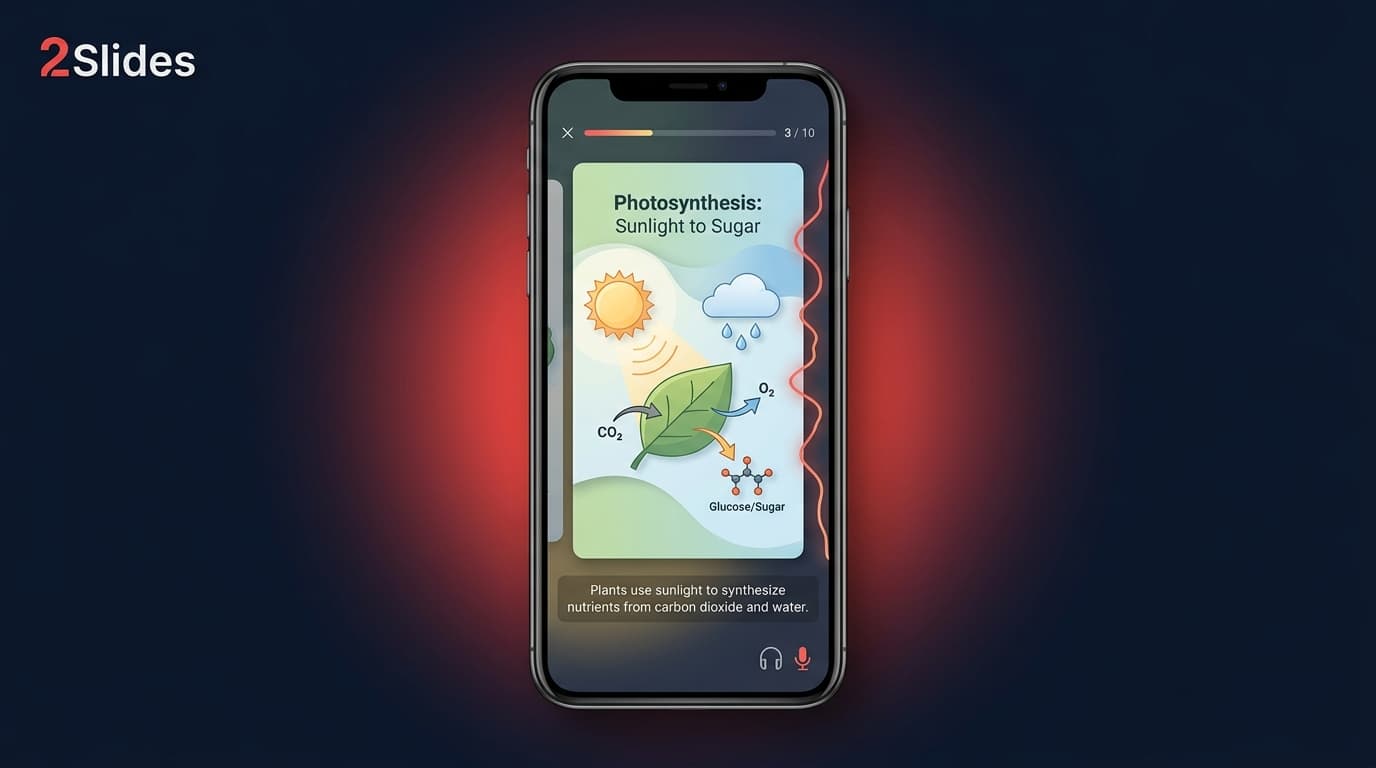
The output is an 8-slide deck designed for vertical display.
Once the deck is generated, you'll be in Workspace. Configure voice per page: Workspace generates the voice text from each slide's content, then you trigger audio synthesis. You can edit the voice text per slide before audio is generated — useful for tightening the script and removing filler.
Pick a single voice with energy. For educational shorts, a confident mid-pace delivery (~135 words per minute) outperforms a calm "audiobook" voice. Two-voice dialogue is optional and works well for "myth vs reality" or "Q&A" formats — see multi-speaker narration.
Keep narration per slide — one or two sentences per card. This pacing matches how short-form viewers consume content.
From the same deck, export the 9:16 narrated MP4. Production tips:
The full export workflow is in the narrated presentation video guide.
The same MP4 ships to TikTok, Reels, and YouTube Shorts. Do not rely on cross-posting from one platform to another — native uploads outperform.
Per-platform tweaks:
The same 8-slide deck also produces:
This is the core leverage move covered in the creator carousel + voice + video workflow.
The growth flywheel for faceless channels runs on consistency, not bursts:
A channel posting 5 videos a week for 90 days has 65 swings at the algorithm. One of them almost always breaks out. The breakout video then funnels viewers to the back catalog of 64 other videos. This is why the catalog matters more than any individual video.
Realistic production budget per week with 2Slides: 5 videos × 8 slides each = 40 slides total. Generation, narration, and export take roughly 2–3 hours per week if you have a content calendar prepared.
Faceless educational channels typically stack 3–4 revenue streams:
Top faceless channels reportedly clear $10,000–$80,000 per month in mature niches. The realistic first-12-months target is $500–$5,000/month with a single-person operation.
Compliance points:
Tools like Vixia, Syllaby, Clippie, and Seedance generate vertical videos from prompts using stock footage or AI imagery. They work well for entertainment niches (fact-of-the-day, history shorts with stock B-roll). For educational content where the content itself is the visual — diagrams, charts, frameworks, vocabulary, definitions — slideshows outperform stock footage.
For a head-to-head:
Many creators run both: educational channel on slideshows, entertainment channel on stock-footage AI.
No, as long as the AI voice is not impersonating a real person and the content is not deceptive. All three platforms allow AI voiceover for educational content. YouTube has an "altered or synthetic content" disclosure for cases where realism could mislead — for slideshow narration in an educational channel, this typically does not apply.
Realistic expectation: 90–180 days of consistent posting before consistent revenue. Top performers hit $1,000+ months by month 6. Channels that quit before month 3 see almost nothing.
Summarizing public information is the bulk of educational shorts. The defensibility is in the packaging — your hook, your visual style, your voice — not in being the original source. Always cite, especially for statistics.
An 8-slide deck with narration and a 9:16 MP4 export uses well under the monthly allotment of even the smallest paid tier. See the pricing page for current rates. The API is also available for batch production.
Yes — most successful operators started as side projects. The week-1 commitment is roughly 5 hours (research + first batch). Steady-state is 2–3 hours per week to ship 5 videos.
Yes, and the workflow scales — same 2Slides templates, different prompt and voice per channel. The risk is splitting attention; most operators recommend hitting $1k/month on one channel before launching a second.
For shorts you'll generate via the Workspace flow (Nano Banana / Create Like This / Create from File), useful card patterns include mind-map cards for concept connections (see Mind Map slides for the structure), timelines for history and product evolution (see Timeline slides), roadmaps for processes (see Roadmap slides), and standard infographic decks for everything else. The pattern is enforced by your prompt rather than a separate template library.
Yes — via the 2Slides API. The API tutorial covers batch generation. Most agency-style operators batch a month of content in one session.
(Don't use Fast PPT for this workflow — it produces silent PPTX from /templates and won't generate the narrated MP4 you need for shorts.)
The faceless creators who win in 2026 are not the most creative ones. They are the ones who shipped 200 videos while everyone else was still picking a niche.
Create stunning AI-powered presentations in seconds. Transform your ideas into professional slides with 2slides AI Agent.
Try For FreeYour AI Agent for slides. Save time, shine faster with intelligent presentation creation.




© 2026 2slides. All rights reserved.