2Slides Team
11 min read

If you have ever tried to make 100 vocabulary cards by hand — typing the word, finding an image, looking up the IPA, writing two example sentences, recording audio — you already know the real bottleneck of language learning isn't the studying. It's the card making.
This guide shows learners and ESL teachers how to use 2Slides to generate visual, multilingual vocabulary cards with images, example sentences, IPA, and AI-narrated audio in one workflow — and export them as a slide deck, PDF study sheet, or short video for TikTok/Reels review.
Three pain points show up over and over in r/languagelearning, r/Anki, and r/EnglishLearning threads:
A modern AI vocabulary card has to solve all three: fast to generate, sensory-rich (image + audio), and varied in context.
An AI vocabulary card is an automatically generated study unit that contains, at minimum:
When these are arranged on slides, you get a vocabulary slide deck — reviewable in PowerPoint, exportable as a printable PDF for the classroom, or rendered as a narrated MP4 for short-form social platforms.
2Slides has two distinct generation flows. Picking the right one matters because only one of them supports voice narration and MP4 export:
| Flow | What it produces | Voice narration | MP4 export | Best for |
|---|---|---|---|---|
Fast PPT (/fast-ppt + /templates) | Template-driven PPTX | ❌ | ❌ | Quick PPTX you'll project or hand off — no voice needed |
| Workspace flow (Create Slides Like This / Create Slides from File / Nano Banana presentation slides) | Image-generated slides editable in Workspace | ✅ per page, single or multi-speaker | ✅ 16:9 and 9:16 | Visual vocabulary cards with images + IPA + narration; review videos for TikTok/Reels/Shorts |
For vocabulary cards with images, IPA, and audio narration, use the Workspace flow. The image-per-card visuals come from the nano banana image-generation pipeline, and narration + MP4 export only exist there.
The full pipeline: pick a Workspace entry → generate per-card images and text → configure voice → export.
All three drop you into the same Workspace where you can edit per-page text, regenerate images, configure voice, and export.
In the input field, supply:
A B2 prompt for ESL nurses might look like this:
Generate 30 English vocabulary cards for B2-level Spanish-speaking nurses. Each card: target word, Spanish translation, IPA, and two example sentences in a hospital context. Topic: patient handover, medication, vitals.
Once the cards are generated and you're in Workspace, open the per-page voice panel. Each card can have its own voice settings. Two strong patterns:
Workspace generates the voice text first (the script for each card based on slide content), then the voice audio. You can edit the voice text per card before audio synthesis — useful for catching IPA pronunciation hints or trimming overly long readings.
From the same Workspace deck, you can export four ways:
| Output | When to use |
|---|---|
| PPTX | Classroom projector, hand off to another teacher, edit any slide |
| Print one card per page or two-up for handouts | |
| MP4 16:9 | YouTube review video, LMS upload (Canvas, Moodle, Blackboard) — narration baked in |
| MP4 9:16 | TikTok, Instagram Reels, YouTube Shorts vocabulary review — narration baked in |
The MP4 outputs include the per-page narration audio you generated in Step 3. PPTX and PDF carry the visuals only — if you need a silent print or projection version, those are still one click away.
For the social-media output, see the narrated presentation video guide.
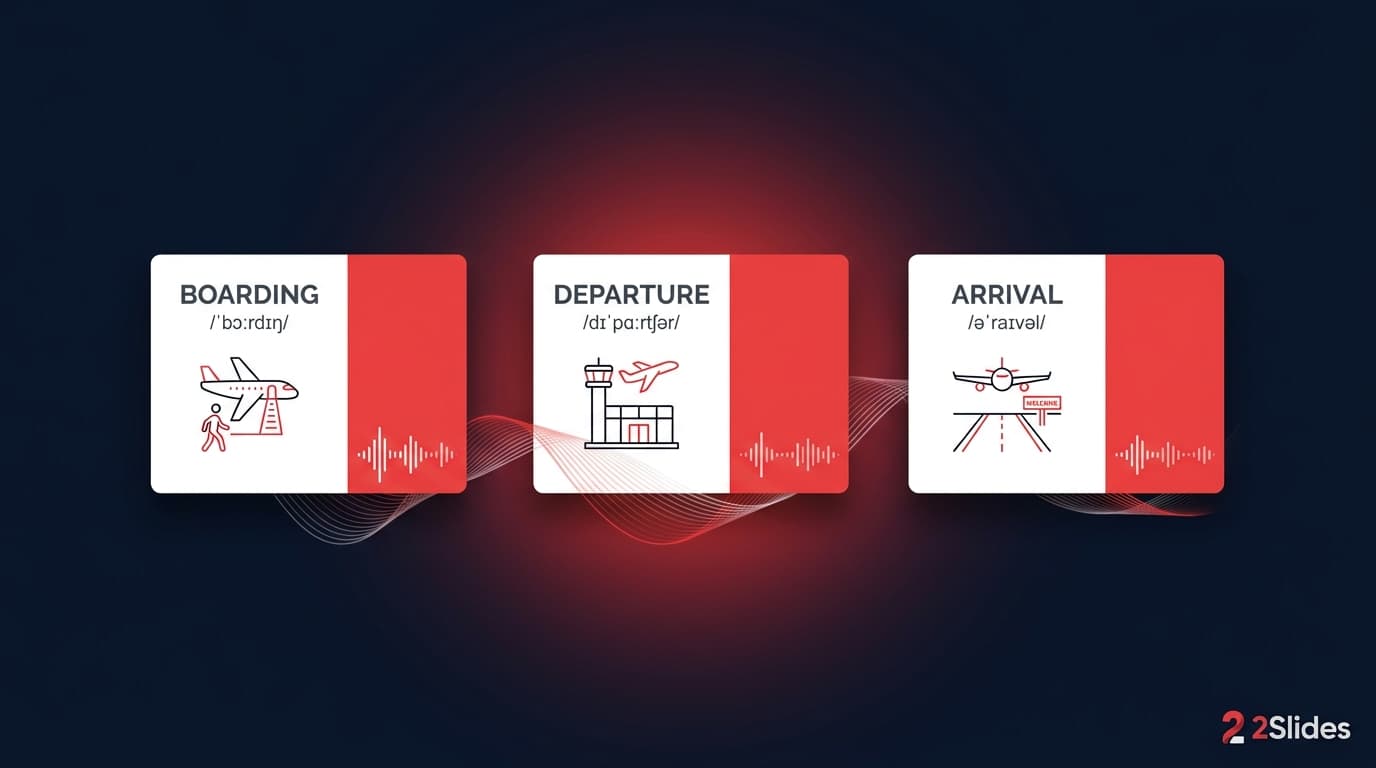
A typical generated slide for the verb "to confront" at B1 level looks like this:
Repeat this for 30 words and you have a 30-slide deck ready to study, project, print, or post.
Generate themed decks of 40 academic words with example sentences in essay-style register. Export PDF for offline review on a tablet, MP4 for daily 5-minute commute review.
A teacher generates a 10-card deck on Monday morning aligned to the week's reading. Project the PPTX on a smartboard. Hand out the PDF as a homework reference. The next week's deck takes 4 minutes, not 40.
Educational faceless channels in the language-learning niche reportedly earn $9–$14 CPM. The workflow: pick 5 words on a theme, generate a 9:16 narrated MP4, post daily, link a Patreon-style product (e.g., "200-word travel vocabulary deck PDF for $5"). One creator can ship 5 videos a week from 30 minutes of input.
Parents teaching a heritage language at home generate themed decks ("foods we eat at dinner," "weekend activities") in the heritage language with translations into the dominant language. Print as PDF placemats or play the narrated MP4 during meals.
Onboarding decks for international hires — domain vocabulary (legal, medical, finance) generated from a glossary CSV in 22+ languages. See the AI presentation tools for teachers comparison for the full feature matrix used in education and L&D.
Anki, Quizlet, Knowt, and Brainscape are review systems — they're brilliant at scheduling and spaced repetition. They are not optimized for rich card generation. Most users still build cards manually, paste images by hand, and get text-only output.
A vocabulary-card slide deck and a flashcard app solve different parts of the loop:
| Need | Best tool |
|---|---|
| Spaced repetition scheduling | Anki, Quizlet, Knowt |
| Fast, image-rich card generation in any language | 2Slides |
| Classroom projection / printable handouts | 2Slides (PPTX/PDF) |
| Short-form social video review (Reels/TikTok) | 2Slides (9:16 MP4) |
| Offline plane / commute review | PDF or MP4 from 2Slides |
Many learners use both: generate the visual deck in 2Slides, then export a CSV of the same words and import into Anki for SRS scheduling.
Yes. 2Slides supports 22+ languages including Spanish, French, German, Arabic, Japanese, Korean, Hindi, Vietnamese, Russian, Polish, Italian, Portuguese, Indonesian, Thai, Turkish, and Simplified/Traditional Chinese. The native-language translation can be set to any of those.
Yes — IPA can be requested in the prompt for any language whose phonology is supported by the underlying model. For English, German, French, Spanish, and Mandarin pinyin/Bopomofo, IPA is reliable. For less-resourced languages, double-check pronunciation against a dictionary.
You can export the deck as PDF or PPTX, then convert the word list to a CSV and import into Anki. Several community tools convert PPTX to Anki decks; 2Slides keeps the source data structured so the conversion is straightforward.
Vocabulary cards run on the Nano Banana flow (image-generated slides), so credits are per slide image, not per text page. Rough numbers for a 30-card deck:
Without narration the same deck is ~3,010 credits. At 4K, double the slide-generation portion. There is no per-seat fee — that's the main cost difference from traditional teacher tools. Full pricing on the 2Slides pricing page.
Yes. The multi-speaker mode assigns lines to different voices, which is ideal when the example sentences are dialogues. Setup is covered in the multi-speaker narration guide.
Cards use real templates with controlled typography, balanced image placement, and consistent IPA formatting — they don't look like the typical "AI poster" output. Tips on avoiding the AI-generated look are in How to Make AI Slides That Don't Look AI-Generated.
The teacher generates the deck; students consume it. There is no student account, no chat surface, no input from minors. This is the same teacher-mediated pattern used by traditional textbook software.
Vocabulary acquisition has always been bottlenecked by card production, not by review time. Move the bottleneck to the AI and your learners get back to the part that actually builds fluency.
Create stunning AI-powered presentations in seconds. Transform your ideas into professional slides with 2slides AI Agent.
Try For FreeYour AI Agent for slides. Save time, shine faster with intelligent presentation creation.




© 2026 2slides. All rights reserved.