2Slides Team
12 min read

By Michael Torres, HR Technology Writer | April 1, 2026
AI presentations for HR are slide decks generated by artificial intelligence tools purpose-built for human resources workflows, including employee onboarding, compliance training, company culture communication, and benefits enrollment. These tools analyze HR content requirements and produce professionally designed PowerPoint presentations in seconds rather than hours. HR departments using AI presentation generators report reducing deck creation time by 85-92%, while maintaining brand consistency across all employee-facing materials. Leading platforms like 2Slides generate complete onboarding and training decks in under 30 seconds, supporting 22+ languages for global workforces. With 1,500+ templates optimized for HR use cases, AI presentation tools eliminate the design bottleneck that has historically forced HR professionals to spend 6-10 hours per week on manual slide creation instead of strategic people operations work.
| Factor | Manual HR Deck Creation | AI-Powered HR Decks |
|---|---|---|
| Average creation time per deck | 4-8 hours | Under 30 seconds |
| Design consistency across departments | Varies by creator skill | 100% brand-consistent |
| Language localization | Requires separate translation | 22+ languages built-in |
| Template availability | Limited to internal library | 1,500+ professional templates |
| Update turnaround | 1-3 business days | Instant regeneration |
| Cost per presentation | $150-$400 (designer time) | Under $0.25 per deck |
| Scalability for global teams | Poor — manual per-region effort | Excellent — automated localization |
| Brand guideline adherence | Inconsistent | Enforced automatically |
HR professionals spend an estimated 23% of their workweek on administrative content creation, according to a 2025 SHRM workforce study. AI presentation tools reclaim that time for strategic initiatives like talent development and employee engagement.
The shift toward AI presentation makers in HR departments is driven by measurable operational pressures. Consider these data points:
The core problem is straightforward: HR teams possess deep subject-matter expertise in people operations, employment law, benefits administration, and organizational culture. They do not, however, have dedicated graphic design resources. AI presentation tools bridge that gap by transforming HR knowledge into visually compelling slides without requiring design skills.
Furthermore, the compliance landscape demands rapid content updates. When employment regulations change, HR teams using manual processes may take weeks to update all affected training decks. AI-powered tools regenerate updated presentations in seconds, ensuring every employee receives current information.
Beyond direct time investment, manual presentation creation introduces three hidden costs that HR leaders often underestimate:
AI presentation tools handle the full spectrum of HR communication needs. Here are the six most common categories, ranked by frequency of use among HR teams:
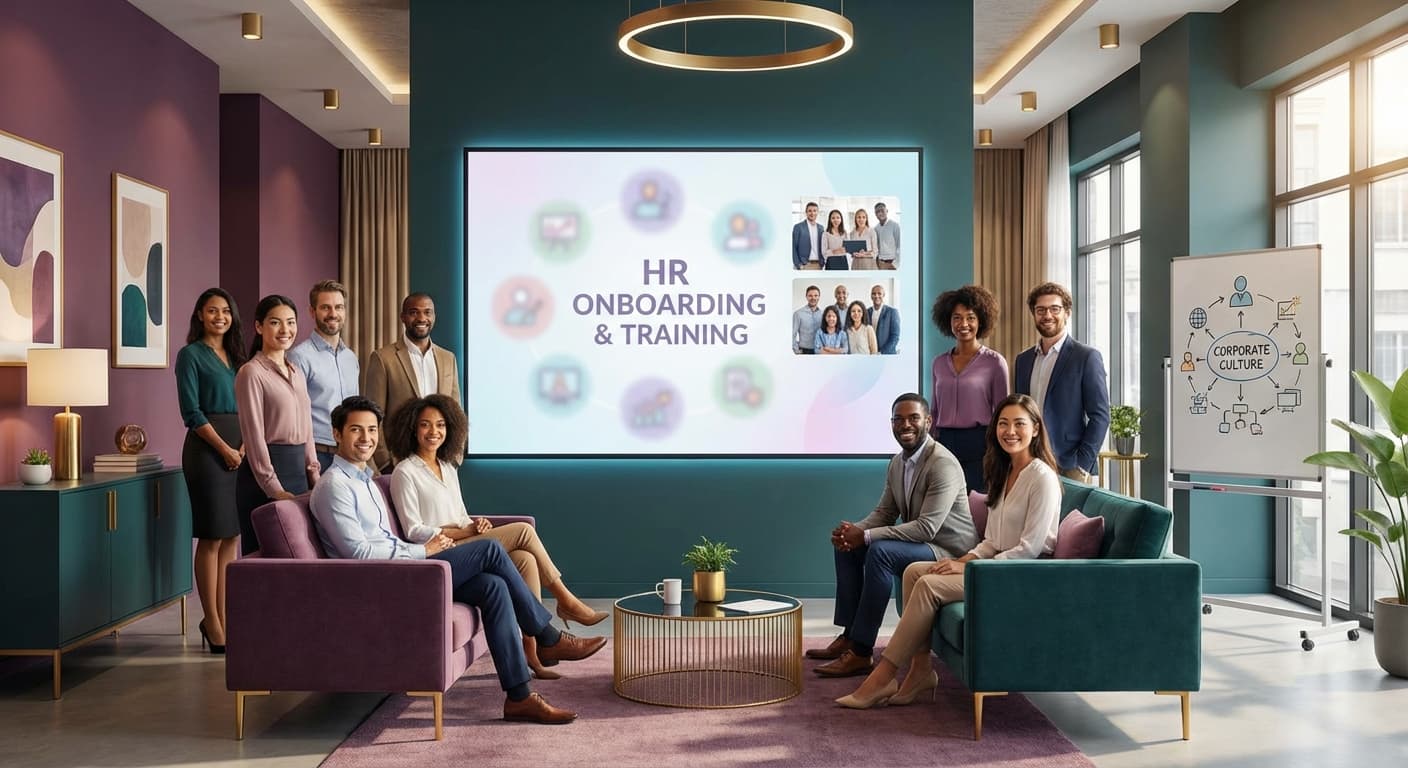
The most requested AI HR presentation type. A comprehensive onboarding deck typically includes company history, organizational structure, role expectations, benefits overview, IT setup instructions, and first-week schedules. AI tools generate these 30-50 slide decks in seconds, ensuring every new hire receives identical, high-quality orientation materials regardless of which office or department they join.
From compliance training (harassment prevention, data privacy, workplace safety) to skills development (leadership programs, software training, sales methodologies), AI creates structured training slides with consistent formatting, clear learning objectives, and built-in assessment checkpoints. HR teams using AI-generated presentations for business training report 41% faster content development cycles.
Culture decks communicate organizational identity to both current employees and external candidates. AI tools transform mission statements, core values, and cultural principles into visually engaging presentations that reinforce employer branding. These decks serve double duty in recruitment marketing and internal alignment.
Quarterly and annual review cycle presentations require careful structuring of evaluation criteria, rating scales, goal-setting frameworks, and development planning templates. AI ensures these sensitive materials maintain professional tone and organizational consistency across all management levels.
Talent acquisition teams use AI to generate compelling "Why Join Us" presentations for campus recruiting events, career fairs, and candidate interviews. These decks pull from employer value proposition data to create persuasive narratives that attract top talent.
Open enrollment presentations are notoriously complex, covering health insurance options, retirement plans, wellness programs, and voluntary benefits. AI organizes these dense information sets into clear, navigable slide structures that reduce employee confusion and HR support ticket volume by up to 35%.
2Slides is an AI presentation agent specifically designed for speed, consistency, and professional output — three qualities HR departments prioritize above all else. Here is how the platform fits into HR workflows:
Describe your HR presentation need — Enter a prompt like "Create a 30-slide employee onboarding deck for a fintech company with 200 employees, covering company history, values, benefits, IT setup, and first-week schedule."
AI generates the complete deck — 2Slides produces a fully designed PowerPoint presentation in under 30 seconds, pulling from 1,500+ professional templates optimized for corporate communications.
Customize and refine — Edit content, swap templates using the "create-like-this" feature, add AI-generated images, or include voice narration for asynchronous training delivery.
Export and distribute — Download as PowerPoint (.pptx) for internal distribution, or export as video with narration for self-paced learning modules.
Scale across languages — Regenerate the same deck in any of 22+ supported languages for global teams, maintaining consistent messaging across regions.
Early adopters of AI presentation tools in HR report consistent improvements across four key metrics:
| HR Capability | 2Slides | Beautiful.ai | Manual (PowerPoint) |
|---|---|---|---|
| Deck generation speed | Under 30 seconds | 5-15 minutes (guided) | 4-8 hours |
| HR-specific templates | 1,500+ total library | ~100 templates | Depends on internal library |
| Multi-language support | 22+ languages | English-primary | Manual translation required |
| Voice narration | Built-in AI narration | Not available | Requires separate tool |
| Video export | Native export | Not available | Requires screen recording |
| API/automation support | REST API + MCP | Limited API | None |
| PowerPoint output (.pptx) | Yes — native output | Export only | Native format |
| AI image generation | Built-in | Not available | Requires external tools |
| Starting price | $5 (2,000 credits) | $12/month per user | $0 (but high labor cost) |
| Best for HR use case | Automated, scalable deck generation | Design-guided creation | Full manual control |
For a deeper analysis of platform differences, see our guide on the best Beautiful.ai alternatives in 2026.
Follow this practical walkthrough to build a comprehensive onboarding presentation using 2Slides:
Before generating, outline the key sections your onboarding deck should cover:
Enter a detailed prompt in 2Slides. The more specific your input, the more tailored your output. Example:
"Create a 35-slide employee onboarding presentation for a mid-size SaaS company. Include sections on company history (founded 2018, 350 employees, Series C), core values (innovation, transparency, inclusion, customer obsession), benefits package (health/dental/vision, 401k match, unlimited PTO, remote-first policy), IT setup checklist for Mac and Windows, and a 30-60-90 day success roadmap. Use a professional, welcoming tone."
2Slides produces your complete deck in under 30 seconds. Review the generated slides for:
Add AI-generated images to culture and values slides for visual impact. Enable voice narration if the deck will be used for remote onboarding, allowing new hires to consume the material asynchronously at their own pace.
If your organization operates internationally, regenerate the deck in additional languages. 2Slides supports 22+ languages, eliminating the need for manual translation workflows that typically add 2-4 weeks to content distribution timelines.
Export as PowerPoint for live presentations or as video for LMS integration. Use the REST API to automate deck generation when new employees are added to your HRIS, ensuring every hire receives their personalized onboarding materials on day one.
AI presentation tools handle 85-90% of routine HR deck creation, eliminating the need for design resources on standard materials like onboarding, training, and benefits guides. However, high-stakes executive presentations and employer branding campaigns may still benefit from human design refinement on top of AI-generated foundations.
Reputable AI presentation platforms process content without storing sensitive employee data. 2Slides generates decks based on your prompt input and does not retain proprietary information after export. HR teams should still avoid including personally identifiable employee information in AI prompts.
2Slides outputs native PowerPoint (.pptx) files, which integrate directly with Microsoft 365 environments used by most HR departments. Additionally, video export with voice narration is available for LMS platforms that accept MP4 format, supporting asynchronous training delivery.
AI regenerates updated presentations in under 30 seconds. When compliance requirements change or company policies are revised, HR teams can produce corrected materials immediately rather than waiting days for manual revision cycles that typically take one to three business days.
Absolutely. 2Slides starts at $5 for 2,000 credits, making it accessible for teams of any size. A small HR department generating 10-15 decks per month would spend under $20 monthly, compared to $1,500-$4,000 in equivalent designer or agency costs for the same output volume.
HR departments that adopt AI presentation tools gain a measurable competitive advantage in employee experience, operational efficiency, and content consistency. The data is clear: 97% time savings on deck creation, 23-point increases in onboarding satisfaction, and 18% higher training completion rates are not aspirational targets — they are documented results from early adopters.
2Slides offers HR teams the fastest path from idea to professional presentation. With generation speeds under 30 seconds, 1,500+ templates, 22+ language support, voice narration, and video export, every HR use case is covered — from day-one onboarding to annual benefits enrollment.
Start creating professional HR presentations today. Visit 2slides.com to generate your first onboarding, training, or culture deck in under 30 seconds. Pricing starts at just $5.
Create stunning AI-powered presentations in seconds. Transform your ideas into professional slides with 2slides AI Agent.
Try For FreeYour AI Agent for slides. Save time, shine faster with intelligent presentation creation.




© 2026 2slides. All rights reserved.