Pop-Up Book Poster
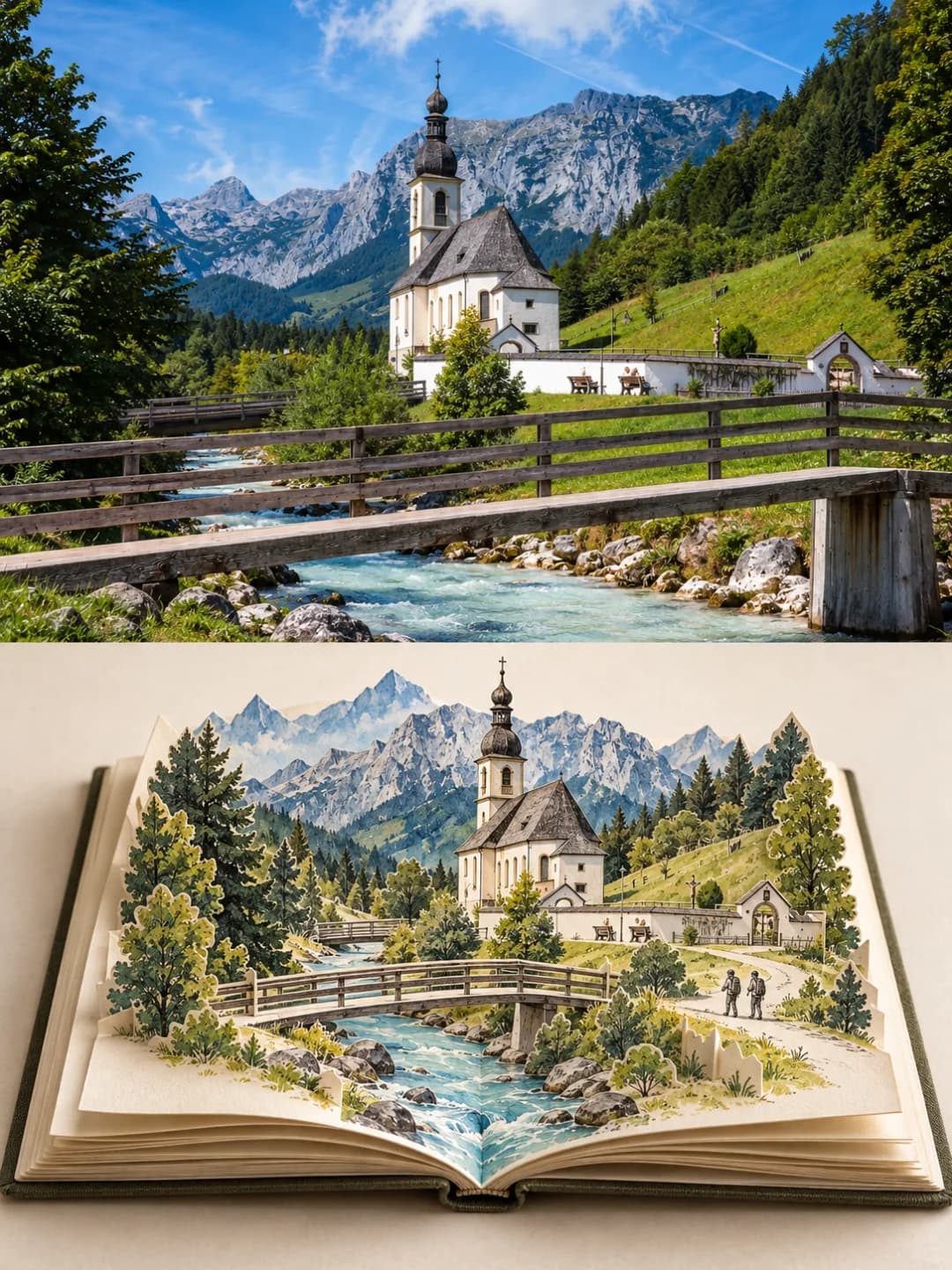
Your travel photo on top, and the same place standing up out of a paper pop-up book below
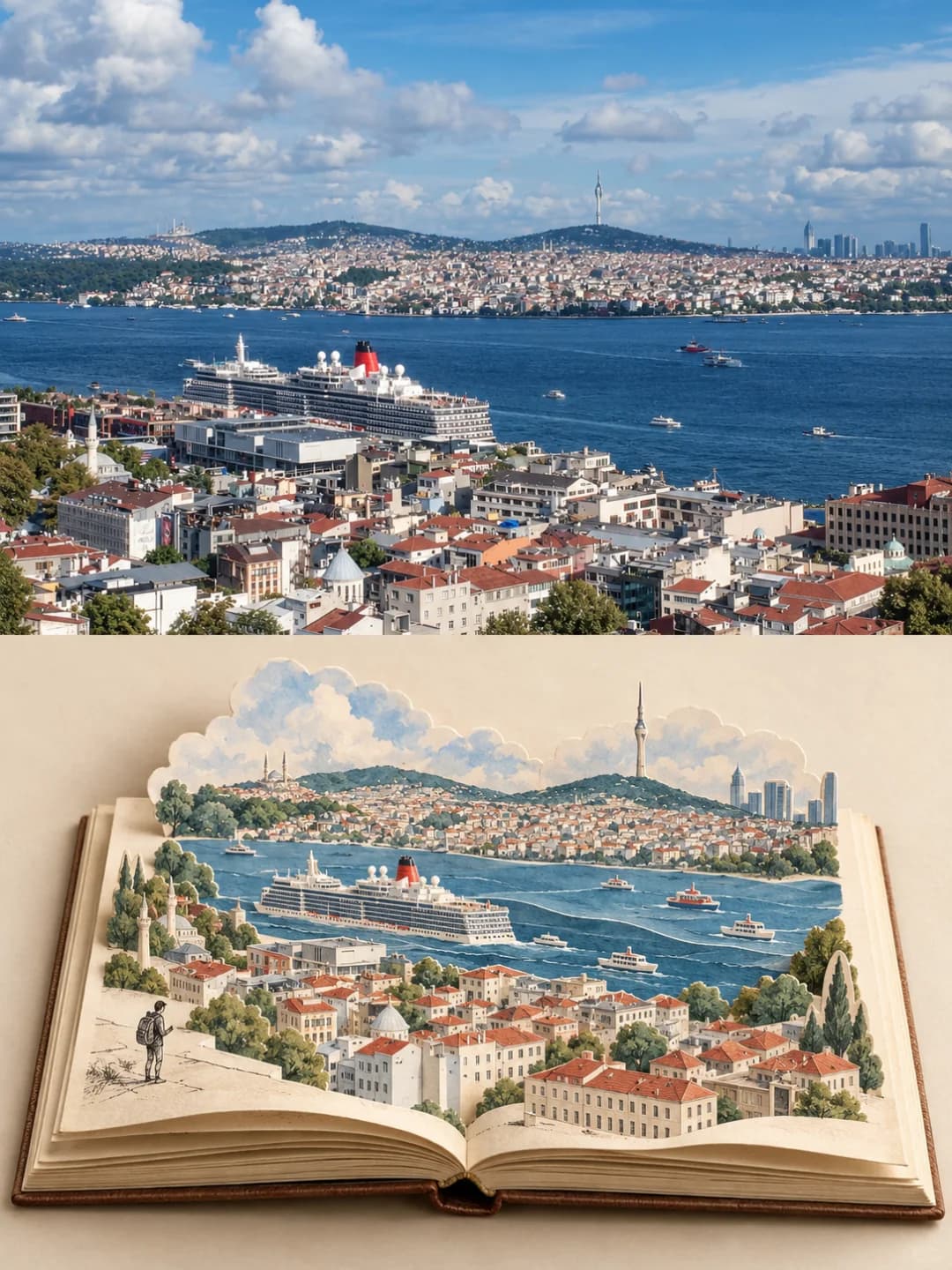
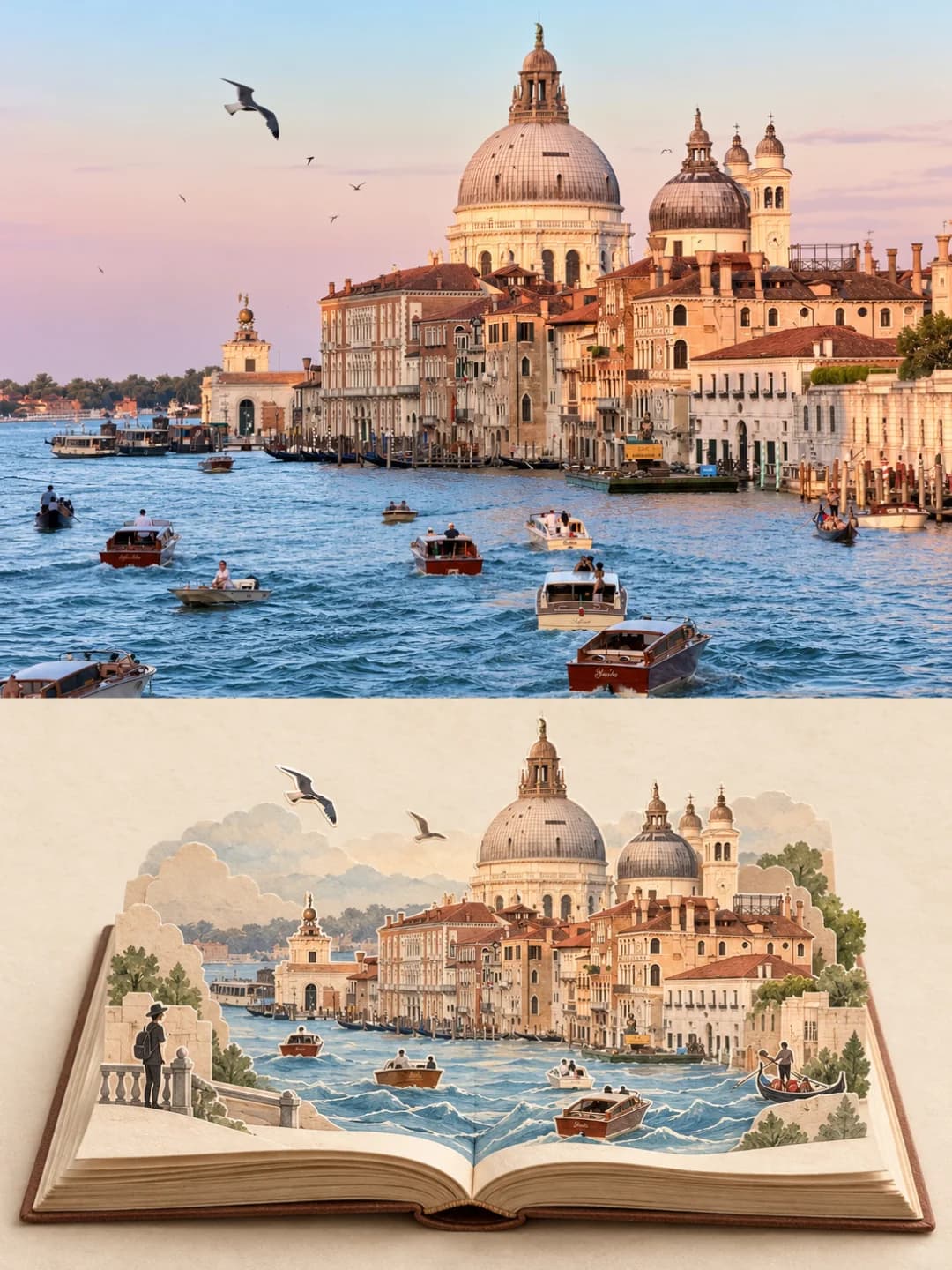
Upload a travel photo and get back a 3:4 poster. The top half is your photo; the bottom half is an open travel journal where its landmarks rise off the pages as a folded, cut-paper pop-up scene.
100 credits per image · about a minute · New accounts get 500 credits — 5 free images.
Try it with your own photo
New accounts get 500 credits — 5 free images.
Examples
Every image below was made with the prompt on this page.
What is a Pop-Up Book Poster?
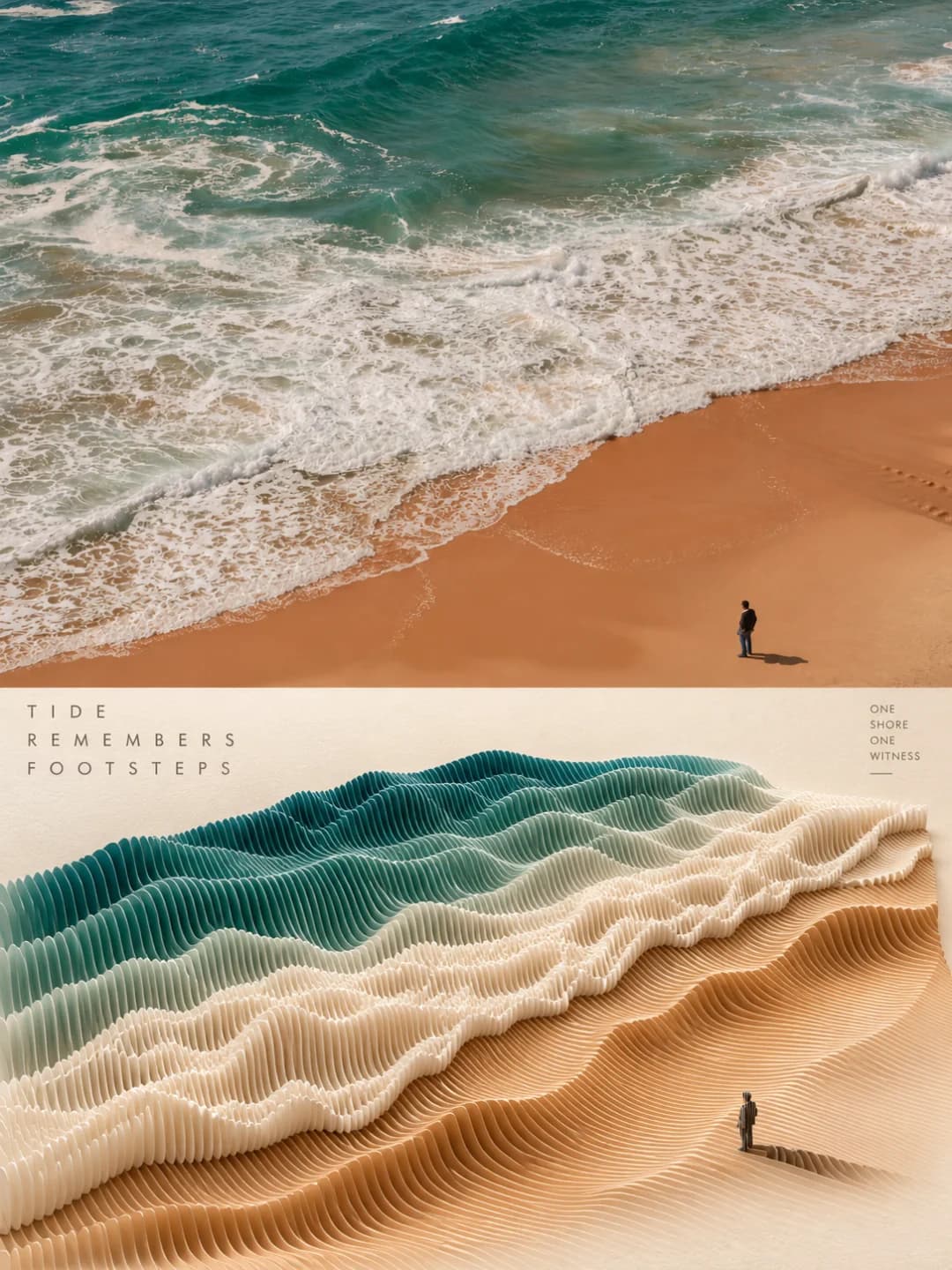
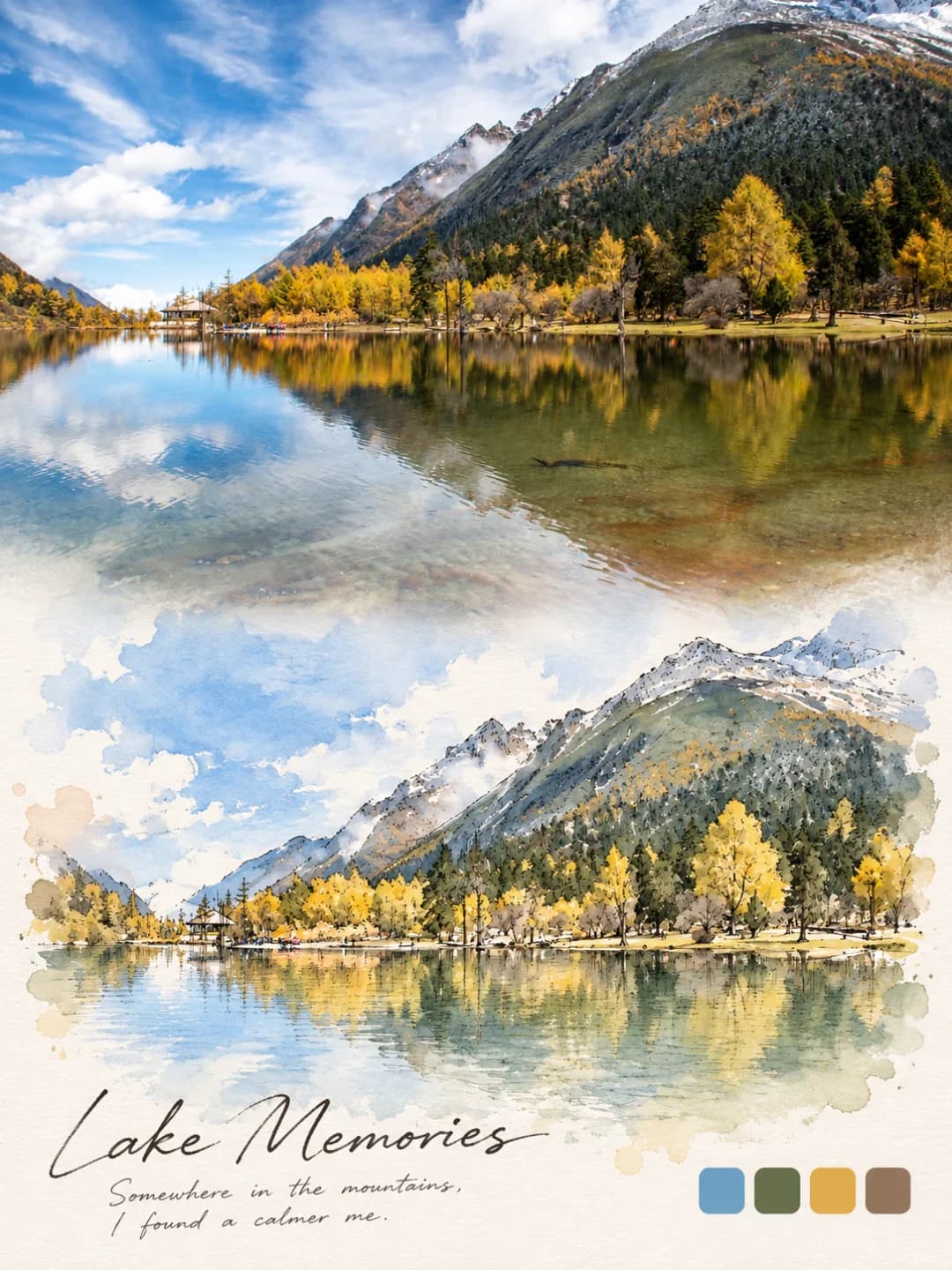
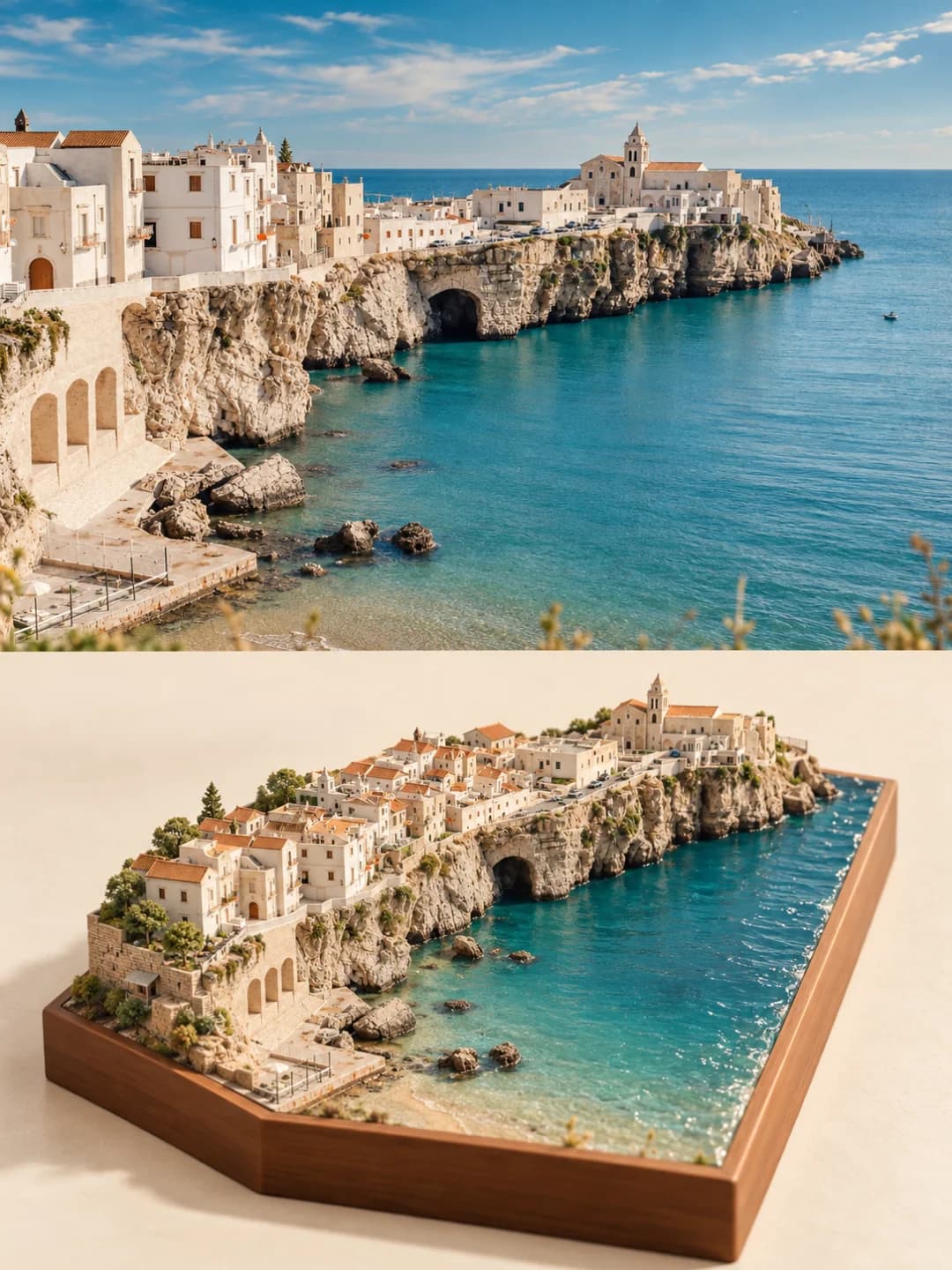
A pop-up book poster splits a 3:4 vertical frame into two equal halves along a clean horizontal line. The top half is your photograph, cropped to fit and lightly graded but otherwise unchanged. The bottom half is an open travel journal on warm, fibrous off-white paper, filling about three quarters of the width. Out of its pages rises a miniature paper-craft version of the photo's key subjects — a tower, a dome, a church, a bridge, a river — built from folds, cuts and layered paper with fine line work and soft colour taken from the photo. One to three tiny line-drawn figures add a story. The poster carries no text at all.
Which photos work well?
Travel photos with a clear landmark and some depth: a church or tower in front of mountains, a waterfront with domes and boats, a city seen from above across water, a bridge over a river, a village on a hillside. Wide landscape photos suit the top slot best, and scenes with two or three distinct layers — foreground, landmark, background — give the pop-up the most to stand up.
Which photos struggle?
Portraits, selfies and close-ups of food, products or pets — there is no place to build, and people in the photo do not become the pop-up. Flat, featureless views such as open sea or sky leave the model inventing the scene. Portrait-shaped photos get cropped hard. If you want a caption on the poster, this one cannot do it; the watercolor journal poster can. For a layered cut-paper sculpture instead of a book, try the paper sculpture poster.
How to turn a photo into a Pop-Up Book Poster
- 1
Pick an effect
Browse the samples on each tool page to see exactly what you will get before you spend anything.
- 2
Upload your photo
JPEG, PNG or WebP, up to 12 MB. Your photo stays private and is never used to train anything.
- 3
Add your own caption
Most effects let you set the text that appears in the final image, in any language.
- 4
Download the result
You get a high-resolution image, yours to use. 2K is 100 credits, 4K is 200.
The prompt behind this tool
This is the full prompt, translated into English. Copy it and use it with any image model that accepts a reference photo.
Using the single photo I uploaded as the only visual source, create a standalone 3:4 vertical travel art poster: "real photography × a second world inside a book".
Split the whole canvas strictly 1:1 top to bottom, each half taking 50% of the height, separated by a clear, steady horizontal edge; neither half may intrude on the other. No readable text, numbers, logos, watermarks, signatures or titles of any kind.
Top half | the real world:
Keep the full photographic quality of the original photo and run it edge to edge. Preserve the main subject's identity, the structure of the buildings or scenery, the people, roads, water, trees, sky, light and shadow, perspective, proportions, spatial relationships, materials, depth of field and the original colours. The only changes allowed are a proportional crop where needed, a natural extension of the existing surroundings, and a light, refined colour grade. Do not repaint the subject, and do not freely add, remove, replace or change anything in the photo.
Bottom half | the second world inside the book:
On a warm off-white, matte background with fine paper fibres, place a real open travel journal in the centre. It has a clear spine, stacked page edges, slightly curling corners, visible paper thickness and natural contact shadows, and takes up about 70–80% of the width of the bottom half, with breathing room all around.
Out of the pages rises a miniature three-dimensional paper-craft scene built from the photo's representative subject and setting: keep the identity and structure of its most recognisable buildings, mountains, roads, bridges, water, trees or other core elements, but do not lay a flat copy of the whole photo on the page. Use folds, cuts, the edges of paper pieces, paper supports, overlap front to back, layered depth and contact shadows to make a believable pop-up book structure. Render architectural detail in fine line work with restrained light washes of colour, the colours taken from the original photo and gently softened.
How the two halves connect should follow the photo: water can run into the pages and become a paper stream; a road, fields or steps can run on to the spine; tree crowns, clouds or hillsides can gradually turn into layers of paper. Keep the connection restrained, natural and physically believable, with no exaggerated bursting effects.
You may add one to three tiny black line-drawn figures as clues to a travel story, but they must not upstage the main subject.
The overall feel is "a traveller collecting the real world into a book": quiet, poetic and refined, with the quality of a high-end travel magazine and a handmade pop-up book. Avoid a watercolour filter over the original photo, flat collage, toy-like 3D, busy decoration, oversaturation, unrelated buildings, extra people, borders and clutter.
Frequently asked questions
Will it change my photo?
- The top half should be your photo, cropped to fit and lightly graded; the prompt forbids repainting it or adding and removing anything. Image models do occasionally redraw a photo anyway, so glance at the top half before you use the result.
What ends up in the pop-up book?
- The model picks the most recognisable parts of your photo — a bell tower, a dome, a church, a bridge, a river, a skyline — and rebuilds them as folded and cut paper standing up off the pages, in fine line work with light colour. It is meant to rebuild the scene, not paste a flat copy of the photo onto the page.
How are the two halves connected?
- It depends on the photo. Water can run into the book and become a paper stream, a road or steps can lead to the spine, trees and clouds can turn into layers of paper. The prompt asks for a quiet, believable link rather than anything bursting out of the page.
Can I add a title or a place name?
- No. This prompt bans all readable text, numbers and logos, so there is no title field. If you want a caption on the poster, effects such as the watercolor journal poster take one and write it exactly as you type it.
Who are the little figures?
- One to three tiny black line drawings — a traveller with a backpack, someone leaning on a railing — added as a story clue. They are drawn, not taken from your photo, and kept small on purpose. People in your photo stay in the top half; the prompt tells the model not to add extra people to the book.
Where do the colours come from?
- From your photo, softened. A red brick tower stays red brick and a blue sea stays blue, but as light washes over line work on cream paper, so the book half reads paler and calmer than the photograph above it.
What size do I get and how long does it take?
- A 3:4 vertical image: 2K (1792×2400) for 100 credits or 4K for 200 credits. It usually takes 60 to 90 seconds. The full prompt is on this page; you can't replace it with your own.
What happens to my photo?
- It is stored privately, used only to make your image, deleted on a schedule and never used for training.