Paper Sculpture Poster
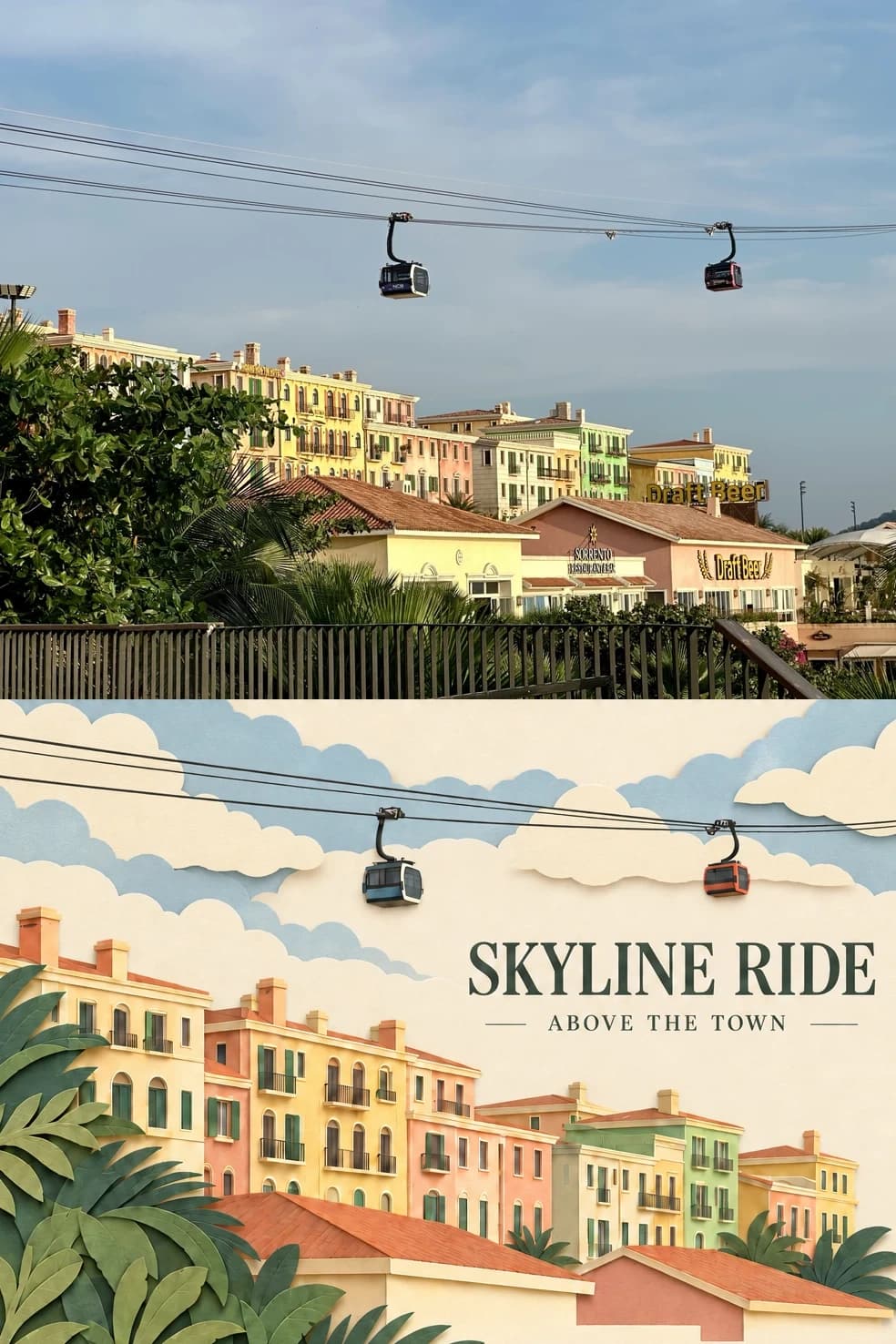
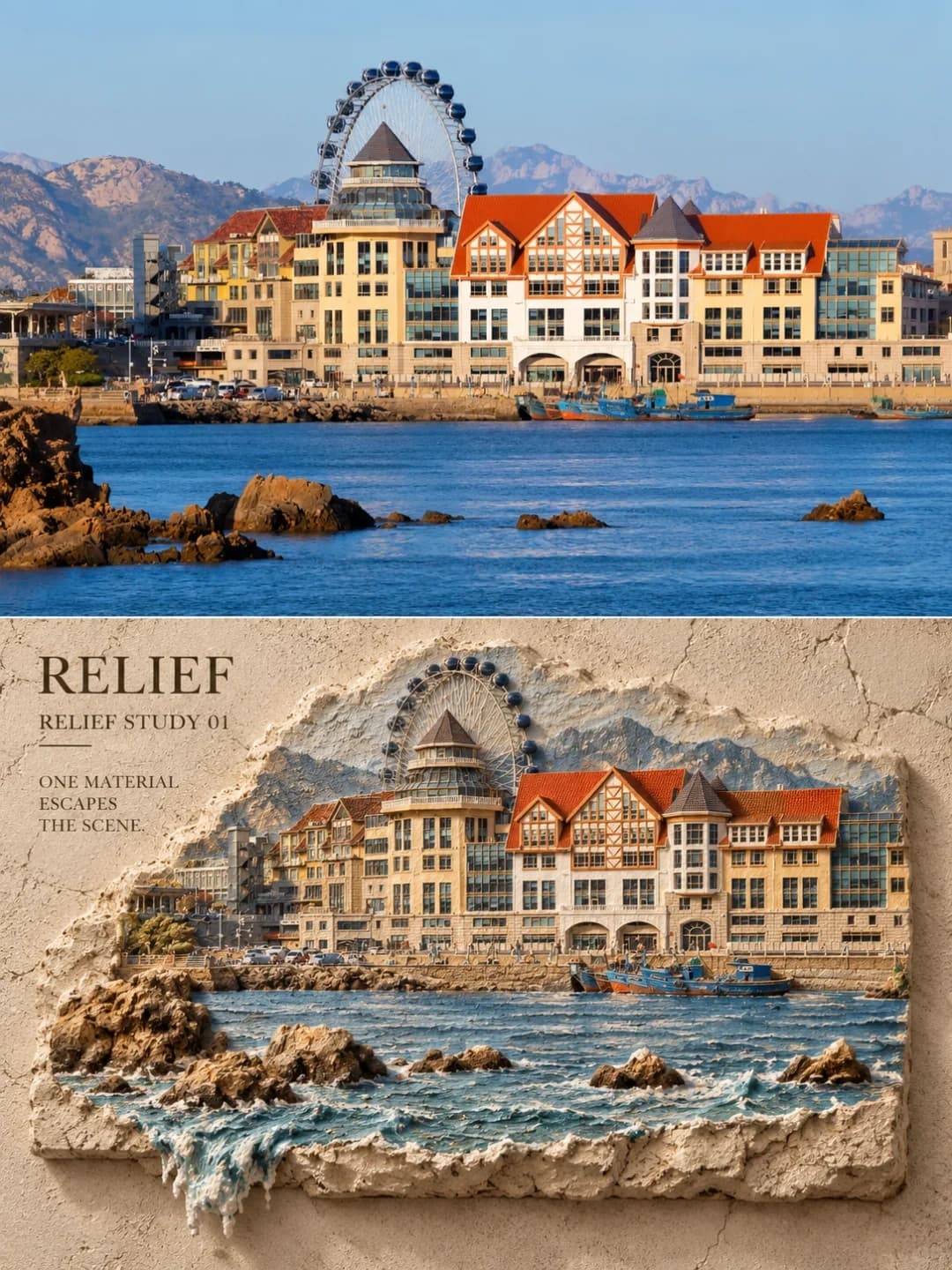
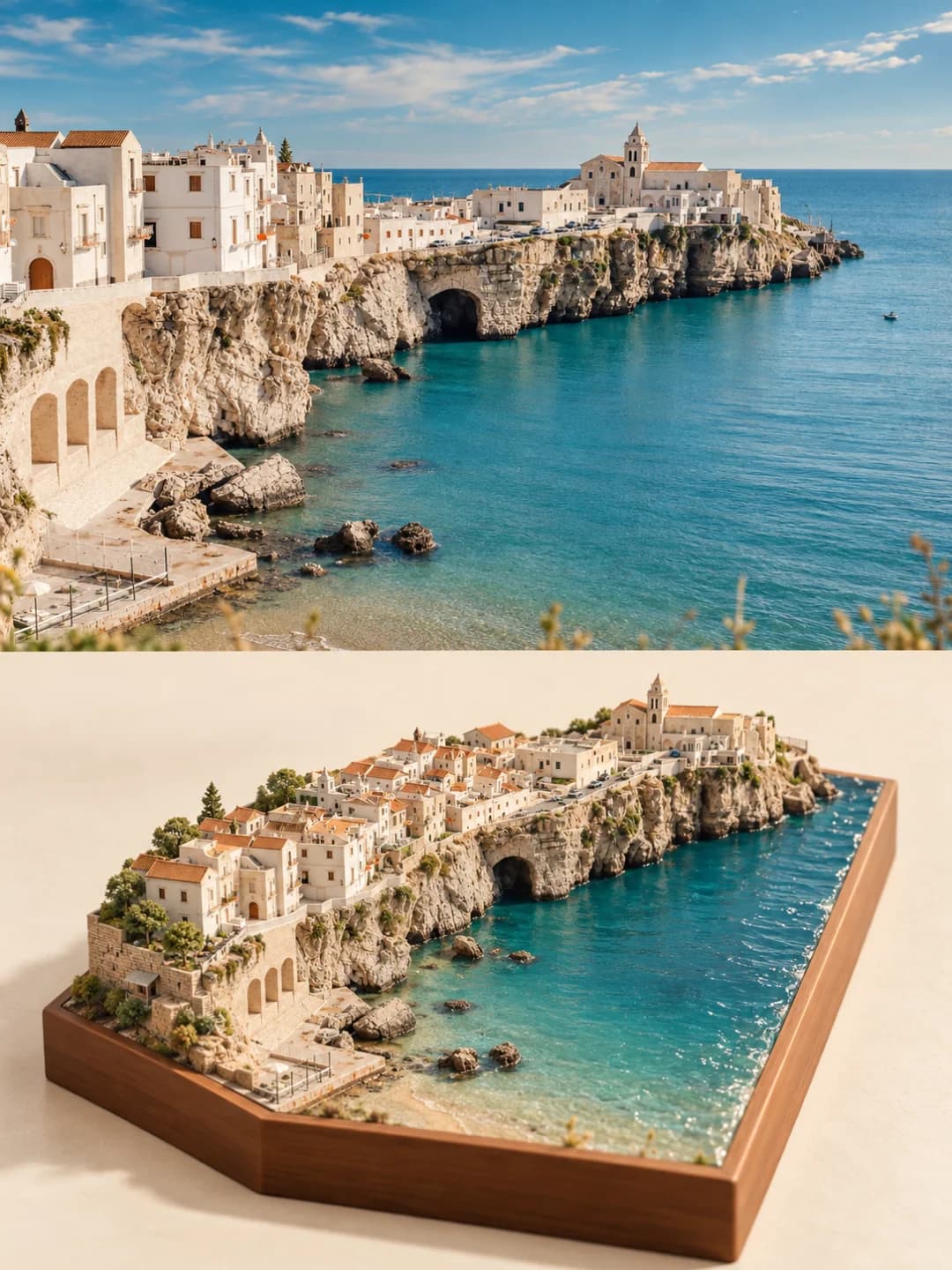
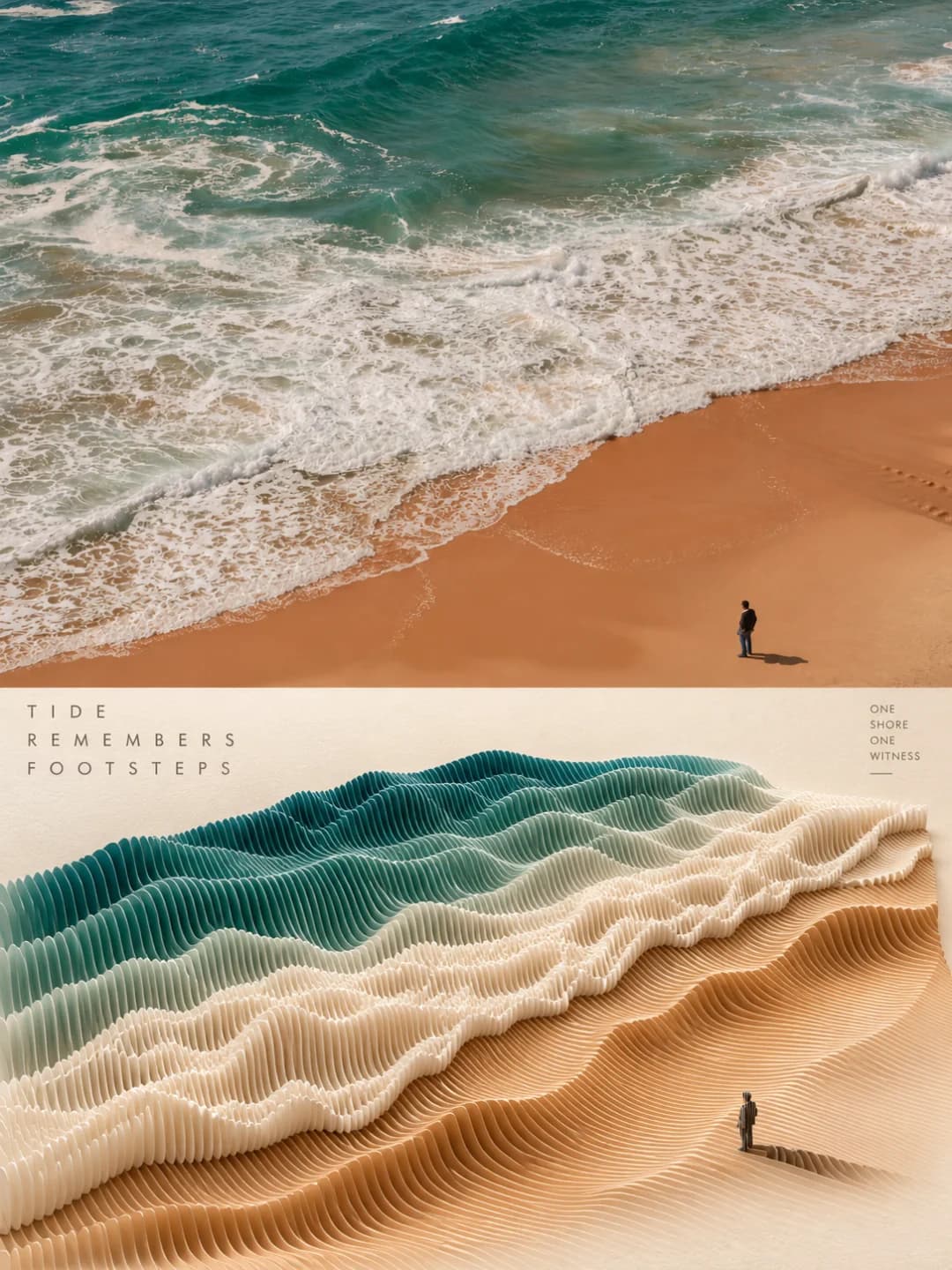
Your photo on top, and the same scene rebuilt from thousands of paper slices below
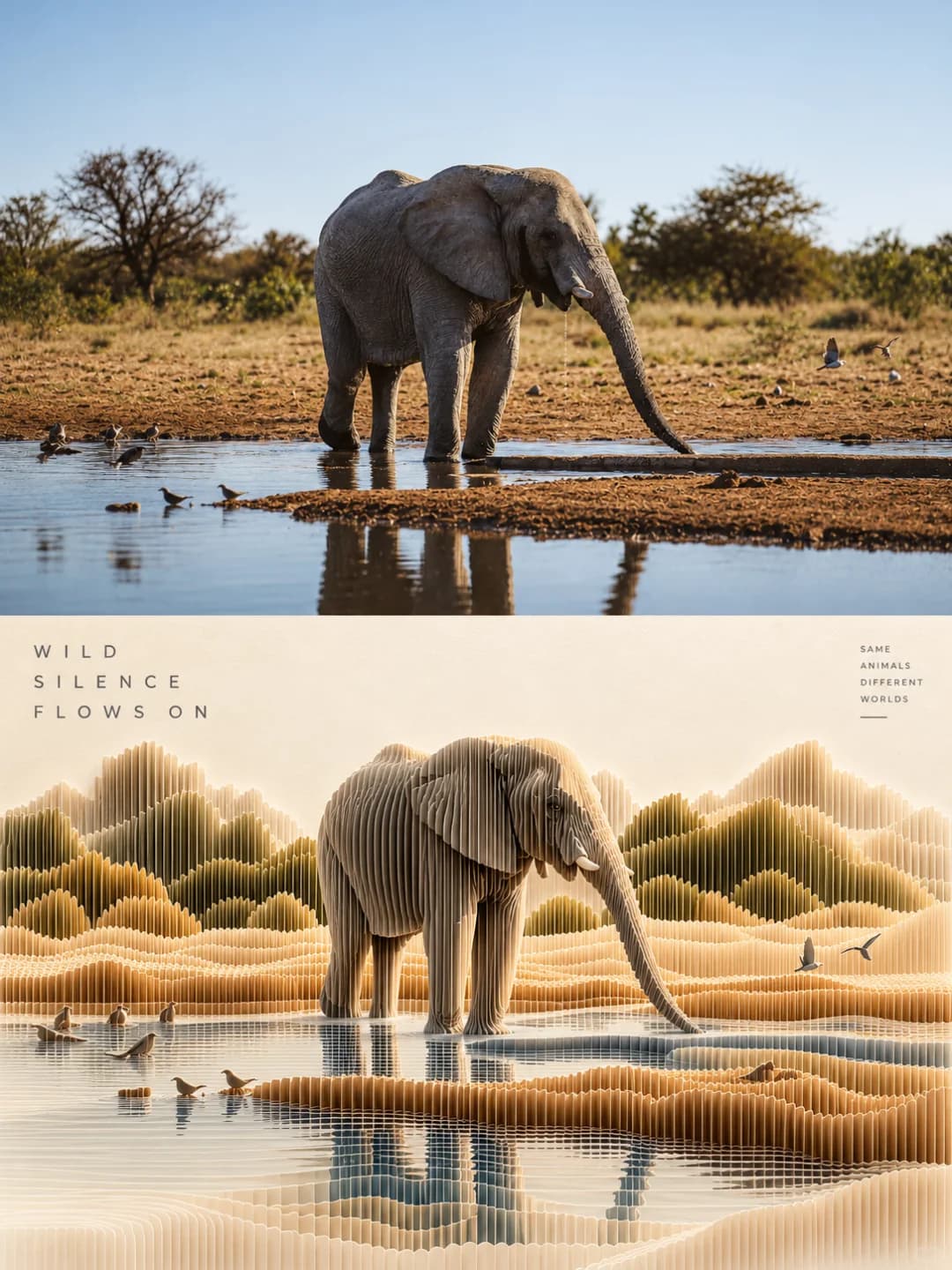
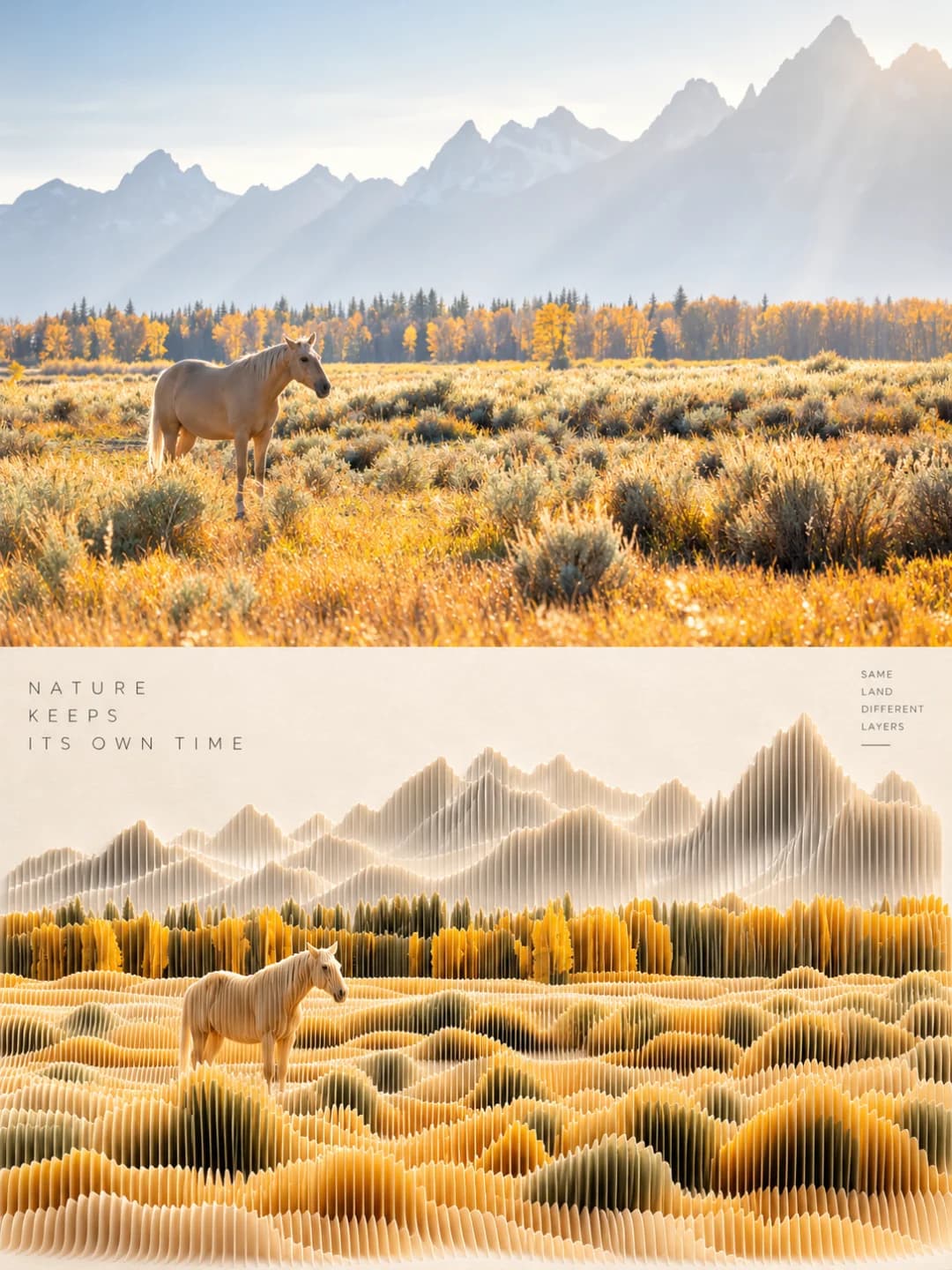
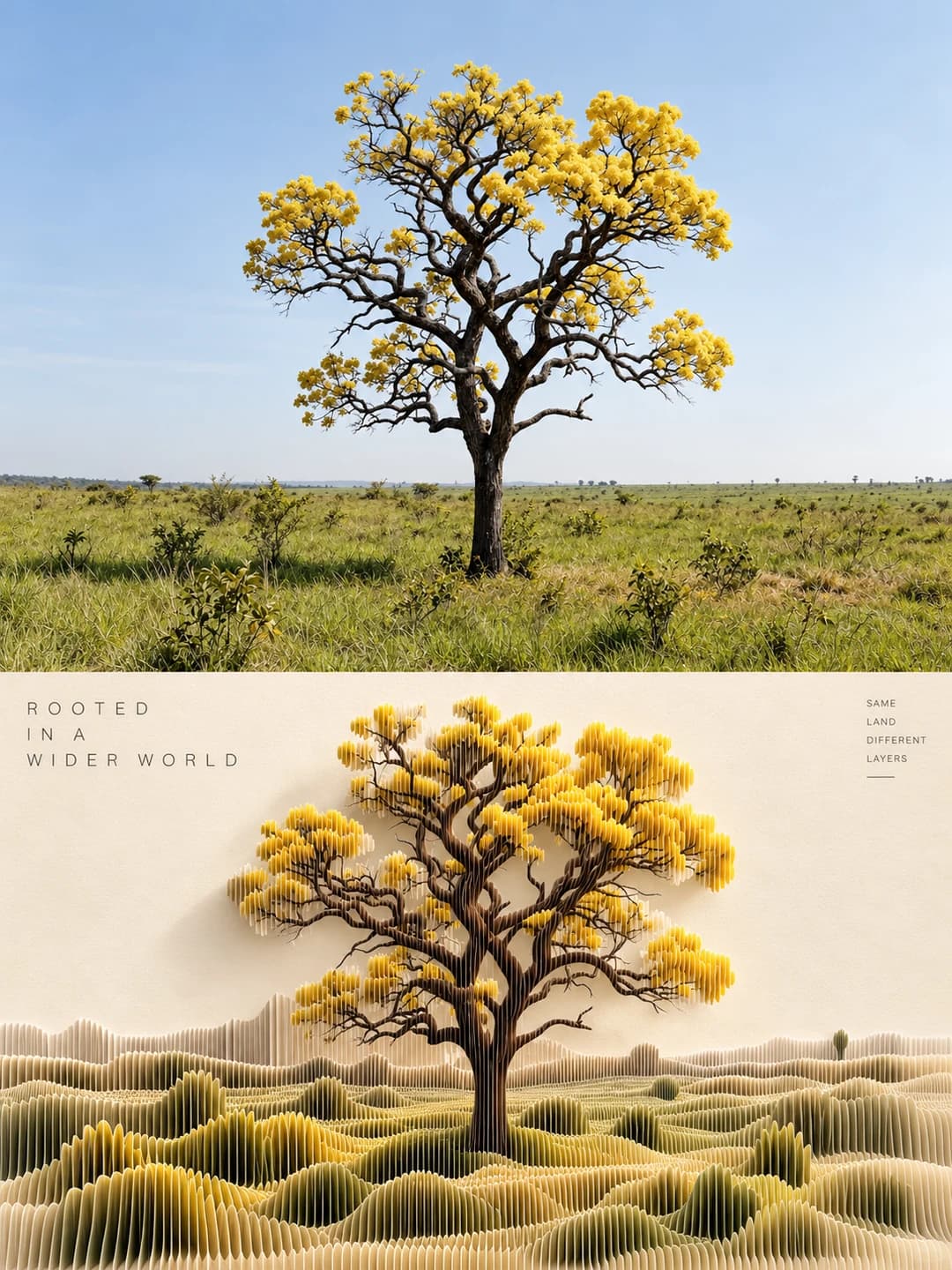
Upload a photo and get back a 3:4 poster. The top half is your photo; the bottom half rebuilds the same scene as a 3D terrain of thin vertical paper slices on cream art paper, with a few lines of minimal English text.
100 credits per image · about a minute · New accounts get 500 credits — 5 free images.
Try it with your own photo
New accounts get 500 credits — 5 free images.
Examples
Every image below was made with the prompt on this page.
What is a Paper Sculpture Poster?
A paper sculpture poster splits a 3:4 vertical frame into a real photo on top and a paper version of the same scene below. The bottom half is built from hundreds to thousands of ultra-thin paper slices standing on edge in parallel, like a laser-cut contour model: taller and denser where the main subject is, lower and sparser in the background, coloured with the photo's own colours. Subjects, positions and directions match the photo, and any person or animal stays as a small paper silhouette. A three-line headline and a smaller side note sit in the empty paper.
Which photos work well?
Landscapes and scenes with clear relief and one or two readable subjects: a coastline, mountains over a lake, a lone tree in a field, a horse in a meadow, an animal at a waterhole. Strong areas of colour — sea, sand, autumn leaves — translate well into coloured paper layers. The top half is a wide slot, so landscape-shaped photos fit it best.
Which photos struggle?
Close-up portraits and faces: once sliced into paper fins the likeness is gone. Small detailed objects, text, signs and logos do not survive either. Cluttered city streets turn into a dense, unreadable block. For flat cut-out paper layers rather than standing slices, try the paper cut travel poster; for a rough plaster wall relief, the plaster relief poster.
How to turn a photo into a Paper Sculpture Poster
- 1
Pick an effect
Browse the samples on each tool page to see exactly what you will get before you spend anything.
- 2
Upload your photo
JPEG, PNG or WebP, up to 12 MB. Your photo stays private and is never used to train anything.
- 3
Add your own caption
Most effects let you set the text that appears in the final image, in any language.
- 4
Download the result
You get a high-resolution image, yours to use. 2K is 100 credits, 4K is 200.
The prompt behind this tool
This is the full prompt, translated into English. Copy it and use it with any image model that accepts a reference photo.
Using the uploaded photo as the only reference, make a 3:4 vertical before-and-after poster of "real photography + parametric layered paper terrain sculpture" — one image, one design, no collage. The frame is strictly split top and bottom: the top ~49% is a real photograph, the bottom ~51% is the same scene translated into a 3D paper sculpture of vertical paper slices, isometric sections and honeycomb paper layers. Top and bottom keep the same subjects, count, direction, position, proportions, occlusion and spatial relationships. The whole thing blends documentary photography, parametric design, paper sculpture and editorial design: quiet, restrained, collectible.

[Top | real photograph] Stay faithful to the reference. Recognise people, animals, buildings, vehicles, plants, objects, mountains and water, sky and water surfaces, and keep their identity, shape, pose, orientation, proportion, position, viewpoint, perspective, background, light, shadows, reflections and signature colours. No mirroring, stretching, cropping off, adding, removing or rebuilding. Match the photo's own lens language — wide, standard, short telephoto or aerial — and keep its depth of field, ambient light, HDR, real materials, film grain and magazine-photo feel; sunsets, backlight, rain, fog and night scenes stay as they are. To fit 3:4 you may extend sky, ground, water or background naturally, without changing the logic of the scene.

[Bottom | parametric layered paper] The background is a heavy warm-ivory, cream or pale beige art paper with visible fibre, grain, embossing and a matte finish. Translate the same scene, in the same spatial arrangement, into a continuous 3D landscape built from hundreds to thousands of ultra-thin vertical paper slices packed densely in parallel, with the feel of laser-cut paper sculpture, honeycomb paper, contour-line terrain and architectural section models. Slice height, density and colour follow the photo: the main subject is taller, denser and most recognisable, the background lower, sparser and more abstract. Colours are taken from the photo's main, secondary and accent colours — paper white and pale sheets for highlights, dark sheets for shadows — with real paper thickness, fibrous cut edges and natural gaps. Any people or animals must stay in the bottom half as small paper-slice silhouettes in their original position, direction, proportion and pose, never dropped or enlarged. Light it with a soft top light plus a little side light for ambient occlusion, global illumination, soft contact shadows and light glowing through the edges, bringing out the layering and paper volume. Avoid any look of fabric, plastic, carved wood, ceramic, metal or glass.

[Text] In the empty space of the bottom half, write two groups of minimal English copy about the photo's subject, place, time and mood: a three-line upper-case sans-serif main line at top left, and a smaller four-line supporting line at top right or along the right side with a short dash. Write it fresh for this image, no stock phrases; wide letter-spacing, dark grey or charcoal, no other text.

Overall, tell the visual story of "the real world sliced into countless layers of paper and growing back". Avoid duplicated or missing subjects, wrong directions, top and bottom that fail to match, paper slices too thick or too few, a photo-like copy in the bottom half, cartoon, anime, chibi, garbled text, logos and watermarks.
Frequently asked questions
Will it change my photo?
- The top half is meant to be your photo as taken, extended a little at the edges if it needs to fill the slot. Image models occasionally redraw a photo anyway, so check the top before you use it.
What does the paper sculpture actually look like?
- Hundreds of very thin paper fins standing on edge, packed in parallel like a laser-cut contour model. The fins rise where the main subject is and drop away in the background, so a mountain, a tree or an elephant reads as a solid shape made of slices on a cream paper base.
Will people and animals stay in the picture?
- They are supposed to. The prompt asks for every person or animal to stay in the paper half as a small sliced silhouette in the same place and pose. Very small figures are the ones most likely to blur, so check them.
Can I write the text myself?
- Yes, and it is more reliable. The headline takes up to 32 characters and the side note up to 40; both are set exactly as typed, broken between words onto a few lines. Leave them blank and the model writes its own short English lines from the picture.
Can the text be in Chinese or another language?
- Yes — whatever you type is set as typed. The original look is short upper-case English in a thin, widely spaced sans-serif, so typing in capitals comes closest to the examples.
What size do I get and how long does it take?
- A 3:4 vertical image: 2K (1792×2400) for 100 credits or 4K for 200 credits. It usually takes 60 to 90 seconds.
Can I use my own prompt instead?
- No, but the full prompt is shown on this page.
What happens to my photo?
- It is stored privately, used only to make your image, deleted on a schedule and never used for training.