Concept Map Art Poster
Your photo on top, and what it means drawn out below as a sketched diagram
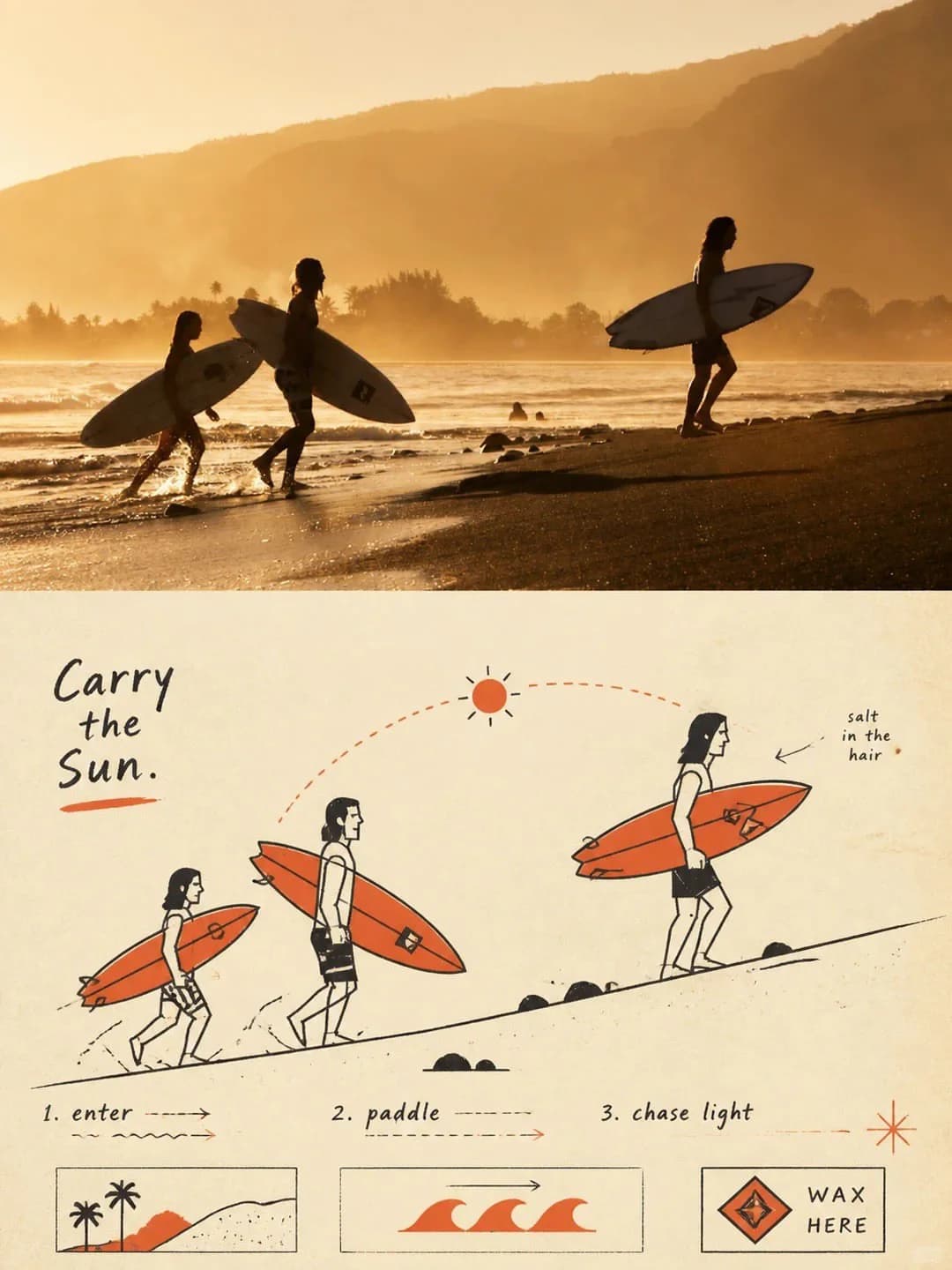
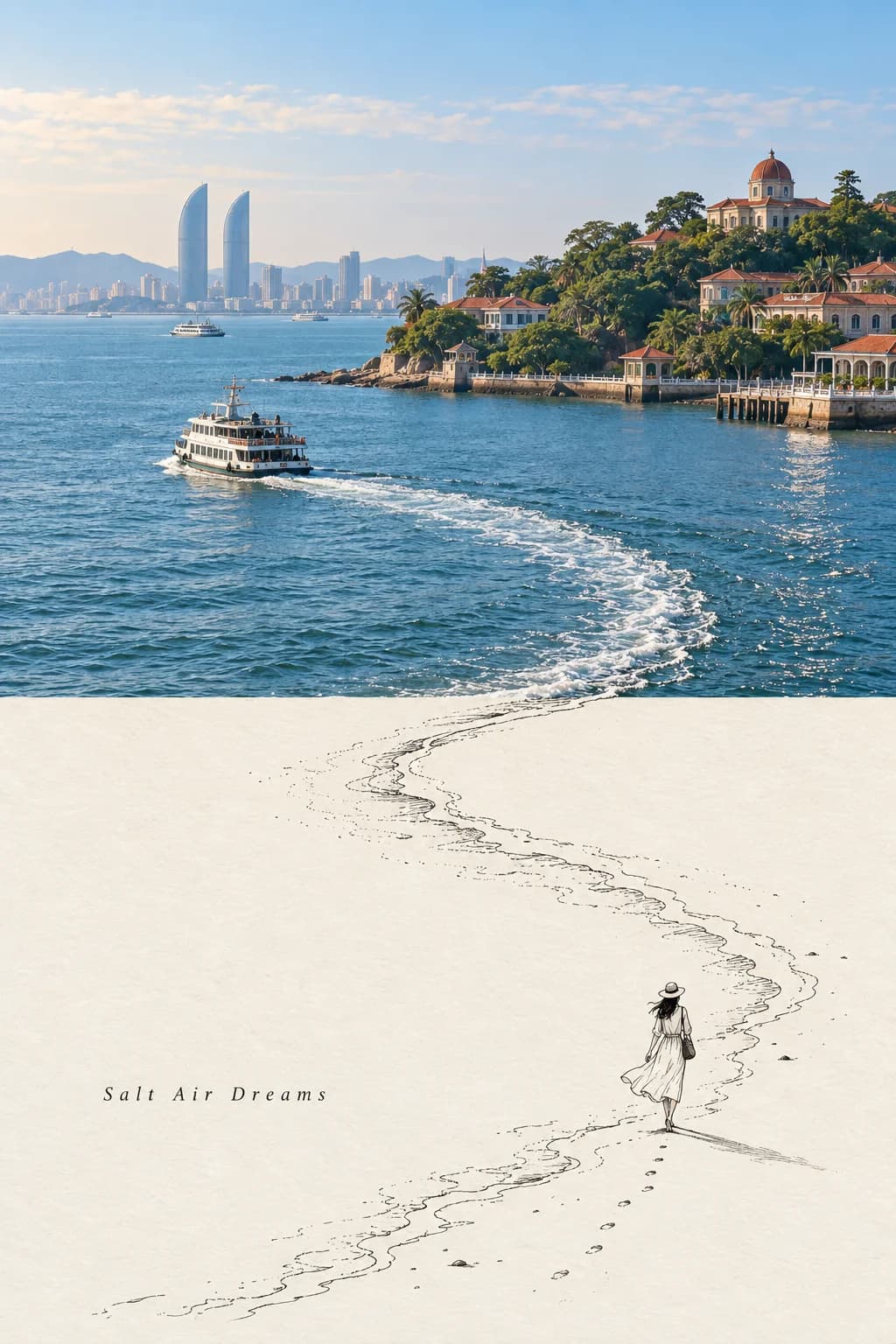
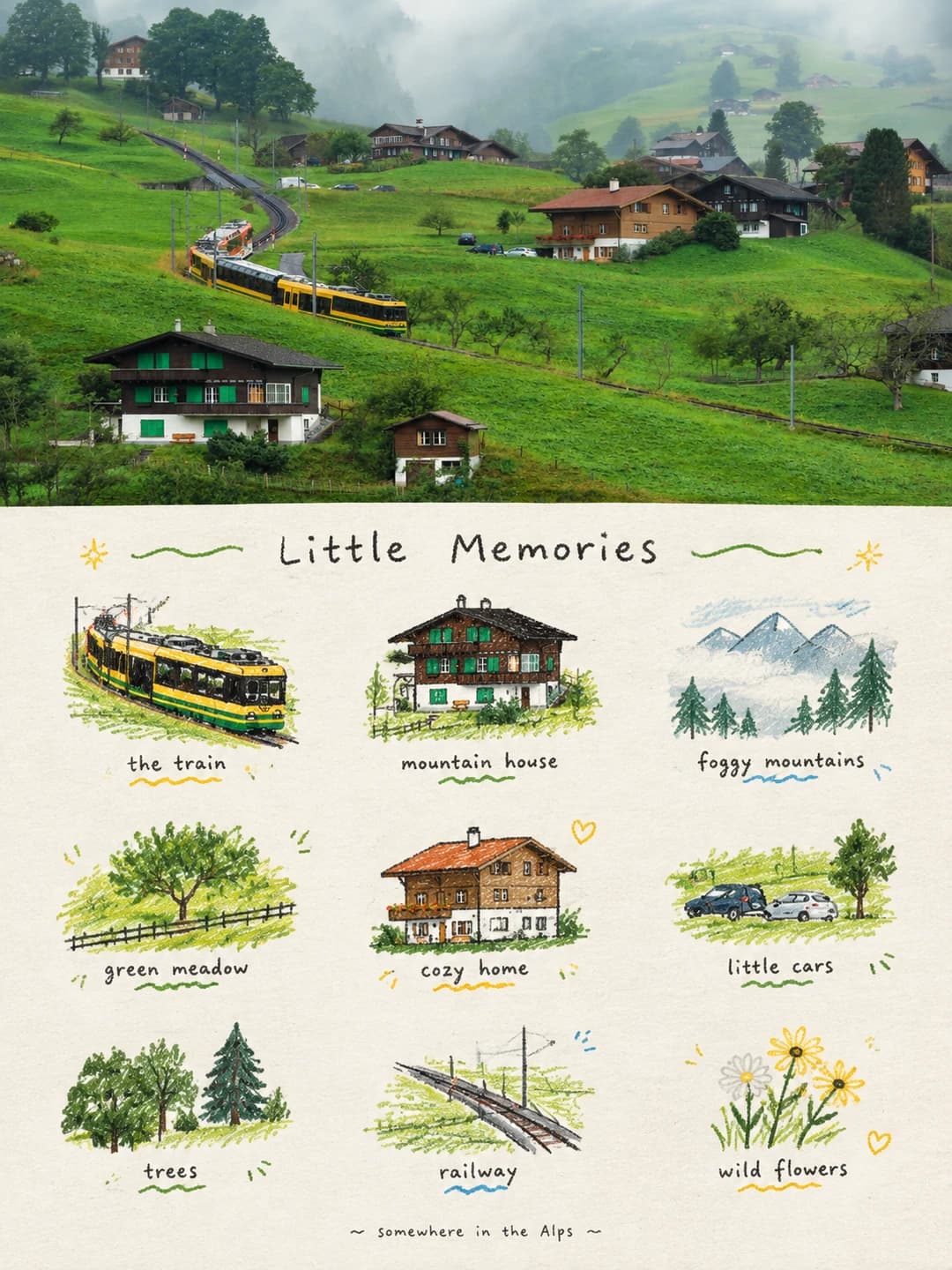
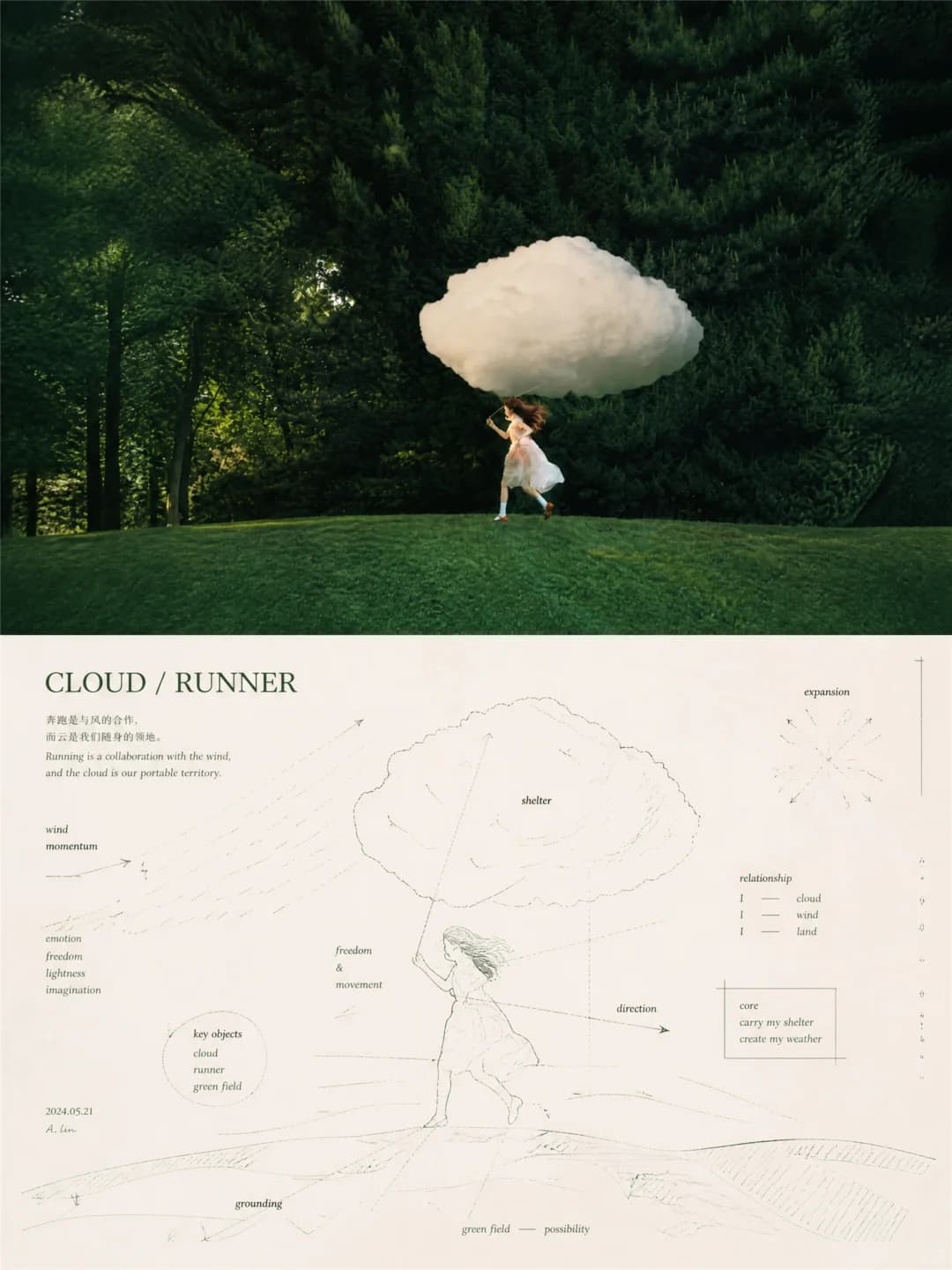
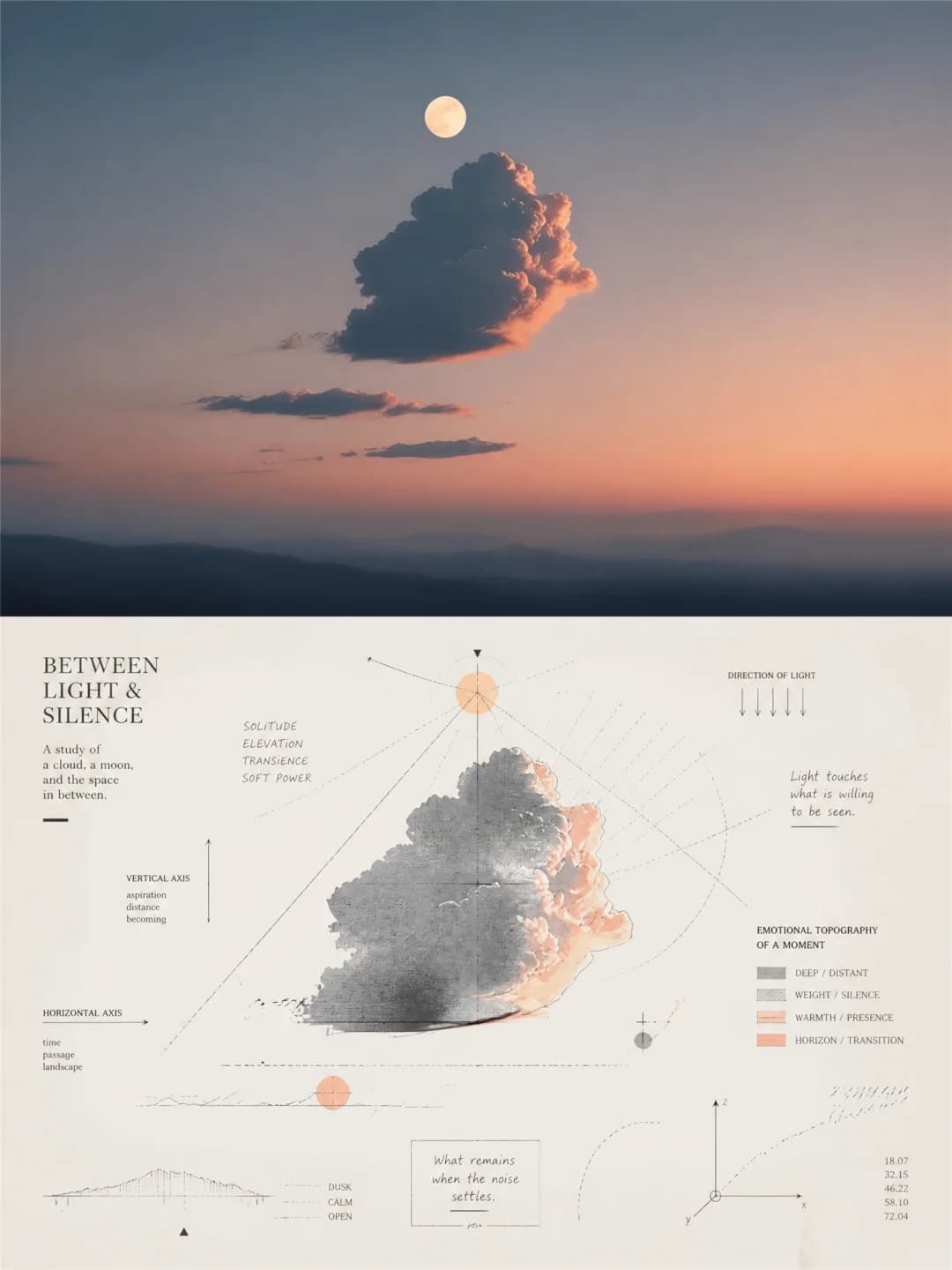
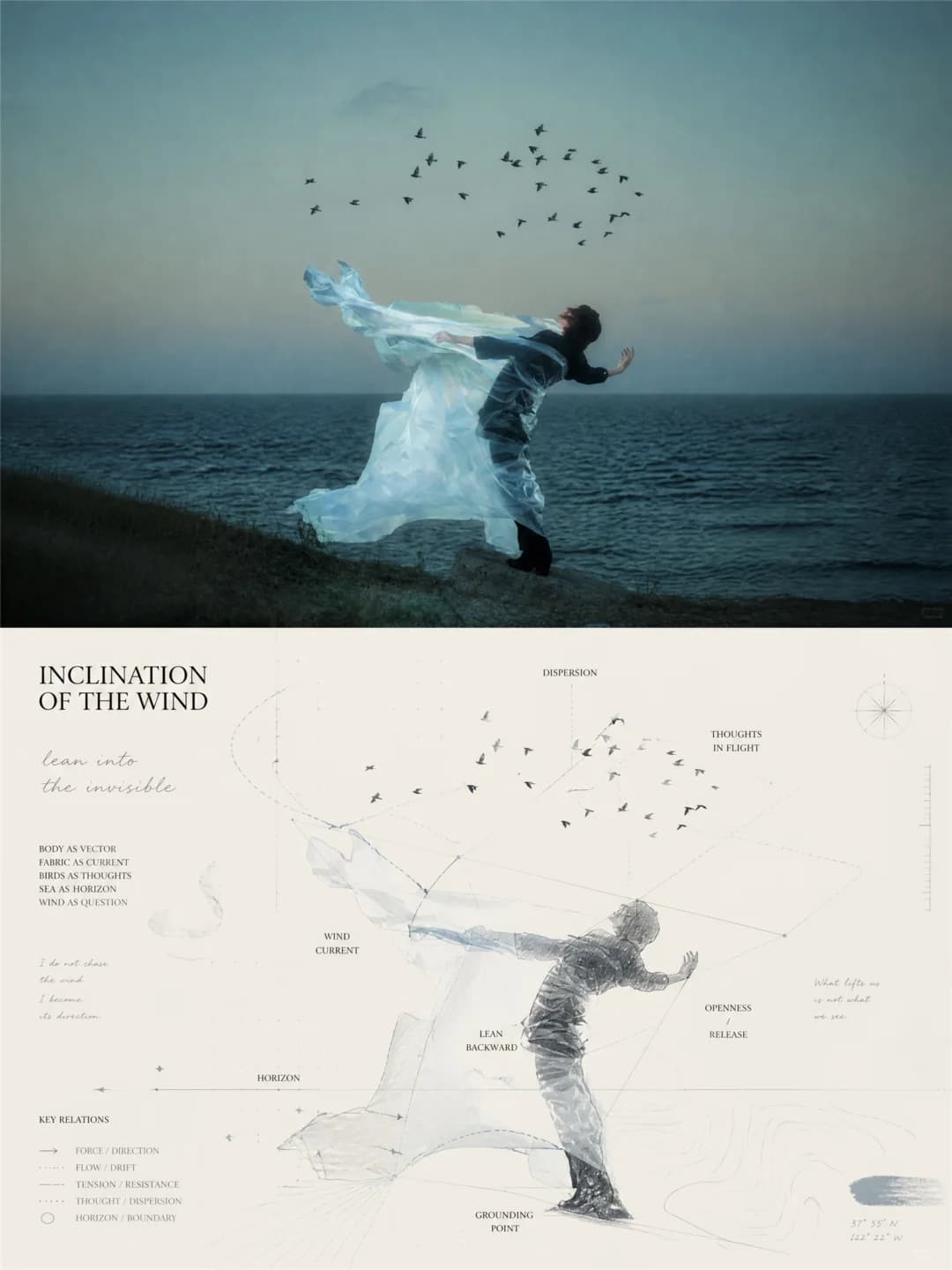
Upload a photo and get back a 3:4 poster. The top half is your photo; the bottom half breaks the same subject into labels, nodes, arrows, axes and hand-drawn marks, like a page of thinking notes that has turned into a drawing.
100 credits per image · about a minute · New accounts get 500 credits — 5 free images.
Try it with your own photo
New accounts get 500 credits — 5 free images.
Examples
Every image below was made with the prompt on this page.
What is a Concept Map Art Poster?
A concept map art poster is a 3:4 vertical image split exactly in half. The top half is your photo, lightly graded, with the background extended only where needed to fit — the subject itself is not redrawn. The bottom half does not copy the scene. It takes the subject's outline, pose and direction as a faint geometric skeleton and lays a diagram over it: short words naming what the picture is about, nodes and connecting lines, arrows, crossing axes, boxed selections, contour-like curves, ticks and patches of handwriting, all on a pale sheet with plenty of empty space. The aim is somewhere between a drawing, a chart and a notebook, not a clean flowchart.
Which photos work well?
Photos with one clear subject and an obvious direction or mood: a figure running or leaning into the wind, a single cloud or moon in a dusk sky, a bird in flight, a lone tree, a person against the sea. Landscape-shaped photos fit the top half best. Quiet, uncluttered pictures leave the diagram room for its words and white space.
Which photos struggle?
Crowded scenes with many equal subjects, where there is no single concept centre to map. Anything where every label has to be correct: the words are written by the model, can be off-topic, and small ones are occasionally misspelt. Not a portrait likeness — figures in the lower half are sketched loosely. If you want a cleaner illustration with a few labels, try the mid-century illustration poster; for an ink drawing that grows out of the photo, the line art travel poster.
How to turn a photo into a Concept Map Art Poster
- 1
Pick an effect
Browse the samples on each tool page to see exactly what you will get before you spend anything.
- 2
Upload your photo
JPEG, PNG or WebP, up to 12 MB. Your photo stays private and is never used to train anything.
- 3
Add your own caption
Most effects let you set the text that appears in the final image, in any language.
- 4
Download the result
You get a high-resolution image, yours to use. 2K is 100 credits, 4K is 200.
The prompt behind this tool
This is the full prompt, translated into English. Copy it and use it with any image model that accepts a reference photo.
Turn my uploaded photo into one standalone high-end design poster — no collage of several images, a single output. Use a 3:4 vertical layout split into two zones of exactly equal height, each taking 50% of the frame.
The top half keeps the original photo: the subject's identity, structure and pose, its real texture, natural light and original colour mood. Only a light, refined grade, so it reads like an image from an art magazine, an independent publication or an exhibition. To fit the frame the surrounding background may be extended naturally, but the subject must not be stretched, distorted or changed.
The bottom half takes the most recognisable subject, outlines, pose and narrative relationships from the photo, but does not depict the objects directly. Instead it translates that information into a diagrammatic abstraction, a kind of conceptual mapping. Treat the photo's core object as a "concept centre" and break its movement, direction, space, emotion, relationships and metaphors down into words, nodes, trajectories, zones, arrows and connections — as if drawing out the thought process and structure of meaning behind the photo.
Build the composition from three systems together: a semantic system of words, a geometric system of relationships, and a system of hand-made marks. The subject's most important outline, direction or pose can faintly become the underlying geometric skeleton, given rational order by triangles, polylines, crossing axes, radiating lines, relationship lines, angle networks and local boxed selections. Around the edges add a few contour-like curves, field lines, waveforms or paths, so the picture spreads, flows, gathers and extends through space. Do not make it a standard flowchart or scientific chart; keep it as art that sits between painting, diagram and thinking notes.
The picture can carry many repeated directional short strokes, rhythmic marks, dots, ticks, symbols and patches of handwriting, forming a mark-making field whose direction and density follow the subject's force, speed, emotion or spatial density. Keep the geometric lines clear, sharp and restrained, and let the hand-made marks drift, break and vary slightly, so rational structure and bodily strokes pull against each other. Leave large areas of white space so the relationships, directions and information have room to breathe.
Frequently asked questions
Will it change my photo?
- The top half should be your photo — same subject, light and colour, with a light grade and the background extended at the edges if the shape needs it. Image models occasionally redraw a photo anyway, so check the top half before you use it.
Is the bottom half a drawing of my photo?
- Partly. The prompt asks for the subject's outline and pose as a faint skeleton, not a full copy, so you usually get a loose sketch of the main subject surrounded by lines, arrows and words rather than a faithful redrawing of the whole scene.
Where do the words come from?
- The model writes them from what it sees and what the picture seems to be about — motion, mood, relationships. They are usually short English words and an invented title. There is no box to type your own text: the original prompt has no text instruction to hand a caption to, so we left it as it was written.
Can the words be wrong?
- Yes. Labels are generated, so they can be off-topic, and with dozens of tiny words the odd one comes out misspelt — even the creator's own examples have one. Check the text before you print or share.
Can I get the text in Chinese?
- Not reliably. The prompt does not set a language, and the examples it was built from are almost all English; a Chinese line sometimes appears but you cannot choose it.
Why is the bottom half mostly empty?
- On purpose. The prompt asks for large areas of white space so the relationships and directions can breathe. A dense, filled diagram would be closer to a flowchart, which it is told to avoid.
What size do I get and how long does it take?
- A 3:4 vertical image: 2K (1792×2400) for 100 credits or 4K for 200 credits. It usually takes 60 to 90 seconds.
What happens to my photo?
- It is stored privately, used only to make your image, deleted on a schedule, and never used for training. The full prompt is on this page if you would rather run it elsewhere.