2Slides Team
8 min read

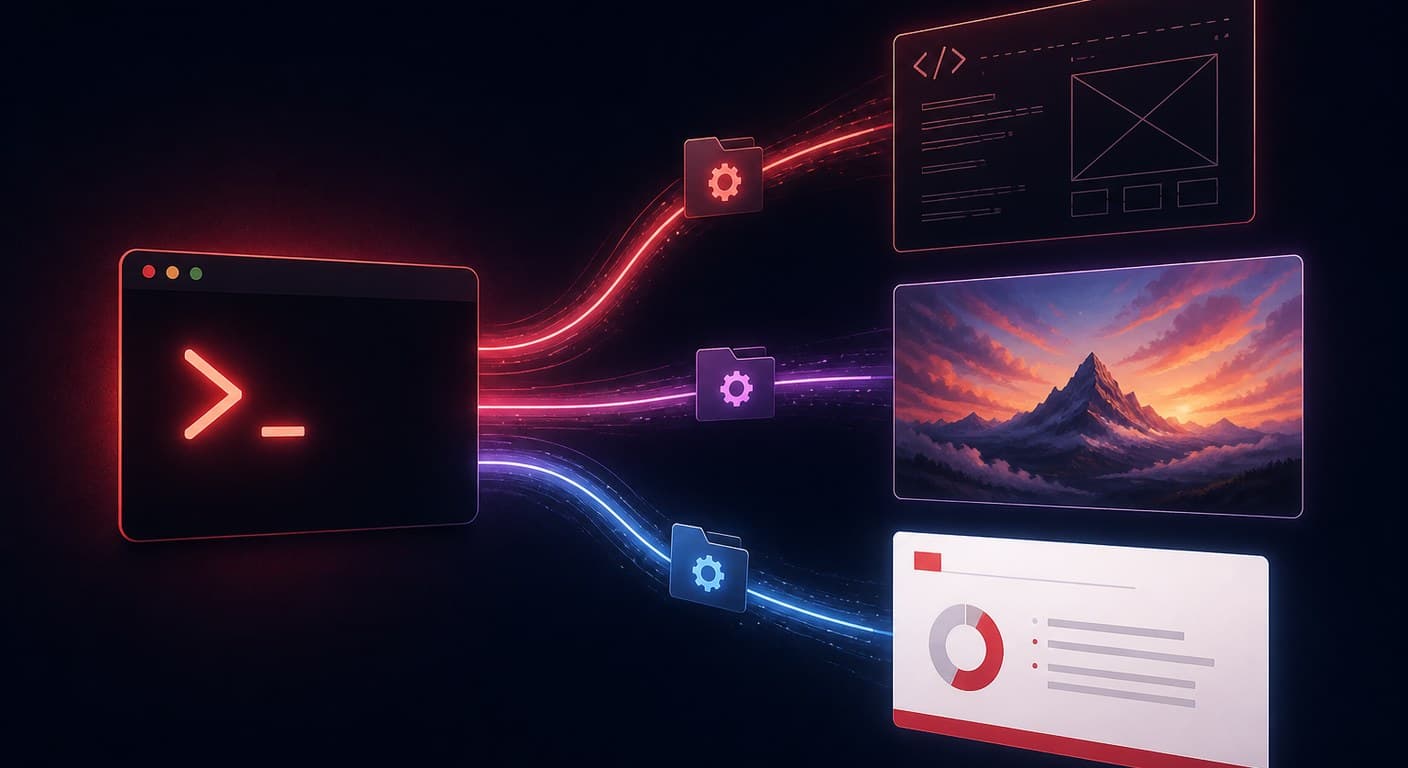
OpenAI Codex ora può generare veri file PowerPoint tramite le Agent Skills — cartelle di istruzioni e script che Codex scopre ed esegue da solo. Nel 2026 le strade praticabili sono tre: la skill Slides ufficiale inclusa in Codex (costruisce il PPTX con PptxGenJS e verifica da sola il proprio rendering), le skill open source della community come codex-ppt-skill (slide basate su immagini) e le skill a generazione hosted come la skill di 2Slides, che delega il rendering a un'API e restituisce una presentazione a tema, modificabile. Quale scegliere dipende da cosa vuoi ottimizzare: controllo, impatto visivo o affidabilità su larga scala.
Creare slide con un agente di coding è passato quest'anno da trucco da salotto a flusso di lavoro vero e proprio — diverse skill PPT contano ormai decine di migliaia di stelle su GitHub, e OpenAI pubblica un caso d'uso ufficiale per le presentazioni con Codex. Questa guida percorre tutte e tre le strade con i passaggi esatti di configurazione, e poi mette a confronto i compromessi senza giri di parole.
Una Agent Skill è una cartella che contiene un file SKILL.md — istruzioni, script e risorse che un agente AI carica quando il compito corrisponde. OpenAI descrive le skill come pacchetti che gli agenti "scoprono e usano per eccellere in compiti specifici". Codex include le skill di sistema automaticamente, e le skill aggiuntive si installano con il comando $skill-installer, per nome o tramite URL GitHub. Il formato SKILL.md è portabile: molte skill PPT girano senza modifiche in Codex, Claude Code, OpenClaw e Cursor. Le skill differiscono dai server MCP in un punto fondamentale — una skill insegna all'agente come fare il lavoro in locale, mentre un server MCP gli mette a disposizione uno strumento remoto da richiamare. (Analisi completa: Agent Skills vs server MCP per le presentazioni.)
La skill Slides di OpenAI crea e modifica presentazioni .pptx scrivendo JavaScript con PptxGenJS, poi esegue il rendering delle slide come immagini e controlla testi che sbordano, elementi sovrapposti e font mancanti prima di consegnarti il file.
Configurazione:
Use the slides skill to turn NOTES.md into a 10-slide deck for a customer QBR.
Keep text as text (no text baked into images), use native PowerPoint charts
for the revenue table, and match the branding in template.pptx..pptx.Punti di forza: completamente locale, gratis oltre al costo di Codex stesso, output in PPTX nativo modificabile, e il ciclo di rendering-e-verifica intercetta il classico errore del "testo che sborda dal riquadro". Limiti: la qualità del design è vincolata a ciò che il modello riesce a scrivere in codice — compone i layout come un ingegnere, non come un designer, quindi le presentazioni tendono al pulito-ma-anonimo. Le presentazioni aziendali piene di grafici rendono meglio dello storytelling visivo.
L'ondata community del 2026 è quella delle skill basate su immagini. Il pattern più copiato — reso popolare da codex-ppt-skill — funziona in tre fasi: l'agente pianifica una scaletta e uno stile visivo, genera ogni slide come immagine a tutto schermo con un modello di generazione immagini, poi assembla le immagini in un .pptx con uno script locale. Alcune varianti, come le skill basate su nano banana, si appoggiano ai modelli di immagini di Google per slide fotorealistiche o con una forte direzione artistica.
Configurazione (Codex):
$skill-installer https://github.com/ningzimu/codex-ppt-skill, poi riavvia Codex.Punti di forza: il tetto visivo è molto più alto — una direzione artistica a tutto schermo che il codice PptxGenJS non produrrà mai, e un'immagine di template può guidare l'intero stile. Limiti: le slide sono immagini. Il testo è impresso nei pixel, quindi nessuno può correggere un refuso in PowerPoint dopo l'esportazione; l'unico modo per modificare è rigenerare. I costi del modello di immagini si sommano pagina dopo pagina, e la qualità varia da un'esecuzione all'altra. Per un'analisi più approfondita dell'ecosistema, vedi il nostro confronto di otto skill PPT.
La terza strada mantiene il flusso di lavoro con l'agente ma sposta il rendering su un servizio hosted. La skill di 2Slides è un SKILL.md che insegna a Codex (o a Claude Code, OpenClaw, Cursor) a chiamare l'API di 2Slides: la modalità Fast PPT riempie template disegnati da professionisti con i tuoi contenuti e restituisce un PPTX nativo e modificabile; la modalità Nano Banana genera slide progettate con immagini da 1K a 4K quando vuoi la strada visiva; narrazione ed esportazione MP4 sono disponibili sullo stesso job.
Configurazione:
export SLIDES_2SLIDES_API_KEY="sk-..."
$skill-installer https://2slides.com/skill.mdCodex invia il job, ne interroga lo stato e scarica il file finito. Poiché il rendering avviene lato server su template mantenuti nel tempo, l'output non dipende dal codice di layout che il modello ha deciso di scrivere quel giorno. Se preferisci le chiamate a strumenti rispetto alle skill, lo stesso servizio è esposto anche come server MCP — configurazione nella guida Codex + server MCP di 2Slides.
| Skill Slides ufficiale | Skill PPT open source | Skill 2Slides | |
|---|---|---|---|
| Output | PPTX nativo (composto in codice) | PPTX di slide-immagine a tutto schermo | PPTX nativo (da template) o slide-immagine |
| Testo modificabile dopo l'esportazione | ✅ Sì | ❌ Impresso nelle immagini | ✅ Sì (modalità Fast PPT) |
| Tetto visivo | Pulito ma da codice | Il più alto (immagini con direzione artistica) | Alto (template professionali / Nano Banana) |
| Coerenza tra le esecuzioni | Dipende dal modello | Dipende dal modello e dal modello di immagini | Bloccata dal template |
| Costi extra | Nessuno | Costi API del modello di immagini | Crediti (10/pagina Fast PPT, da $5 per 2.000) |
| Offline / locale | ✅ | In parte (serve l'API di immagini) | ❌ API hosted |
| Ideale per | Presentazioni interne piene di grafici | Pezzi unici visivi, esperimenti di stile | Presentazioni ricorrenti, coerenza di brand, scala |
Un consiglio onesto: se fai una presentazione interna al mese e comunque vivi dentro Codex, la skill ufficiale basta e avanza. Se vuoi slide che sembrano uscite da uno studio creativo e nessuno dovrà modificarle, le skill basate su immagini sono davvero impressionanti. Se le presentazioni si ripetono — report settimanali, materiali per i clienti, qualsiasi cosa un team debba consegnare con regolarità — la generazione hosted è l'unica strada in cui l'esecuzione n. 40 è identica alla n. 1.
Sì, ma in modo inaffidabile. Senza una skill, Codex improvvisa — di solito scrivendo ogni volta da zero uno script python-pptx o PptxGenJS, senza alcun controllo del layout. Le skill esistono proprio per rendere il flusso ripetibile: istruzioni, librerie e auto-verifiche sono fissate una volta per tutte invece di essere reinventate a ogni sessione.
In gran parte sì. SKILL.md è una convenzione portabile: codex-ppt-skill, la skill di 2Slides e la maggior parte delle skill PPT della community documentano il supporto a Claude Code, OpenClaw e Cursor oltre che a Codex. La skill Slides ufficiale di OpenAI è specifica di Codex, e Anthropic distribuisce la propria skill pptx per Claude.
La skill ufficiale non costa nulla oltre al tuo piano Codex. Le skill basate su immagini fatturano ogni immagine generata tramite la tua chiave del modello di immagini. La skill di 2Slides usa i crediti: 10 per pagina Fast PPT o 100 per pagina Nano Banana, con 500 crediti gratuiti alla registrazione — i dettagli sui prezzi sono nella guida all'API.
La skill @Presentations di ChatGPT vive nell'app ChatGPT ed è pensata per gli utenti di tutti i giorni; le skill di Codex vivono in un agente di coding e possono essere scriptate, concatenate con altri strumenti ed eseguite sul tuo repository. La nostra recensione della skill @Presentations spiega dove si colloca ciascuna.
La skill Slides ufficiale e la modalità Fast PPT di 2Slides producono entrambe PPTX nativi con veri riquadri di testo. Le skill basate su immagini producono slide sotto forma di fotografie — bellissime, ma qualsiasi modifica al testo significa rigenerare la slide.
Create stunning AI-powered presentations in seconds. Transform your ideas into professional slides with 2slides AI Agent.
Try For FreeYour AI Agent for slides. Save time, shine faster with intelligent presentation creation.




© 2026 2slides. All rights reserved.