2Slides Team
11 min read

Quick answer (≤60 words): Of the seven personal agents launched or updated in 2026, five officially accept custom MCP servers: Manus 2.0, Grok Bot, WorkBuddy, QwenWork and QoderWake. OpenAI dots and Meta Muse have no documented "paste an MCP URL" path yet. Point any of them at
https://2slides.com/api/mcpand your agent can hand back an editable.pptxin about 30 seconds.
September 2026 was the month personal agents went mainstream. Meta shipped Muse (Sept 8), Manus shipped Manus 2.0 alongside a new app called Cue (Sept 28), and OpenAI introduced dots at DevDay (Sept 29). They join agents that were already live: xAI's Grok Bot, Tencent's WorkBuddy, and two from Alibaba, QwenWork and QoderWake.
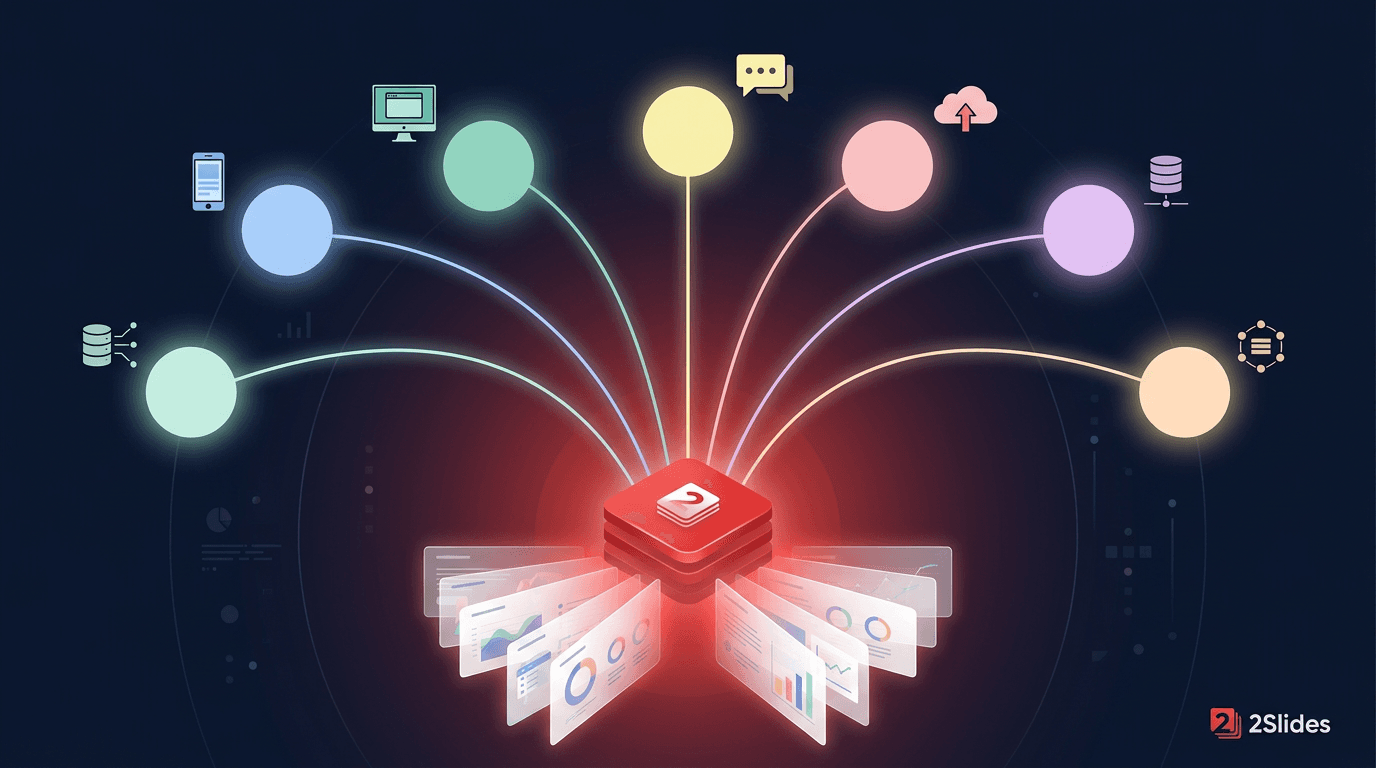
They share a design. Each agent has its own cloud (or local) computer, runs in the background, remembers you, and works on a schedule. Asking for "a deck by Monday" is one of the most common requests people send them. Built-in slide generation varies a lot between them, though. Meta Muse's documented file types, for example, include PDF, DOCX and XLSX but not PPTX.
This guide is the index for our setup series. For each agent it covers what is confirmed by official docs (as of September 30, 2026), which extension route actually works, and a link to the full step-by-step guide.
A personal agent is good at planning a deck: reading your email thread, pulling numbers from a doc, writing the outline. Rendering a well-designed, editable PowerPoint is a separate job. 2Slides gives agents that job through three interfaces, all tested live on September 30, 2026:
| Interface | Address | Auth | Best for |
|---|---|---|---|
| Hosted MCP server (Streamable HTTP) | https://2slides.com/api/mcp | Authorization: Bearer <key> header or ?apikey=<key> in the URL | Any agent with a "custom connector / MCP server" setting |
| Local MCP server (stdio) | npx -y 2slides-mcp@latest + env API_KEY | env var | Desktop agents that run local commands (WorkBuddy, QwenWork, QoderWake) |
| Agent Skill | github.com/2slides/slides-generation-2slides-skills | env SLIDES_2SLIDES_API_KEY | Agents that load SKILL.md skills (Manus, QwenWork, QoderWake, WorkBuddy) |
In our end-to-end test, a 3-slide Fast PPT deck generated through the hosted MCP endpoint with the key in the URL returned a .pptx download link in about 22 seconds. Get a key at 2slides.com/api. New accounts include 500 free credits, which is 50 Fast PPT pages.
Not sure which interface fits? Agent Skills vs MCP servers for presentations explains the tradeoff.
| Agent | Custom MCP server | SKILL.md skills | Local stdio MCP | Recommended 2Slides route |
|---|---|---|---|---|
| Manus 2.0 | Yes: Settings → Integrations → Custom MCP Servers | Yes: upload or Import from GitHub | No (hosted HTTPS only) | Hosted MCP + Bearer token, or skill |
| Grok Bot (xAI) | Yes: remote HTTP/SSE custom connectors | Saved skills; SKILL.md upload not documented | No (nothing on your own machine) | Hosted MCP |
| Tencent WorkBuddy | Yes: 自定义连接器 / ~/.workbuddy/mcp.json | Yes: drag in a skill package, SkillHub | Yes | stdio npx 2slides-mcp |
| Alibaba QwenWork | Yes: 扩展 → 连接器 → 粘贴 JSON | Yes: send the GitHub repo link | Yes | Hosted MCP JSON, or skill |
| Alibaba QoderWake | Yes: per Waker, qoderwake mcp add | Yes: qoderwake skill upload | Yes | Hosted MCP per Waker |
| OpenAI dots | Not documented for dots (ChatGPT developer mode supports custom MCP apps) | "Local skills require a connected computer" | No | Dev-mode app + test, REST fallback |
| Meta Muse | No MCP URL field; "ask Muse to create a Custom Connector" | Not documented for the app | No | Custom Connector from 2Slides API docs |
Manus 2.0 is a rebuilt architecture. It adds a persistent Cloud Computer, event-triggered Automations and a desktop Studio app. It has the clearest documented support for both extension styles:
.zip/.skill/folder), then type / in chat to invoke.Cue, the new standalone app from Manus, does not document connectors yet.
Full guide: How to use Manus 2.0 with 2Slides (MCP + Skills)
Grok Bot is xAI's team of always-on agents. It runs on Cursor's infrastructure, and each user gets a cloud computer with a browser, filesystem and terminal. xAI says it "supports the same MCP servers, plugins, and skills as Cursor". According to Cursor staff, Grok Bot attaches remote HTTP/SSE servers but not servers on your own machine. 2Slides' hosted endpoint is exactly that kind of server.
Grok Bot is a different product from the Grok chatbot. For the chatbot, see how to use Grok to make slides.
Full guide: How to use Grok Bot with the 2Slides MCP server
WorkBuddy is Tencent's all-in-one agent desktop, and you can also reach it from WeChat, WeCom, Feishu, DingTalk and QQ. MCP servers live in ~/.workbuddy/mcp.json or under 连接器 → 自定义连接器 (Connectors → Custom connector). Its documented example is a stdio command/args/env server, which maps directly onto npx -y 2slides-mcp@latest.
Full guide: How to use WorkBuddy with the 2Slides MCP server · 中文版
QwenWork (千问办公) describes itself as a work platform that "focuses on delivery, not just dialogue". Its desktop client takes a standard {"mcpServers": …} block under 扩展 → 连接器 → 粘贴 JSON 配置 (Extensions → Connectors → Paste JSON config). It supports Streamable HTTP, SSE and stdio. To install a skill, you send QwenWork the GitHub repository link and it clones the skill for you.
Full guide: How to use QwenWork with 2Slides · 中文版
QoderWake runs "Wakers", digital employees triggered by IM messages, schedules, hooks or API calls. Tools are configured per Waker with the qoderwake CLI. That covers mcp add with --http-url and --header, --json import, stdio and OAuth, plus skill upload for SKILL.md packages. The docs explicitly say never to store secrets in tasks or memory, so the 2Slides key belongs in the MCP header.
Full guide: How to use QoderWake with the 2Slides MCP server · 中文版
A dot is "an always-on agent" with its own cloud computer and browser. It is available on ChatGPT Pro 100/200/500 outside the EEA, UK and Switzerland, and rolling out on Business Premium. OpenAI documents that a dot "can use supported plugins installed and enabled for your account". It does not yet document whether a custom developer-mode MCP app counts as one. Our guide shows how to add 2Slides as a developer-mode app (documented, and it works in regular ChatGPT chats), a two-minute test to check whether your dot can use it, and fallbacks.
Full guide: How to use OpenAI dots with 2Slides
Muse runs on a dedicated "Muse Secure VM" and is rolling out in the US on iOS, Android and muse.ai. It has no field for pasting an MCP URL. Instead, Meta documents that for any service not in the list, "you can ask Muse to create a Custom Connector". Muse retrieves the service's API information and keeps keys in its Secure Credentials Store. 2Slides publishes machine-readable API docs at 2slides.com/api.md for exactly this kind of setup. Muse's documented output types don't include PPTX, which makes a PowerPoint tool especially useful here.
Full guide: How to use Meta Muse with 2Slides
npx -y 2slides-mcp@latest keeps the key in a local env var.https://2slides.com/api/mcp?apikey=YOUR_2SLIDES_API_KEY. Treat that URL like a password.| Tool | What it does | Credits |
|---|---|---|
themes_search | Find a template (themeId) among 1,500+ | Free |
slides_generate | Theme-based, editable PowerPoint (Fast PPT), sync or async | 10 / page |
slides_create_pdf_slides | Custom image-designed slides from text (Nano Banana) | 100 / page (1K/2K), 200 (4K) |
slides_create_like_this | Slides that match a reference image's style | 100 / page (1K/2K), 200 (4K) |
slides_generate_narration | AI voice narration for a Nano Banana deck, one or two speakers | 210 / page |
slides_download_slides_pages_voices | ZIP of slide images, per-slide audio and transcript | Free |
jobs_get | Poll an async job until it finishes | Free |
Download links expire after one hour, so ask your agent to save the file or send it to you right away.
As of September 30, 2026, Manus 2.0, Grok Bot, Tencent WorkBuddy, Alibaba QwenWork and Alibaba QoderWake officially support adding your own MCP servers. OpenAI dots can use plugins enabled on your ChatGPT account, but custom developer-mode apps are not documented for dots. Meta Muse builds "Custom Connectors" on request instead of accepting MCP URLs.
Some can produce slides natively. Manus and QwenWork list PPT among their outputs, for example, while Meta Muse's documented formats (PDF, DOCX, XLSX, CSV and others) do not include PPTX. Adding 2Slides gives any of them a template-based, editable .pptx and image-designed decks with optional narration.
No. The hosted Streamable HTTP endpoint https://2slides.com/api/mcp needs only an API key. Install the local 2slides-mcp npm package only if you prefer stdio in a desktop agent.
2Slides uses API keys, not OAuth. Choose "No authentication" and put the key in the URL: https://2slides.com/api/mcp?apikey=YOUR_2SLIDES_API_KEY. Keep that URL private, and rotate the key at 2slides.com/api if it leaks.
Six of the seven document it: Manus Automations and scheduled tasks, Grok Bot routines, WorkBuddy and QwenWork scheduled tasks, QoderWake schedule triggers, and dots' Scheduled view. Muse keeps working after you close the app, but Meta doesn't describe a scheduler. Once 2Slides is connected, "every Monday at 9:00, build a status deck from this doc" is a normal instruction.
The agent's own plan, plus 2Slides credits: 10 per Fast PPT page, and 100–200 per image-designed page. New accounts get 500 free credits, and credits never expire.
Personal agents are now good at deciding what goes in the deck. Give them a real slide tool and they can deliver the file too. Five of the seven accept an MCP server today, and 2Slides' hosted endpoint works in all five.
Related reading: use any AI agent with the 2Slides MCP server, the PowerPoint MCP server ecosystem map, and the best AI slide agent skills.
Get your key and copy-paste configs at 2slides.com/api?tab=mcp.
Sources:
Create stunning AI-powered presentations in seconds. Transform your ideas into professional slides with 2slides AI Agent.
Try For FreeYour AI Agent for slides. Save time, shine faster with intelligent presentation creation.




© 2026 2slides. All rights reserved.