2Slides Team
6 min read

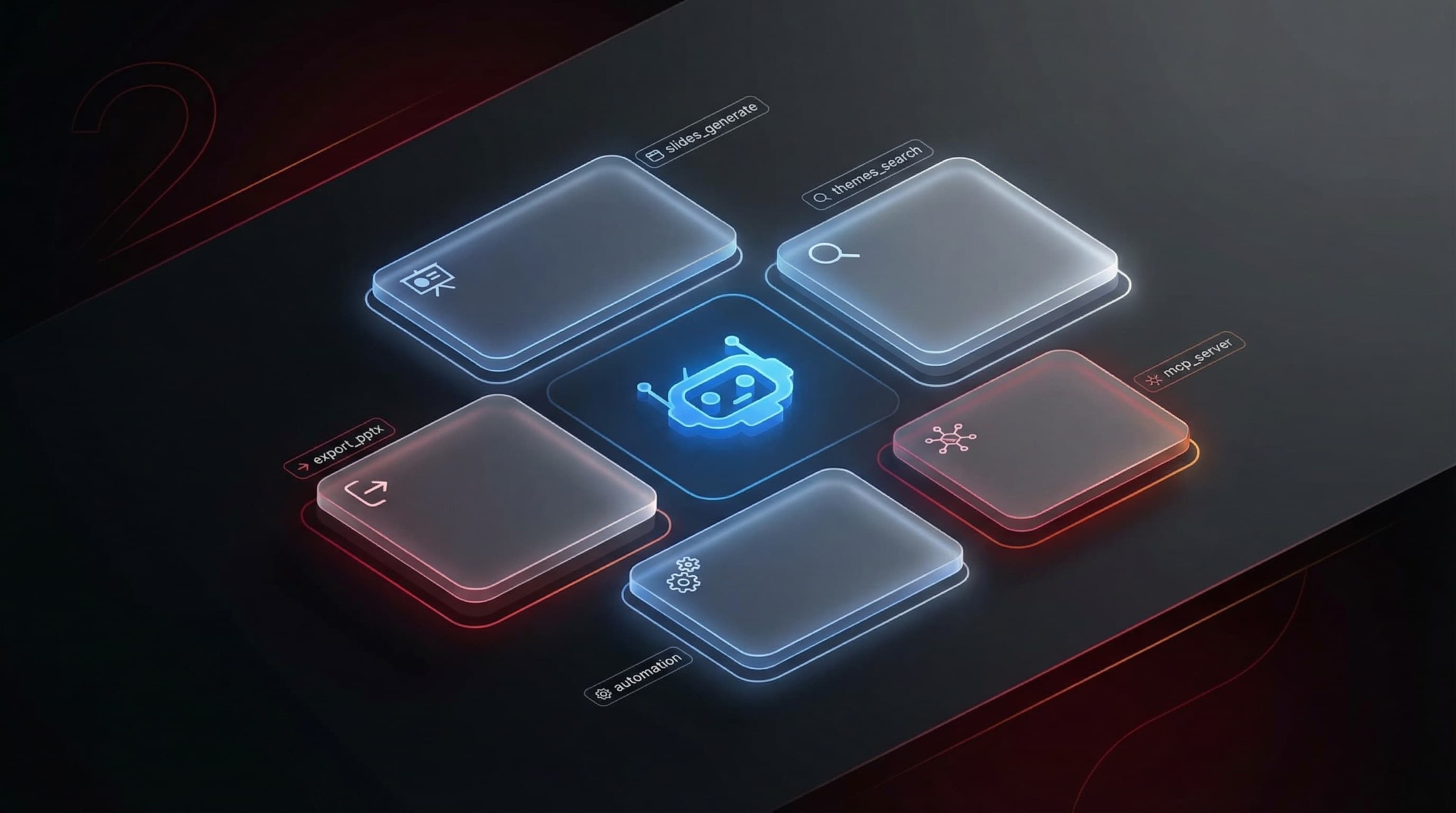
2Slides Agent Skills give coding agents — OpenAI Codex, Claude Code, OpenClaw, Cursor — a production-grade slide engine behind a one-line install. The skill teaches your agent to call the 2Slides API: template-driven native PPTX (Fast PPT), image-designed slides up to 4K, reference-image style matching, and per-page voice narration, all on pay-as-you-go credits. This page is the hub for everything skills-related: what they are, how to install them, which pipeline fits which job, and how 2Slides compares to the rest of 2026's PPT-skill ecosystem.
Making slides with a coding agent went from a novelty to a real workflow in 2026 — community PPT skills now carry tens of thousands of GitHub stars, OpenAI ships an official Slides skill in Codex, and skill directories index the field. The rest of this guide assumes that world and shows you the shortest reliable path through it.
An Agent Skill is a folder with a SKILL.md file — instructions, scripts, and resources an agent loads when a task matches. The 2Slides skill teaches your agent how to produce decks through the 2Slides API instead of improvising PPTX code every session: it knows the endpoints, the theme search, the job polling, and the credit costs, so "turn README.md into a 10-page deck" becomes one request. Because rendering happens server-side against maintained templates, run #40 looks like run #1 — the property one-shot prompting can't offer.
export SLIDES_2SLIDES_API_KEY="sk-..."
# Codex:
$skill-installer https://2slides.com/skill.md
# Claude Code / OpenClaw / Cursor: drop the skill folder into your skills directory,
# or clone github.com/2slides/slides-generation-2slides-skillsPrefer tool-calls over skills? The same service is exposed as an MCP server — npx -y 2slides-mcp@latest or hosted streamable HTTP — with per-agent setup guides for Claude Code, Codex, Gemini CLI, and any MCP client. When to pick which mechanism: Agent Skills vs MCP servers.
| Pipeline | What it does | Cost |
|---|---|---|
| Fast PPT | Content → designed template → native, editable PPTX | 10 credits/page |
| Design-style slides | Prompt-defined art direction, 512px–4K, any aspect ratio | 100/page (1K–2K), 200/page (4K) |
| Create-like-this | Derive the entire design from a reference image URL | 100–200/page |
| Narration | Single- or two-speaker voiceover, 30+ voices; free PNG+WAV export for video assembly | 210/page |
The practical guidance: Fast PPT when the deliverable must be edited in PowerPoint afterward; the image pipelines when visual impact matters more than editability; narration when the deck ships as a video. Developers integrating directly can skip the skill and hit the API — the endpoint-by-endpoint reference (with a Gamma comparison) is in Gamma Generate API vs 2Slides API.
One-shot prompts like "make me a pitch deck" break in production for four repeatable reasons: output format isn't guaranteed (you get text, not a file), design drifts between runs, brand rules can't be enforced, and pipelines can't retry what they can't validate. Skills fix all four by making deck generation a pinned, testable workflow — the same way mature teams treat invoice or report generation. The agent does what models are best at (reasoning, structure, narrative) and delegates rendering to a system built for it.
The ecosystem now has three families, and honest guidance means knowing when each wins:
The full eight-option comparison with a fit guide per family: The Best PPT Skills for Claude Code & Codex. Setup walkthroughs for all three paths inside Codex specifically: How to Make Slides with Codex Skills. And if your users live in ChatGPT rather than a coding agent, the first-party option is reviewed in ChatGPT's @Presentations skill.
responseLanguage per market, 19+ languages with native CJK/RTL handling.Any agent that reads SKILL.md — OpenAI Codex (via $skill-installer), Claude Code, OpenClaw, and Cursor are documented. Agents without skills support can use the MCP server instead; both surfaces share the same API and credits.
No. The skill runs on API credits: 500 free on signup, then pay-as-you-go from $5 per 2,000 credits. There is no seat or subscription requirement in front of the API key.
Those skills make your agent write presentation code locally — free and offline-capable, with output quality dependent on the code the model writes that session. The 2Slides skill delegates to hosted templates, trading network dependency for run-to-run consistency, multi-language output, and narration/video. Many teams use both: official skills for quick internal decks, hosted generation for anything that ships.
No — it generates new decks. For XML-level editing of existing PPTX files, Anthropic's pptx skill is the strongest option in the ecosystem; see the eight-skill comparison.
The skill is open source at github.com/2slides/slides-generation-2slides-skills — issues and PRs welcome.
Create stunning AI-powered presentations in seconds. Transform your ideas into professional slides with 2slides AI Agent.
Try For FreeYour AI Agent for slides. Save time, shine faster with intelligent presentation creation.




© 2026 2slides. All rights reserved.