2Slides Team
12 min read

The corporate L&D function has changed shape twice in the last five years. First, the pandemic moved everything async. Then generative AI moved content production from a 4-week project to a 4-hour script. The result is a 2026 reality where a single L&D specialist can ship more language and onboarding content in a quarter than a five-person team produced in the same window in 2021.
This playbook is the practical guide for that 2026 reality. It covers how AI-generated knowledge cards and narrated slide videos replace traditional corporate language training and technical onboarding — multilingual by default, LMS-ready by output, and budgeted in credits rather than seat licenses.
Three problems show up consistently across mid-market and enterprise L&D teams:
Knowledge cards fix all three because the content is the deliverable, not the production. Once your glossary is structured, regenerating the course in a new language or with updated terms is a script run, not a project.
A corporate knowledge card is a single-concept slide with:
A deck of 30 such cards covers one weekly L&D module. The same deck exports as:
One generation, four placements. No re-recording when terminology updates.
| Flow | Output | Voice + MP4 | L&D fit |
|---|---|---|---|
Fast PPT (/fast-ppt + /templates) | Template-driven PPTX in seconds | ❌ | Quick silent PPTX for an instructor-led module — instructor narrates live |
| Workspace flow (Create Slides from File / Create Slides Like This / Nano Banana presentation slides) | Image-generated cards editable per page | ✅ per-page voice; ✅ MP4 16:9 / 9:16 | Async self-paced training, multilingual narration, LMS-ready MP4 |
For corporate L&D's biggest pain point — multilingual narrated content delivered async — the Workspace flow is the right tool. Fast PPT is the right tool when the instructor narrates live and you only need a clean projectable deck.
Before generating any content, get your domain glossary into a structured format:
Term | DefinitionEN | ExampleSentenceEN | TargetLanguages | Pronunciation
"covenant"
"Series B"
"escrow"
"diligence"
"capitalization table"
Store it in whatever your team already uses — a Google Sheet, a Notion database, a Postgres table, an Airtable base. The structured glossary becomes the source of truth.
Two entry patterns:
Prompt template that works for corporate vocabulary:
Generate 30 knowledge cards for [DOMAIN] vocabulary. Audience: [ROLE] at a [INDUSTRY] company. Native language: [L1]. Target terminology: [L2 if applicable]. Each card: term in bold, plain definition in [TONE], one real-world workplace example, and one "use this term in a sentence" prompt. Visual style: clean diagrams, no photographs, brand-neutral.
For a finance team onboarding deck:
Generate 30 knowledge cards for venture-finance vocabulary. Audience: incoming associates at a US growth-equity firm. Each card: term, plain definition, one real-world deal example anonymized, one prompt sentence. Visual style: clean diagrams, no photographs.
Configure voice per page. For corporate L&D, use a professional, calm voice at 130–140 WPM. Avoid energetic creator voices — they read as off-tone for compliance and onboarding contexts.
Workspace generates voice text from each slide's content; review and edit per card before audio synthesis. Two patterns work especially well:
The multi-speaker narration guide walks through setup.
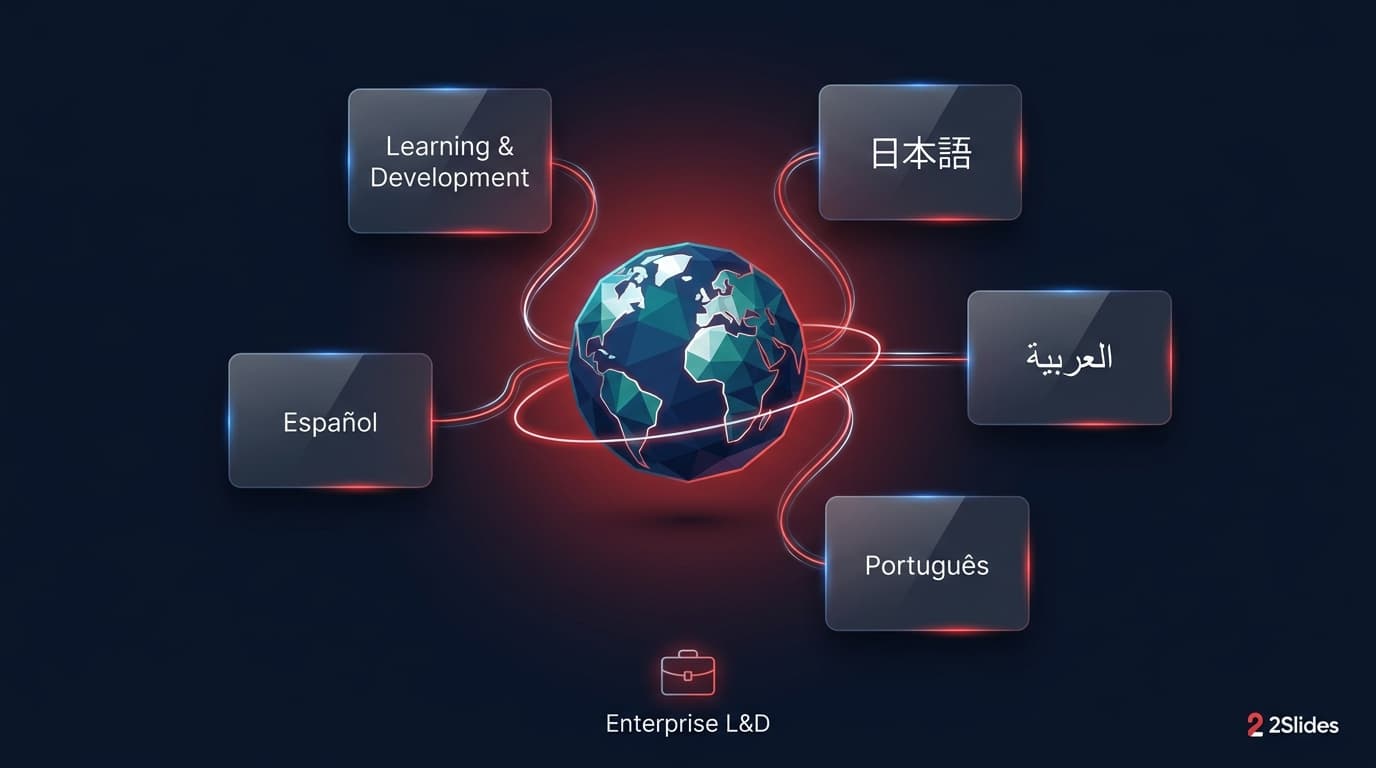
This is where corporate L&D gets the largest win. Regenerate the same deck in additional languages by re-running with the target locale:
22+ languages are supported. The structure, visuals, and pacing of the deck stay constant; only the language changes. This is what makes maintenance affordable: when a term updates next quarter, you update the source row and regenerate, not retranslate.
From Workspace, export the deck four ways:
| Output | LMS / channel |
|---|---|
| MP4 16:9 | Canvas, Cornerstone, Workday Learning, SAP SuccessFactors, Docebo, 360Learning, Moodle, Blackboard, Google Classroom |
| MP4 9:16 | Internal Slack / Teams / Workplace daily micro-learning channel |
| PPTX | Instructor-led modules, T3 (train-the-trainer) sessions |
| Compliance documentation, policy attachments, search index |
Each output reuses the same source deck. Your content librarian only manages one source per module per language, not four.
Schedule a quarterly review:
Update the glossary rows; re-run the generator; ship the new MP4s. The review takes 1–2 days per quarter. Pre-AI L&D refreshes routinely took weeks.
A US fintech with 1,200 employees across 14 countries onboards 40 new hires a month. The L&D team builds one "Finance Vocabulary 101" deck, regenerates it in 8 languages with locale-appropriate narration, and uploads all 8 MP4s to the corporate LMS. New hires watch in their preferred language. A new hire in São Paulo gets the same training quality as one in New York — without a translation vendor.
A multi-state healthcare network onboards bilingual nurses. The L&D team generates a clinical-vocabulary deck (English with Spanish translation, IPA, and example sentences in patient-handover context). Each ESL nurse gets a 9:16 MP4 they review on their commute via Workplace by Meta. Compliance is satisfied because the same content is also available as PDF in the policy library. Compliance details in GDPR & HIPAA Compliant AI Presentation Tools.
A B2B SaaS company training enterprise account executives needs the team fluent in MSA, DPA, SLA, and procurement vocabulary. L&D ships a 25-card legal-terminology deck with example sentences in deal-cycle context. Quarterly refresh updates the deck when the company changes its standard terms.
A platform engineering team onboards new engineers with role-specific glossary cards: Kubernetes terminology, internal acronyms, observability vocabulary, on-call vocabulary. Each engineer's first-week module is one MP4 they can replay during the ramp. Reduces "I keep hearing this term and don't want to ask" friction.
Anti-bribery, data privacy, code of conduct — compliance content traditionally produced in 8 languages by a vendor at $30k per language per refresh. With knowledge cards, the same material ships in 12 languages, with narration, in a quarter-week — and the LMS upload is a script. Annual recertification becomes a re-render rather than a re-record.
For sensitive glossaries (legal, medical, regulated industries), confirm the data residency policy with 2Slides for your account tier. The rule of thumb: don't put PII or non-anonymized customer data into prompts. Use generic examples. The GDPR & HIPAA compliance guide covers the security posture in detail.
For enterprise rollouts that need SSO and audit trails, see AI Presentation Tools with SSO and SOC 2 Compliance.
Every deck should include a "Sources" slide listing the glossary version, the generation date, and the prompt template version. When auditors ask "where did this training material come from," your answer is one slide away.
Most jurisdictions don't require disclosure for AI-narrated training, but several large enterprises have internal policies that do. A simple line on slide 1 ("This module uses AI-generated narration. Approved by L&D, [date].") satisfies almost all internal policies and is invisible to learners.
Traditional corporate L&D platforms charge per learner per year. Translation vendors charge per word per language. AI knowledge cards run on credits — you pay for production, not for seats.
A rough back-of-envelope for a mid-market L&D function shipping 12 modules per year in 8 languages, all narrated for async delivery (Nano Banana flow at 2K):
The bulk is narration; if some modules are silent (instructor-led), drop the narration cost for those locales. Even at the high end, this is a fraction of the cost of a translation vendor producing the same multi-language narrated content. See the pricing page for current credit rates and the API batch playbook for full credit math per workflow.
Yes — for the content layer. The compliance auditor still needs to sign off on the language and the L&D team owns final review. AI-narrated content is broadly accepted for compliance training as long as the content itself is human-reviewed.
Voice text is editable per card before synthesis. Adjust phrasing to match your tone-of-voice guidelines. For visual branding, edit the deck's design in Workspace before export.
Add them to the glossary with phonetic guidance. Workspace lets you edit voice text per page so you can spell out tricky pronunciations (e.g., "[AY-jeel]" for "Agile" if your company says it that way).
Export the PDF as an accessibility companion. The PPTX can be screen-readered. Captions for the MP4 should be added in your LMS or via a captions tool — 2Slides outputs MP4; captions can be generated from the voice text. The voice text itself is available per page so caption generation is essentially free.
Yes. The Workspace UI is designed for non-developers. The API workflow is for higher-volume content factories where engineering can build the orchestration.
Traditional authoring tools give you fine-grained interactivity (branching, scenarios, scoring). 2Slides knowledge cards give you fast multilingual narrated content. They are complementary: build vocabulary and concept modules in 2Slides, build branching simulations in Articulate / Captivate.
Yes. The 2Slides API exposes generation, narration, and export endpoints. Most LMS platforms accept MP4 uploads via their own API. The full integration pattern is in Batch-Generate Vocabulary Decks with the 2Slides API.
For ILT, use Fast PPT — it's faster for producing silent PPTX the instructor will narrate live. The Workspace flow is for async self-paced training where narration is baked in.
Corporate L&D for global teams used to mean choosing between "good content in one language" and "mediocre translation in eight." AI knowledge cards remove that tradeoff. One source glossary becomes 8–22 narrated language modules, all LMS-ready, all updateable in a script run. The L&D team's job moves from production to content strategy and review — which is what it always should have been.
For the underlying vocabulary-card workflow this builds on, see How to Create AI English Vocabulary Cards with Images, Example Sentences, and Audio and AI Knowledge Cards for Educators.
Create stunning AI-powered presentations in seconds. Transform your ideas into professional slides with 2slides AI Agent.
Try For FreeYour AI Agent for slides. Save time, shine faster with intelligent presentation creation.




© 2026 2slides. All rights reserved.