Toy Brick Poster
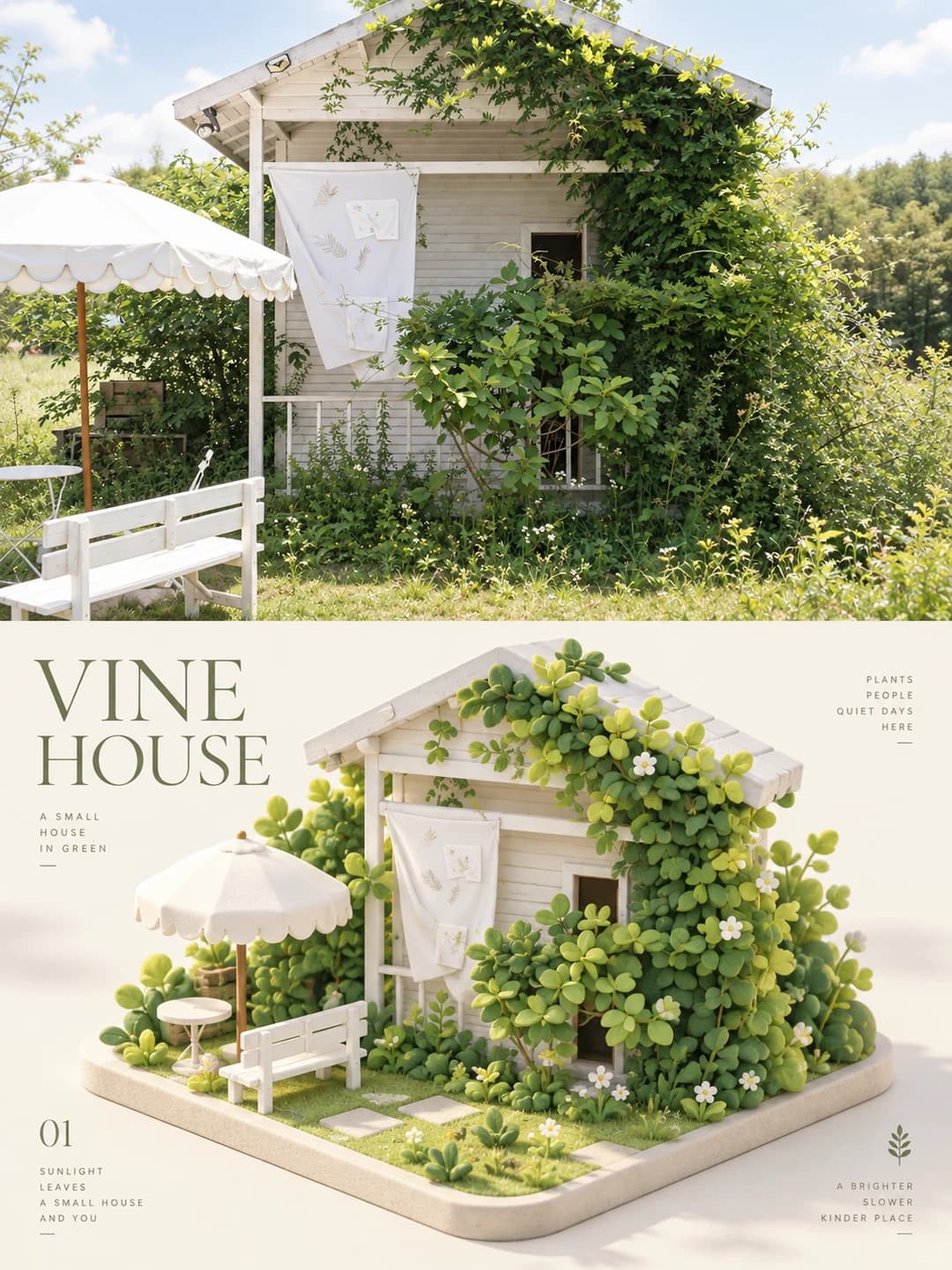
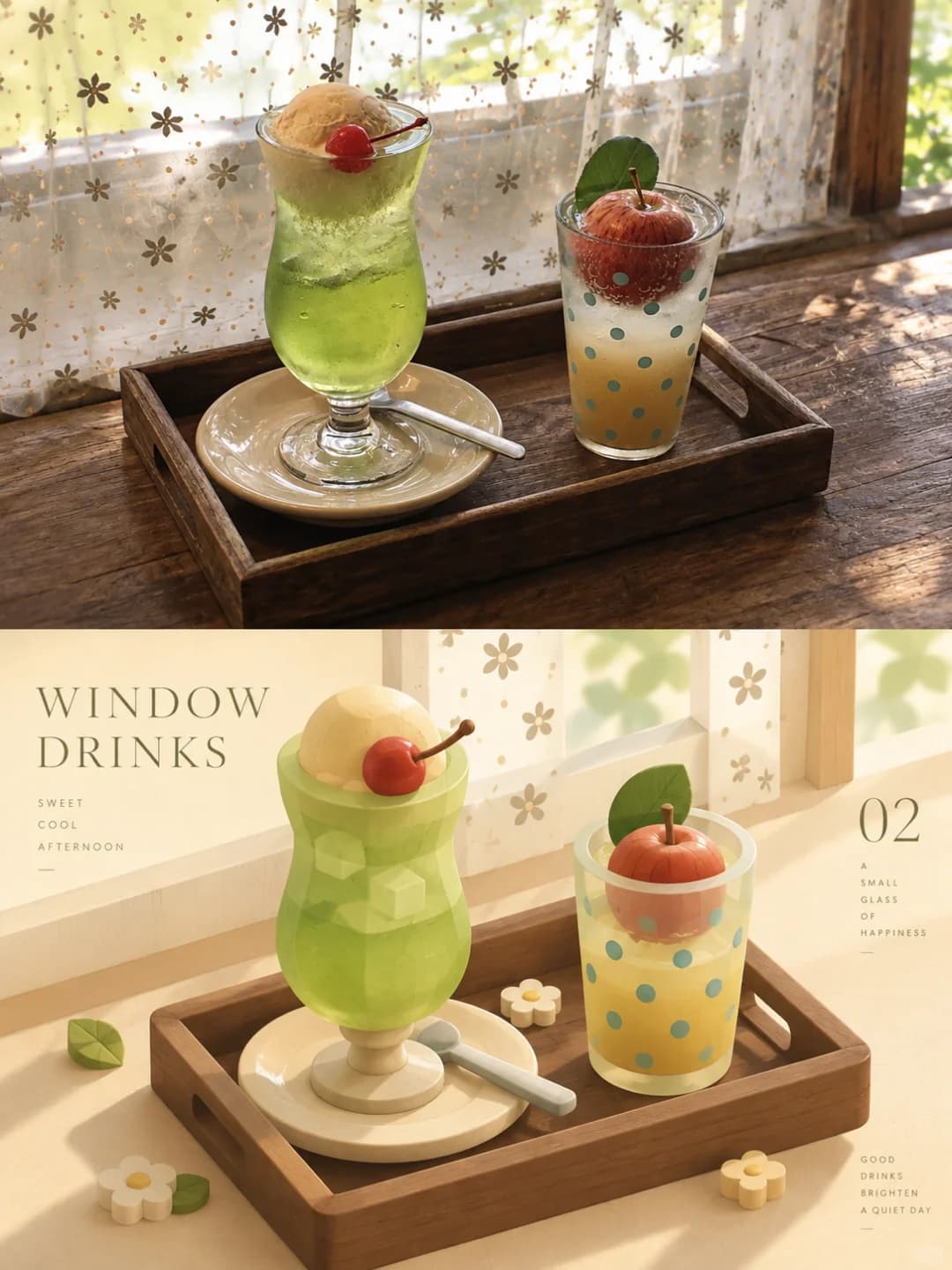
Your photo on top, and the same scene rebuilt as soft building blocks below
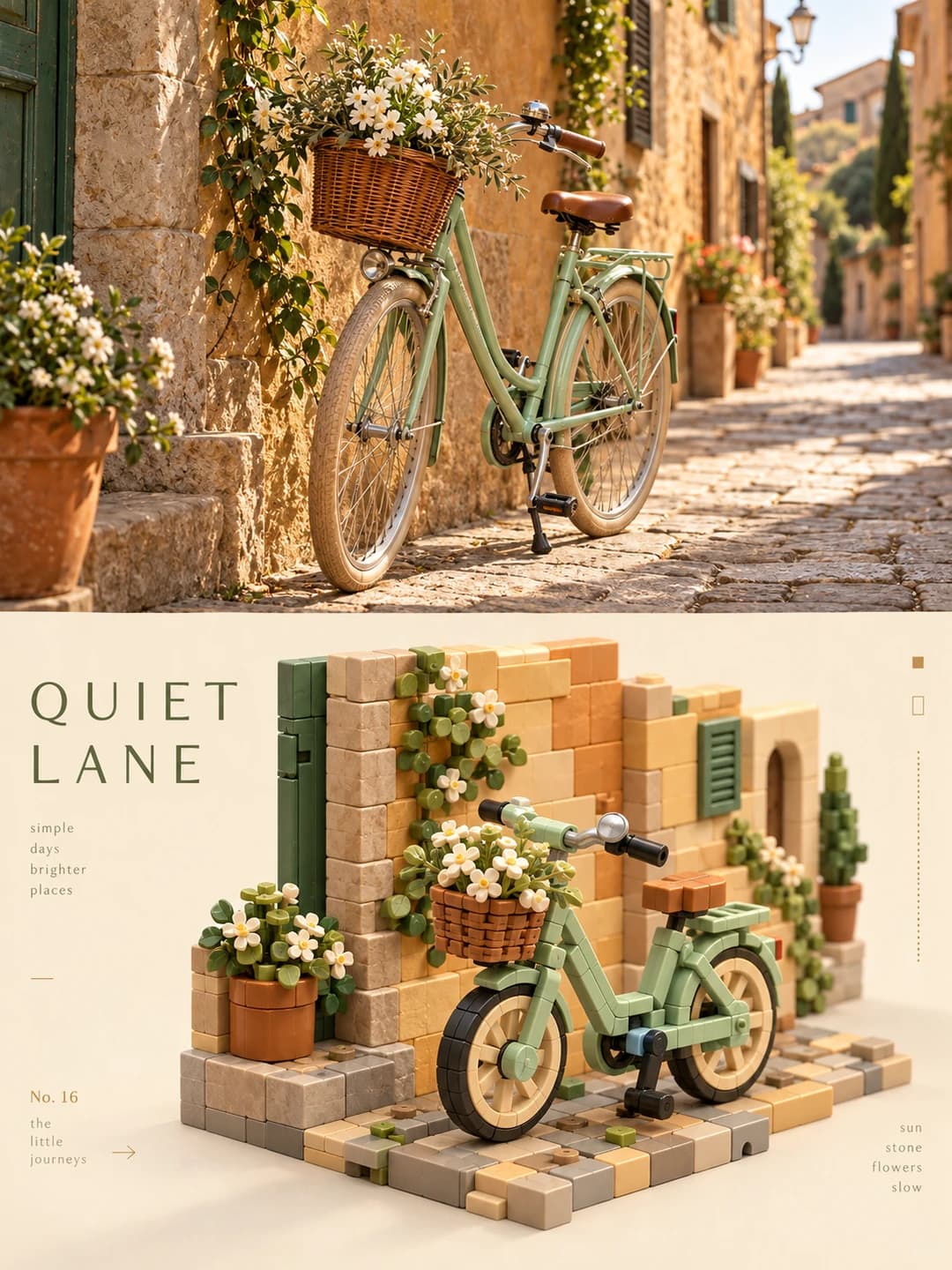
Upload a photo and get back a 3:4 poster. The top half is your photo; the bottom half rebuilds its subject as a rounded, matte building-block sculpture in an isometric view, with a short editorial title set around it.
100 credits per image · about a minute · New accounts get 500 credits — 5 free images.
Try it with your own photo
New accounts get 500 credits — 5 free images.
Examples
Every image below was made with the prompt on this page.
What is a Toy Brick Poster?
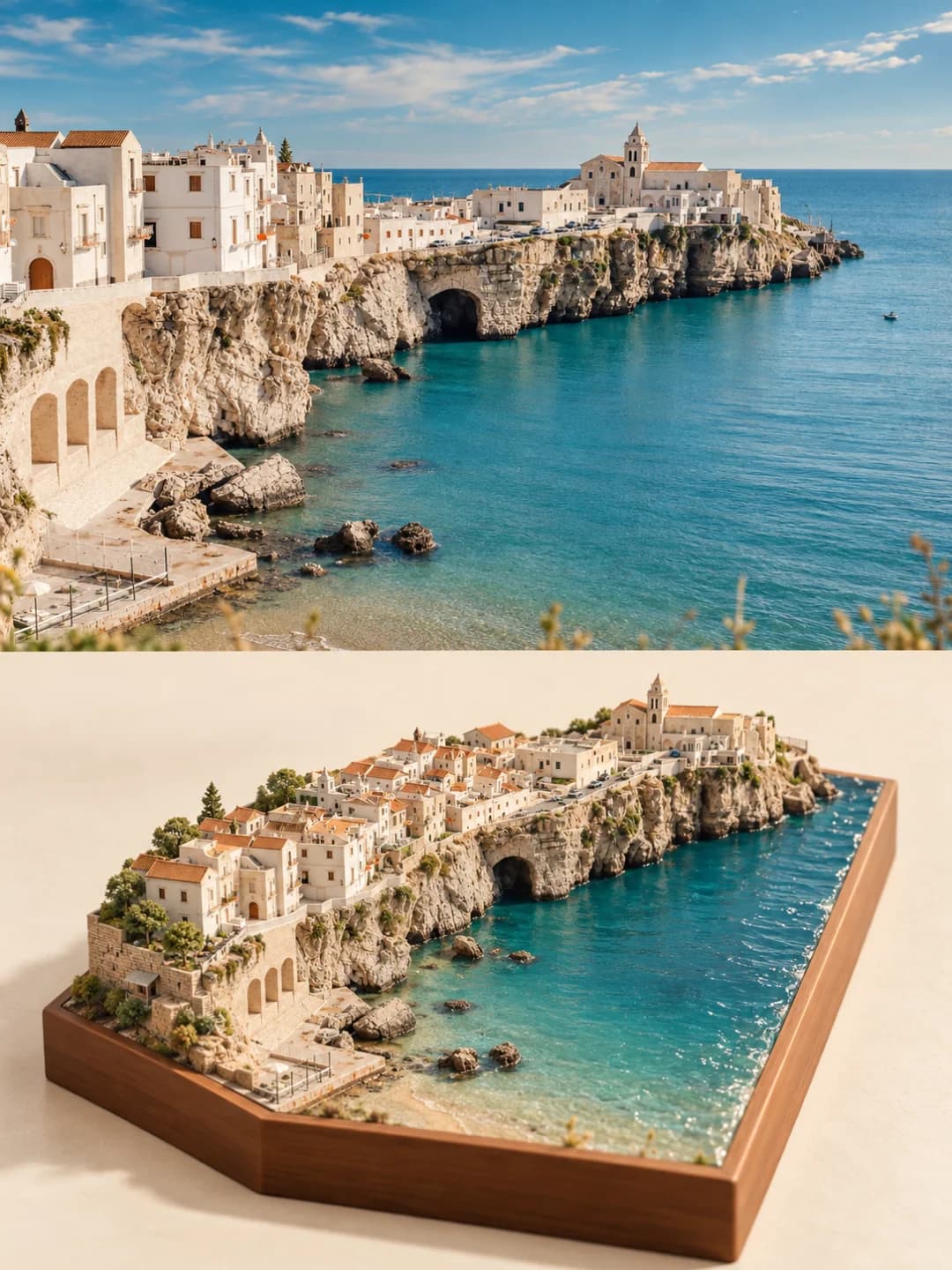
A toy brick poster splits a 3:4 vertical frame exactly in half. The top half is your photo with a light grade. The bottom half picks out the photo's most recognisable subject — its outline, pose and proportions — and rebuilds it as a 3D isometric sculpture of rounded, matte modular blocks, simplified rather than copied detail for detail, so it reads like a contemporary art toy. Its colours are the photo's own, made brighter and softer. A thin editorial title of two to five words and a few small notes sit in the empty space around the blocks.
Which photos work well?
Photos with one clear subject and a strong outline: a bicycle against a wall, a small house under vines, drinks on a tray, a car, a café front, a pet, a single building. Distinctive colours help, because the block colours are taken from the photo. The top half is a wide slot, so landscape-shaped photos fit it best.
Which photos struggle?
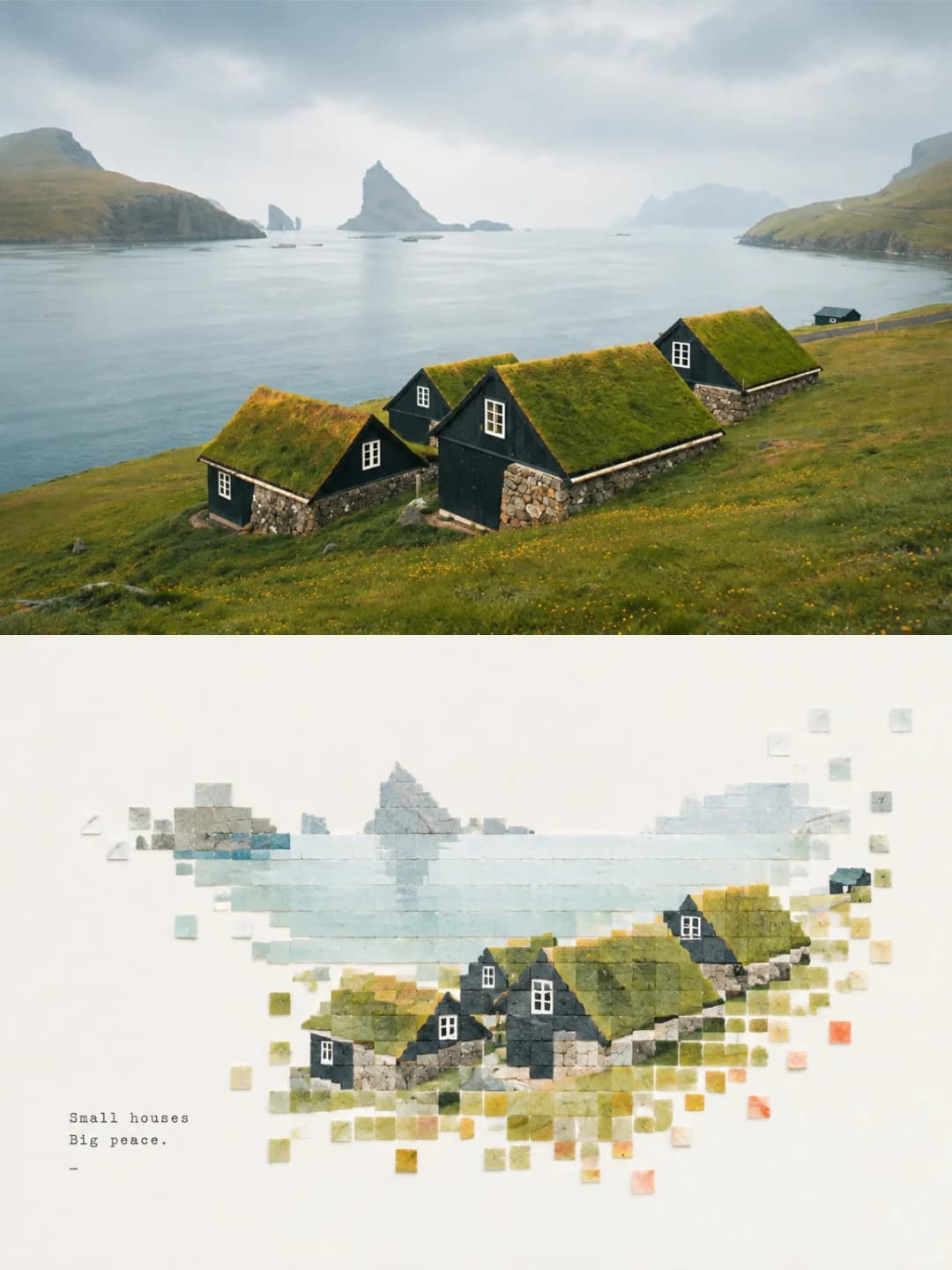
Busy wide views with no single subject — a city skyline or a crowded street gets simplified into an unreadable heap of blocks. Close-up faces lose the likeness once rebuilt in blocks. Portrait-shaped photos get cropped hard. For a paper-and-wood sandbox of a whole place, try the miniature model poster; for flat square tiles that scatter into white space, the pixel mosaic poster.
How to turn a photo into a Toy Brick Poster
- 1
Pick an effect
Browse the samples on each tool page to see exactly what you will get before you spend anything.
- 2
Upload your photo
JPEG, PNG or WebP, up to 12 MB. Your photo stays private and is never used to train anything.
- 3
Add your own caption
Most effects let you set the text that appears in the final image, in any language.
- 4
Download the result
You get a high-resolution image, yours to use. 2K is 100 credits, 4K is 200.
The prompt behind this tool
This is the full prompt, translated into English. Copy it and use it with any image model that accepts a reference photo.
Turn the uploaded photo into one standalone, high-end designed poster — a single finished image, not a collage of several pictures. Use a 3:4 vertical composition, split top and bottom into two zones of exactly equal height, each taking 50% of the frame.

The top half keeps the original photo: same subject structure, spatial relationships, real materials, natural light and original colour mood, with only a light, refined photographic grade.

The bottom half pulls out the photo's most recognisable subject, outlines, pose and narrative relationships and, following a "deconstruct — select — distil — rebuild" logic, turns them into a soothing building-block sculpture with a 3D / isometric sense of space. Keep the subject's most distinctive proportions, axes, curves, overlaps, layering, occlusion and negative space, reorganised as rounded, simple, tactile modular blocks. It should not reproduce every detail, but the link to the photo above must be obvious at a glance.

Let the composition adapt to the subject's own visual weight, direction and spatial relationships, building rhythm through large and small blocks, staggered heights, front-and-back overlaps, a few floating pieces, changes in density and generous empty space. Blocks can join, stack, nest, pass through one another or sit slightly offset, so the subject keeps its identity while gaining the sculptural quality and easy imagination of a contemporary art toy. Avoid mechanical part-by-part breakdowns and plain pixelation.

The palette must come from analysing the photo itself. First identify its most alive and most recognisable main colour relationships, its overall colour temperature, tonal steps, warm–cool echoes and key accent colours, then remix them into a softer, clearer, brighter, airier soothing palette. Keep the photo's hue identity and emotional memory, but lift the brightness a little, lower harsh contrast and clean out muddy greys, so the colours feel gentle, playful, light and refined. Do not use any preset swatch, and do not force in colours the photo does not have just to make it feel soothing.

Build colour rhythm through the area of the main colour, layers of supporting colour, deeper and lighter shades of the same hue and a very small amount of lively accent, so the subject looks rich but not cluttered, cute but not saccharine, soft but full of life. The blocks have a fine matte finish with soft diffuse reflection and a slight feel of paper pulp, wood, pastel crayon or soft material, with rounded edges and gentle shadows — no plastic highlights, no metallic look, no heavy CG, nothing like a cheap toy.

Set the text as a light, high-end editorial micro-typography system: draw a 2–5 word title from the photo's light, movement, space, mood or symbolism, with a few state words, a place, a number, a direction word or tiny notes, and no year. Text can run along block edges, the gaps between modules, visual axes or negative space, or weave in front of and behind the blocks and align with them, so it becomes part of the brick composition.

Overall: real photography × soothing building blocks.
Frequently asked questions
Will it change my photo?
- The top half should be your photo as taken, with a light grade. Image models occasionally redraw a photo anyway, so check the top before you use it.
Is it a LEGO-style model?
- Not exactly. The blocks are rounded, matte and soft, closer to a designer art toy than to studded plastic bricks, and the prompt explicitly rules out plastic shine and a cheap-toy look. It also avoids plain pixelation: the subject is simplified into big and small blocks rather than built stud by stud.
Can I write the title myself?
- Yes, and it is more reliable. The title takes up to 32 characters and is set exactly as typed; you can add a smaller note line too. Leave them blank and the model writes its own 2–5 word title from the picture.
Can the title be in Chinese or another language?
- Yes — whatever you type is set as typed. The original look is a widely spaced English title in a thin serif with small lower-case notes, so short English comes closest to the examples.
Where do the colours come from?
- From your photo. The model picks out its main colours and accents and makes them brighter and softer, so a sage-green bike on an ochre wall stays sage and ochre, and a green melon soda stays green. It is told not to add colours the photo does not have.
What size do I get and how long does it take?
- A 3:4 vertical image: 2K (1792×2400) for 100 credits or 4K for 200 credits. It usually takes 60 to 90 seconds.
Can I use my own prompt instead?
- No, but the full prompt is shown on this page.
What happens to my photo?
- It is stored privately, used only to make your image, deleted on a schedule and never used for training.