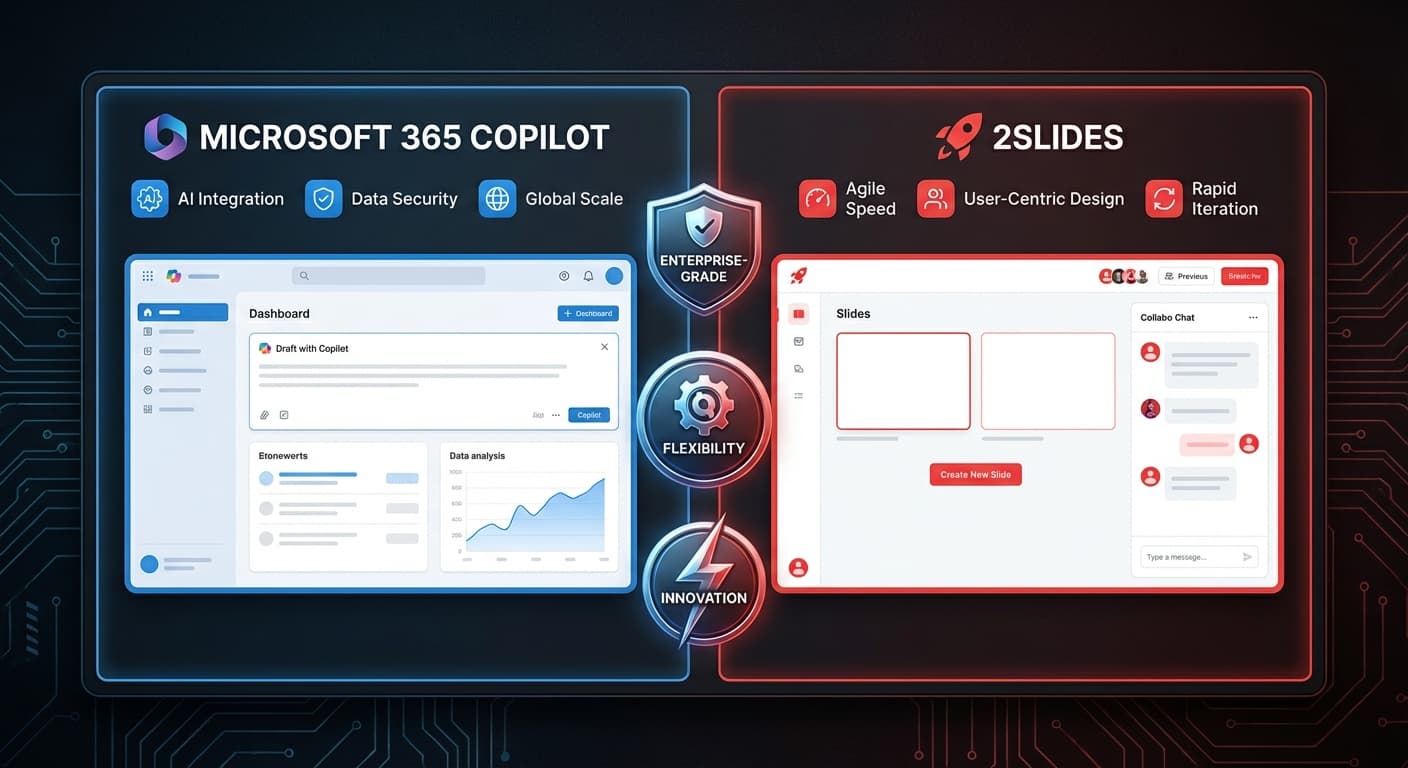

2Slides vs Microsoft Copilot for PowerPoint: AI Slide Generation Compared
Microsoft Copilot for PowerPoint brings AI into the world's most popular presentation software. 2Slides is a dedicated AI presentation engine. Both generate slides with AI — but the approaches, capabilities, and costs are very different.
Fundamental Difference
Microsoft Copilot is an AI assistant embedded in PowerPoint. It helps you create and edit slides within the existing PowerPoint workflow.
2Slides is a standalone AI engine that generates complete presentations from text, documents, or reference designs, then exports as PowerPoint.
Feature Comparison
| Feature | 2Slides | Copilot for PowerPoint |
|---|---|---|
| AI generation approach | Full generation from scratch | Assistant within PowerPoint |
| Input types | Text, PDF, DOCX, XLSX, CSV, MD, JSON, images | Text, Word documents |
| Design matching | ✅ Create Like This (any reference) | Limited (existing PPT themes) |
| Voice narration | ✅ 8+ voices, multi-speaker | ❌ |
| Video export | ✅ H.264 MP4 | ❌ |
| API | ✅ Full REST API + MCP | ❌ (no public API) |
| Standalone | ✅ Web app, no software required | Requires Microsoft 365 |
| 4K resolution | ✅ | Depends on PowerPoint settings |
| Real-time collaboration | ❌ | ✅ (via Microsoft 365) |
| Slide editing | Basic workspace | Full PowerPoint editor |
Pricing
| Scenario | 2Slides | Copilot for PowerPoint |
|---|---|---|
| 1 user | $12.50/mo or $5 one-time | $30/mo (M365 Copilot add-on) |
| 5 users | $12.50/mo total | $150/mo |
| 10 users | $12.50/mo total | $300/mo |
| 50 users | $12.50/mo total | $1,500/mo |
| Prerequisites | None | Microsoft 365 subscription |
Key insight: Copilot requires both a Microsoft 365 subscription AND the $30/user/month Copilot add-on. 2Slides has no per-seat pricing.
When to Choose 2Slides
- Don't have Microsoft 365 or don't want to add Copilot
- Need API access for automation and integration
- Need file conversion from PDFs, spreadsheets, and other documents
- Need voice narration and video export
- Need design matching to replicate specific visual styles
- Budget-conscious teams — one subscription serves everyone
When to Choose Copilot
- Already on Microsoft 365 Copilot — presentation AI is included
- Heavy PowerPoint editing — need full PowerPoint editing after generation
- Enterprise compliance — Microsoft's enterprise security and compliance
- Integrated workflow — use Word, Excel, and PowerPoint together with Copilot
Can You Use Both?
Yes — and many teams do:
- 2Slides for initial AI generation (faster, more capable AI)
- PowerPoint (with or without Copilot) for final editing and polish
- Export from 2Slides → edit in PowerPoint → present
This gives you the best of both worlds: AI-powered generation speed + PowerPoint's editing capabilities.
Frequently Asked Questions
Is Copilot's AI better than 2Slides' AI?
Different, not better. Copilot excels at editing and suggesting improvements to existing slides. 2Slides excels at generating complete presentations from scratch, especially from documents and data.
Can 2Slides export to PowerPoint?
Yes — all 2Slides output is native .pptx that opens perfectly in PowerPoint for further editing.
Will Copilot eventually match 2Slides' features?
Possibly, but Microsoft's focus is on the assistant paradigm (helping you edit) rather than full generation. Features like Create Like This, multi-speaker narration, and REST API are unique to 2Slides.
Get more AI for less — try 2Slides and generate complete presentations in minutes.
About 2Slides
Create stunning AI-powered presentations in seconds. Transform your ideas into professional slides with 2slides AI Agent.
Try For Free



