2Slides Logo
2Slides vs Canva AI: Which Makes Better Presentations in 2026?
2Slides Team
4 min read

2Slides vs Canva AI: Which Makes Better Presentations in 2026?

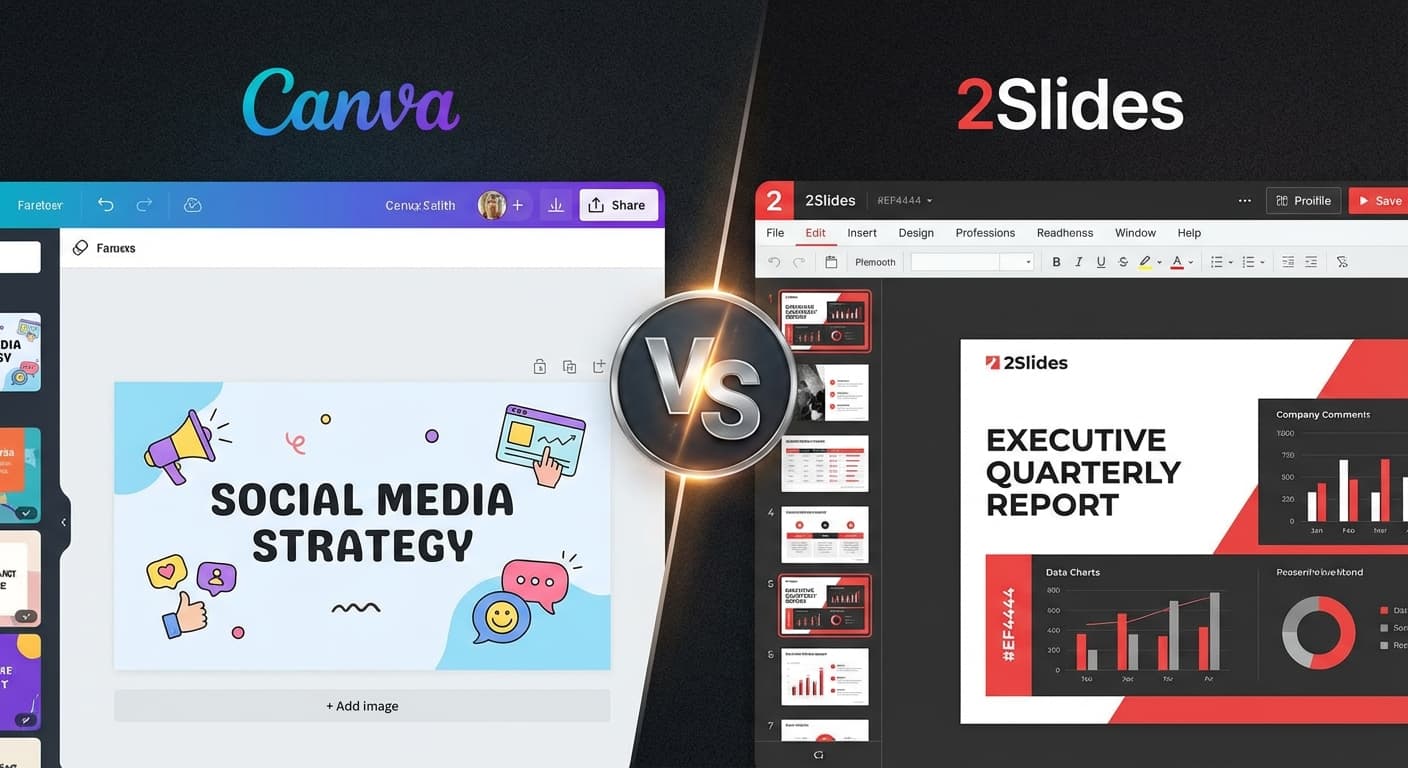
Canva is the world's most popular design tool. 2Slides is a specialized AI presentation generator. Both can create slides — but they take fundamentally different approaches. This comparison helps you choose the right tool.

Fundamental Difference

Canva is a design platform with AI features added on top. You start with templates and customize them.

2Slides is an AI-first presentation engine. You describe what you want, and AI generates complete slides from scratch.

Feature Comparison

Feature2SlidesCanva
ApproachAI generates from scratchTemplate + manual customization
AI slide generation✅ Full generation from textPartial (Magic Design)
File → Slides✅ PDF, DOCX, XLSX, CSV, MD, JSON
Design matching✅ Create Like This
Voice narration✅ 8+ voices, multi-speaker
Video export✅ H.264 MP4 (16:9, 9:16)✅ (limited)
API✅ Full REST API + MCP✅ Canva API (template-based)
Template library15+ AI themes100,000+ templates
Real-time collaboration
Non-presentation design❌ (presentations only)✅ (everything)
PowerPoint export✅ Native .pptx
4K resolution
Free tierTrial credits✅ Generous
Per-seat pricing❌ (shared credits)
PriceFrom $5 or $12.50/moFree / $13/mo

When to Choose 2Slides

Choose 2Slides when you need:

  • AI-generated presentations from text or documents — describe your topic, get complete slides
  • File conversion — turn PDFs, Word docs, or spreadsheets into slides
  • Design matching — replicate any slide design with a reference image
  • Voice narration and video — create narrated video presentations
  • API automation — generate slides programmatically
  • 4K quality — ultra-high-resolution slides for large displays

When to Choose Canva

Choose Canva when you need:

  • Manual design control — drag-and-drop specific elements
  • Massive template variety — 100,000+ starting points
  • Non-presentation designs — also need social posts, logos, videos, etc.
  • Real-time collaboration — multiple people editing simultaneously
  • Free access — generous free tier for basic needs
  • Brand kit management — centralized brand asset management

The Best of Both Worlds

Many teams use both:

  1. Canva for custom-designed, one-off marketing presentations
  2. 2Slides for automated, data-driven, and AI-generated presentations

They complement each other — Canva for design creativity, 2Slides for AI efficiency.

Cost Comparison

Scenario2SlidesCanva Pro
Solo user$5 one-time or $12.50/mo$13/mo
Team of 5$12.50/mo$65/mo ($13 × 5)
Team of 10$12.50/mo$130/mo
Enterprise (50)$12.50/mo$650/mo or custom

For teams, 2Slides' shared credit model is dramatically cheaper than Canva's per-seat pricing.

Frequently Asked Questions

Can I use Canva designs as 2Slides references?

Yes — export a Canva slide as PNG, then use it as a reference image in 2Slides' Create Like This feature.

Which produces better-looking slides?

For manual design work, Canva gives more control. For AI-generated output, 2Slides produces more professional, consistent results — especially with themes like McKinsey and Apple.

Can I switch from Canva to 2Slides?

Export your Canva presentations as .pptx, then upload to 2Slides for redesign with new themes.


Try both and decide — start with 2Slides for AI-powered presentations.

About 2Slides

Create stunning AI-powered presentations in seconds. Transform your ideas into professional slides with 2slides AI Agent.

Try For Free



