2Slides Team
11 min read

An AI presentation tool exports an editable PPTX only if it writes native PowerPoint objects (text boxes, tables, charts) into the file. Tools that render each slide as a picture, including image-model slide generators and Markdown-to-slides exporters in their default mode, hand you a .pptx with zero editable text. In our test on November 14, 2026, the same six-slide brief produced 1,885 characters of editable text through 2Slides Fast PPT and 0 characters through two image-based exports. Even the editable file had limits: its chart and table came out as text cards, not as a native chart or table.
"Exports to PowerPoint" on a feature list does not tell you which kind of file you will get. This post shows what we found inside three files, what Gamma, Beautiful.ai, Plus AI and Microsoft document about their own exports, and a 40-line script you can run on any .pptx to check it yourself.
A .pptx is a zip of XML files. What you can edit depends on what the tool wrote into that XML, and there are four levels:
| Level | What is in the file | What you can do in PowerPoint |
|---|---|---|
| Native text | Text boxes with real text runs | Retype, restyle, translate, spell-check |
| Native table | A PowerPoint table object | Edit cells, add rows, restyle |
| Native chart | A chart object with an embedded data sheet | Change numbers and the bars move |
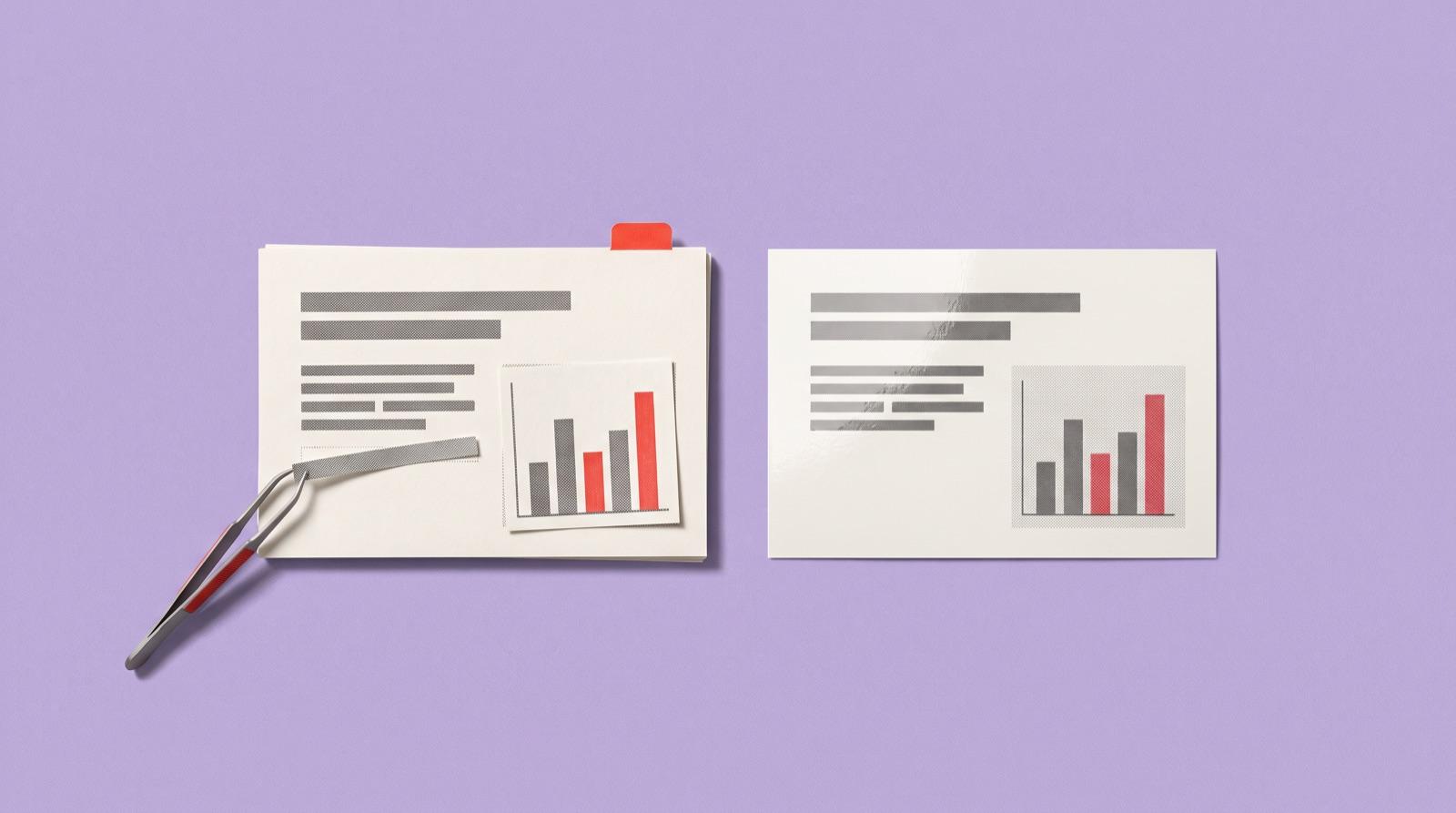
| Picture of a slide | One image covering the whole slide | Crop or replace the image. Nothing else |
A file can mix levels. A deck with native text but a chart drawn as an image is "editable" on a feature list, yet you cannot update Q4 revenue without rebuilding that chart.
We wrote one brief and pushed it through every workflow we could run without signing up for a third-party account:
/api/v1/slides/generate) with the "White Blue Simple Business Pitch Deck" template. Generation took 30.7 seconds.gemini-3-pro-image), then packed into a .pptx by the same export code the 2Slides Workspace uses for image slides.--pptx export.What we did not test: Gamma, Canva, Beautiful.ai, Plus AI and Copilot all need an account, so for those we quote their own documentation below and say so. We also did not run the 2Slides PPT Agent (it runs in the signed-in web app) or Marp's experimental --pptx-editable mode (it needs LibreOffice installed).
| 2Slides Fast PPT | Image-based deck (Nano Banana Pro) | Marp CLI default --pptx | |
|---|---|---|---|
| Slides with editable text | 6 / 6 | 0 / 6 | 0 / 6 |
| Editable characters | 1,885 | 0 | 0 |
| Slides that are one full-slide image | 0 | 6 | 6 (set as slide background) |
| Native charts | 0 | 0 | 0 |
| Native tables | 0 | 0 | 0 |
| Speaker notes | 0 slides | 0 slides | 6 slides |
| File size | 3.8 MB | 3.6 MB | 0.5 MB |
2Slides Fast PPT. Every slide is built from text boxes and shapes, so all 1,885 characters can be retyped in PowerPoint. Two weaknesses showed up. The bar chart and the store table were turned into number cards ("$3.6M", "Downtown: led the fleet with $610K…") instead of a native chart and a native table, so changing a number means editing text, not a data sheet. The title slide also kept placeholder text from the template (a street address, a phone number and a web address) and dropped our subtitle. Both would need a manual fix before presenting.
Image-based deck. The six slides looked right: the bar chart had correct labels and the store table had every value in place. But each slide is a single picture. PowerPoint sees nothing to edit: no text to fix a typo in, no table cell, no chart data. This is how every tool that generates slides with an image model works, because the model returns pixels, not objects.
Marp default export. Marp renders each slide in a browser and places the screenshot as the slide background. Our Markdown table and bullet points became pixels. Marp does keep a speaker-notes slot for every slide, the only file of the three that did.
We did not test these tools. The table summarizes what each company's own pages say, as of November 14, 2026.
| Tool | What its documentation says about PowerPoint export | Source |
|---|---|---|
| Gamma | Tables export as real, editable tables by default on all plans (an "Editable tables" toggle can turn this off). Theme fonts are embedded in the .pptx. Speaker notes are included. Charts imported from Google Sheets export as static images. Some effects (gradient headings, frosted backgrounds) may fall back to simpler styles. | Gamma Help Center |
| Beautiful.ai | Exports editable PowerPoint files from the Actions menu; editable export is in the Pro plan and above (a 14-day Pro or Team trial includes it). Animations and audio do not carry over. | Beautiful.ai blog |
| Plus AI | Works inside PowerPoint and Google Slides and creates native PPTX files with its own Open XML renderer; charts and tables are editable in both. | Plus AI |
| Copilot in PowerPoint | You start a new presentation in PowerPoint and open Copilot Chat there, so the deck is a PowerPoint file from the start. Needs a Copilot license. | Microsoft Support |
| Canva | Offers a Microsoft PowerPoint download. Its help page blocked our automated check, so we could not confirm what the export contains. | — |
Two patterns stand out. Tools that write PowerPoint objects directly (Plus AI, Copilot) or convert their own object model (Gamma, Beautiful.ai) can give you editable text and tables. Charts are the weak spot everywhere: Gamma documents that Sheets-linked charts become images, and our Fast PPT file had no native chart at all.
It depends on which 2Slides workflow made it. 2Slides has three, and they produce different files:
| 2Slides workflow | What the .pptx contains | Editable? |
|---|---|---|
| Fast PPT (fast PPT and templates) | Template-based slides with native text boxes and shapes | Yes, text and shapes. In our test, no native chart or table |
| PPT Agent | Writes the deck directly as OOXML through an agent loop | Designed to be fully native (text, tables, charts). Not tested in this round; see how the AI PowerPoint agent works |
| Workspace image slides (create slides from a file, create slides like this, Nano Banana slides) | One full-slide image per page | No. Text cannot be edited in PowerPoint |
If you need to keep editing in PowerPoint, use Fast PPT or the PPT Agent. Image slides are for a finished look you will present as is, or export as PDF or video.
In 90 seconds, by hand: open the file in PowerPoint, Keynote or Google Slides and click on a heading. If a text cursor appears, the text is native. Then click on the chart: if "Edit Data" appears, it is a native chart; if you only get picture tools, it is an image. Finally press Ctrl+A (Cmd+A on a Mac) on one slide: a single selected box covering the whole slide means the slide is one picture.
For many files, with a script: this standard-library Python script prints, per slide, how many characters are editable and whether the slide is one big image. It reads the XML directly, so it needs no PowerPoint and no extra packages.
import sys, zipfile, posixpath
import xml.etree.ElementTree as ET

NS = {"p": "http://schemas.openxmlformats.org/presentationml/2006/main",
      "a": "http://schemas.openxmlformats.org/drawingml/2006/main",
      "r": "http://schemas.openxmlformats.org/officeDocument/2006/relationships"}
REL = "{http://schemas.openxmlformats.org/package/2006/relationships}Relationship"

def check(path):
    z = zipfile.ZipFile(path)
    pres = ET.fromstring(z.read("ppt/presentation.xml"))
    size = pres.find("p:sldSz", NS)
    area = int(size.get("cx")) * int(size.get("cy"))
    rels = {r.get("Id"): r.get("Target")
            for r in ET.fromstring(z.read("ppt/_rels/presentation.xml.rels")).iter(REL)}
    for n, sld in enumerate(pres.find("p:sldIdLst", NS), 1):
        part = posixpath.normpath(posixpath.join("ppt", rels[sld.get("{%s}id" % NS["r"])]))
        slide = ET.fromstring(z.read(part))
        text = "".join(t.text or "" for t in slide.iter("{%s}t" % NS["a"])).strip()
        full = slide.find("p:cSld/p:bg/p:bgPr/a:blipFill", NS) is not None
        for pic in slide.iter("{%s}pic" % NS["p"]):
            ext = pic.find("p:spPr/a:xfrm/a:ext", NS)
            if ext is not None and int(ext.get("cx")) * int(ext.get("cy")) >= 0.8 * area:
                full = True
        charts = sum(1 for g in slide.iter("{%s}graphicData" % NS["a"]) if g.get("uri", "").endswith("/chart"))
        tables = len(list(slide.iter("{%s}tbl" % NS["a"])))
        verdict = "IMAGE ONLY" if full and not text else "editable text"
        print(f"slide {n}: {len(text)} chars, charts={charts}, tables={tables}, {verdict}")

for f in sys.argv[1:]:
    print(f); check(f)
Save it as pptx_check.py and run python3 pptx_check.py deck.pptx. A slide reported as 0 chars ... IMAGE ONLY is a picture.
Image slides are not a defect. They are the right choice when:
They are the wrong choice for anything a team will update every quarter, translate, or feed into a brand template. For those, start with a tool that writes native objects, and check the file before you build on it.
Yes, if the tool writes native PowerPoint objects. In our test, 2Slides Fast PPT produced six slides with 1,885 characters of editable text. Tools that generate slides as images, and Marp's default export, produce .pptx files with no editable text.
According to Gamma's help center (as of November 14, 2026), yes: tables export as editable tables by default, fonts are embedded and speaker notes are included. Charts imported from Google Sheets export as static images, and some visual effects fall back to simpler styles. We did not test Gamma ourselves.
Because each slide was saved as a picture. This happens with tools that generate slides with an image model and with exporters that screenshot a rendered slide. Click a heading: if you cannot place a cursor in it, the slide is an image. Regenerate the deck with a tool that writes native text, or retype the slide.
Often not. In our test none of the three files had a native chart: 2Slides Fast PPT drew the revenue chart as number cards, and the two image-based files rendered it as pixels. Gamma documents that Google Sheets charts export as images. If you need to update chart data later, check for "Edit Data" in PowerPoint before you commit to a tool.
No, if the deck is final. It looks exactly as designed on any computer, because fonts and layout are baked in. It is bad when someone has to change the text later, because every edit means regenerating or redrawing the slide.
Create stunning AI-powered presentations in seconds. Transform your ideas into professional slides with 2slides AI Agent.
Try For FreeTu Agente IA para diapositivas. Ahorra tiempo, brilla más rápido con la creación inteligente de presentaciones.


© 2026 2slides. Todos los derechos reservados.