2Slides Team
12 min read

Quick answer (≤60 words): Add 2Slides to ChatGPT as a developer-mode MCP app (Settings → Security and login → Developer mode, then chatgpt.com/plugins → "+", URL
https://2slides.com/api/mcp?apikey=YOUR_2SLIDES_API_KEY, No Authentication). That works in regular chats. OpenAI hasn't documented whether a dot can use developer-mode apps, so run the 2-minute test below; if it fails, use the REST API fallback.
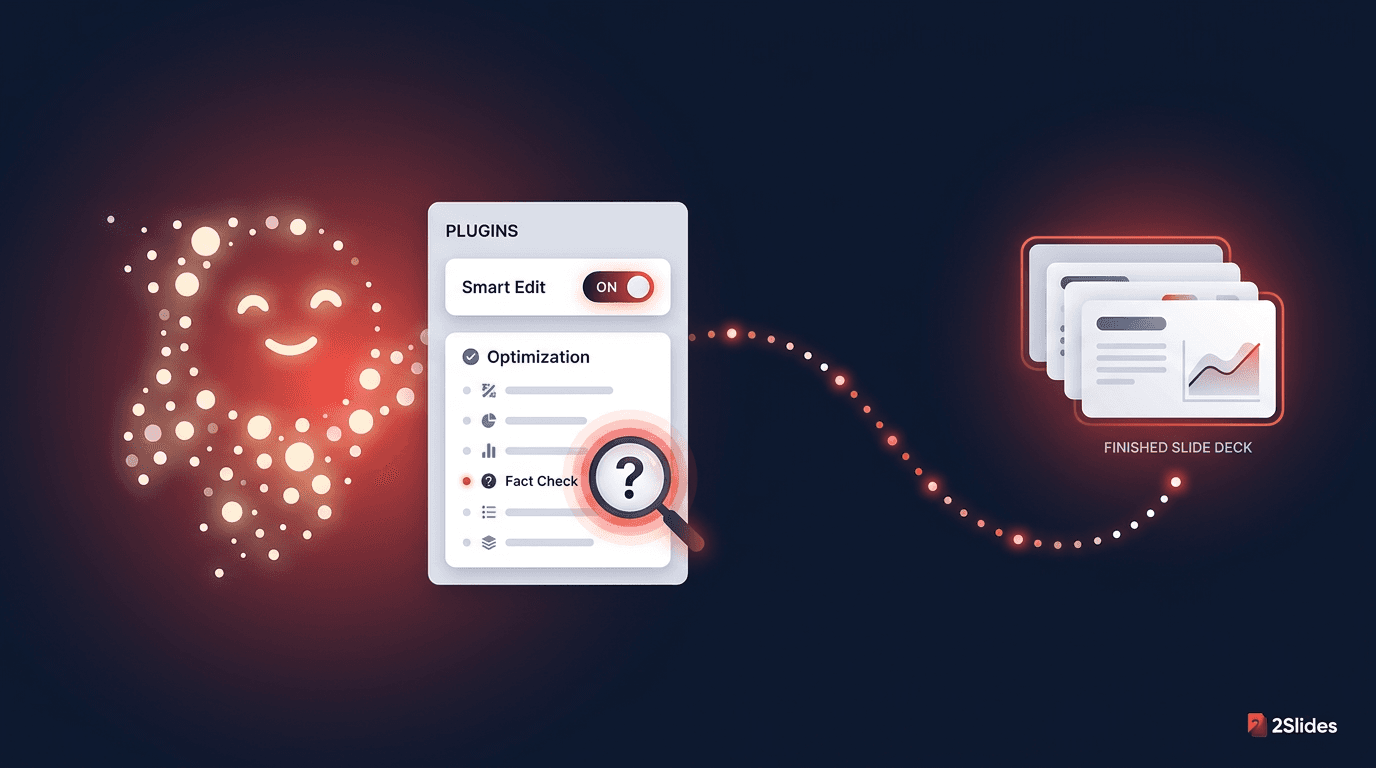
OpenAI launched dots on September 29, 2026: an always-on agent, powered by GPT-6 Astra, that "lives in the cloud and has its own computer and browser." A dot can research, prepare documents and keep working while your laptop is off. OpenAI doesn't document dots producing template-based, editable PowerPoint files, which is the job 2Slides handles.
dots are two days old, and some of the documentation hasn't caught up. This guide keeps what OpenAI has confirmed separate from what is still unknown, and gives you a setup that works either way.
| Question | Status | Source |
|---|---|---|
| A dot can use plugins installed and enabled for your account | Confirmed. "Your dot can use supported plugins installed and enabled for your account." Access depends on "the plugin's connected account, permissions, and the environment where the work runs." | OpenAI dots docs |
| ChatGPT can connect a custom remote MCP server (a "developer-mode app") | Confirmed. Supports SSE and streaming HTTP, and OAuth, No Authentication or Mixed auth | OpenAI developer mode guide |
| A dot can use a developer-mode custom MCP app | Not documented. OpenAI's dots pages say "supported plugins" and don't say whether developer-mode drafts count. Older ChatGPT agent-mode help said custom apps weren't available to agent mode. | Gap in the docs |
| 2Slides hosted MCP works with key-in-URL and no OAuth | Confirmed. We tested it live on production on September 30, 2026: initialize, tools/list, themes_search and slides_generate all succeeded | 2Slides |
In practice: Step 1 below works in any regular ChatGPT chat today. Whether your dot can use it is what Step 2 checks. Step 3 covers what to do if it can't.
.pptx from 1,500+ themes (Fast PPT), or image-designed slides (Nano Banana) with optional AI voice narration.The dot does the thinking and 2Slides does the rendering, and you get back a download link.
sk-2slides-.... New accounts get 500 free credits, enough for 50 Fast PPT pages at 10 credits per page.This follows OpenAI's documented path for connecting an MCP server to ChatGPT.
Turn on developer mode
Create the app
2Slides) and a description, for example: Generate editable PowerPoint decks and designed slides with 2Slides./mcp path:https://2slides.com/api/mcp?apikey=YOUR_2SLIDES_API_KEYAccording to OpenAI, apps you create this way show under Drafts in app settings. To use one in a normal chat, start a new conversation and add the connection from the tools menu.
Security note: A URL that contains your API key is a secret. Don't share screenshots of the connection screen, and don't paste the URL into shared chats. If the key leaks, rotate it at 2slides.com/api. OpenAI also labels developer mode "elevated risk" because of prompt injection and model mistakes on write actions, so connect only servers you trust.
Quick sanity check in a regular chat: add the 2Slides connection from the tools menu and ask:
Use 2Slides to search for a "minimal" theme and show me the top 3 results with their themeIds.If ChatGPT calls themes_search and returns theme IDs, the connection is working.
Now message your dot. Use a prompt that forces a clear yes or no, so it can't quietly browse the web and make something up:
Do you have access to a 2Slides tool or plugin right now? If yes, call its
themes_search tool with the query "minimal" and a limit of 3, and show me the
raw themeIds it returned. If you don't have it, say so plainly. Do not browse
the web or use any other method for this test.
What to look for:
If it works, give your dot a real job:
Read the notes I shared about the Q4 roadmap and build a 10-slide deck with 2Slides.
Search for a clean "business" theme first, generate the PowerPoint, then send me
the download link right away. The link expires in one hour.
The dot should call themes_search, then slides_generate (Fast PPT), and return a downloadUrl. 2Slides download links expire after 1 hour, so ask the dot to hand the link over immediately, or to save the file somewhere persistent if you have a storage plugin connected.
Developer-mode apps are documented for normal ChatGPT conversations. Let the dot do the research and drafting, then:
Generate this as a PowerPoint with 2Slides using a minimal theme.It's one manual hop, but every step in it is documented.
OpenAI says your dot's cloud computer is for "research, documents, data analysis, or software work." 2Slides publishes machine-readable API docs at 2slides.com/api.md, written for agents. You can ask the dot to work from them:
On your cloud computer, read https://2slides.com/api.md. Using the 2Slides REST API
(base https://2slides.com/api/v1, header "Authorization: Bearer <key>"):
1. GET /themes/search?query=minimal&limit=3 and pick a theme.
2. POST /slides/generate with my outline as userInput, the themeId,
   responseLanguage "English", and mode "sync".
3. Download the .pptx from downloadUrl immediately (it expires in 1 hour)
   and give me the file.
I'll give you my 2Slides API key when you ask for it.
This approach is a workaround, not something OpenAI documents for 2Slides. It relies on the cloud computer being able to make outbound HTTPS requests, which you should confirm in Activity the first time. It also means your API key sits in the dot's conversation or files, so use a key you're willing to rotate at 2slides.com/api afterward. dots' private sign-in form is designed for website logins, not API keys.
Dots support saved schedules, which you can review in your dot's profile under Scheduled. OpenAI's guidance is to state what to check, when (with time zone and end date), which changes deserve a notification, and where to deliver the results, and then to ask the dot to confirm. A deck version might look like this:
Every Monday at 8 AM Pacific for the next 8 weeks: collect last week's updates from
the connected project channel, write a 6-slide status update (wins, metrics, risks,
next steps), and generate it as a PowerPoint with 2Slides using the same theme each
week. Send me the download link in ChatGPT as soon as it's ready, since the link
expires after one hour. Message me only if a risk looks serious. Confirm the schedule.
This works best if Step 2 passed. If it didn't, schedule the research and outline part with your dot, then run Fallback A yourself on Monday morning. To stop the recurring task, disable or delete it in Scheduled. Pausing the dot doesn't cancel schedules.
| Tool | What it does | Credits |
|---|---|---|
themes_search | Find a themeId among 1,500+ templates | Free |
slides_generate | Theme-based editable PowerPoint (Fast PPT), sync or async | 10 / page |
slides_create_pdf_slides | Image-designed slides from text (Nano Banana) | 100 / page (1K/2K), 200 (4K) |
slides_create_like_this | Slides matching a reference image's style | 100 / page (1K/2K), 200 (4K) |
slides_generate_narration | AI voice narration for a Nano Banana job (not Fast PPT) | 210 / page |
slides_download_slides_pages_voices | ZIP of page images, audio and transcript | Free |
jobs_get | Poll an async job (every 20–30 s) | Free |
Fast PPT gives you editable .pptx files. Nano Banana gives you designed slides and supports narration. Async jobs typically take 1–3 minutes.
/api/mcp and the ?apikey= value is your full sk-2slides-... key, and that you chose No Authentication.downloadUrl expires after 1 hour. Regenerate the deck or poll jobs_get for a fresh result.A dot can research and draft slide content, but on its own it doesn't render an editable .pptx from a professional theme. Connect 2Slides and the dot, or a regular ChatGPT chat, can call slides_generate and return a PowerPoint download link.
OpenAI hasn't documented this as of September 30, 2026. Dots can use "supported plugins installed and enabled for your account," but the docs don't say whether developer-mode drafts count. The Step 2 prompt tells you in two minutes whether it works on your account.
No Authentication, with your key in the URL: https://2slides.com/api/mcp?apikey=YOUR_2SLIDES_API_KEY. 2Slides doesn't support OAuth. Treat that URL as a password.
For dots, yes: OpenAI lists Pro 100, Pro 200 and Pro 500, with Business Premium rolling out. Developer mode on its own is available on Plus and several other plans, so Plus users can still use Step 1 in regular chats.
Fast PPT costs 10 credits per page, so a 10-slide deck is 100 credits. New accounts get 500 free credits. Nano Banana designed slides cost 100 credits per page at 1K/2K.
Dots support saved schedules (reviewed under Scheduled). If your dot can use the 2Slides app, it can generate the deck on each run. Because download links expire in an hour, tell it to send the link as soon as the deck is ready.
Connecting 2Slides to ChatGPT takes about two minutes and works in regular chats. Whether your OpenAI dot can use that connection isn't documented yet, so test it with the Step 2 prompt, check Activity, and use the chat or REST fallback if it can't.
For the wider picture, see our hub on personal AI agents that make presentations, the general use any AI agent with the 2Slides MCP server guide, and sibling guides for Manus, Meta Muse and OpenAI Codex. Comparing options inside ChatGPT? Read 2Slides vs ChatGPT presentations.
Get your key at 2slides.com/api?tab=mcp. We'll update this guide as soon as OpenAI documents developer-mode app support for dots.
Sources:
Create stunning AI-powered presentations in seconds. Transform your ideas into professional slides with 2slides AI Agent.
Try For FreeYour AI Agent for slides. Save time, shine faster with intelligent presentation creation.




© 2026 2slides. All rights reserved.