2Slides Team
4 min read

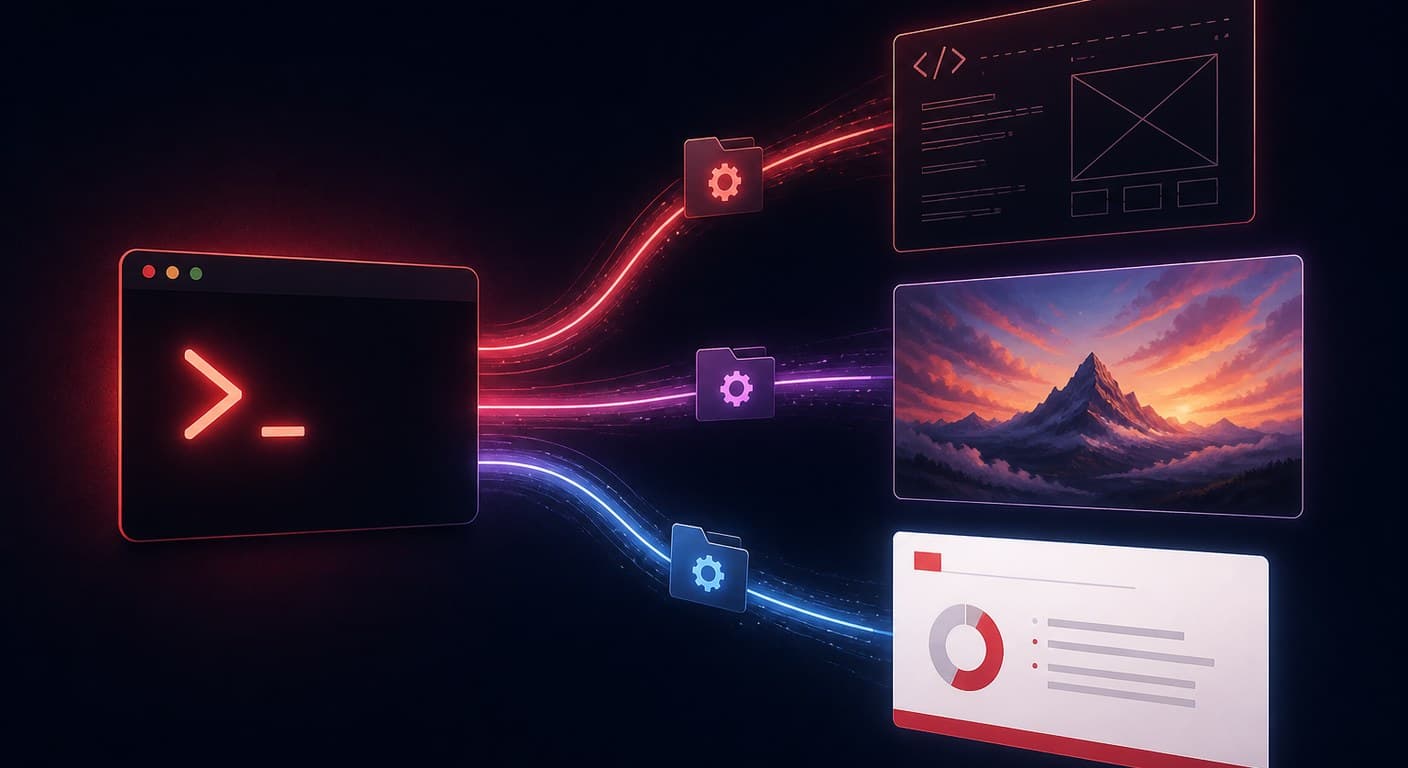
OpenAI Codex สร้างไฟล์ PowerPoint จริงได้ผ่าน Agent Skills — โฟลเดอร์ที่บรรจุคำสั่งและสคริปต์ซึ่ง Codex จะค้นหาและรันเองอัตโนมัติ ในปี 2026 มีแนวทางที่ใช้งานได้จริงอยู่สามแบบ ได้แก่ Slides skill ทางการที่มาพร้อมกับ Codex (สร้าง PPTX ด้วย PptxGenJS พร้อมตรวจสอบการเรนเดอร์), สกิลโอเพนซอร์สจากชุมชนอย่าง codex-ppt-skill (สไลด์แบบใช้รูปภาพ) และสกิลแบบโฮสต์อย่าง 2Slides skill ที่ส่งงานเรนเดอร์ไปยัง API แล้วส่งคืนเดคที่ใช้ธีมและแก้ไขได้ คุณจะเลือกแบบไหนขึ้นอยู่กับว่าต้องการควบคุมเต็มที่ ต้องการความสวยงามโดดเด่น หรือต้องการความเสถียรในการใช้งานจริงในระดับใหญ่
การสร้างสไลด์ด้วย coding agent เปลี่ยนจากเรื่องน่าทึ่งในงานปาร์ตี้มาเป็นเวิร์กโฟลว์จริงในปีนี้ — สกิล PPT หลายตัวมีดาวบน GitHub หลักหมื่นแล้ว และ OpenAI เผยแพร่ use case ทางการสำหรับการสร้างสไลด์ ด้วย Codex คู่มือนี้จะพาคุณผ่านทั้งสามแนวทางพร้อมขั้นตอนติดตั้งที่ชัดเจน แล้วเปรียบเทียบข้อดีข้อเสียอย่างตรงไปตรงมา
Agent Skill คือโฟลเดอร์ที่มีไฟล์ SKILL.md — บรรจุคำสั่ง สคริปต์ และทรัพยากรที่ AI agent จะโหลดขึ้นมาเมื่องานตรงกับสกิลนั้น OpenAI อธิบายสกิลว่าเป็นแพ็กเกจที่ agent "ค้นพบและใช้เพื่อทำงานเฉพาะด้านได้อย่างมีประสิทธิภาพ" Codex มาพร้อม system skill อัตโนมัติ และติดตั้งสกิลเพิ่มเติมได้ผ่านคำสั่ง $skill-installer โดยระบุชื่อหรือ GitHub URL รูปแบบ SKILL.md เดียวกันนี้พกพาได้: สกิล PPT หลายตัวรันได้เหมือนกันทั้งใน Codex, Claude Code, OpenClaw และ Cursor สกิลต่างจาก MCP server ในจุดสำคัญหนึ่ง — สกิลสอน agent ว่า ต้องทำงานอย่างไรในเครื่อง ส่วน MCP server มอบ เครื่องมือระยะไกลให้ agent เรียกใช้ (อ่านเปรียบเทียบแบบละเอียด: Agent Skills กับ MCP server สำหรับการสร้างสไลด์)
Slides skill ของ OpenAI สร้างและแก้ไขไฟล์ .pptx โดยเขียน JavaScript ผ่าน PptxGenJS จากนั้นเรนเดอร์สไลด์เป็นรูปภาพและตรวจสอบข้อความล้นกรอบ องค์ประกอบทับซ้อนกัน และฟอนต์ที่หายไปก่อนส่งไฟล์กลับ
ขั้นตอนติดตั้ง:
Use the slides skill to turn NOTES.md into a 10-slide deck for a customer QBR.
Keep text as text (no text baked into images), use native PowerPoint charts
for the revenue table, and match the branding in template.pptx..pptxจุดแข็ง: ทำงานในเครื่องทั้งหมด ไม่มีค่าใช้จ่ายนอกจากค่า Codex ที่ใช้ไป ผลลัพธ์เป็น PPTX ที่แก้ไขได้จริง และ loop เรนเดอร์แล้วตรวจสอบช่วยจับปัญหาคลาสสิกอย่าง "ข้อความล้นกรอบ" ข้อจำกัด: คุณภาพดีไซน์ขึ้นอยู่กับโค้ดที่โมเดลเขียน — มันจัดวาง layout แบบวิศวกร ไม่ใช่นักออกแบบ เดคจึงออกมาสะอาดแต่เรียบ สไลด์ที่เน้นกราฟและตัวเลขธุรกิจจะออกมาดีกว่าสไลด์ที่เน้นการเล่าเรื่องด้วยภาพ
กระแสชุมชนในปี 2026 คือสกิลแบบใช้รูปภาพ รูปแบบที่ถูกนำไปใช้มากที่สุด — ที่ codex-ppt-skill ทำให้เป็นที่นิยม — ทำงานสามขั้นตอน: agent วางโครงร่างและสไตล์ภาพ สร้างแต่ละสไลด์เป็นรูปภาพแบบ full-bleed ด้วย image model แล้วประกอบรูปภาพเข้าเป็นไฟล์ .pptx ด้วยสคริปต์ในเครื่อง บางเวอร์ชัน เช่น สกิลที่ใช้ Nano Banana เป็นฐาน จะพึ่ง image model ของ Google เพื่อสร้างสไลด์แบบ photorealistic หรือมีทิศทางศิลป์สูง
ขั้นตอนติดตั้ง (Codex):
$skill-installer https://github.com/ningzimu/codex-ppt-skill แล้วรีสตาร์ท Codexจุดแข็ง: เพดานด้านภาพสูงกว่ามาก — ทิศทางศิลป์แบบ full-bleed ที่โค้ด PptxGenJS ไม่มีทางทำได้ และรูปภาพ template สามารถกำหนดสไตล์ทั้งหมดได้ ข้อจำกัด: สไลด์คือรูปภาพ ข้อความถูกฝังอยู่ในรูป ดังนั้นไม่มีใครแก้ typo ใน PowerPoint ได้ ต้องสร้างใหม่เท่านั้น ค่าใช้จ่าย image model บวกขึ้นทุกหน้า และคุณภาพแตกต่างกันในแต่ละครั้งที่รัน อ่านภาพรวมระบบนิเวศเพิ่มเติมได้ที่ การเปรียบเทียบสกิล PPT แปดตัว
แนวทางที่สามยังคงเวิร์กโฟลว์ agent ไว้ แต่ย้ายการเรนเดอร์ไปยังบริการโฮสต์ 2Slides skill คือ SKILL.md ที่สอน Codex (หรือ Claude Code, OpenClaw, Cursor) ให้เรียก 2Slides API: โหมด Fast PPT เติมเนื้อหาของคุณลงในเทมเพลตที่ออกแบบอย่างมืออาชีพแล้วส่งคืน PPTX ที่แก้ไขได้จริง; โหมด Nano Banana สร้างสไลด์แบบออกแบบด้วยรูปภาพที่ความละเอียด 1K–4K เมื่อต้องการเส้นทางภาพ; การบรรยายและส่งออก MP4 ก็ทำได้ในงานเดียวกัน
ขั้นตอนติดตั้ง:
export SLIDES_2SLIDES_API_KEY="sk-..."
$skill-installer https://2slides.com/skill.mdCodex จะส่งงาน poll สถานะ และดาวน์โหลดไฟล์ที่เสร็จแล้ว เนื่องจากการเรนเดอร์เกิดขึ้นฝั่ง server กับเทมเพลตที่ดูแลรักษาอยู่เสมอ ผลลัพธ์จึงไม่ขึ้นอยู่กับว่าโมเดลเขียนโค้ด layout ออกมาอย่างไรในวันนั้น ถ้าคุณชอบ tool-call มากกว่าสกิล บริการเดียวกันนี้เปิดเผยเป็น MCP server ด้วย — ดูการตั้งค่าได้ที่ คู่มือ Codex + 2Slides MCP
| Slides skill ทางการ | สกิล PPT โอเพนซอร์ส | 2Slides skill | |
|---|---|---|---|
| ผลลัพธ์ | PPTX จริง (สร้างด้วยโค้ด) | PPTX ของรูปภาพสไลด์เต็มหน้า | PPTX จริง (ออกแบบด้วยเทมเพลต) หรือสไลด์รูปภาพ |
| แก้ไขข้อความหลัง export ได้ | ✅ ได้ | ❌ ฝังอยู่ในรูปภาพ | ✅ ได้ (โหมด Fast PPT) |
| เพดานด้านภาพ | สะอาดแต่เรียบแบบโค้ด | สูงสุด (รูปภาพแบบมีทิศทางศิลป์) | สูง (เทมเพลตออกแบบแล้ว / Nano Banana) |
| ความสม่ำเสมอในแต่ละครั้ง | ขึ้นอยู่กับโมเดล | ขึ้นอยู่กับโมเดลและ image model | ล็อกด้วยเทมเพลต |
| ค่าใช้จ่ายเพิ่มเติม | ไม่มี | ค่า API ของ image model | เครดิต (10/หน้า Fast PPT, เริ่มต้น $5 ต่อ 2,000 เครดิต) |
| ออฟไลน์ / ในเครื่อง | ✅ | บางส่วน (ต้องใช้ image API) | ❌ API แบบโฮสต์ |
| เหมาะกับ | เดคภายในที่เน้นกราฟ | สไลด์ครั้งเดียว, ทดลองสไตล์ | เดคที่ใช้ซ้ำ, ความสม่ำเสมอของแบรนด์, ใช้งานในระดับใหญ่ |
คำแนะนำตรง ๆ: ถ้าคุณสร้างเดคภายในเดือนละครั้งและใช้ Codex อยู่แล้ว สกิลทางการก็เพียงพอ ถ้าต้องการสไลด์ที่ดูมีทิศทางศิลป์และไม่มีใครต้องแก้ไข สกิลแบบใช้รูปภาพน่าประทับใจจริง ๆ แต่ถ้าเดคต้องสร้างซ้ำ — รายงานรายสัปดาห์ งานส่งลูกค้า หรืออะไรก็ตามที่ทีมต้องส่งเป็นประจำ — การสร้างแบบโฮสต์คือแนวทางเดียวที่ครั้งที่ 40 จะออกมาเหมือนครั้งที่ 1
ได้ แต่ไม่น่าเชื่อถือ หากไม่มีสกิล Codex จะด้นสดเอง — มักเขียนสคริปต์ python-pptx หรือ PptxGenJS ใหม่ตั้งแต่ต้นทุกครั้ง โดยไม่มีการตรวจสอบ layout สกิลมีไว้เพื่อทำให้เวิร์กโฟลว์ทำซ้ำได้: คำสั่ง ไลบรารี และการตรวจสอบตัวเองถูกตรึงไว้แทนที่จะสร้างใหม่ทุก session
ส่วนใหญ่ได้ SKILL.md เป็นรูปแบบที่พกพาได้: codex-ppt-skill, 2Slides skill และสกิล PPT จากชุมชนส่วนใหญ่ระบุว่ารองรับ Claude Code, OpenClaw และ Cursor ควบคู่กับ Codex Slides skill ทางการของ OpenAI เป็นสกิลเฉพาะ Codex ส่วน Anthropic มีสกิล pptx ของตัวเองสำหรับ Claude
สกิลทางการไม่มีค่าใช้จ่ายนอกจากแผน Codex ของคุณ สกิลแบบใช้รูปภาพคิดค่าบริการต่อรูปภาพที่สร้างผ่าน image model key ของคุณ 2Slides skill ใช้เครดิต: 10 เครดิตต่อหน้า Fast PPT หรือ 100 เครดิตต่อหน้า Nano Banana โดยได้รับ 500 เครดิตฟรีเมื่อสมัคร — ดูรายละเอียดราคาได้ที่ คู่มือ API
@Presentations skill ของ ChatGPT อยู่ในแอป ChatGPT และมุ่งเป้าไปที่ผู้ใช้ทั่วไป ส่วน Codex skills อยู่ใน coding agent และสามารถเขียนสคริปต์ เชื่อมต่อกับเครื่องมืออื่น และรันบน repo ของคุณได้ อ่าน รีวิว @Presentations skill เพื่อดูว่าแต่ละแบบเหมาะกับอะไร
ทั้ง Slides skill ทางการและ 2Slides Fast PPT mode ต่างส่งออก PPTX จริงที่มี text box จริง สกิลแบบใช้รูปภาพสร้างสไลด์เป็นรูปภาพ — สวยงาม แต่ถ้าต้องการแก้ข้อความใดก็ต้องสร้างสไลด์นั้นใหม่
Create stunning AI-powered presentations in seconds. Transform your ideas into professional slides with 2slides AI Agent.
Try For FreeYour AI Agent for slides. Save time, shine faster with intelligent presentation creation.




© 2026 2slides. All rights reserved.