2Slides Team
3 min read

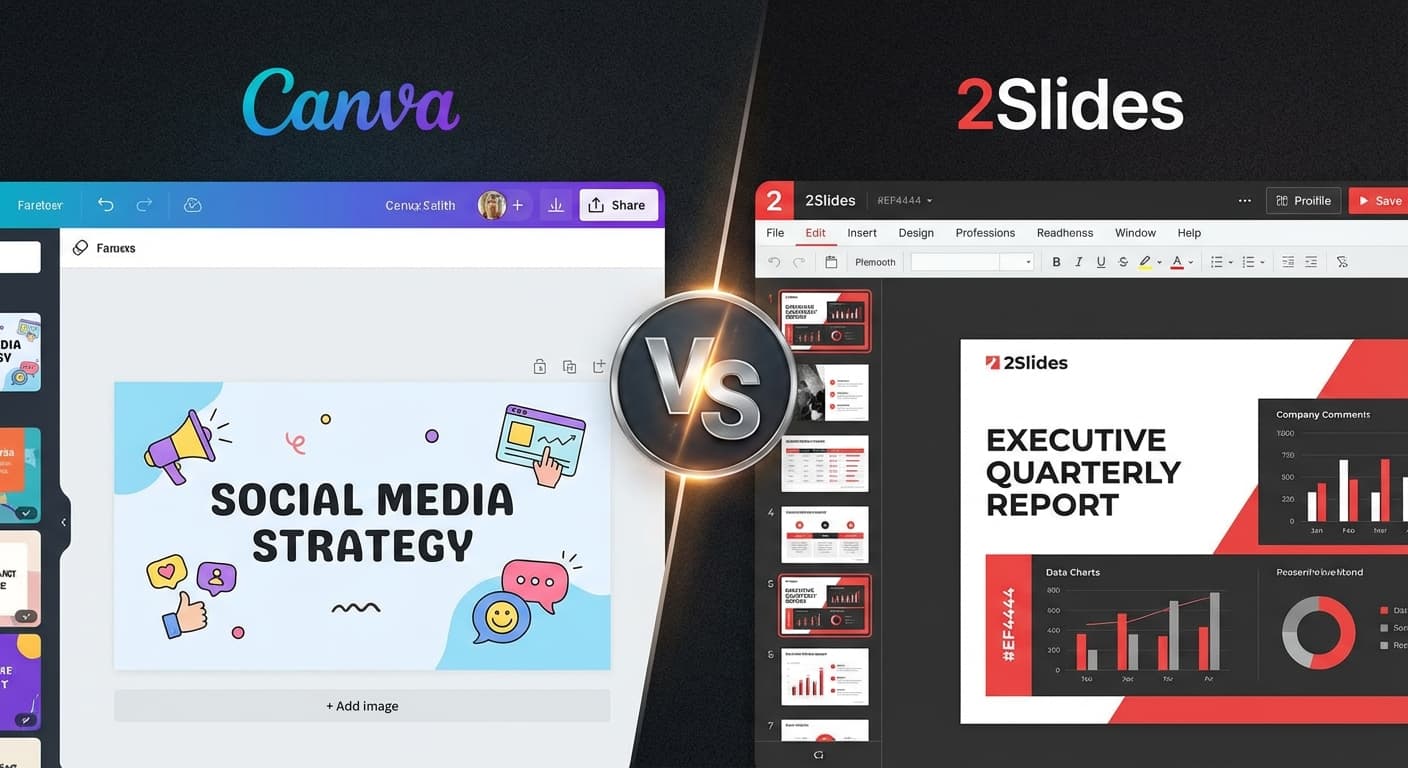
Canva คือเครื่องมือออกแบบที่ได้รับความนิยมสูงสุดในโลก 2Slides คือเครื่องมือสร้างงานนำเสนอด้วย AI เฉพาะทาง ทั้งสองสามารถสร้างสไลด์ได้ — แต่ใช้แนวทางที่แตกต่างกันโดยพื้นฐาน การเปรียบเทียบนี้จะช่วยให้คุณเลือกเครื่องมือที่เหมาะสม
Canva คือแพลตฟอร์มออกแบบที่มีฟีเจอร์ AI เพิ่มเติมมาด้านบน คุณเริ่มต้นด้วยเทมเพลตและปรับแต่งเอง
2Slides คือเครื่องมือสร้างงานนำเสนอที่ใช้ AI เป็นหลัก คุณบอกสิ่งที่ต้องการ และ AI จะสร้างสไลด์ที่สมบูรณ์ตั้งแต่ต้น
| ฟีเจอร์ | 2Slides | Canva |
|---|---|---|
| แนวทาง | AI สร้างจากศูนย์ | เทมเพลต + ปรับแต่งด้วยตนเอง |
| AI สร้างสไลด์ | ✅ สร้างเต็มรูปแบบจากข้อความ | บางส่วน (Magic Design) |
| ไฟล์ → สไลด์ | ✅ PDF, DOCX, XLSX, CSV, MD, JSON | ❌ |
| จับคู่ดีไซน์ | ✅ Create Like This | ❌ |
| บรรยายเสียง | ✅ 8+ เสียง, หลายผู้พูด | ❌ |
| ส่งออกวิดีโอ | ✅ H.264 MP4 (16:9, 9:16) | ✅ (จำกัด) |
| API | ✅ Full REST API + MCP | ✅ Canva API (ใช้เทมเพลต) |
| ไลบรารีเทมเพลต | 15+ ธีม AI | 100,000+ เทมเพลต |
| ทำงานร่วมกันแบบเรียลไทม์ | ❌ | ✅ |
| ออกแบบที่ไม่ใช่งานนำเสนอ | ❌ (เฉพาะงานนำเสนอ) | ✅ (ทุกอย่าง) |
| ส่งออก PowerPoint | ✅ Native .pptx | ✅ |
| ความละเอียด 4K | ✅ | ❌ |
| แพ็กเกจฟรี | เครดิตทดลองใช้ | ✅ ใจกว้าง |
| ราคาต่อที่นั่ง | ❌ (แชร์เครดิต) | ❌ |
| ราคา | เริ่มต้น $5 หรือ $12.50/เดือน | ฟรี / $13/เดือน |
เลือก 2Slides เมื่อคุณต้องการ:
เลือก Canva เมื่อคุณต้องการ:
หลายทีมใช้ทั้งคู่:
พวกเขาเสริมซึ่งกันและกัน — Canva สำหรับความคิดสร้างสรรค์ในการออกแบบ 2Slides สำหรับประสิทธิภาพของ AI
| สถานการณ์ | 2Slides | Canva Pro |
|---|---|---|
| ผู้ใช้เดียว | $5 ครั้งเดียว หรือ $12.50/เดือน | $13/เดือน |
| ทีม 5 คน | $12.50/เดือน | $65/เดือน ($13 × 5) |
| ทีม 10 คน | $12.50/เดือน | $130/เดือน |
| องค์กร (50 คน) | $12.50/เดือน | $650/เดือน หรือกำหนดเอง |
สำหรับทีมงาน โมเดลเครดิตแบบแชร์ของ 2Slides ถูกกว่า Canva ที่คิดค่าใช้จ่ายต่อที่นั่งอย่างมาก
ได้ — ส่งออกสไลด์จาก Canva เป็นไฟล์ PNG จากนั้นใช้เป็นรูปภาพอ้างอิงในฟีเจอร์ Create Like This ของ 2Slides
สำหรับการออกแบบด้วยตนเอง Canva ให้การควบคุมได้มากกว่า สำหรับผลลัพธ์ที่สร้างโดย AI, 2Slides สร้างผลลัพธ์ที่ดูเป็นมืออาชีพและสม่ำเสมอมากกว่า — โดยเฉพาะกับธีมอย่าง McKinsey และ Apple
ส่งออกงานนำเสนอจาก Canva เป็นไฟล์ .pptx จากนั้นอัปโหลดไปยัง 2Slides เพื่อออกแบบใหม่ด้วยธีมใหม่
ลองใช้ทั้งสองแพลตฟอร์มและตัดสินใจเลือก — เริ่มต้นกับ 2Slides สำหรับงานนำเสนอที่ขับเคลื่อนด้วย AI
Create stunning AI-powered presentations in seconds. Transform your ideas into professional slides with 2slides AI Agent.
Try For FreeYour AI Agent for slides. Save time, shine faster with intelligent presentation creation.




© 2026 2slides. All rights reserved.