2Slides Team
11 min read

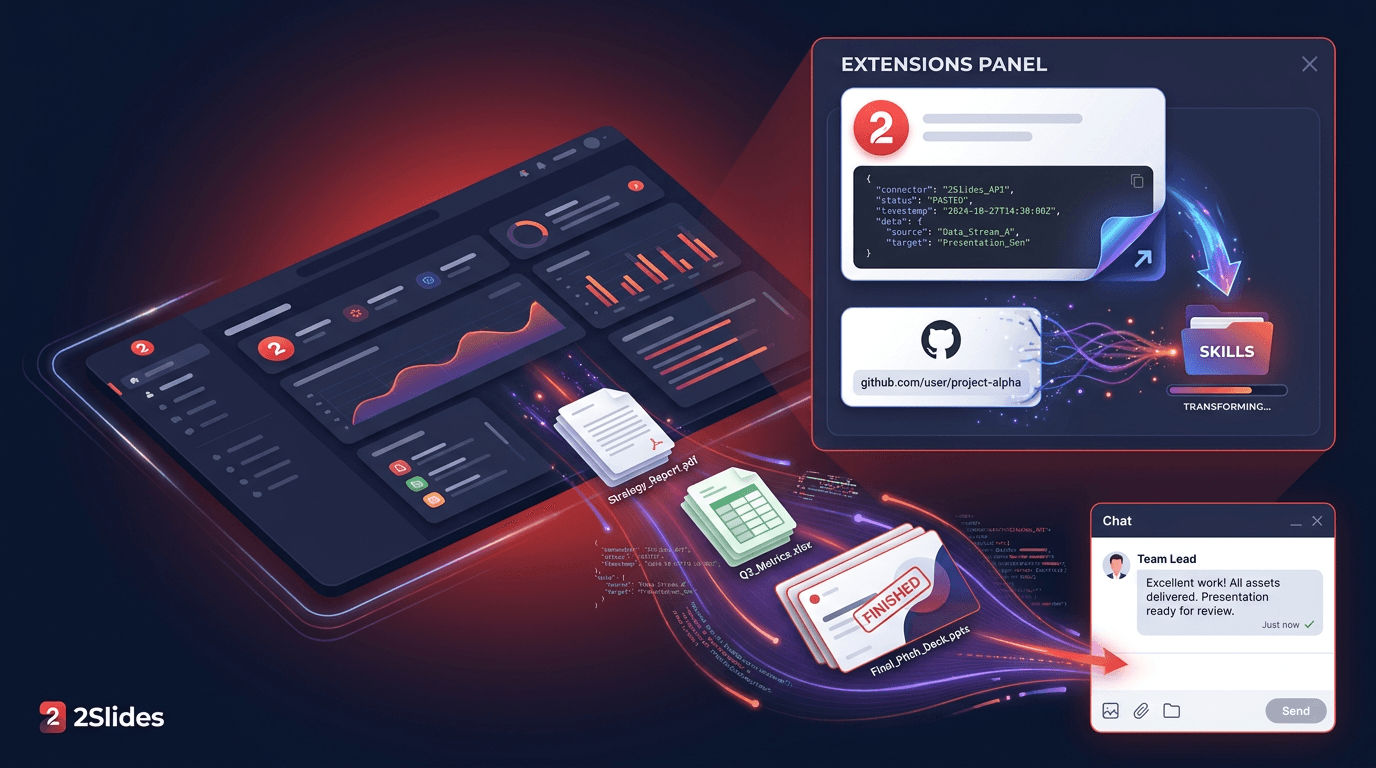
Quick answer (≤60 words): In the QwenWork desktop client, open 扩展 (Extensions) → 连接器 (Connectors) → + 添加 (Add) → 粘贴 JSON 配置 (Paste JSON config), paste an
mcpServersblock pointing athttps://2slides.com/api/mcpwith anAuthorization: Bearerheader, then start a new task. QwenWork can then call 2Slides and hand back an editable.pptx.
QwenWork (千问办公) is Alibaba's AI work platform. Its own tagline, "不止于对话,更注重交付" ("not just dialogue, delivery first"), sums up the product: you ask for a result and it hands you a finished file. It runs as a desktop app (macOS 14+, Windows 10+) and on the web, and it connects to IM channels including DingTalk, Feishu, Lark, WeChat, WeCom, Slack and WhatsApp.
QwenWork can already make a PPT by itself. Adding 2Slides gives it a dedicated presentation engine with 1,500+ professionally designed themes, image-designed "Nano Banana" slides, and AI voice narration. This guide covers three setups that work, based on QwenWork's official help center and on 2Slides endpoints we tested live in production on September 30, 2026.
sk-2slides-.... New accounts get 500 free credits, which covers 50 Fast PPT pages.This is the fastest route and matches the format in QwenWork's official connector docs exactly.
{
  "mcpServers": {
    "2slides": {
      "type": "streamable-http",
      "url": "https://2slides.com/api/mcp",
      "headers": {
        "Authorization": "Bearer YOUR_2SLIDES_API_KEY"
      }
    }
  }
}Keep the word Bearer and the space after it. 2Slides uses a plain API key, not OAuth, so you don't need to authorize anything in a browser.
If you'd rather fill in fields yourself:
2slideshttps://2slides.com/api/mcpAuthorization with the value Bearer YOUR_2SLIDES_API_KEY.If the form ever won't accept a header, 2Slides also takes the key in the URL: https://2slides.com/api/mcp?apikey=YOUR_2SLIDES_API_KEY. That URL is now a secret. Don't paste it into shared docs or screenshots, and if it leaks, rotate the key at 2slides.com/api.
QwenWork also supports STDIO connectors. These run the open-source 2slides-mcp package on your own computer.
2slidesnpx -y 2slides-mcp@latestAPI_KEY = YOUR_2SLIDES_API_KEY.The equivalent JSON, in the standard mcpServers shape:
{
  "mcpServers": {
    "2slides": {
      "command": "npx",
      "args": ["-y", "2slides-mcp@latest"],
      "env": { "API_KEY": "YOUR_2SLIDES_API_KEY" }
    }
  }
}
QwenWork's docs show the manual STDIO form but give a JSON example only for Streamable HTTP. If importing this JSON fails, use the manual form. Most people should stick with Method 1: nothing to install, and nothing breaks when Node.js updates.
QwenWork supports SKILL.md skills, stored as folders in ~/.qwenworkcn/skills/. The official 2Slides skill lives at github.com/2slides/slides-generation-2slides-skills.
Option A: send the link. QwenWork's docs say you can share a GitHub repository link and ask it to install the skill into the skills directory. It clones the repo and puts the files in place for you:
Please install this skill into my skills directory:
https://github.com/2slides/slides-generation-2slides-skills
Option B: upload manually. Download the repo, then go to 扩展 → 技能 (Skills) → 安装技能 (Install skill) and upload SKILL.md along with the scripts/ and references/ folders. Install from the repo rather than the older .skill bundle inside it.
The API key. The skill's Python scripts read the key from the environment variable SLIDES_2SLIDES_API_KEY and need Python 3 with requests. QwenWork doesn't document a secret field for skills. Set the variable in your computer's environment and restart QwenWork, then check it with this prompt:
Using the 2slides skill, run scripts/search_themes.py --query minimal --limit 1 and show me the output.If the script says the key is missing, use Method 1 instead. The connector keeps the key in a header and is the simpler setup. Once installed, you can call the skill by typing / in the input box or by naming it in your request.
themes_search, slides_generate and jobs_get.themeId.Read the attached Q3 report and turn it into a 10-slide management
review. Use 2slides: search for a clean business theme first, then
generate the PowerPoint in English and give me the download link.QwenWork should call themes_search, then slides_generate (Fast PPT), then return a downloadUrl for the .pptx. In our production test, a 3-page Fast PPT deck came back in about 22 seconds. The download link expires after 1 hour, so ask QwenWork to download and save the file (for example, "save it to my Desktop") rather than keeping only the link.
For designed image slides, ask for "custom designed slides". QwenWork will use slides_create_pdf_slides and poll jobs_get every 20 to 30 seconds. These jobs usually take 1 to 3 minutes.
Ask from DingTalk or WeChat, get the deck back in chat. QwenWork can return PPT, PDF and other files into the channel a request came from. Send "Make a 6-slide customer update from last week's notes" from your phone, and the finished file comes back to that chat. One caveat: custom connectors are configured in the desktop client, and QwenWork doesn't document whether tasks started from an IM channel can use them. Test once with a small deck before you rely on it.
Scheduled decks. QwenWork has two kinds of scheduled task:
Example prompt:
Create a scheduled task: every Monday at 9:00, read the newest file in
my Sales folder, build a 6-slide weekly sales deck with 2slides
(Fast PPT, business theme), and save the .pptx to Desktop/Weekly Decks.| Tool | What it does | Credits |
|---|---|---|
themes_search | Find a themeId among 1,500+ themes | Free |
slides_generate | Theme-based editable PowerPoint (Fast PPT), sync or async | 10 / page |
slides_create_pdf_slides | Image-designed slides from text (Nano Banana) | 100 / page (1K/2K), 200 (4K) |
slides_create_like_this | Slides that match a reference image's style | 100 / page (1K/2K), 200 (4K) |
slides_generate_narration | AI voice narration for a Nano Banana job | 210 / page |
slides_download_slides_pages_voices | ZIP of page images, audio and transcript | Free |
jobs_get | Poll an async job | Free |
| Item | Status |
|---|---|
| 扩展 → 连接器 → + 添加 → 粘贴 JSON / 手动配置 with Streamable HTTP, SSE, STDIO | Confirmed in QwenWork docs (desktop client) |
| Installing a skill by sending a GitHub link, or via 扩展 → 技能 → 安装技能 | Confirmed in QwenWork docs |
| Desktop scheduled tasks can call MCP tools | Confirmed in QwenWork docs |
| 2Slides endpoint, header auth, key-in-URL auth, 7 tools | Live-tested by 2Slides |
| Custom connectors on QwenWork web | Not documented |
| IM-channel tasks and cloud scheduled tasks using a desktop custom connector | Not documented; test first |
| Passing a secret env var to skill scripts | No dedicated field documented |
Bearer plus your key, with a space and no quotes or extra spaces around the key.mcpServers. Try the manual form.npx.downloadUrl expires after 1 hour. Ask QwenWork to regenerate the deck or save files right away next time.Yes. In the desktop client, go to 扩展 (Extensions) → 连接器 (Connectors) → + 添加 (Add), then either paste an mcpServers JSON block or fill in the manual form. Streamable HTTP, SSE and STDIO servers are all supported.
{"mcpServers":{"2slides":{"type":"streamable-http","url":"https://2slides.com/api/mcp","headers":{"Authorization":"Bearer YOUR_2SLIDES_API_KEY"}}}}. Paste it under 粘贴 JSON 配置, click 导入, and start a new task.
Yes, QwenWork can deliver PPT files by itself. 2Slides adds 1,500+ designed themes, editable Fast PPT output, image-designed Nano Banana slides and AI voice narration, all driven by the same chat request.
QwenWork connects to DingTalk, WeChat and other IM channels, and it returns files into the chat a request came from. Custom connectors are set up in the desktop client, and QwenWork hasn't documented whether IM-started tasks can use them, so test with a short deck first.
Start with the connector (Method 1). It keeps your key in a header and needs no local setup. The skill works too, but its scripts need SLIDES_2SLIDES_API_KEY set in your environment, and QwenWork doesn't document a secret field for skills.
New 2Slides accounts get 500 free credits. Fast PPT costs 10 credits per page, so a 10-slide deck is 100 credits. Nano Banana designed slides cost 100 credits per page at 1K/2K. QwenWork's own plan usage is billed separately by QwenWork.
One pasted JSON block under 扩展 → 连接器 gives QwenWork a real presentation engine. Start a new task, ask for a deck, and save the
.pptxwithin the hour.
Related guides: personal AI agents that can make slides, QoderWake with 2Slides, WorkBuddy with 2Slides, Qwen Code with 2Slides, and agent skills vs MCP servers for presentations.
Get your key and a copy-paste config at 2slides.com/api?tab=mcp.
Sources:
Create stunning AI-powered presentations in seconds. Transform your ideas into professional slides with 2slides AI Agent.
Try For FreeYour AI Agent for slides. Save time, shine faster with intelligent presentation creation.




© 2026 2slides. All rights reserved.