2Slides Team
13 min read

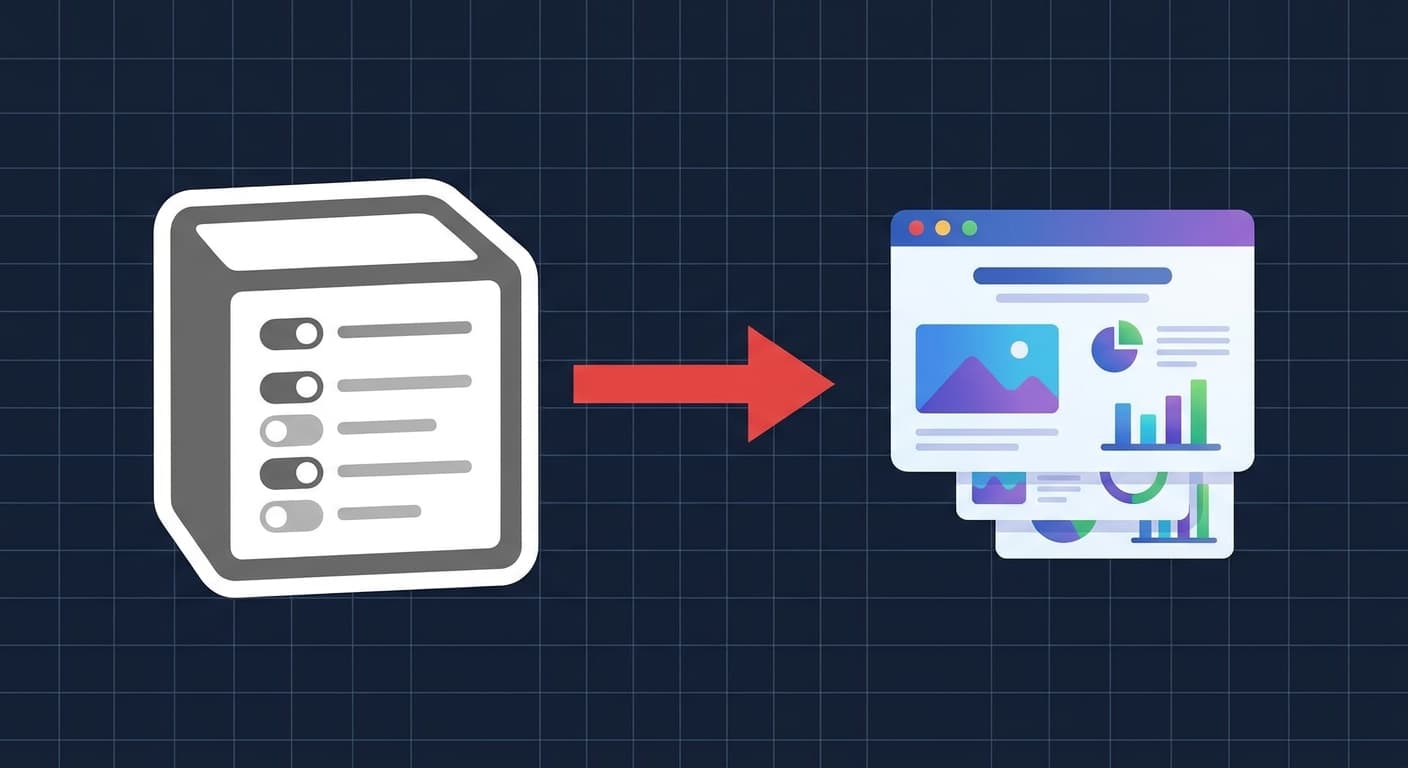
Il workflow Notion-to-deck del 2026 ha tre percorsi pratici: (1) copia-incolla la pagina Notion in uno strumento di slide AI come 2Slides — il più veloce, funziona in 60 secondi; (2) esporta la pagina Notion come Markdown e caricala sull'endpoint create-pdf-slides o generate di 2Slides — il più pulito per la formattazione; (3) automatizza con Zapier, Make o n8n così ogni nuova riga del database Notion diventa una presentazione nel tuo drive condiviso — completamente automatico. Notion AI redige i contenuti in modo eccellente ma non può produrre file .pptx; abbinarlo a un agente slide dedicato colma questa lacuna. Questa guida illustra tutti e tre i metodi, il prompt da incollare quando usi la modalità copia-incolla, una vera ricetta Zapier per il percorso di automazione e i cinque problemi specifici di Notion (liste a scomparsa, blocchi sincronizzati, relazioni database) che interrompono la conversione.
Se hai già redatto la struttura in Notion, non devi riscrivere nulla. Il trucco sta nel sapere quale livello di trasporto usare — appunti, esportazione Markdown o un webhook — e quale prompt prepara il generatore di slide a rispettare la tua gerarchia Notion. Questo articolo è la versione prescrittiva del nostro confronto tra 2Slides e Notion AI: meno opinioni, più passaggi.
Notion AI, a partire dal 2026, può riassumere una pagina, riscriverla con un tono diverso, generare una bozza di schema e persino proporre un layout "simile a slide" all'interno di una pagina Notion. Ciò che ancora non può fare è generare un file .pptx o .pdf che si apra in PowerPoint, Keynote o Google Slides con forme modificabili, layout master e note del relatore. L'AI di Notion vive all'interno del modello a blocchi di Notion; i software di presentazione vivono in OOXML (il formato PowerPoint). Per colmare il divario è necessario un intermediario.
Ci sono tre intermediari che vale la pena utilizzare:
.md pulito. Invialo a un'API.Tutti e tre convergono sullo stesso output: una presentazione modificabile. La differenza sta nella velocità rispetto alla ripetibilità.
Questo è il percorso per presentazioni occasionali — un meeting del lunedì, una proposta per un cliente, un intervento a una conferenza.
Passaggi:
Cmd + A all'interno dell'area contenuto seleziona tutto; su Windows/Linux, Ctrl + A.Cmd + C o Ctrl + C. Notion preserva i livelli di intestazione, la nidificazione degli elenchi e i blocchi di codice nel payload degli appunti.Crea una presentazione pitch per investitori di 10 slide da questa scaletta. Mantieni le intestazioni delle sezioni come titoli delle slide..pptx quando il processo è completato.Su una tipica pagina Notion di 2.000 parole questo richiede circa 45–70 secondi in totale. La presentazione risultante è modificabile in PowerPoint, Keynote e Google Slides. Se desideri un aspetto diverso senza rigenerare il contenuto, utilizza l'endpoint create-like-this (trattato di seguito) o il pulsante "Change theme" nell'app.
Per gli utenti mobile che hanno scritto nell'app iOS o Android di Notion, consulta la nostra guida complementare su come creare presentazioni con l'AI da mobile — il processo di incollaggio funziona in modo identico su smartphone.
Quando la pagina Notion presenta una formattazione complessa — toggle annidati, blocchi di codice, tabelle, callout — l'esportazione Markdown preserva la struttura in modo più affidabile rispetto agli appunti. Questo metodo è inoltre necessario se desideri un controllo programmatico (ad esempio, generare la presentazione da una pipeline CI o uno strumento CLI).
Passo 1: Esporta la pagina Notion come Markdown.
In Notion, clicca sul menu dei tre puntini sulla pagina, scegli Esporta, imposta il formato su Markdown & CSV e deseleziona "Includi sottopagine" a meno che non desideri appiattirle. Otterrai un file .zip contenente un file .md ed eventuali immagini incorporate.
Passo 2: Invia il markdown all'endpoint di generazione 2Slides tramite POST.
curl -X POST https://2slides.com/api/v1/slides/generate \
  -H "Authorization: Bearer $SLIDES_API_KEY" \
  -H "Content-Type: application/json" \
  -d '{
    "content": "# Q1 Product Review\n\n## Wins\n- Shipped v3 onboarding\n- 22% activation lift\n\n## Misses\n- Billing migration slipped two weeks\n\n## Plan\n- Freeze scope for v3.1\n- Hire a second SRE",
    "slideCount": 8,
    "theme": "corporate-modern",
    "language": "en"
  }'
La risposta restituisce un jobId. Interroga /api/v1/jobs/:id ogni pochi secondi finché status non risulta success:
curl https://2slides.com/api/v1/jobs/abc123 \
  -H "Authorization: Bearer $SLIDES_API_KEY"
Passo 3: Scarica gli artefatti.
Una volta completato, chiama /api/v1/download-slides-pages-voices con il job ID per ottenere il .pptx, le anteprime PNG per ogni slide e qualsiasi audio di narrazione (se l'hai richiesto).
Step 4 (opzionale): Aggiungi la narrazione.
Se il deck verrà utilizzato come presentazione asincrona — un caso d'uso comune di Notion per team distribuiti — chiama /api/v1/generate-narration con il job ID e un preset vocale. L'endpoint restituisce un MP3 per ogni slide che puoi incorporare nuovamente nel .pptx o ospitare separatamente.
Step 5 (opzionale): Trova prima un tema.
Se vuoi controllare lo stile visivo in modo programmatico, interroga prima /api/v1/themes/search?query=minimal+dark, prendi un themeId e passalo a generate. Questo è il modo in cui i team impongono la coerenza del brand attraverso molti deck.
PDF scansionati da Notion. Se la tua pagina Notion incorpora un PDF e vuoi che quel PDF venga convertito direttamente in slide (bypassando il Markdown), usa invece /api/v1/create-pdf-slides — carica i byte del PDF, ricevi un deck. Questo è utile per report di ricerca o memo di presentazione che sono stati originariamente creati al di fuori di Notion.
Duplicare lo stile di un deck esistente. Una volta che hai un deck che ti piace, passa il suo jobId a /api/v1/create-like-this insieme al nuovo contenuto — l'endpoint clona il tema, il ritmo del layout e le scelte tipografiche sostituendo il tuo nuovo materiale. Questo è il modo in cui la maggior parte dei team standardizza un template di report settimanale.
Il flusso di lavoro con il massimo leverage è completamente automatico: ogni nuova voce in un database Notion attiva la generazione di una presentazione, e il file .pptx finito viene salvato in un drive condiviso o inviato su un canale Slack.
Ricetta Zapier — "Nuovo elemento database Notion diventa una presentazione"
New Database Item. Seleziona il database (es. "Report Settimanali" o "Briefing Clienti").Get Database Item. Recupera il contenuto completo della pagina, non solo i metadati della riga. Questo è il passaggio che la maggior parte delle persone salta — il trigger fornisce solo i campi della riga.JSON.stringify o un template di testo per appiattire.POST a https://2slides.com/api/v1/slides/generate con la tua API key nell'header Authorization e il Markdown nel campo content.GET https://2slides.com/api/v1/jobs/{{jobId}} e analizza l'URL del .pptx.Make (Integromat) e n8n espongono le stesse primitive. In n8n, usa l'operazione "Get Page Content" del nodo Notion, falla passare attraverso un nodo Function che converte i blocchi in Markdown, poi un nodo HTTP Request che chiama /api/v1/slides/generate. Il modulo di polling integrato di n8n gestisce il ciclo di verifica dello stato del job in modo pulito.
Per un pattern di automazione più avanzato con retry, gestione degli errori e routing dei temi per team, vedi Automate Weekly Reports with Zapier and 2Slides.
Incolla questo sopra il tuo contenuto Notion quando usi il Metodo 1. Prepara 2Slides a rispettare la gerarchia di Notion e produrre un deck che risulti intenzionale piuttosto che meccanicamente auto-impaginato.
Converti il seguente outline di Notion in una presentazione di {N} slide.

Regole:
- Tratta i titoli H1 come separatori di sezione.
- Tratta i titoli H2 come titoli di singole slide.
- Trasforma ogni gruppo di elenchi puntati sotto un H2 in un singolo corpo slide — non dividere un H2 su più slide a meno che non abbia più di sei punti elenco di primo livello.
- Preserva i blocchi di codice così come sono su una slide dedicata con layout monospace.
- Per le liste a tendina, appiattisci il riepilogo e i dettagli in una slide a due colonne: riepilogo a sinistra, dettagli a destra.
- Usa le note del relatore per qualsiasi prosa di lunghezza paragrafo che affollerebbero il corpo della slide.
- Chiudi con una slide di call-to-action; deduci la CTA dalla conclusione dell'outline.

Pubblico: {descrivi il pubblico}
Tono: {conciso / formale / giocoso / tecnico}
Brand: {colore o parola chiave del tema}

Outline:
{incolla qui il contenuto di Notion}
Sostituisci {N}, pubblico, tono e brand. La sezione regole sta facendo il lavoro pesante — senza di essa, la maggior parte degli strumenti AI per slide o sotto-popolano (un punto elenco per slide) o sovraffollano (dodici punti elenco su una slide titolo).
1. Gli elenchi a tendina si comprimono negli appunti. Quando copi una pagina contenente toggle, viene incluso solo il riepilogo visibile — i dettagli annidati all'interno dei toggle chiusi vengono eliminati. Espandi ogni toggle prima di selezionare e copiare, oppure utilizza il percorso di esportazione Markdown, che serializza l'intero albero indipendentemente dallo stato dell'interfaccia.
2. I blocchi sincronizzati duplicano il loro contenuto. Un blocco sincronizzato che appare su tre pagine verrà visualizzato tre volte se copi tutte e tre le pagine. Copia una sola fonte oppure elimina i duplicati in una fase di pre-elaborazione prima di inviare all'API.
3. Le relazioni del database diventano semplici ID.
Le proprietà del database Notion che si collegano ad altre pagine (relazioni, rollup) vengono esportate come UUID, non come titolo della pagina collegata. Prima di inviare, risolvi la relazione tramite l'API Notion (GET /v1/pages/{id}) e sostituisci la proprietà title. L'azione Find Database Item di Zapier esegue questa operazione in un solo passaggio.
4. Le equazioni e LaTeX perdono informazioni.
Notion renderizza KaTeX inline, ma il payload degli appunti fornisce il codice sorgente grezzo $$...$$. 2Slides lo renderizzerà correttamente se mantieni i delimitatori — ma solo nei temi che dichiarano il supporto matematico. Interroga /api/v1/themes/search?query=math o scientific per scegliere un tema compatibile.
5. Le immagini ospitate in Notion scadono. Il CDN delle immagini di Notion utilizza URL firmati che scadono dopo circa un'ora. Se la tua presentazione fa riferimento a immagini inline di Notion e aspetti troppo tempo tra l'esportazione e la generazione, il recupero restituirà un errore 403. Esporta nuovamente subito prima di generare, oppure copia prima le immagini sul tuo CDN.
Notion AI può generare file PowerPoint direttamente?
No. Notion AI genera contenuti nativi di Notion: blocchi, riassunti, riscritture, outline. Non produce file .pptx, .pdf o Google Slides. È necessario un livello di generazione slide aggiuntivo. L'endpoint /api/v1/slides/generate di 2Slides è progettato per accettare esattamente gli export Markdown di Notion, motivo per cui la pipeline è breve.
Quanto tempo richiede una conversione da Notion a presentazione?
Per una presentazione di 8–12 slide da una pagina Notion di 1.500–2.500 parole: circa 45–90 secondi tramite interfaccia utente e 30–75 secondi tramite API (l'API salta alcune operazioni di gestione dell'interfaccia). Pagine più lunghe o numeri di slide maggiori scalano approssimativamente in modo lineare. La narrazione tramite /api/v1/generate-narration aggiunge altri 20–40 secondi per slide.
Quale tema dovrei scegliere per contenuti in stile Notion?
Le pagine Notion tendono ad essere ricche di testo con una gerarchia leggera. I temi etichettati "editorial", "minimal" o "documentary" solitamente rendono i contenuti Notion senza sembrare affollati. Evita temi molto illustrati per contenuti tecnici: competono con il testo per l'attenzione. Usa /api/v1/themes/search per visualizzare un'anteprima.
Le ricette di automazione funzionano con i nuovi AI Blocks di Notion? Sì. Gli AI Blocks vengono renderizzati come normali blocchi Notion nella risposta API, quindi il passaggio di conversione in Markdown li gestisce esattamente come qualsiasi altro paragrafo. L'unica avvertenza: se l'AI Block non è ancora stato eseguito, viene esportato come segnaposto vuoto. Attiva l'AI Block prima di esportare.
E le pagine Notion con Figma, Loom o Miro incorporati? Gli embed diventano riferimenti URL nell'esportazione Markdown. 2Slides non cattura automaticamente screenshot degli embed esterni. Se hai bisogno del contenuto incorporato su una slide, puoi fare uno screenshot manualmente e caricarlo come immagine, oppure aggiungere una slide con codice QR / link che punta all'originale.
Notion è la migliore superficie di drafting moderna — non è uno strumento di presentazione, e tentare di forzarlo in quel ruolo è una battaglia persa. Il percorso più veloce è trattare Notion come il layer di contenuto e un agente dedicato per le slide come layer di output, collegati dal mezzo di trasporto che meglio si adatta al tuo team: appunti per la velocità, Markdown per la fedeltà, webhook per la scalabilità.
Se devi ricordare solo una cosa: il percorso Markdown in tre passaggi (esporta, POST a /api/v1/slides/generate, interroga /api/v1/jobs/:id) è il workflow di produzione più robusto, e richiede meno di venti righe di codice. Tutto il resto — temi, narrazione, duplicazione degli stili con create-like-this, gestione dei PDF con create-pdf-slides — è un miglioramento in aggiunta a quel ciclo fondamentale. Prima distribuisci il ciclo, poi rifinisci.
Incolla il tuo contenuto Notion in 2Slides free — genera un deck PowerPoint in meno di 30 secondi.
Create stunning AI-powered presentations in seconds. Transform your ideas into professional slides with 2slides AI Agent.
Try For FreeIl Tuo Agente IA per le slide. Risparmia tempo, brilla più velocemente con la creazione intelligente di presentazioni.




© 2026 2slides. Tutti i diritti riservati.