
Introduction to Azure Databricks — Big Data Analytics Powered by Apache Spark on Microsoft Azure
Usa la portada de esta presentación como referencia de estilo para diapositivas creadas con tu propio contenido. O elige cualquier página de abajo para usar su diseño como referencia.
Navegación Rápida
Etiquetas
Compartir las diapositivas
Introduction to Azure Databricks — Big Data Analytics Powered by Apache Spark on Microsoft Azure
Vista detallada de cada página de diapositiva, incluyendo diseño, contenido clave y elementos visuales.
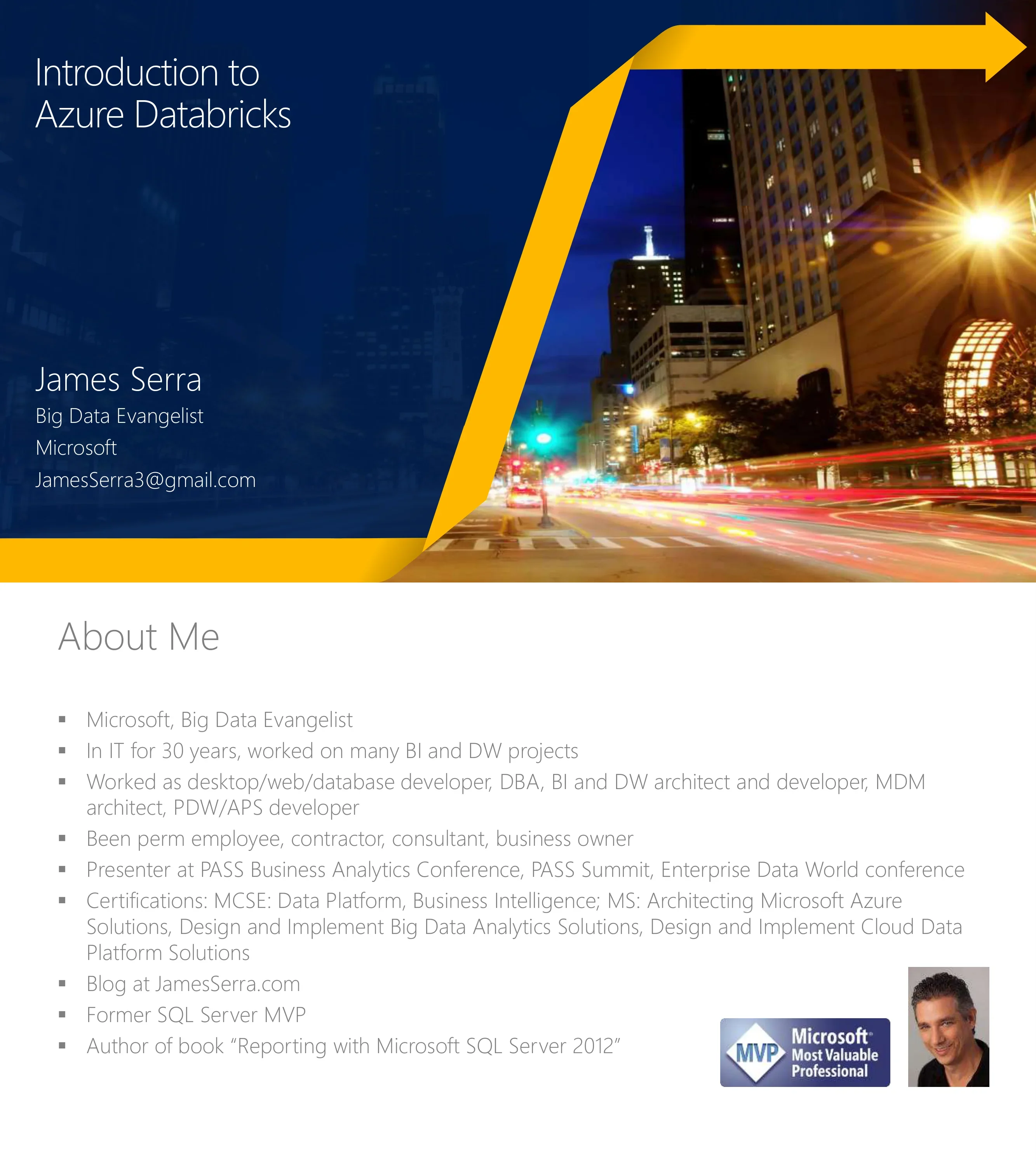
Title slide by James Serra, Big Data Evangelist at Microsoft
Title left with city night photo right, gold arrow accent
James Serra bio — Microsoft Big Data Evangelist, 30 years IT experience, MCSE certifications, PASS presenter, former SQL Server MVP, author
Bullet list with portrait photo and MVP badge
Topics: Big Data Architectures, Why data lakes, Top-down vs Bottom-up, Data lake defined, Hadoop as data lake, Modern Data Warehouse, Federated Querying, Solution in the cloud, SMP vs MPP
Simple bullet list
Hybrid architecture: on-premises (building icon) and cloud (cloud icon) both supporting operational databases, data warehouses, and data lakes. Data types: LOB, CRM, Graph, Image, Social, IoT
Two-column with hybrid arrow between on-prem and cloud
SQL Server (on-prem) ↔ Hybrid ↔ Azure Data Services. SQL Server: industry leader, #1 TPC-H, T-SQL over any data. Azure: 70% faster than Aurora, 2x global reach vs Redshift, No Limits Analytics 99.9% SLA
Same hybrid layout with competitive metrics highlighted
Section divider for the Azure big data chapter
White text on blue background
Spectrum from Control to Ease of Use: Azure Marketplace (IaaS, any Hadoop) → Azure HDInsight (managed clusters) → Azure Databricks (frictionless Spark) → Azure Data Lake Analytics (job-as-a-service). Storage: Azure Data Lake Store and Azure Storage
Matrix diagram with control vs ease-of-use axes
End-to-end pipeline: Ingest (Data Factory, Kafka, Event Hub/IoT Hub) → Store (Blobs, Data Lake) → Prep & Train (Databricks, HDInsight, ML) → Model & Serve (Cosmos DB, SQL Database, SQL DW, Analysis Services) → Intelligence (Predictive apps, Reports, Dashboards)
Five-phase horizontal pipeline with Azure service icons
Section divider for the Azure Databricks deep dive
White text on blue background
Open-source engine built for speed, ease of use, sophisticated analytics. 100x faster than Hadoop in-memory. Largest OSS project with 1000+ contributors. Extensible: Scala, Java, Python, Spark SQL, GraphX, Streaming, MLlib
Bullet list with Apache Spark logo
Fast, easy, collaborative Spark-based analytics optimized for Azure. Best of Databricks + Best of Microsoft. Five key features: Apache Spark founders collaboration, one-click setup, interactive workspace, native Azure integration (Power BI, SQL DW, Cosmos DB), enterprise-grade security (AD, compliance, SLAs)
Title with formula (Databricks + Microsoft) and five icon-labeled features
Unified framework: Spark SQL (Interactive Queries), Spark MLLib (Machine Learning), Spark Streaming (Stream Processing), GraphX (Graph Computation) — all on Spark Core Engine with Yarn, Mesos, or Standalone Scheduler
Stacked architecture diagram with four modules on top of core engine
Benchmark comparisons: 5x faster than vanilla Spark on AWS (11,674 vs 53,783 sec), 8x faster than Presto on AWS (35.3 vs 293 sec), 3x faster than on-premises Impala via Cloudera (1,149,264 vs 3,331,440 sec)
Three horizontal bar charts side-by-side
Single consistent API (RDDs), mix-and-match processing types, eliminates data movement between engines. Pipeline: Input Streams → Spark Streaming → Spark ML → Spark SQL → NoSQL DB
Bullet list on left, vertical pipeline diagram on right
Three pillars: Enhance Productivity (one-click launch, Power BI, collaboration, native Azure integration), Build on Most Compliant Cloud (AD security, fine-grained access, compliance), Scale Without Limits (massive scale, fastest Spark engine)
Three-column layout with bold headers
Full platform diagram: Data sources (IoT, Cloud storage, Hadoop, Data warehouses) → Azure Databricks (Collaborative Workspace + Deploy Production Jobs & Workflows + Optimized Runtime Engine) → Outputs (ML models, BI tools, Data exports, Data warehouses)
Three-layer platform diagram with inputs/outputs
Get started in seconds (single click), interactive exploration (R, Python, Scala, SQL notebooks), real-time collaboration with revision history (GitHub, Bitbucket), built-in visualizations (matplotlib, ggplot, D3), PowerBI dashboards
Feature descriptions on left, platform architecture diagram on right (workspace layer highlighted)
Jobs scheduler, notebook workflows (multi-stage pipelines), run notebooks as resilient Spark jobs, notifications and audit logs, native integration with Azure SQL DW, Cosmos DB, Data Lake Store, Blob Storage, Event Hub
Feature descriptions on left, platform diagram on right (jobs layer highlighted)
DBIO module for optimized I/O performance, fully-managed platform on Azure removes complexity, serverless and elastic cloud service, operate at massive scale globally
Feature descriptions on left, platform diagram on right (runtime layer highlighted)
Five core components: Clusters, Libraries, Workspaces, Jobs, Notebooks — all connected to central Azure Databricks hub
Hub-and-spoke diagram with Azure Databricks center and five blue boxes
Driver Program (SparkContext) → Cluster Manager → Worker Nodes (Cache + Task) → Data Sources (HDFS, SQL, NoSQL). Driver runs main function, worker nodes read/write data, cache as RDDs, execute on VMs in public clouds
Hierarchical architecture diagram on right, bullet points on left
Azure Active Directory integration: no separate user management, AAD users work directly in Databricks, delegated SSO authentication, AAD-based access control for notebooks, clusters, jobs, and data
Bullet list on left, AAD authentication flow diagram on right
Autoscaling (min/max workers, automatic scale on load) and Auto Termination (idle timeout, auto shutdown). Benefits: no guessing node count, no manual tweaking, no resource waste, pay only when used
Description text on left, Azure Portal Create Cluster screenshot on right
Jobs submit Spark application code for execution on clusters. Execute Notebooks or JARs. Comprehensive GUI tools for creation, management, and monitoring
Description text on left, calendar/clock icon on right
Workspaces organize and share Notebooks, Libraries, and Dashboards. Hierarchical folder structure, private directories per user, fine-grained access control for secure collaboration
Bullet list on left, two Azure Portal workspace screenshots on right
Notebooks for authoring and running Spark applications directly on clusters. Support fine-grained permissions, ideal for prototyping and iterative development. Consist of code, data, visualizations, comments, and notes
Bullet list on left, notebook screenshot with chart on right
Libraries hold Python, R, Java/Scala libraries within workspaces. Immutable after import. Customizable via Init Scripts. Manageable via Library API. Supports PyPI, Maven, JAR, R CRAN sources
Bullet list on left, three Azure Portal Create Library screenshots on right
Built-in visualization: Bar, Scatter, Map, Line, Area, Pie, Quantile, Histogram, Box plot, Q-Q plot, Pivot. All notebooks regardless of language support Databricks visualizations. Matplotlib renders as images. PySpark SQL code example with US state map visualization
Bullet list on left, PySpark code + map visualization on right, plot type menu below
Distributed file system layered over Azure Blob Storage. Mount Azure Storage buckets, cache locally on SSD, available in Python/Scala/CLI/dbutils, data persists after cluster termination, pre-installed on Spark clusters
Bullet list on left, DBFS architecture diagram on right
Distributed SQL query engine for structured data. Query external databases, files, Hive tables. SQL or HiveQL. Bindings in Python, Scala, Java. Built-in structured streaming. Uses Catalyst optimizer and Tungsten execution
Bullet list on left, Spark SQL architecture diagram on right
Databases as collections of tables, defined via GUI or APIs/Notebooks. Databricks uses Hive metastore. Supports partitioned tables and partition pruning for performance
Bullet list on left, Azure Portal databases/tables UI on right
Parallelized ML algorithms: MMLSpark, Spark ML, Deep Learning, SparkR. Model selection via cross-validation. DataFrame-based API (Spark 2.0+). MLlib pre-installed. 3rd party: H2O, SciKit-learn, XGBoost
Bullet list on left, Spark ML pipeline diagram on right
Unified streaming + batch API for exactly-once stateful stream processing. Runs on Spark SQL with DataFrame API. Incremental, continuous updates. Supports event-time windows, stream-to-batch joins, deduplication. Sources: Kafka, file (JSON, CSV, Parquet)
Bullet list on left, two diagrams on right (unbounded table + incremental execution)
Structured Streaming integrates with Apache Kafka on HDInsight. Enterprise-grade streaming ingestion. No additional gateways needed. Kafka and Databricks clusters must be in same Azure Virtual Network
Text at top, integration architecture diagram at bottom
APIs for graph and graph-parallel computation. Unifies ETL, exploratory analysis, and iterative graph computation. Algorithms: PageRank, Connected Components, Label Propagation, SVD++, Triangle Count. Scala and RDD APIs only
Three-panel layout: features, algorithms list, PageRank benchmark charts
Easy-to-use interface built on REST API. Two sub-CLIs: Workspace CLI and DBFS CLI. Implements DBFS API and Workspace API
Hierarchy diagram: Databricks CLI → Workspace CLI + DBFS CLI
Seven APIs: Cluster API (create/edit/delete clusters), DBFS API, Groups API, Instance Profile API, Job API, Library API, Workspace API (import/export notebooks)
Funnel diagram on left pointing to API table on right
Section divider for use case architectures
White text on blue background
Architecture: Unstructured data (logs, files, media) → Data Factory → Azure Storage → Azure Databricks (Spark) → Azure SQL Data Warehouse. Structured data (business apps) → Data Factory → Polybase → SQL DW → Analytical dashboards
Five-phase pipeline with two data source streams
Architecture: Unstructured → Data Factory → Azure Storage → Azure Databricks (Spark MLlib, SparkR, SparklyR) → Azure Cosmos DB → Web & mobile apps. Structured → Polybase → SQL DW → Analytical dashboards
Five-phase pipeline with ML-focused processing and Cosmos DB serving
Architecture: Unstructured data → Azure HDInsight (Kafka) → Azure Databricks (Spark) ↔ Azure Storage → Polybase → Azure SQL Data Warehouse → Analytical dashboards
Five-phase pipeline with Kafka streaming ingestion
Section divider for pricing and comparison chapter
White text on blue background
Three-column comparison: Azure HDInsight (Hadoop/HDP, PaaS, Ranger security, priced vs AWS EMR), Azure Databricks (Spark, SaaS, AD security, priced vs Databricks on AWS), 3rd Party Offerings (Cloudera/MapR/Hortonworks, IaaS, vendor pricing)
Three-column comparison cards
Detailed comparison: Azure HDInsight (Hortonworks, big data engines, VNET, Ranger, OMS, Data Factory orchestration, 27 regions), Azure Databricks (Spark-first, single engine, AAD OAuth, RBAC, auto-scaling, serverless, SQL DW integration), Azure ML (first-party ML, Python/R, experimentation, model management, IDE integration)
Three-column detailed feature comparison
Section divider for live demo
White text on blue background
Azure Portal screenshot showing Azure Databricks (preview) service page in Marketplace > Data + Analytics. Unified analytics platform description, Databricks workspace UI preview
Full-width Azure Portal screenshot
Azure Portal: Create Azure Databricks Service form with workspace name, subscription, resource group, and location (West US) fields
Full-width Azure Portal creation form screenshot
Azure Portal Dashboard showing deployed resources including Databricks Service, with Quickstart tutorials for VMs, App Service, Functions, SQL Database
Full-width Azure Dashboard screenshot
Azure Portal resource overview page with Launch Workspace button, managed resource group details, subscription info, and quick-start tiles: Documentation, Getting Started, Import Data, Notebook, Admin Guide
Full-width resource detail page screenshot
Databricks workspace home page showing Featured Notebooks (Apache Spark Intro, Data Scientists, Structured Streaming), New items (Notebook, Job, Cluster, Table, Library), Documentation links, Open Recent
Full-width Databricks workspace screenshot
Section divider for getting started guidance
White text on blue background
Three steps: Sign up for preview, Engage Microsoft experts for workshops, Learn more at azure.com/databricks
Three icon-labeled steps on left, business meeting photo on right
Closing Q&A slide with contact info: James Serra, Big Data Evangelist — email, Twitter @JamesSerra, LinkedIn, blog at JamesSerra.com
Large Q&A text with orange question mark icon, contact details at bottom
Preguntas comunes sobre esta diapositiva y el contenido de la presentación subyacente.
Azure Databricks is a fast, easy, and collaborative Apache Spark-based analytics platform optimized for Azure, designed as a SaaS experience. HDInsight is a managed Hadoop (Hortonworks) distribution supporting multiple engines (Spark, Hive, Kafka, HBase). Databricks is best for Spark-focused workloads with notebooks and collaboration, while HDInsight suits customers who need non-Spark Hadoop technologies.
This presentation was created by James Serra, a Big Data Evangelist at Microsoft with over 30 years of IT experience, multiple Microsoft certifications (MCSE), and the author of the book on SQL Server 2012 reporting. He is a former SQL Server MVP and frequent PASS conference speaker.
The presentation covers all major Spark components: Spark SQL (distributed query engine), Spark MLlib (machine learning), Spark Structured Streaming (real-time processing), and GraphX (graph computation), plus the core Spark architecture with RDDs, Driver/Worker model, and cluster management.
Yes, it includes benchmark data showing Databricks Spark is 5x faster than vanilla Apache Spark on AWS, 8x faster than Apache Presto on AWS, and 3x faster than on-premises Impala via Cloudera, with specific runtime numbers cited from public benchmark studies.
Three complete Azure reference architectures are presented: Modern Big Data Warehouse (batch ETL with SQL DW), Advanced Analytics on Big Data (ML with Cosmos DB serving to web/mobile), and Real-time Analytics on Big Data (Kafka streaming with Spark processing).
Yes, the presentation covers Azure Databricks platform architecture, core artifacts (clusters, notebooks, jobs, workspaces, libraries), security with AAD integration, DBFS, Spark SQL, MLlib, Streaming, and REST APIs — all key topics for Azure data engineering certifications.
Yes, it includes step-by-step Azure Portal screenshots demonstrating: finding Azure Databricks in the Marketplace, creating a workspace, deploying resources, launching the workspace, and navigating the Databricks home page with Featured Notebooks.
The presentation contains 53 slides covering: Azure data estate overview, big data solution comparison, Apache Spark fundamentals, Azure Databricks platform details, workspace features, three reference architectures, pricing/product guidance, live demo walkthrough, and getting started steps.

Create Your Own Slides
Turn your ideas into professional presentations in seconds with 2slides AI.
Referencia diseños profesionales, elige tu estilo y genera diapositivas con renderizado de texto perfecto. Impulsado por Nano Banana—comienza a crear tu presentación ahora.
Tu Agente IA para diapositivas. Ahorra tiempo, brilla más rápido con la creación inteligente de presentaciones.




© 2026 2slides. Todos los derechos reservados.