2Slides Team
12 min read

Quick answer (≤60 words): In WorkBuddy, open Plugins → MCP Server → Configure MCP (or Connectors → Custom Connector) and paste an
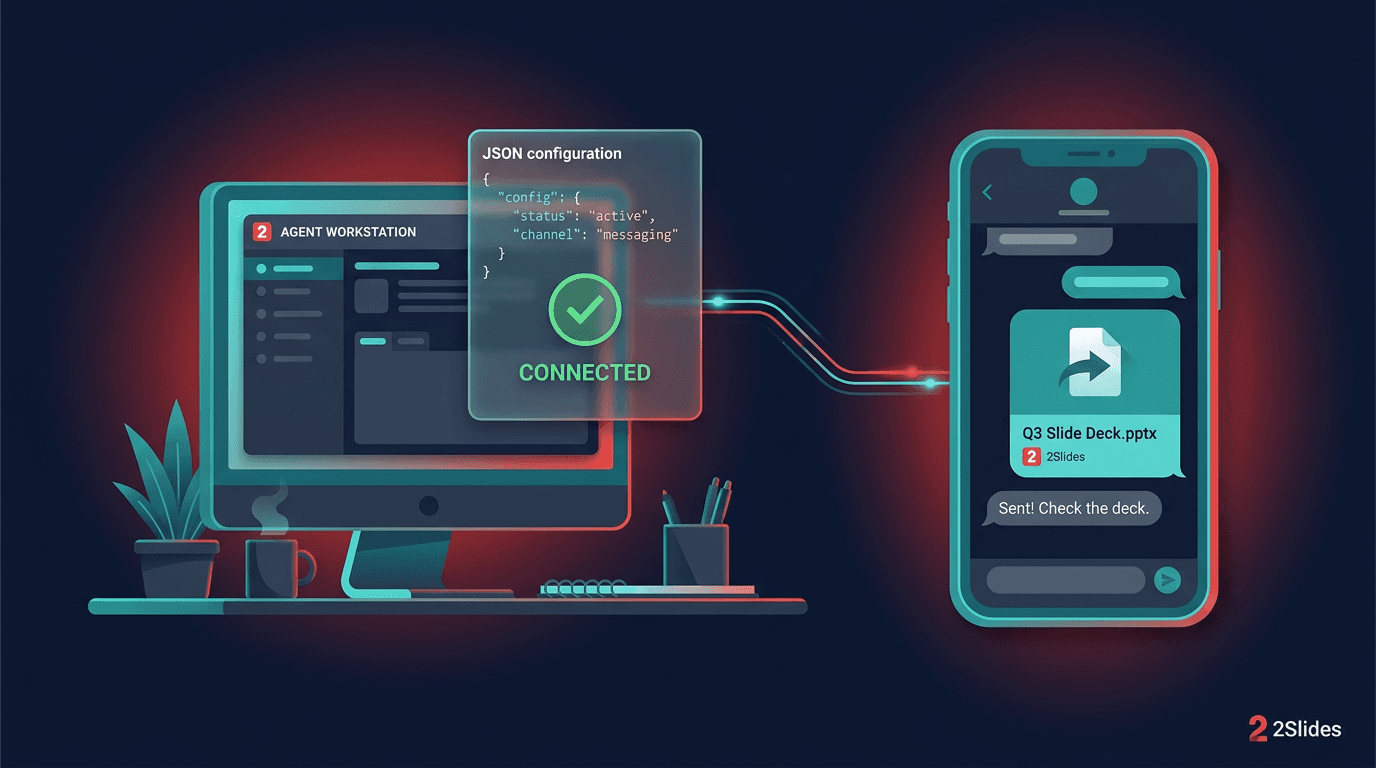
mcpServersentry that runsnpx -y 2slides-mcp@latestwithenv.API_KEYset to your 2Slides key. A green check means it's connected. Then ask WorkBuddy, even from WeChat, for a deck and it returns a.pptxdownload link.
WorkBuddy is Tencent's desktop AI agent workspace, built by the CodeBuddy team. It reads your files, runs tasks on your computer, takes instructions from WeChat, WeCom (企业微信), Feishu, DingTalk and QQ, and runs scheduled automations. What it doesn't have is a dedicated presentation engine. Add the 2Slides MCP server and WorkBuddy can turn a brief, a report or a chat message into an editable PowerPoint file. You get the file back as a link.
This guide covers three setups. They are ordered from the one WorkBuddy documents most directly to the least:
WorkBuddy is good at planning, reading documents and working across your tools. Rendering a designed slide deck is a separate job. With 2Slides attached:
.pptx (Fast PPT, from 1,500+ templates), or image-designed slides with optional AI voice narration.Because WorkBuddy also listens on messaging apps and runs scheduled tasks, you can ask for a deck from your phone or get one generated every week without opening the desktop app.
sk-2slides-.... New accounts get 500 free credits, which is 50 Fast PPT pages at 10 credits per page. Credits are pay-as-you-go and never expire.node -v should print a version). Method 2 needs nothing local. Method 3 needs Python 3 with requests.| Item | Status |
|---|---|
MCP config via Plugins → MCP Server → Configure MCP, files ~/.workbuddy/mcp.json (user) and <project>/.workbuddy/mcp.json (project) | Documented in WorkBuddy's MCP guide |
stdio entries with command / args / env, green = connected, red = config error | Documented in WorkBuddy's MCP guide |
Remote entries with "type": "streamableHttp" + url | Shown in WorkBuddy's Open Platform connector docs and in third-party WorkBuddy setup pages, not in the end-user MCP guide |
Headers (Authorization: Bearer ...) on remote entries in WorkBuddy | Shown by third-party vendors' WorkBuddy guides; not in WorkBuddy's own docs |
| Skills: drag a local skill package in, or use 查找技能 / 创建技能 in chat | Documented in WorkBuddy's skills guide |
| Setting env vars for an imported skill | Not documented; workaround below |
| 2Slides MCP endpoint, key-in-URL auth, stdio package | Live-tested by 2Slides on September 30, 2026 |
This matches the shape of the official example in WorkBuddy's MCP guide (command, args, env), so it is the most predictable option.
Step 1. Open the MCP editor. Use either path:
Or edit ~/.workbuddy/mcp.json directly for all projects, or <project>/.workbuddy/mcp.json for one project.
Step 2. Paste this entry (merge it into mcpServers if you already have servers):
{
  "mcpServers": {
    "2slides": {
      "command": "npx",
      "args": ["-y", "2slides-mcp@latest"],
      "env": {
        "API_KEY": "YOUR_2SLIDES_API_KEY"
      }
    }
  }
}
Step 3. Save and check the status. A green ✓ next to 2slides means WorkBuddy started the server and loaded its tools. A red ✗ means the config has a problem (see troubleshooting).
Notes:
API_KEY. That's what the 2slides-mcp npm package reads."type": "stdio". You can add it, but the end-user guide's example works without it.2Slides hosts an MCP server at https://2slides.com/api/mcp. It accepts the key as a Bearer header or in the URL. There's no OAuth, so you pass the key yourself.
WorkBuddy's end-user MCP guide shows only a stdio example. The WorkBuddy Open Platform connector docs use "type": "streamableHttp" for remote servers, and third-party WorkBuddy guides (for example Wolters Kluwer's) use the same value through Connectors → Custom Connector → Configure MCP. Use this form:
{
  "mcpServers": {
    "2slides": {
      "type": "streamableHttp",
      "url": "https://2slides.com/api/mcp?apikey=YOUR_2SLIDES_API_KEY",
      "timeout": 60000
    }
  }
}
If you'd rather keep the key out of the URL, use a header:
{
  "mcpServers": {
    "2slides": {
      "type": "streamableHttp",
      "url": "https://2slides.com/api/mcp",
      "headers": {
        "Authorization": "Bearer YOUR_2SLIDES_API_KEY"
      },
      "timeout": 60000
    }
  }
}
If the status stays red: WorkBuddy comes from the same family as Tencent CodeBuddy, and CodeBuddy's CLI docs write remote servers as "type": "http" with url + headers. Try changing "streamableHttp" to "http". If neither works in your build, go back to Method 1, which uses the documented shape.
Security: A URL containing
?apikey=is a secret, just like the key. Don't paste it into shared chats or screenshots, and don't commit a project-level.workbuddy/mcp.jsonthat contains it. If it leaks, delete the key and create a new one at 2slides.com/api.
WorkBuddy supports SKILL.md-based skills. The official 2Slides skill (name: 2slides) bundles Python scripts that call the 2Slides REST API. You don't need an MCP server for it.
Option A: upload the package.
2slides/slides-generation-2slides-skills → Code → Download ZIP.Install from the current repo ZIP, not the older 2slides.skill bundle inside the repo.
Option B: ask in chat. Type something like "查找技能:2Slides presentation generation" (find a skill), or paste the GitHub repo URL and ask WorkBuddy to install it as a skill.
Set the key. The scripts read the key from the environment variable SLIDES_2SLIDES_API_KEY, not API_KEY. WorkBuddy doesn't document a per-skill env var field. The practical workaround is to set it in your shell profile (for example export SLIDES_2SLIDES_API_KEY=YOUR_2SLIDES_API_KEY in ~/.zshrc on macOS, or a user environment variable on Windows) and then restart WorkBuddy. Test it with "Use the 2slides skill to search for a minimal theme." That runs search_themes.py and costs no credits.
MCP or skill? MCP gives WorkBuddy structured tools and a status light. The skill needs no Node.js and works well if you already manage skills. Pick one; you don't need both. For a deeper comparison, see Agent Skills vs MCP servers for presentations.
Start a new WorkBuddy task and ask:
List the tools you have from the 2slides MCP server, then search
2slides themes for "business" and show me the top 3 theme IDs.
You should see themes_search being called and a list of theme IDs. Searching themes is free, so this check costs nothing.
Read the Q3 report in my Documents folder and turn it into a
10-slide English deck for management. Search 2slides for a clean
corporate theme first, generate it with Fast PPT, and give me the
download link.
WorkBuddy calls themes_search, then slides_generate, and returns a downloadUrl for the .pptx. In 2Slides' own test, a 3-page Fast PPT came back in about 22 seconds. Ten pages cost 100 credits.
The download link expires after 1 hour. Ask WorkBuddy to save the file into a local folder right away ("download it to ~/Documents/Decks"), or open it promptly.
WorkBuddy can take instructions from WeChat, WeCom (企业微信), Feishu, DingTalk and QQ. Once 2Slides is connected, message it from your phone:
Make a 6-slide Chinese deck introducing our new membership plan,
use a minimal theme, send me the link.
WorkBuddy runs the job on your computer and replies in the same chat with the download link. Because the link lasts one hour, add "also save a copy to my Desktop" so you still have the file later. If your channel supports file delivery, you can ask WorkBuddy to send the file itself.
WorkBuddy's automation module runs tasks on a schedule. A weekly one might be:
Every Monday at 9:00, read the latest file in ~/Reports/weekly,
create an 8-slide summary deck with 2slides (Fast PPT), save it to
~/Decks, and send me the link on WeCom.
WorkBuddy's pricing page lists the automation task cap per plan: 3 on the free 体验版, 15 on 标准版 (¥99/mo), 30 on 高级版 (¥199/mo) and 99 on 旗舰版 (¥999/mo). WorkBuddy credits and 2Slides credits are separate. Each generated deck uses 2Slides credits from your API key (10 per Fast PPT page).
| Tool | What it does | Credits |
|---|---|---|
themes_search | Find a themeId among 1,500+ templates | Free |
slides_generate | Theme-based editable .pptx (Fast PPT), sync or async | 10 / page |
slides_create_pdf_slides | Image-designed slides from text (Nano Banana) | 100 / page (1K/2K), 200 (4K) |
slides_create_like_this | Slides matching a reference image's style | 100 / page (1K/2K), 200 (4K) |
slides_generate_narration | AI voice narration for a Nano Banana job (not Fast PPT) | 210 / page |
slides_download_slides_pages_voices | ZIP of page images, audio and transcript | Free |
jobs_get | Poll an async job (every 20–30 s) | Free |
Nano Banana and narration jobs are async and usually take 1–3 minutes. WorkBuddy polls jobs_get until they finish.
node -v), that the JSON is valid (no trailing commas), and that env contains API_KEY. On first run npx downloads the package, so a slow network can delay the green status."type": "http" instead of "streamableHttp". Make sure the URL is exactly https://2slides.com/api/mcp plus the query string. If it still fails, use Method 1.API_KEY; for the skill it's SLIDES_2SLIDES_API_KEY.downloadUrl lasts 1 hour. Ask WorkBuddy to regenerate, or to save files locally from now on.slides_create_pdf_slides first.Yes. WorkBuddy has an MCP editor under Plugins → MCP Server → Configure MCP, and a Custom Connector entry on the Connectors page. The config is stored in ~/.workbuddy/mcp.json (user level) or <project>/.workbuddy/mcp.json (project level). A green ✓ shows a connected server.
The recommended entry is "2slides": {"command": "npx", "args": ["-y", "2slides-mcp@latest"], "env": {"API_KEY": "YOUR_2SLIDES_API_KEY"}} inside mcpServers. It needs Node.js. The remote alternative is "type": "streamableHttp" with "url": "https://2slides.com/api/mcp?apikey=YOUR_2SLIDES_API_KEY".
Yes. Once WorkBuddy is linked to WeChat or WeCom and 2Slides is connected, send the request in chat. WorkBuddy generates the deck on your computer and replies with the download link. The link expires after 1 hour, so ask it to save a local copy too.
Yes. Download the skill repo ZIP from GitHub and drag it into WorkBuddy's Upload Skill dialog, or ask WorkBuddy to find and install it. The skill reads SLIDES_2SLIDES_API_KEY from the environment and needs Python 3 with requests.
WorkBuddy has a free plan (500 WorkBuddy credits/month, 3 automation tasks) and paid plans from ¥99/month. 2Slides is billed separately: 500 free credits for new accounts, Fast PPT at 10 credits per page, and image-designed slides at 100 credits per page.
Partly. WorkBuddy's Open Platform connector docs use "type": "streamableHttp" for remote servers, but the end-user MCP guide only shows stdio. That's why this guide recommends stdio first and gives "type": "http" as a fallback for remote.
One
mcpServersentry runningnpx -y 2slides-mcp@latestturns WorkBuddy into a deck generator you can reach from WeChat, WeCom or a Monday-morning schedule. Look for the green ✓, save files before the 1-hour link expires, and use the skill if you'd rather skip Node.js.
More agents in this series: the personal AI agents for presentations hub, QwenWork (千问办公), QoderWake, Manus and OpenClaw. For any other MCP client, see use any AI agent with the 2Slides MCP server.
Get your key and a copy-paste config at 2slides.com/api?tab=mcp.
Sources:
Create stunning AI-powered presentations in seconds. Transform your ideas into professional slides with 2slides AI Agent.
Try For FreeYour AI Agent for slides. Save time, shine faster with intelligent presentation creation.




© 2026 2slides. All rights reserved.