2Slides Team
6 min read

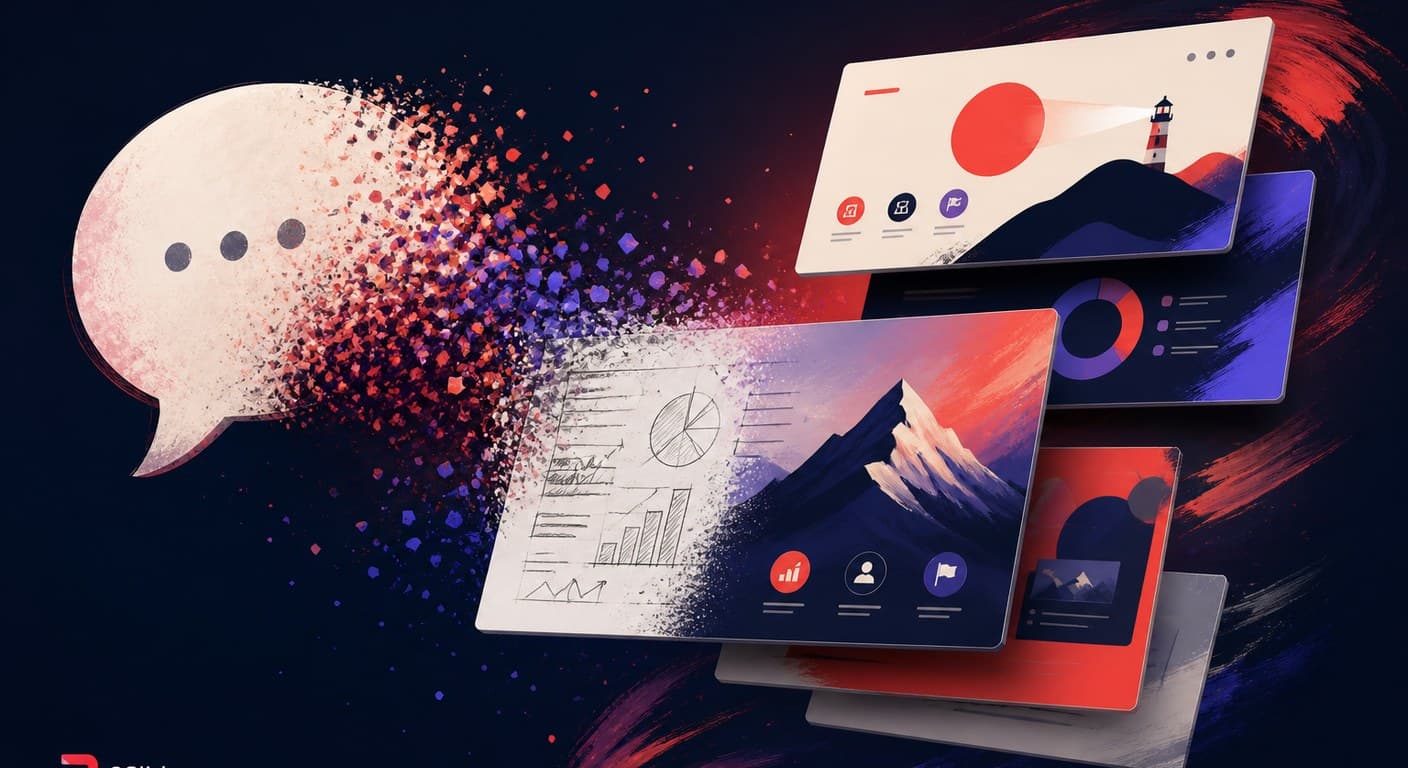
Vibe PPT ist ein Präsentations-Workflow, bei dem Sie das gewünschte Deck in natürlicher Sprache beschreiben und iterativ per Gespräch verfeinern – „Folie 4 dunkler gestalten", „Diagramm durch eine Zeitleiste ersetzen" – anstatt Textfelder manuell zu verschieben. Der Begriff ist ein direkter Ableger von Vibe Coding und wurde Mitte 2026 durch Open-Source-Projekte wie banana-slides populär gemacht, das Googles Nano Banana Pro-Bildmodell mit einer Chat-Schleife kombiniert: ein Satz als Eingabe, ein gestaltetes Deck als Ausgabe, Überarbeitungen per Gespräch.
Wie Vibe Coding zuvor begann der Begriff halb ironisch – und blieb, weil er etwas Reales benennt: Zum ersten Mal kann die gesamte Folienerstellung – Inhalt, Layout, Art Direction, Überarbeitung – über Sprache ablaufen. Dieser Beitrag definiert den Workflow präzise, zeigt seine Entstehungsgeschichte und benennt ehrlich, wo die Vibes an ihre Grenzen stoßen.
Vibe Coding – Software schreiben, indem man Prompts eingibt und das akzeptiert, was das Modell produziert, bewertet nach Ergebnissen statt nach Lesbarkeit des Codes – wurde 2025 zum geläufigen Begriff. Die Präsentationsvariante folgte 2026 demselben Bogen, ausgelöst durch drei gleichzeitig eintreffende Entwicklungen. Bildmodelle überschritten eine Qualitätsschwelle: Googles Nano Banana Pro rendert vollständige Folienkompositionen mit lesbarem Text und kohärenter Art Direction und macht „jede Folie ist ein generiertes Bild" praktikabel. Coding-Agenten erhielten Skills: PPT Skills für Codex und Claude Code verwandelten die Deck-Generierung in eine einzeilige Anfrage innerhalb von Tools, die Entwickler ohnehin nutzen. Und ein Open-Source-Beweis folgte: Das banana-slides-Projekt erschien Mitte 2026 mit dem expliziten Claim, auf „Vibe PPT" hinzuarbeiten – laden Sie ein beliebiges Template-Bild hoch, fügen Sie Ihr Material ein, generieren Sie aus einem Satz oder einer Gliederung, und überarbeiten Sie dann bestimmte Bereiche, indem Sie die gewünschte Änderung beschreiben.
| Vibe-PPT-Workflow | Klassisches KI-Folientool (2023–2025) | |
|---|---|---|
| Primäre Eingabe | Gespräch, iterativ | Ein Prompt oder Dokument vorab |
| Design-Quelle | Pro Deck generiert (oft pro Folie als Bild) | Feste Template-Bibliothek |
| Überarbeitungsschleife | Änderung beschreiben | Manuelles Bearbeiten im Web-Editor |
| Konsistenz | Emergent – variiert von Durchlauf zu Durchlauf | Template-gesteuert |
| Editierbarkeit des Outputs | Oft gering (Bildfolien) | Hoch (native Textfelder) |
Keine Spalte ist schlicht besser. Das richtige Denkmodell: Vibe PPT optimiert die Entwurfs-Erfahrung; Template-basierte Generierung optimiert die Liefer-Erfahrung.
Eine ehrliche Definition schließt die Schwachstellen ein, denn sie sind in jeder aktuellen Implementierung konsistent:
Das pragmatische Setup für 2026 behält das konversationelle Entwerfen bei, begrenzt aber die Risiken. Innerhalb eines Coding-Agenten gibt Ihnen ein PPT Skill die Chat-Schleife; wo die Generierung stattfindet, entscheidet über Ihre Konsistenz. Der 2Slides Workspace folgt demselben konversationellen Muster – beschreiben, bildgestaltete Folien mit Nano-Banana-Modellen in bis zu 4K generieren, seitenweise überarbeiten – und fügt das Produktionsfundament hinzu: nativer PPTX-Fast-PPT-Modus, wenn das Deck editierbar sein muss, seitenweise Vertonung und MP4-Export aus demselben Job. Auf Agentenseite machen der 2Slides Skill und der MCP Server diese Pipeline für Codex, Claude Code, OpenClaw und Cursor zugänglich – sodass „Entwurf per Vibe, Lieferung per Template" ein einziger Workflow ist und nicht zwei separate Tools.
Nein. Klassische KI-Tools setzen auf einen einmaligen Prompt vorab und übergeben dann einen Web-Editor für Änderungen. Das Definitionsmerkmal von Vibe PPT ist die konversationelle Überarbeitungsschleife kombiniert mit generiertem – statt templatebasiertem – Design. Das ist dem Geist von Vibe Coding näher als den Generatoren der Gamma-Ära.
Open-Source: banana-slides (basierend auf Nano Banana Pro) und die bildbasierten PPT Skills für Codex und Claude Code. Gehostet: der 2Slides Workspace-Flow (Generierung + seitenweise konversationelle Überarbeitung + Export) sowie Agent-Skills, die Generierungs-APIs kapseln. Der Skills-Vergleich gibt einen Überblick über das Feld.
In der Regel nicht – Folien sind typischerweise vollflächige Bilder, sodass Text nicht markiert oder korrigiert werden kann. Wenn die Nachbearbeitung nach dem Export wichtig ist, verwenden Sie eine Pipeline mit einem nativen PPTX-Modus und behalten Sie den bildgenerierten Weg für Decks vor, die unverändert oder als Video ausgeliefert werden.
Für Explorationen, kreative Decks und Einzel-Präsentationen – ja, oft mit beeindruckenden Ergebnissen. Für wiederkehrende, markengebundene oder compliance-pflichtige Decks scheitern reine Vibe-Workflows an der Konsistenz; das Hybrid-Muster (konversationeller Entwurf, template-gesichertes Endergebnis) ist das, was Teams in der Praxis einsetzen.
Nano Banana ist der Community-Name für Googles Bildgenerierungsmodellfamilie, deren Pro-Tier vollständige, textlesbare Folienkompositionen zuverlässig gemacht hat – der technische Durchbruch hinter den meisten Vibe-PPT-Projekten 2026. Hintergrund: Nano Banana 2 vs. Nano Banana Pro.
Create stunning AI-powered presentations in seconds. Transform your ideas into professional slides with 2slides AI Agent.
Try For FreeYour AI Agent for slides. Save time, shine faster with intelligent presentation creation.




© 2026 2slides. All rights reserved.