2Slides Team
4 min read

ทีม Learning & Development (L&D) อยู่ภายใต้แรงกดดันอย่างต่อเนื่อง: ต้องการเนื้อหาการฝึกอบรมมากขึ้น, ทีมงานขนาดเท่าเดิม, งบประมาณที่จำกัดลง AI voiceover เปลี่ยนสมการนี้ — โดยเปลี่ยนชุดสไลด์ที่มีอยู่ให้เป็นวิดีโอฝึกอบรมระดับมืออาชีพด้วยค่าใช้จ่ายเพียงเล็กน้อยเมื่อเทียบกับวิธีดั้งเดิม
คู่มือนี้จะแสดงให้ผู้เชี่ยวชาญด้าน L&D เห็นถึงวิธีการสร้างวิดีโอฝึกอบรมที่มีประสิทธิภาพโดยใช้การบรรยายเสียงด้วย AI
| ขั้นตอน | เวลา | ค่าใช้จ่าย |
|---|---|---|
| การเขียนสคริปต์ | 8-12 ชั่วโมง | $500-2,000 |
| การออกแบบสไลด์ | 6-10 ชั่วโมง | $300-1,500 |
| การบันทึกเสียงบรรยาย | 2-4 ชั่วโมง | $200-800 ต่อโมดูล |
| การตัดต่อวิดีโอ | 4-8 ชั่วโมง | $400-1,200 |
| การแก้ไข (2-3 รอบ) | 5-10 ชั่วโมง | $300-800 |
| รวมต่อโมดูล | 25-44 ชั่วโมง | $1,700-6,300 |
| ขั้นตอน | เวลา | ค่าใช้จ่าย |
|---|---|---|
| การป้อนเนื้อหา | 15 นาที | — |
| การสร้างสไลด์ด้วย AI | 2 นาที | ~100 เครดิต/สไลด์ |
| การบรรยายเสียงด้วย AI | 3 นาที | ~210 เครดิต/สไลด์ |
| การตรวจสอบและแก้ไข | 15 นาที | — |
| การส่งออกวิดีโอ | 2 นาที | ~20 เครดิต/สไลด์ |
| รวมต่อโมดูล | ~37 นาที | ~$4-8 |
นี่คือการลดเวลาลง 97% และลดค่าใช้จ่ายลง 99%
เนื้อหา: วัฒนธรรมองค์กร, นโยบาย, เครื่องมือ, การแนะนำทีม การตั้งค่าที่แนะนำ:
ตัวอย่างการบรรยาย:
HR Host: "ยินดีต้อนรับสู่ทีม! ในโมดูลนี้ เราจะพาคุณไปรู้จักกับค่านิยมของบริษัทและสิ่งที่ทำให้วัฒนธรรมของเราไม่เหมือนใคร"
New Hire: "ฉันตื่นเต้นที่จะได้เรียนรู้เพิ่มเติม อะไรคือสิ่งสำคัญที่สุดที่ควรรู้ในวันแรกคะ/ครับ?"
HR Host: "เป็นคำถามที่ดีมาก สิ่งสำคัญอันดับหนึ่งคือ..."
เนื้อหา: ความเป็นส่วนตัวของข้อมูล, ความปลอดภัยในที่ทำงาน, การต่อต้านการคุกคาม, กฎระเบียบอุตสาหกรรม การตั้งค่าที่แนะนำ:
เนื้อหา: การแนะนำคุณสมบัติ, การสาธิตกรณีการใช้งาน, การวางตำแหน่งทางการแข่งขัน การตั้งค่าที่แนะนำ:
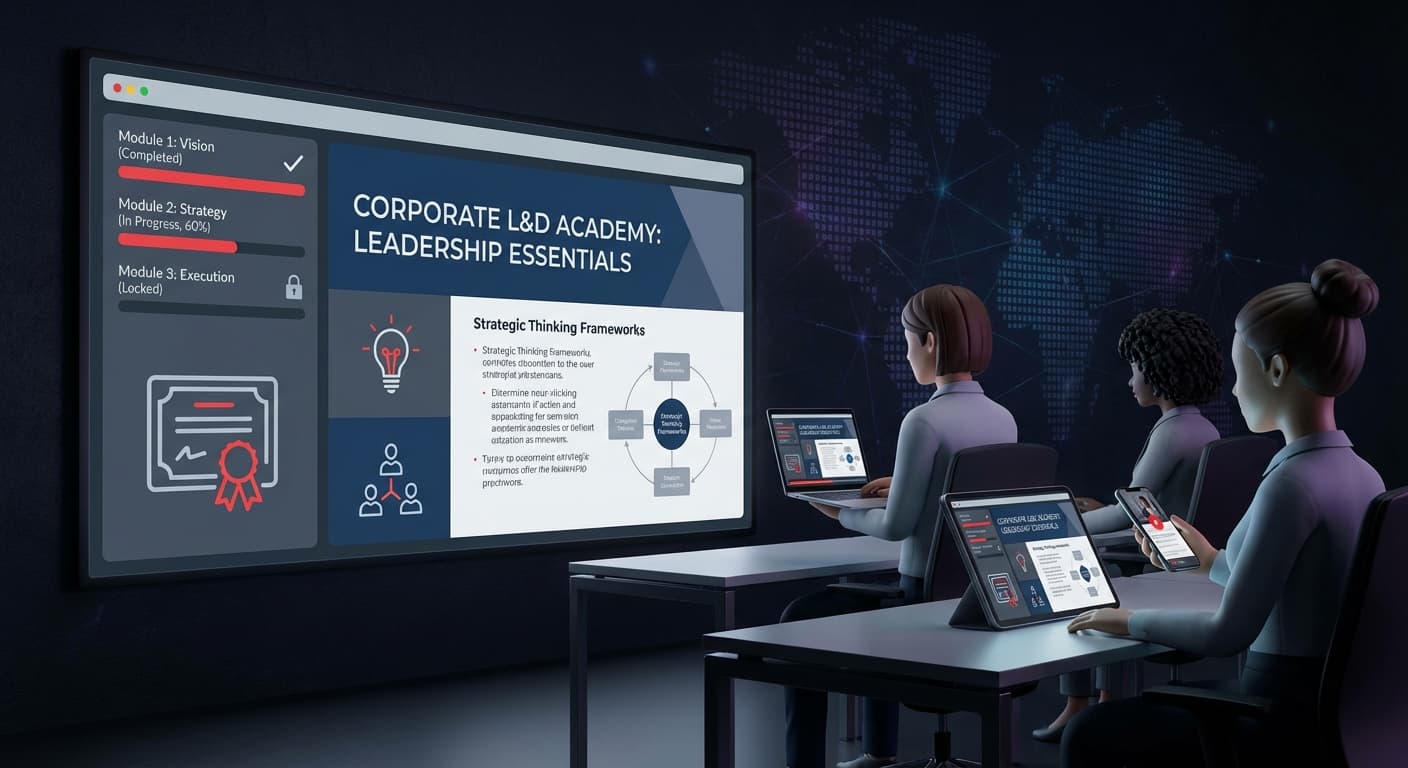
เนื้อหา: กรอบการบริหารจัดการ, ทักษะการสื่อสาร, การคิดเชิงกลยุทธ์ การตั้งค่าที่แนะนำ:
เนื้อหา: บทช่วยสอนซอฟต์แวร์, เอกสารกระบวนการ, การดูแลระบบ การตั้งค่าที่แนะนำ:
เนื้อหา: ความรู้ผลิตภัณฑ์, การจัดการข้อโต้แย้ง, แผนการแข่งขัน การตั้งค่าที่แนะนำ:
ปฏิบัติตามโครงสร้างที่ได้รับการพิสูจน์แล้วนี้เพื่อการจดจำสูงสุด:
สำหรับทีม L&D ที่สร้างหลักสูตรเต็มรูปแบบ:
# For each module in your training plan:
# Use Nano Banana endpoint (required for narration)
POST /api/v1/slides/create-pdf-slides
{
  "userInput": "[Module content outline]",
  "designStyle": { "global": { "referenceImageUrl": "..." } }
}

# Poll until completed
GET /api/v1/jobs/{jobId}

POST /api/v1/slides/generate-narration
{
  "jobId": "...",
  "mode": "multi",
  "speaker1Name": "Trainer",
  "speaker2Name": "Learner",
  "contentMode": "standard"
}

POST /api/v1/slides/download-slides-pages-voices
{
  "jobId": "..."
}หมายเหตุ: การบรรยายเสียงต้องใช้ Nano Banana jobs (
create-like-thisหรือcreate-pdf-slides) งาน Fast PPT มาตรฐานไม่รองรับการบรรยาย
โปรแกรมการปฐมนิเทศ 20 โมดูลที่โดยปกติจะใช้เวลาหลายเดือนในการผลิต สามารถสร้างเสร็จได้ภายในวันเดียว
วิดีโอฝึกอบรมของ 2Slides ใช้งานได้กับ Learning Management Systems (LMS) หลักๆ ทั้งหมด:
| แพลตฟอร์ม LMS | รูปแบบการอัปโหลด | หมายเหตุ |
|---|---|---|
| Canvas | วิดีโอ MP4 | อัปโหลดโดยตรงหรือลิงก์ฝัง |
| Moodle | วิดีโอ MP4 | อัปโหลดไปยังไลบรารีสื่อ |
| Blackboard | วิดีโอ MP4 | อัปโหลดคอลเลกชันเนื้อหา |
| Cornerstone | MP4 + SCORM wrapper | แพ็กเกจสำหรับการติดตาม |
| Workday Learning | วิดีโอ MP4 | ลิงก์หรือฝัง |
| TalentLMS | วิดีโอ MP4 | อัปโหลดโดยตรง |
| Custom LMS | MP4 + API assets | ใช้ API ดาวน์โหลดสำหรับสินทรัพย์ |
รูปแบบ H.264 MP4 ที่ส่งออกโดย 2Slides สามารถใช้งานร่วมกันได้ทั่วโลก — ไม่จำเป็นต้องแปลงรหัส
| ส่วนประกอบ | เครดิตต่อโมดูล | รวม (20 โมดูล) |
|---|---|---|
| การสร้างสไลด์ | 1,000 | 20,000 |
| การบรรยายเสียง | 2,100 | 42,000 |
| การส่งออกวิดีโอ | 200 | 4,000 |
| รวม | 3,300 | 66,000 เครดิต |
ค่าใช้จ่าย: ประมาณ $33 ในแพ็กเครดิต หรือประมาณ 7 เดือนของแผน Pro ($12.50/เดือน)
เปรียบเทียบกับการผลิตแบบดั้งเดิม: $34,000-126,000 สำหรับโปรแกรมเดียวกัน
หนึ่งในข้อได้เปรียบที่ใหญ่ที่สุดของวิดีโอฝึกอบรมที่สร้างโดย AI คือ: การอัปเดตทำได้รวดเร็วและราคาถูก
การอัปเดตวิดีโอฝึกอบรมแบบดั้งเดิมมักมีค่าใช้จ่าย 30-50% ของการผลิตเดิม ด้วย AI การอัปเดตมีค่าใช้จ่าย 5-10%
ได้ คุณสามารถใช้ Create-Like-This เพื่ออัปโหลดเทมเพลตสไลด์ที่มีแบรนด์ของคุณ เนื้อหาการฝึกอบรมที่สร้างขึ้นทั้งหมดจะตรงกับมาตรฐานการออกแบบองค์กรของคุณ
ควรตรวจสอบการบรรยายที่สร้างขึ้นก่อนที่จะผลิตเสียงเสมอ AI สร้างการบรรยายจากเนื้อหาที่คุณป้อน ดังนั้นความถูกต้องจึงเริ่มต้นจากการป้อนข้อมูลที่ดี เพิ่มขั้นตอนการตรวจสอบโดยผู้เชี่ยวชาญเฉพาะด้านสำหรับเนื้อหาทางเทคนิคหรือการปฏิบัติตามข้อกำหนด
ได้ 2Slides รองรับการตรวจจับเนื้อหาภาษาอังกฤษ, ญี่ปุ่น, จีน และเกาหลีโดยอัตโนมัติ สร้างเนื้อหาโมดูลเดียวกันในภาษาต่างๆ สำหรับทีมทั่วโลก
สคริปต์ที่ดาวน์โหลดได้มีเวอร์ชันข้อความของการบรรยายทั้งหมด — มีประโยชน์สำหรับผู้เรียนที่มีความบกพร่องทางการได้ยิน และสำหรับการปฏิบัติตามข้อกำหนดการเข้าถึง (ADA, WCAG)
ทีม L&D ของคุณสามารถเริ่มผลิตวิดีโอฝึกอบรมระดับมืออาชีพได้ตั้งแต่วันนี้ — ไม่ต้องมีสตูดิโอบันทึกเสียง, ไม่ต้องมีทักษะการตัดต่อวิดีโอ, ไม่ต้องมีงบประมาณการผลิต
สร้างวิดีโอฝึกอบรม AI ชิ้นแรกของคุณ — เริ่มต้นกับ 2Slides และพลิกโฉมโปรแกรม L&D ของคุณ
Create stunning AI-powered presentations in seconds. Transform your ideas into professional slides with 2slides AI Agent.
Try For FreeYour AI Agent for slides. Save time, shine faster with intelligent presentation creation.




© 2026 2slides. All rights reserved.