2Slides Team
4 min read

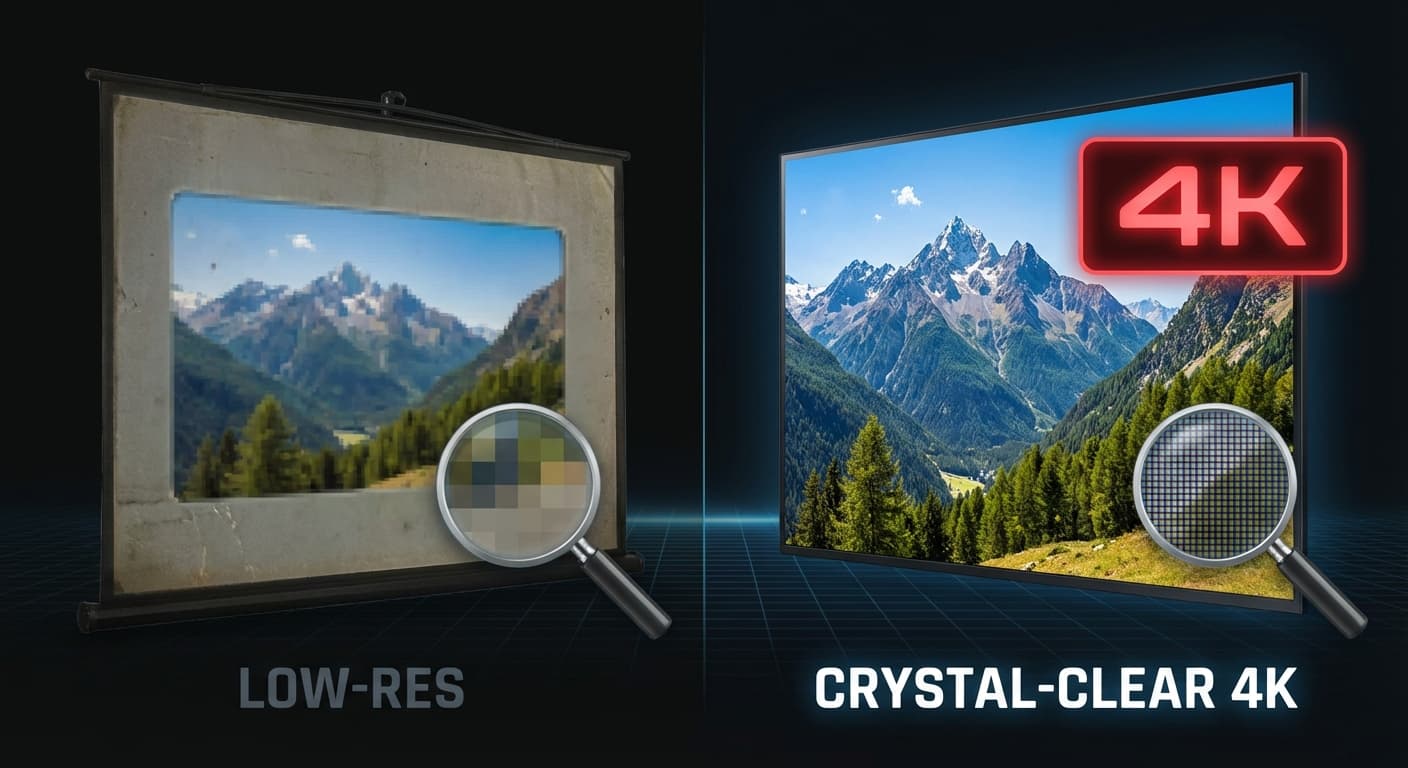
Большинство инструментов для создания презентаций с помощью ИИ генерируют слайды в стандартном разрешении — это нормально для экранов ноутбуков, но ужасно для конференц-залов, печатных материалов или видеопроизводства. 2Slides — единственный генератор презентаций на базе ИИ, который создает слайды в разрешении до 4K (3840x2160).
Это руководство объясняет, когда и как использовать слайды высокого разрешения, созданные ИИ.
2Slides предлагает четыре уровня разрешения:
| Разрешение | Размеры (16:9) | Лучше всего для | Стоимость в кредитах |
|---|---|---|---|
| 512px | 912 x 512 | Быстрые черновики, превью | Минимальная |
| 1K | 1920 x 1080 | Стандартные презентации, демонстрация экрана | Стандартная |
| 2K | 2560 x 1440 | Клиентские презентации, переговорные | Стандартная |
| 4K | 3840 x 2160 | Большие дисплеи, печать, видеопроизводство | 200 кредитов/изображение |
Дисплеи больших площадок (проекторы, LED-экраны) существенно выигрывают от 4K. Слайды стандартного разрешения выглядят пиксельными на экранах больше 70 дюймов.
Если вы печатаете слайды в качестве раздаточных материалов, постеров или маркетинговых материалов, 4K обеспечивает четкий текст и резкие изображения при любом размере печати.
Когда слайды входят в состав видео (записи вебинаров, учебный контент, промо-ролики), исходный материал в 4K гарантирует профессиональный вид финального видео при любом выходном разрешении.
Залы заседаний с премиальными дисплеями (Samsung The Wall, LG OLED) заслуживают контента в 4K. Это тонкий, но заметный сигнал качества.
Дизайнерам и консультантам, демонстрирующим свои работы, нужно максимально возможное качество, чтобы показать внимание к деталям.
const response = await fetch('https://2slides.com/api/v1/slides/generate', {
  method: 'POST',
  headers: {
    'Authorization': 'Bearer sk-2slides-xxx',
    'Content-Type': 'application/json'
  },
  body: JSON.stringify({
    userInput: 'Product launch keynote for annual conference',
    themeId: 'apple-theme-id',
    resolution: '4K',
    aspectRatio: '16:9',
    mode: 'async'
  })
});Различные контексты требуют разных соотношений сторон:
| Соотношение сторон | Применение | Размеры 4K |
|---|---|---|
| 16:9 | Стандартные презентации, мониторы, проекторы | 3840 x 2160 |
| 4:3 | Старые проекторы, iPad, некоторые конференц-залы | 2880 x 2160 |
| 1:1 | Посты в Instagram, социальные сети | 2160 x 2160 |
| 9:16 | Мобильные устройства, Instagram Stories, TikTok | 2160 x 3840 |
| 21:9 | Сверхширокие дисплеи, кинематографические презентации | 4536 x 2160 |
Разница наиболее заметна в:
Изображения 4K стоят 200 кредитов каждое (против 100 за стандартное). Для оптимизации:
Немного — примерно на 20-30% дольше, чем стандартное разрешение. Для презентации из 10 слайдов ожидайте ~3 минуты в общей сложности.
Да. Создавайте ключевые слайды в 4K, а вспомогательные слайды в 2K. Разница в визуальном качестве минимальна на стандартных дисплеях.
Да — изображения встраиваются в полном разрешении. Файл .pptx будет больше (50-100 МБ для презентации из 10 слайдов), но сохраняет все детали.
Создавайте слайды, которые выглядят потрясающе в любом размере — создавайте презентации 4K с 2Slides.
Create stunning AI-powered presentations in seconds. Transform your ideas into professional slides with 2slides AI Agent.
Try For FreeYour AI Agent for slides. Save time, shine faster with intelligent presentation creation.




© 2026 2slides. All rights reserved.