2Slides Team
4 min read

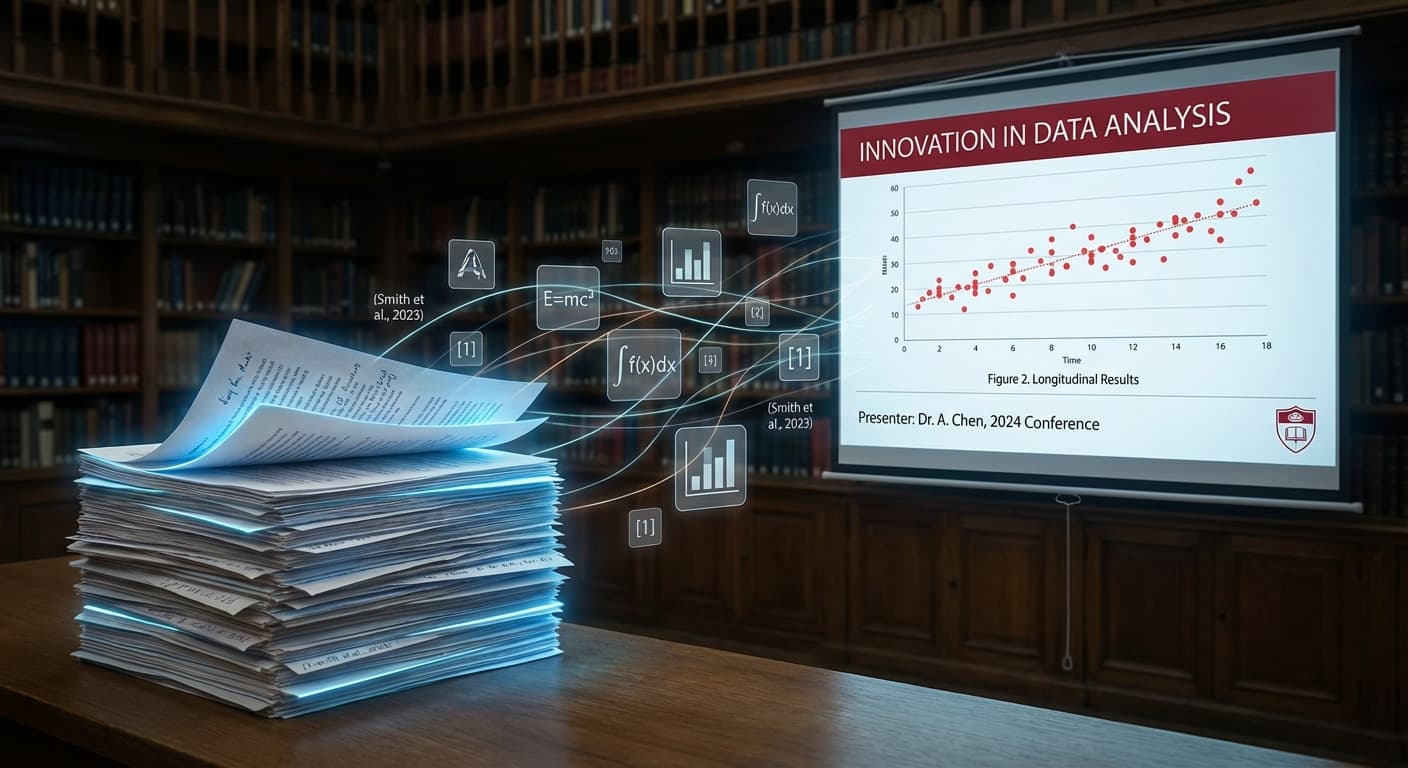
Pesquisadores acadêmicos publicam artigos — e depois correm para convertê-los em apresentações de conferências com prazos apertados. Um artigo de 25 páginas precisa se tornar 15 minutos de slides claros e visuais. A IA torna essa conversão rápida e profissional.
| Artigo de Pesquisa | Palestra em Conferência |
|---|---|
| 25-40 páginas | 10-15 slides |
| Metodologia densa | Visão geral visual |
| Revisão bibliográfica completa | Contexto de fundo essencial |
| Resultados detalhados | Descobertas destacadas |
| Escrito para leitores | Projetado para ouvintes |
Esta transformação requer trabalho cognitivo significativo — decidir o que incluir, como visualizar dados e como estruturar a narrativa. A IA cuida do trabalho pesado.
Carregue seu artigo como PDF diretamente no 2Slides:
Prompts eficazes para apresentações acadêmicas:
Palestra de conferência de 15 minutos:
"Crie uma apresentação de conferência de 12 slides: motivação (2 slides), metodologia (3 slides), resultados principais (4 slides), discussão (2 slides), conclusão com trabalhos futuros (1 slide)"
Palestra relâmpago de 5 minutos:
"Crie uma palestra relâmpago de 5 slides: problema, abordagem, resultado principal, significância, uma conclusão"
Defesa de tese:
"Crie uma apresentação de defesa de tese de 30 slides cobrindo todos os capítulos, com ênfase em metodologia e contribuições"
Visão geral de sessão de pôster:
"Crie uma visão geral de 6 slides: questão de pesquisa, método, descobertas, implicações, informações de contato"
| Área | Recomendação de Tema | Áreas de Foco |
|---|---|---|
| Ciência da Computação | Apple (clean) | Diagramas de arquitetura, algoritmos, benchmarks |
| Ciências da Vida | Corporate | Gráficos de dados, fluxo de metodologia, microscopia |
| Ciências Sociais | McKinsey | Resultados de pesquisas, análise estatística, frameworks |
| Engenharia | Corporate | Especificações técnicas, métricas de desempenho, protótipos |
| Humanidades | Saul Bass (creative) | Análise textual, contexto cultural, exemplos visuais |
Para apresentações gravadas ou palestras pré-gravadas para conferências:
Vai apresentar em conferências internacionais? Gere a sua apresentação no idioma da conferência:
Laboratórios de pesquisa podem automatizar a geração de apresentações para reuniões de laboratório:
# Reunião semanal de laboratório: cada membro carrega seu artigo/progresso
for member in lab_members:
    result = agent.convert_file_to_slides(
        file_url=member.latest_report_url,
        prompt='Atualização de reunião de laboratório com 5 slides: progresso, descobertas, próximos passos'
    )
    send_to_slack(lab_channel, f'{member.name} atualização: {result["downloadUrl"]}')
A IA preserva o contexto das citações do seu artigo. Para formatação formal de citações, recomendamos adicionar slides de referências manualmente no PowerPoint.
A IA gera novas visualizações com base nas descrições dos seus dados. Para reprodução exata de figuras, adicione as figuras originais aos slides gerados.
Exporte o seu documento LaTeX como PDF e depois carregue. A IA processa o conteúdo visual/texto do PDF independentemente do formato de origem.
Transforme a sua pesquisa em apresentações — carregue o seu artigo no 2Slides e obtenha slides prontos para conferências em minutos.
Create stunning AI-powered presentations in seconds. Transform your ideas into professional slides with 2slides AI Agent.
Try For FreeYour AI Agent for slides. Save time, shine faster with intelligent presentation creation.




© 2026 2slides. All rights reserved.