2Slides Team
7 min read

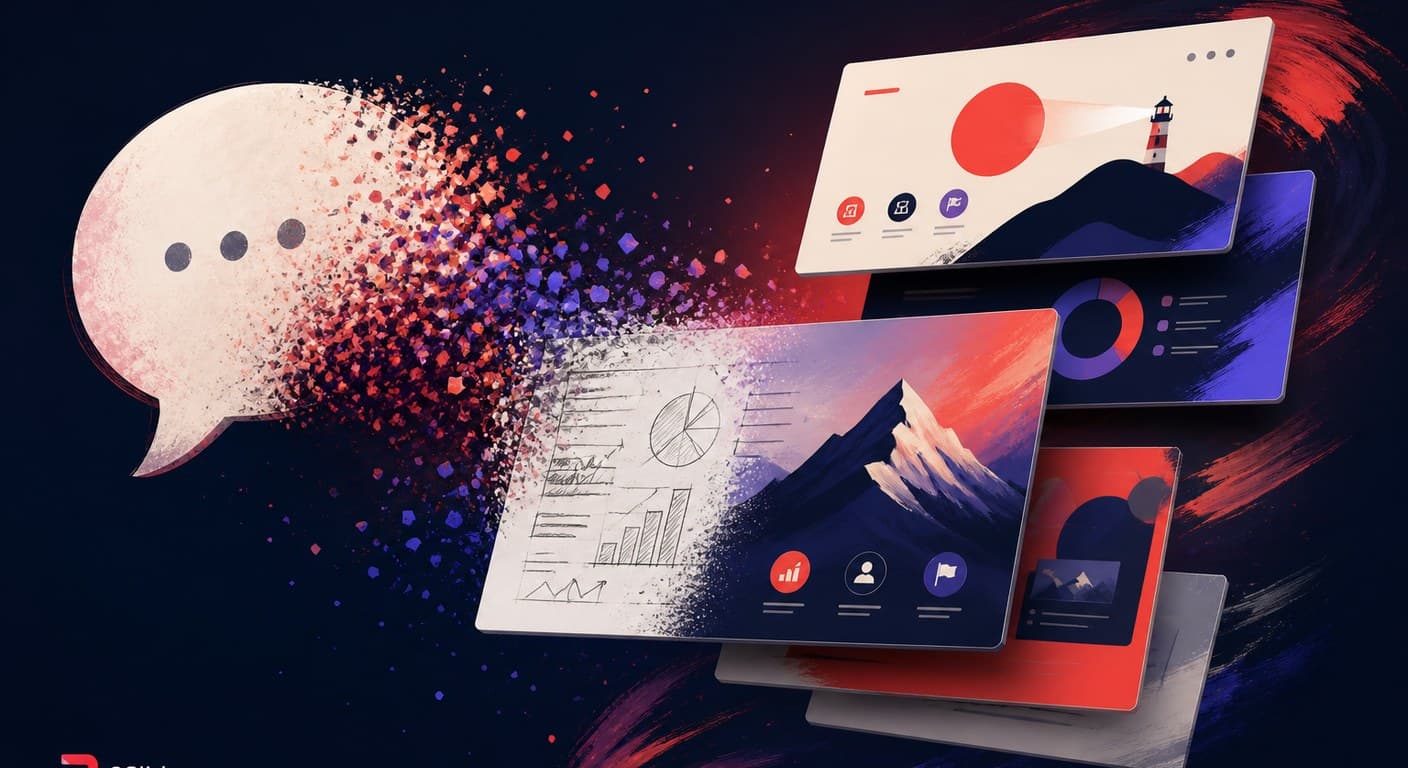
Vibe PPT एक ऐसा presentation workflow है जिसमें आप अपनी मनचाही deck को natural language में describe करते हैं और बातचीत के ज़रिए उसे refine करते जाते हैं — "slide 4 को थोड़ा darker करो," "chart की जगह timeline लगाओ" — text boxes को हाथ से खींचने-छोड़ने की ज़रूरत नहीं। यह term सीधे vibe coding से आई है और 2026 के मध्य में banana-slides जैसे open-source projects ने इसे popular बनाया। banana-slides, Google के nano banana pro image model को एक chat loop के साथ जोड़ता है: एक sentence डालो, एक designed deck मिलती है, और बदलाव बातचीत से होते हैं।
vibe coding की तरह ही, यह phrase पहले थोड़ी हल्के-फुल्के अंदाज़ में शुरू हुई — लेकिन टिक गई, क्योंकि यह किसी असली चीज़ का नाम है: पहली बार, slide बनाने का पूरा loop — content, layout, art direction, revision — सब कुछ भाषा के ज़रिए हो सकता है। यह post इस workflow को सटीक रूप से define करती है, बताती है यह कहाँ से आया, और यह भी ईमानदारी से बताती है कि "vibes" कहाँ टूटते हैं।
Vibe coding — यानी prompting करके software लिखना और model जो produce करे उसे results के आधार पर judge करना, code पढ़कर नहीं — 2025 में mainstream vocabulary में आ गई। Presentation का version 2026 में उसी रास्ते पर चला, और तीन चीज़ें एक साथ आने से यह हुआ। Image models एक quality threshold पार कर गए: Google के nano banana pro ने full-slide compositions render करना शुरू किया — legible text के साथ, coherent art direction के साथ — जिससे "हर slide एक generated image हो" वाला idea व्यावहारिक बन गया। Coding agents को skills मिलीं: Codex और Claude Code के लिए PPT skills ने deck generation को उन tools के अंदर एक single-line request बना दिया जो developers पहले से इस्तेमाल करते हैं। और open-source proof सामने आया: banana-slides project 2026 के मध्य तक "Vibe PPT" की तरफ बढ़ने के explicit tagline के साथ ship हुआ — कोई भी template image upload करो, अपना material डालो, एक sentence या outline से generate करो, फिर specific regions को describe करके revise करो।
| Vibe PPT workflow | Classic AI slide maker (2023–2025 era) | |
|---|---|---|
| Primary input | बातचीत, iteratively | एक prompt या document upfront |
| Design source | हर deck के लिए generated (अक्सर हर slide, images के रूप में) | Fixed template library |
| Revision loop | बदलाव describe करें | Web editor में manual editing |
| Consistency | Emergent — हर बार थोड़ा अलग | Template से enforce होती है |
| Output की editability | अक्सर कम (image slides) | ज़्यादा (native text boxes) |
कोई भी column simply बेहतर नहीं है। सही mental model यह है: Vibe PPT drafting experience को optimize करता है; template-based generation shipping experience को।
एक ईमानदार definition में failure modes भी शामिल होने चाहिए, क्योंकि ये हर मौजूदा implementation में consistently दिखते हैं:
2026 का pragmatic setup conversational drafting को रखता है लेकिन downside को bound करता है। एक coding agent के अंदर, एक PPT skill आपको chat loop देती है; generation कहाँ होती है यह decide करना आपकी consistency तय करता है। 2Slides workspace वही conversational pattern चलाता है — describe करें, nano banana models से up to 4K में image-designed slides generate करें, per page revise करें — और साथ में production floor भी देता है: native-PPTX Fast PPT mode जब deck editable होनी चाहिए, per-page narration, और उसी job से MP4 export। Agent side पर, 2Slides skill और MCP server उस pipeline को Codex, Claude Code, OpenClaw, और Cursor तक expose करते हैं — ताकि "draft को vibe करो, deliverable को template करो" दो tools की बजाय एक ही workflow हो।
नहीं। Classic AI makers एक prompt upfront लेते हैं और बदलावों के लिए एक web editor थमा देते हैं। Vibe PPT की defining trait है conversational revision loop — साथ में generated (न कि templated) design। यह spirit में Gamma-era generators से ज़्यादा vibe coding के करीब है।
Open-source: banana-slides (nano banana pro based) और Codex/Claude Code के लिए image-composed PPT skills। Hosted: 2Slides का workspace flow (generate + per-page conversational revision + export), और agent skills जो generation APIs को wrap करती हैं। Skills comparison पूरा field map करती है।
आमतौर पर नहीं — slides typically full-bleed images होती हैं, इसलिए text select या fix नहीं किया जा सकता। अगर export के बाद editing ज़रूरी है, तो native-PPTX mode वाला pipeline इस्तेमाल करें और image-generated route उन decks के लिए बचाकर रखें जो as-is या video के रूप में ship होती हैं।
Explorations, creative decks, और one-offs के लिए — हाँ, अक्सर शानदार नतीजे देता है। Recurring, branded, या compliance-reviewed decks के लिए, pure vibe workflows consistency पर fail होते हैं; hybrid pattern (conversational draft, template-locked final) वही है जो teams actually run करती हैं।
Nano banana Google के image-generation model family का community नाम है, जिसके pro tier ने full-slide, text-legible compositions को reliable बनाया — यही वह technical unlock है जो 2026 के ज़्यादातर vibe-PPT projects के पीछे है। Background के लिए देखें: Nano Banana 2 vs Nano Banana Pro।
Create stunning AI-powered presentations in seconds. Transform your ideas into professional slides with 2slides AI Agent.
Try For FreeYour AI Agent for slides. Save time, shine faster with intelligent presentation creation.




© 2026 2slides. All rights reserved.