2Slides Team
6 min read

ChatGPT की @Presentations skill आपके attached source material — notes, research, data, या कोई पुरानी deck — को एक ChatGPT conversation के अंदर ही Google Slides या PowerPoint फ़ाइल में बदल देती है। आप इसे @Presentations से invoke करते हैं, चाहें तो कोई template point करें, और यह slides plan करती है, फ़ाइल बनाती है, और rendered output को validate करती है। ChatGPT से असली deck निकालने का यह सबसे accessible तरीका है — और OpenAI का अपना documentation खुलकर मानता है कि template matching और advanced formatting में "manual refinement की ज़रूरत पड़ सकती है।" यह review उस workflow को, इसकी असली ताकत को, और उन सीमाओं को cover करती है जहाँ आपको अलग tooling चाहिए।
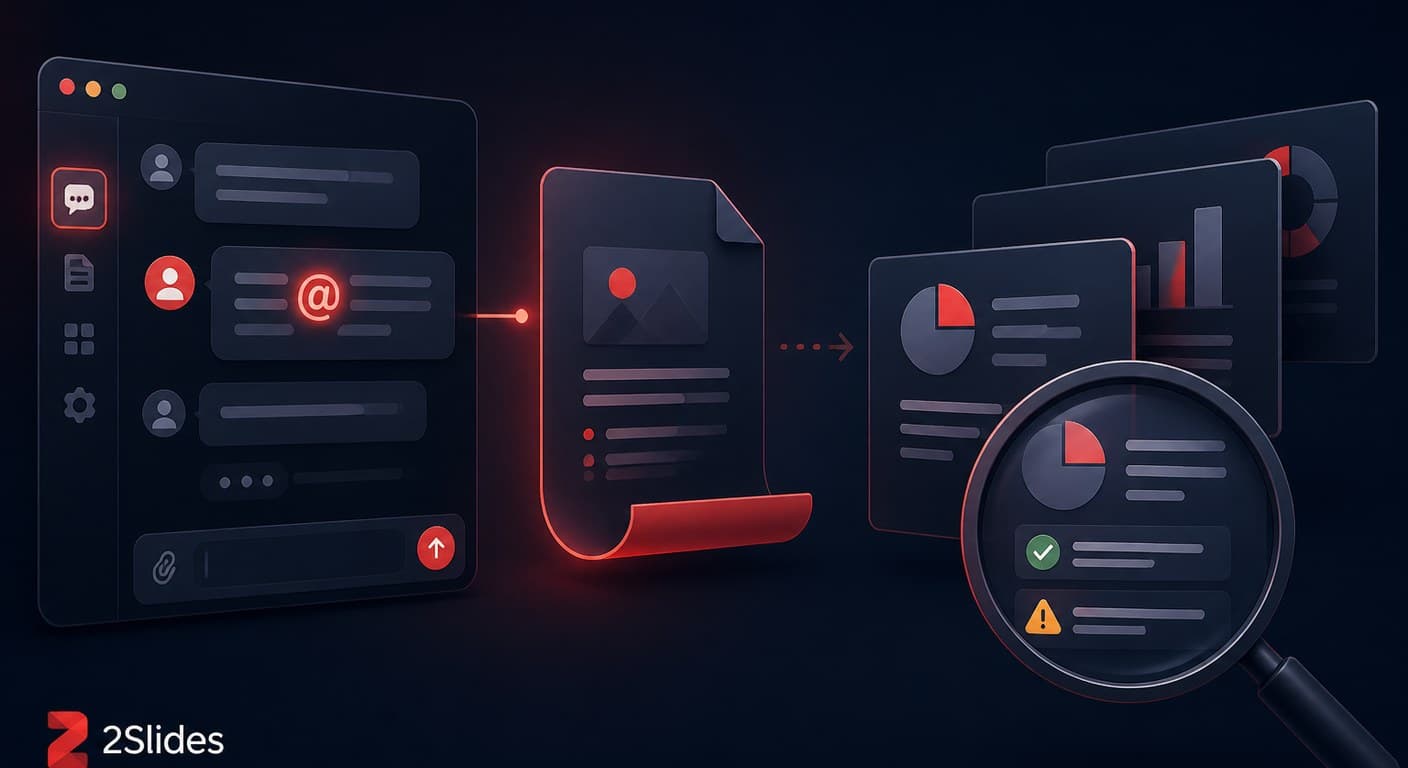
@Presentations एक first-party ChatGPT capability है (OpenAI के ChatGPT use-case guides में documented) जो chat छोड़े बिना slide files बनाती, edit करती, और preview करती है। यह दो companions के साथ काम करती है: Google Drive connector, जो source files पढ़ता है और native Google Slides को directly update कर सकता है; और एक Template Creator जो किसी existing PowerPoint को reusable template में बदलता है। Availability plan और workspace configuration के हिसाब से अलग-अलग होती है — यह मुख्य रूप से ChatGPT Work users के लिए बनाई गई है।
OpenAI का starter prompt intended workflow को एक लाइन में capture करता है:
"Use @Presentations to turn the material I've attached into a presentation for its intended audience. If I've included an existing deck or template, match its structure, visual style, and branding."
OpenAI की guide खुद caveats list करती है, जिन्हें हम face value पर लेते हैं और practical translation के साथ:
| Documented limit | आपके लिए इसका मतलब |
|---|---|
| "Template matching और advanced formatting edits में manual refinement की ज़रूरत पड़ सकती है" | Brand-exact decks automatic नहीं होतीं; strict style guide वाली किसी भी चीज़ पर hand-fixing expect करें |
| "Claims को source material से verify किया जाना चाहिए" | Standard AI caveat — hallucination checklist यहाँ भी लागू होती है |
| "Feature availability subscription plan और workspace configuration के हिसाब से अलग होती है" | आपके org में हर कोई एक जैसा workflow नहीं चला सकता — shared processes के लिए यह एक असली problem है |
इनके अलावा, वे structural boundaries भी हैं जिन्हें कोई भी chat-app skill पार नहीं कर सकती: कोई API surface नहीं — आप इसे script नहीं कर सकते, schedule नहीं कर सकते, या किसी pipeline से call नहीं कर सकते; कोई repo या database context नहीं — यह वही देखती है जो आप attach करते हैं, आपका codebase या warehouse नहीं; और कोई batch mode नहीं — एक deck के पचास per-client variants का मतलब है पचास अलग-अलग conversations।
काफी है जब: आप एक ChatGPT Work user हैं जो documents से कभी-कभार decks बनाते हैं, आपकी template tolerance "close is fine" है, और deck का final home Google Slides है।
काफी नहीं है जब:
सीधी बात: @Presentations "deck खुद बनाने" से compete करती है — और जीतती है। यह production pipelines से compete नहीं करती, और OpenAI ऐसा claim भी नहीं करता।
यह paid ChatGPT plans के साथ आती है, और availability plan tier और workspace configuration से जुड़ी है — OpenAI ने note किया है कि feature access अलग-अलग होती है। आपके subscription से परे कोई अलग per-deck fee नहीं है।
हाँ — यह Google Slides और PowerPoint दोनों files बनाती और edit करती है, और in-chat rendered slides preview करती है। Post-export formatting fidelity वह जगह है जहाँ OpenAI का "manual refinement" caveat सबसे ज़्यादा लागू होता है।
यह किसी attached deck की structure, visual style, और branding match करने की कोशिश करेगी, और Template Creator किसी house deck को reusable template में बदल सकता है। Exact brand compliance के लिए आमतौर पर एक manual pass चाहिए — या फिर एक template-fill system जहाँ layout imitate नहीं, enforce होता है।
"Skill" शब्द एक जैसा है, दुनिया बिल्कुल अलग है: @Presentations interactive use के लिए ChatGPT app में रहती है; coding-agent skills installable packages हैं जो repo context, scriptability, और chaining के साथ चलती हैं। Codex skills guide उस पहलू को cover करती है।
नहीं — यह एक ChatGPT app capability है, API endpoint नहीं। Programmatic slide generation के लिए आपको एक presentation API चाहिए; हमारी developer comparison with code examples उन options को walk through करती है।
Create stunning AI-powered presentations in seconds. Transform your ideas into professional slides with 2slides AI Agent.
Try For FreeYour AI Agent for slides. Save time, shine faster with intelligent presentation creation.




© 2026 2slides. All rights reserved.