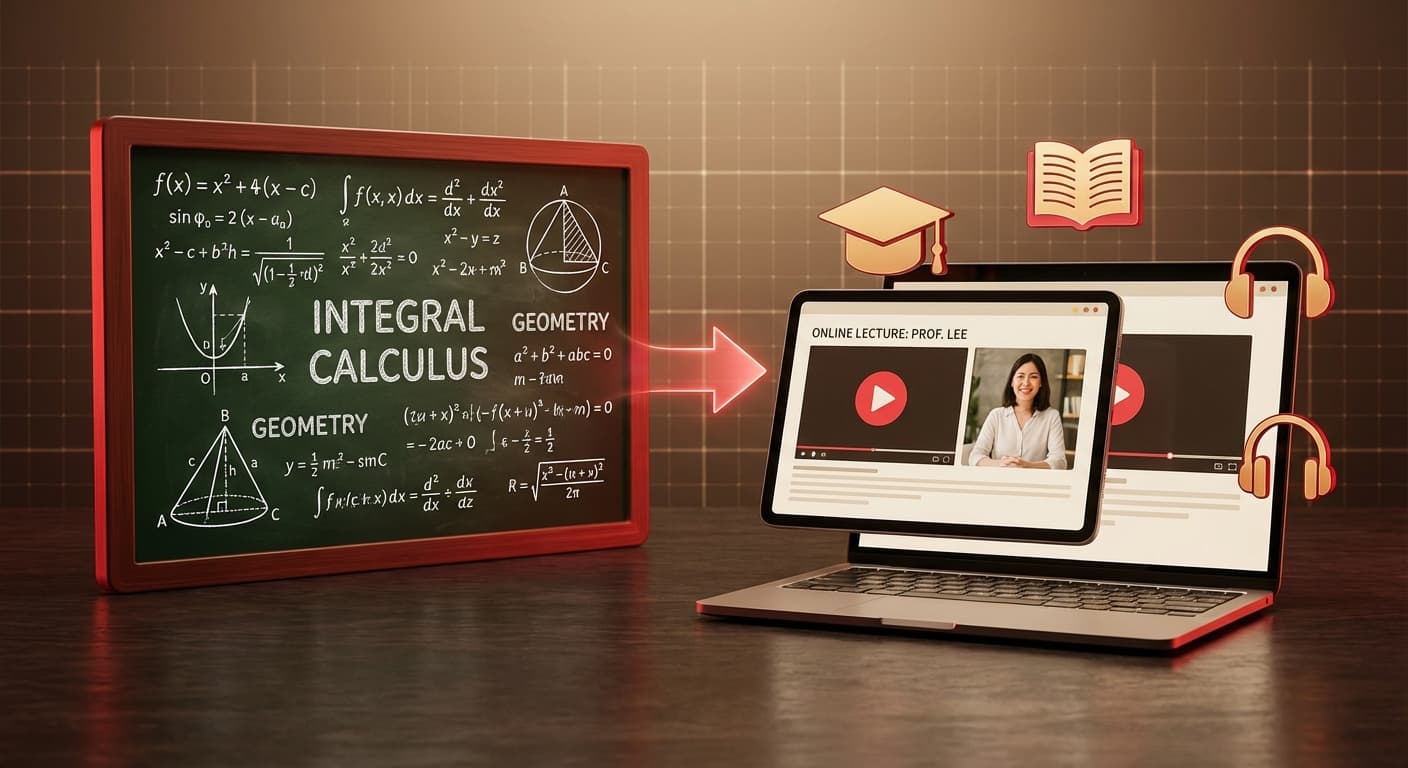
Créer des cours vidéo éducatifs à partir de diapositives avec une voix IA
Chaque éducateur est confronté au même défi : la création de cours vidéo est essentielle pour l'apprentissage moderne, mais l'enregistrement et le montage vidéo prennent des heures par cours. Et si vous pouviez générer des vidéos de cours professionnelles à partir de votre contenu de diapositives en quelques minutes ?
Grâce à la narration vocale par IA, vous pouvez transformer n'importe quelle présentation éducative en un cours vidéo soigné — sans caméra, microphone ni logiciel de montage.
Pourquoi les cours vidéo sont importants en 2026
Le passage à l'apprentissage numérique est permanent :
- 85 % des étudiants préfèrent les cours vidéo aux supports textuels
- Le contenu vidéo améliore la rétention de 25 à 60 % par rapport à la lecture seule
- La vidéo à rythme libre s'adapte aux différentes vitesses d'apprentissage
- Les plateformes LMS (Canvas, Moodle, Blackboard) privilégient désormais le contenu vidéo
- Les classes inversées nécessitent du contenu préenregistré pour l'apprentissage à domicile
Mais la création de cours vidéo de qualité exige traditionnellement :
- Équipement d'enregistrement
- Environnement d'enregistrement calme
- Logiciel de montage vidéo
- 3 à 5 heures par heure de contenu de cours
La narration par IA élimine toutes ces barrières.
Pour un seul cours
- Préparez le contenu de vos diapositives : Saisissez le sujet de votre cours ou collez vos notes
- Choisissez un modèle épuré et éducatif : Les styles académiques ou minimalistes fonctionnent le mieux
- Générez les diapositives : L'IA crée des diapositives visuellement claires avec des diagrammes et des points clés
- Sélectionnez le mode de narration :
- Un seul orateur : Format de cours traditionnel
- Plusieurs orateurs : Dialogue élève-enseignant (très engageant pour les jeunes apprenants)
- Choisissez votre voix : Des voix chaleureuses et claires comme Kore ou Fenrir conviennent bien à l'éducation
- Générez la narration : L'IA crée une narration de cours qui explique chaque diapositive
- Révisez et modifiez : Ajustez le phrasé, ajoutez des exemples, corrigez la terminologie
- Exportez la vidéo : 16:9 pour le téléchargement sur LMS, 4:5 pour les plateformes d'apprentissage social
Pour un cours complet
Utilisez l'API 2Slides pour générer des cours par lots :
# Generate lecture slides with Nano Banana (required for narration)
POST /api/v1/slides/create-pdf-slides
{
  "userInput": "Chapter 3: The Water Cycle - Evaporation, Condensation, Precipitation. Include diagrams and real-world examples. Target audience: 8th grade science.",
  "designStyle": { "global": { "referenceImageUrl": "..." } }
}

# Poll until completed
GET /api/v1/jobs/{jobId}

# Add narration
POST /api/v1/slides/generate-narration
{
  "jobId": "...",
  "mode": "multi",
  "speaker1Name": "Professor",
  "speaker2Name": "Student",
  "contentMode": "standard"
}
Note : La narration vocale nécessite des tâches Nano Banana (create-like-this ou create-pdf-slides). Les tâches Fast PPT standard ne prennent pas en charge la narration.
Mode multi-orateurs : La révolution de l'enseignement
La narration multi-orateurs change la donne pour l'éducation. Au lieu d'un cours monotone, les étudiants entendent une conversation naturelle :
Professeur : « Aujourd'hui, nous explorons le cycle de l'eau. Qui peut me dire ce qui se passe lorsque le soleil chauffe l'eau de l'océan ? »
Étudiant : « L'eau s'évapore et se transforme en vapeur d'eau ? »
Professeur : « Exactement ! L'évaporation est la première étape. L'énergie du soleil transforme l'eau liquide en vapeur d'eau invisible qui monte dans l'atmosphère. Voici ce qui est fascinant... »
Ce format de dialogue socratique :
- Maintient l'attention — l'échange constant empêche de décrocher
- Modélise la curiosité — la voix de l'« étudiant » pose les questions que les apprenants se poseraient
- Décompose la complexité — chaque concept est expliqué par un échange naturel
- Augmente l'accessibilité — les différentes tonalités de voix facilitent la compréhension
Cas d'utilisation éducatifs
Écoles primaires et secondaires (K-12)
- Classe inversée : Générez des cours vidéo pour les devoirs à regarder à la maison
- Contenu pour professeur suppléant : Leçons narrées pré-faites pour les jours d'absence
- Éducation spécialisée : Contenu vidéo à plusieurs vitesses, répétable avec une narration claire
- Classes multilingues : Générez la narration dans les langues maternelles des élèves
Enseignement supérieur
- Cours asynchrones : Libérez du temps en classe pour les discussions et les travaux pratiques
- Préparation aux laboratoires : Démonstrations visuelles de procédures avec narration
- Compléments de conférences invitées : Créez des résumés narrés des concepts clés
- Révision d'examens : Générez des vidéos de révision condensées à partir de diapositives de cours complètes
Formation en entreprise et L&D (Apprentissage et Développement)
- Modules d'intégration : Présentations narrées de l'entreprise et aperçus des politiques
- Formation à la conformité : Transformez les diapositives de conformité en contenu narré engageant
- Formation produit : Démonstrations de nouvelles fonctionnalités pour les équipes de vente et de support
- Développement des compétences : Vidéos de micro-apprentissage (3-5 minutes chacune)
Créateurs de cours en ligne
- Contenu Udemy / Coursera : Générez des cours vidéo professionnels à grande échelle
- Chaînes éducatives YouTube : Créez du contenu éducatif sans enregistrement
- Micro-cours : Générez des guides de démarrage rapide et des vidéos tutoriels
- Cours multilingues : Narrez les mêmes diapositives dans différentes langues
Bonnes pratiques pour les vidéos éducatives
Structure du contenu
- Accroche (première diapositive) : Commencez par une question ou un fait surprenant
- Aperçu (diapositive 2) : « Aujourd'hui, vous apprendrez X, Y et Z »
- Contenu principal (diapositives 3-8) : Un concept par diapositive avec des exemples
- Résumé (diapositive 9) : Récapitulez les points clés
- Étapes suivantes (diapositive 10) : Devoirs, lectures complémentaires ou aperçu du prochain cours
Conseils de narration
- Utilisez le mode de contenu Standard pour des explications détaillées
- Choisissez des voix chaleureuses et claires (Kore pour le professionnel, Fenrir pour l'énergique)
- En mode multi-orateurs, faites de l'Orateur 2 l'étudiant curieux qui demande « pourquoi ? »
- Gardez la narration de chaque diapositive sous 90 secondes pour maintenir le rythme
- Modifiez la narration pour ajouter une terminologie et des exemples spécifiques au domaine
Spécifications techniques
- Format d'image 16:9 pour les téléchargements sur LMS et YouTube
- Le format H.264 MP4 est universellement compatible
- Les vidéos sont lisibles sur tous les appareils sans logiciel spécial
- Taille moyenne du fichier : ~15 Mo par vidéo de 5 minutes
Coût pour les éducateurs
Exemple : Cours de 15 leçons (10 diapositives chacune)
| Composant | Crédits par diapositive | Par cours | Cours complet |
|---|
| Slide generation | ~100 | 1,000 | 15,000 |
| Voice narration | 210 | 2,100 | 31,500 |
| Video export | 20 | 200 | 3,000 |
| Total | | | 49 500 crédits |
Avec 2Slides Pro (12,50 $ / mois pour 10 000 crédits), un cours complet représente environ 5 mois de crédits — ou 40 $ en packs de crédits uniques. Comparez cela à l'embauche d'une équipe de production vidéo.
Foire aux questions
L'IA peut-elle narrer du contenu académique spécialisé ?
Oui. L'IA génère la narration à partir du contenu de vos diapositives, elle utilise donc votre terminologie et vos explications spécifiques. Vous pouvez modifier la narration pour en assurer l'exactitude avant de générer l'audio.
Qu'en est-il des formules et des équations sur les diapositives ?
L'IA de 2Slides génère des diapositives avec des représentations visuelles de concepts. Pour les formules détaillées, incluez-les dans votre texte d'entrée et l'IA les intégrera dans la conception de la diapositive et en narrera les explications.
Puis-je mettre à jour un cours après sa publication ?
Oui. Régénérez la narration vocale pour les diapositives mises à jour, exportez une nouvelle vidéo et remplacez l'ancienne dans votre LMS. Le modèle de coût par diapositive signifie que vous ne payez que pour ce que vous modifiez.
Est-ce adapté aux jeunes apprenants ?
Absolument. Le mode de dialogue multi-orateurs est particulièrement efficace pour l'enseignement primaire et secondaire (K-12) — il reflète la façon dont les enfants apprennent par la conversation. Choisissez des voix amicales et claires et utilisez le mode de contenu « concis » pour les jeunes publics.
Les cours vidéo narrés par IA démocratisent le contenu éducatif de haute qualité. Que vous soyez un enseignant du primaire/secondaire (K-12), un professeur d'université ou un créateur de cours, vous pouvez produire des cours vidéo professionnels sans aucun équipement de production.
Commencez à créer des cours vidéo éducatifs dès aujourd'hui — essayez 2Slides gratuitement.