2Slides Team
4 min read

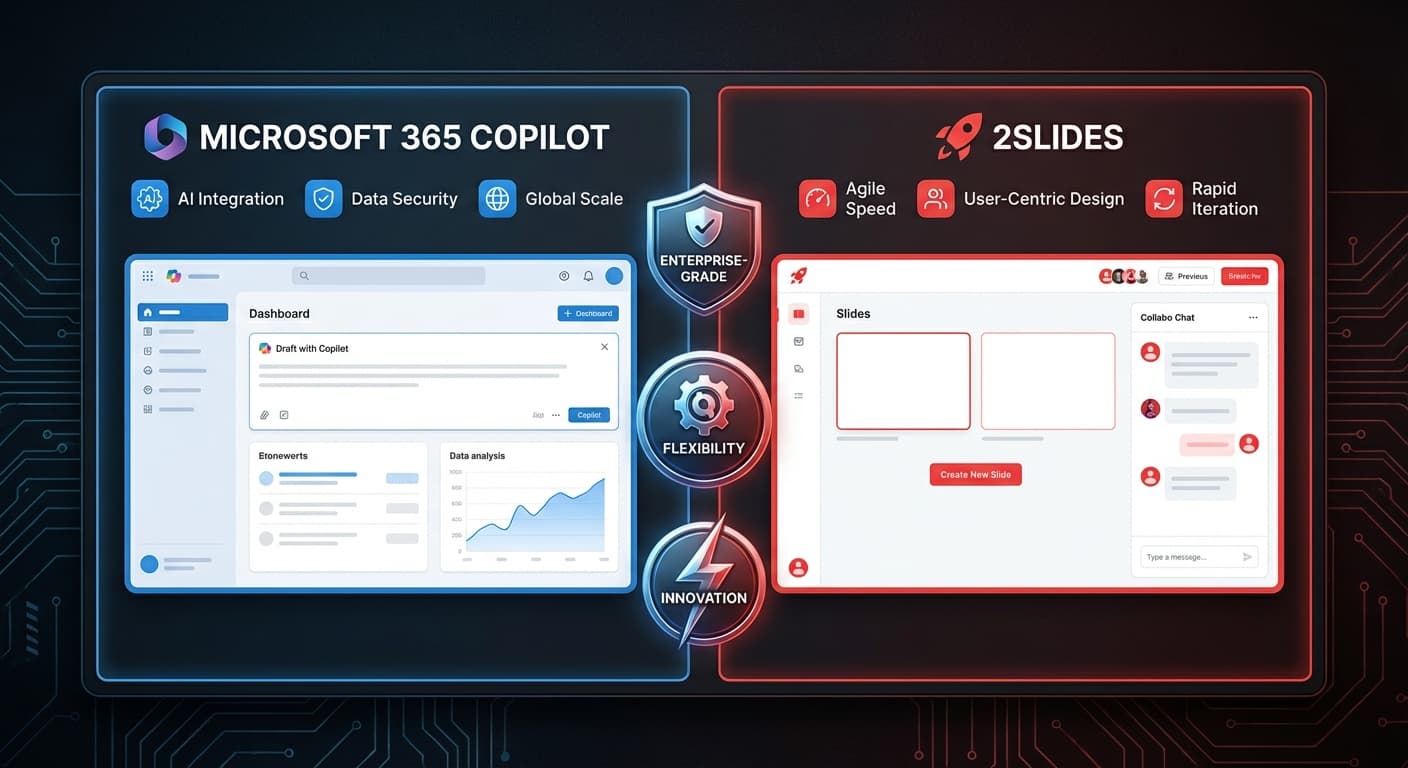
Microsoft Copilot لـ PowerPoint يجلب الذكاء الاصطناعي إلى برنامج العروض التقديمية الأكثر شعبية في العالم. 2Slides هو محرك ذكاء اصطناعي مخصص للعروض التقديمية. كلاهما يولد الشرائح بالذكاء الاصطناعي — لكن الأساليب والإمكانيات والتكاليف مختلفة جداً.
Microsoft Copilot هو مساعد ذكاء اصطناعي مدمج في PowerPoint. يساعدك على إنشاء وتحرير الشرائح ضمن سير عمل PowerPoint الحالي.
2Slides هو محرك ذكاء اصطناعي مستقل يولد عروضاً تقديمية كاملة من النصوص أو المستندات أو التصاميم المرجعية، ثم يصدرها بصيغة PowerPoint.
| الميزة | 2Slides | Copilot لـ PowerPoint |
|---|---|---|
| طريقة التوليد بالذكاء الاصطناعي | توليد كامل من الصفر | مساعد داخل PowerPoint |
| أنواع المدخلات | نصوص، PDF، DOCX، XLSX، CSV، MD، JSON، صور | نصوص، مستندات Word |
| مطابقة التصميم | ✅ إنشاء مثل هذا (أي مرجع) | محدود (قوالب PPT الحالية) |
| التعليق الصوتي | ✅ أكثر من 8 أصوات، متعدد المتحدثين | ❌ |
| تصدير الفيديو | ✅ H.264 MP4 | ❌ |
| API | ✅ REST API كامل + MCP | ❌ (لا يوجد API عام) |
| قائم بذاته | ✅ تطبيق ويب، لا يتطلب برنامجاً | يتطلب Microsoft 365 |
| دقة 4K | ✅ | يعتمد على إعدادات PowerPoint |
| التعاون في الوقت الفعلي | ❌ | ✅ (عبر Microsoft 365) |
| تحرير الشرائح | مساحة عمل أساسية | محرر PowerPoint الكامل |
| السيناريو | 2Slides | Copilot لـ PowerPoint |
|---|---|---|
| مستخدم واحد | 12.50 دولار/شهرياً أو 5 دولار لمرة واحدة | 30 دولار/شهرياً (إضافة M365 Copilot) |
| 5 مستخدمين | 12.50 دولار/شهرياً إجمالي | 150 دولار/شهرياً |
| 10 مستخدمين | 12.50 دولار/شهرياً إجمالي | 300 دولار/شهرياً |
| 50 مستخدماً | 12.50 دولار/شهرياً إجمالي | 1,500 دولار/شهرياً |
| المتطلبات الأساسية | لا شيء | اشتراك Microsoft 365 |
الملاحظة الأساسية: يتطلب Copilot كلاً من اشتراك Microsoft 365 وإضافة Copilot بمبلغ 30 دولار/مستخدم/شهر. 2Slides ليس لديه تسعير لكل مقعد.
نعم — والعديد من الفرق تفعل ذلك:
هذا يمنحك الأفضل من كلا العالمين: سرعة الإنشاء بالذكاء الاصطناعي + قدرات التحرير في PowerPoint.
مختلف، وليس أفضل. يتفوق Copilot في تحرير واقتراح تحسينات على الشرائح الموجودة. تتفوق 2Slides في إنشاء عروض تقديمية كاملة من الصفر، خاصة من المستندات والبيانات.
نعم — جميع مخرجات 2Slides بصيغة .pptx الأصلية التي تُفتح بشكل مثالي في PowerPoint لمزيد من التحرير.
من المحتمل، لكن تركيز Microsoft ينصب على نموذج المساعد (مساعدتك في التحرير) بدلاً من الإنشاء الكامل. الميزات مثل Create Like This والتعليق الصوتي متعدد المتحدثين وواجهة REST API فريدة من نوعها في 2Slides.
احصل على المزيد من الذكاء الاصطناعي بتكلفة أقل — جرب 2Slides وأنشئ عروض تقديمية كاملة في دقائق.
Create stunning AI-powered presentations in seconds. Transform your ideas into professional slides with 2slides AI Agent.
Try For FreeYour AI Agent for slides. Save time, shine faster with intelligent presentation creation.




© 2026 2slides. All rights reserved.