2Slides Team
3 min read

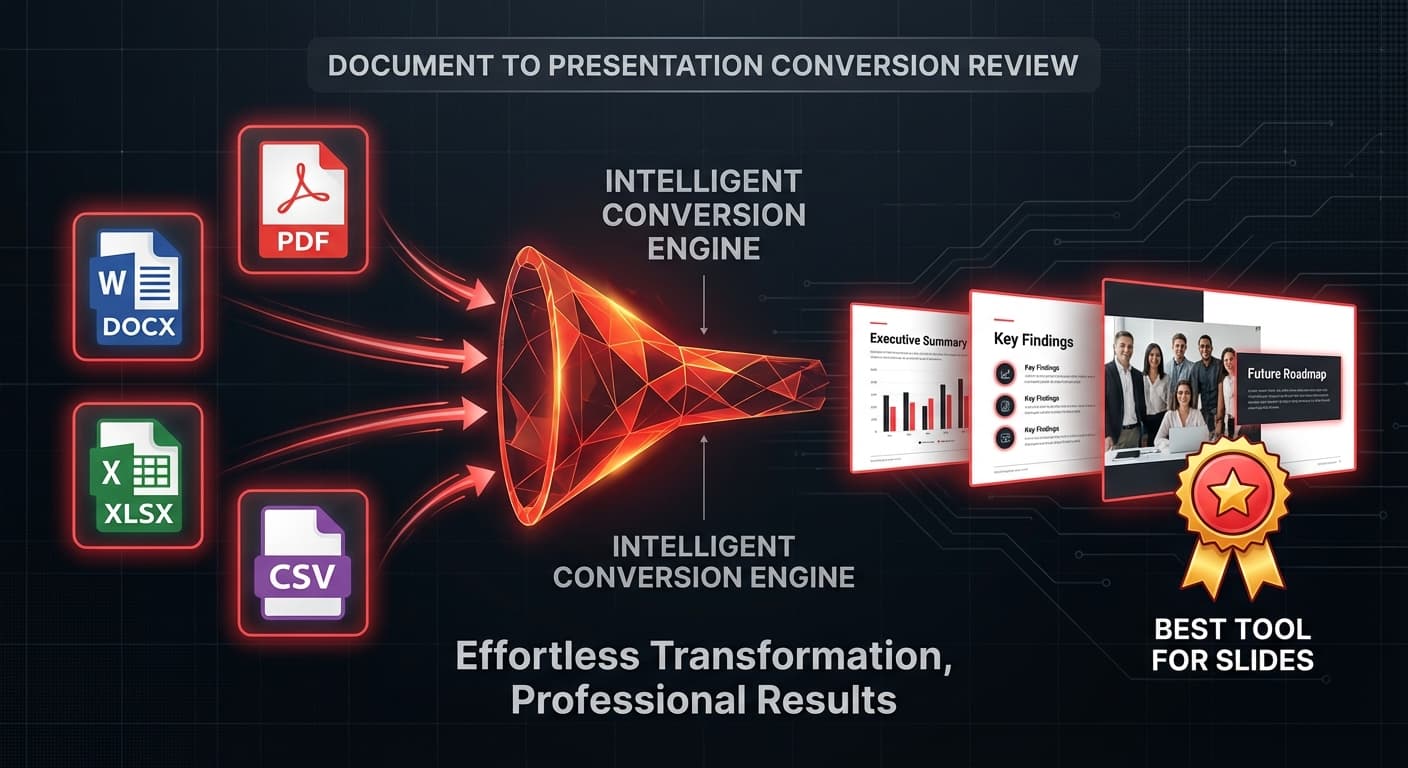
Mengonversi dokumen menjadi presentasi adalah salah satu tugas kantor yang paling umum — dan alat AI membuatnya jauh lebih cepat. Tapi alat mana yang menangani file Anda dengan terbaik? Panduan ini membandingkan setiap opsi utama.
| Alat | DOCX | XLSX/CSV | Markdown | JSON | Redesain PPTX | Harga | |
|---|---|---|---|---|---|---|---|
| 2Slides | ✅ | ✅ | ✅ | ✅ | ✅ | ✅ | Mulai dari $5 |
| SlideSpeak | ✅ | ✅ | ❌ | ❌ | ❌ | ❌ | $29/bln |
| Gamma | ❌ | ❌ | ❌ | ❌ | ❌ | ❌ | Gratis-$20/bln |
| SlidesAI | ❌ | ❌ | ❌ | ❌ | ❌ | ❌ | $8,33/bln |
| Beautiful.ai | ❌ | ❌ | ❌ | ❌ | ❌ | ❌ | $12/bln |
| SlidesPilot | ✅ | ❌ | ❌ | ❌ | ❌ | ❌ | $8,25/bln |
Temuan utama: 2Slides mendukung format file terbanyak — 7 format termasuk PDF, DOCX, XLSX, CSV, Markdown, JSON, dan TXT.
Format: PDF, DOCX, XLSX, CSV, MD, JSON, TXT, PPTX Kelebihan:
Terbaik untuk: Tim yang perlu mengonversi berbagai jenis dokumen menjadi presentasi secara teratur.
Format: PDF, DOCX Kelebihan:
Keterbatasan: Tidak ada dukungan spreadsheet, rentang format terbatas.
Gamma, SlidesAI, dan Beautiful.ai tidak mendukung konversi file langsung — mereka hanya menghasilkan slide dari input teks. Jika Anda perlu mengonversi dokumen yang ada, mereka mengharuskan Anda menyalin-tempel konten secara manual.
Ekspor sebagai .docx dari Google Docs, lalu unggah ke 2Slides untuk konversi.
2Slides dapat mengambil file .pptx yang ada dan mendesain ulang dengan tema baru — pada dasarnya memberikan presentasi lama Anda tampilan profesional.
2Slides mendukung file hingga 100MB, yang mencakup hampir semua dokumen.
Konversi dokumen apa pun menjadi slide — coba 2Slides dan rasakan perbedaan yang dibuat AI.
Khusus untuk dokumen keuangan — 10-K, rilis laba, ekspor portofolio — konverter dokumen-ke-deck memformat apa yang sudah ada di halaman, tetapi tidak dapat menyegarkan angka-angkanya. PickSkill adalah agen spesialis keuangan yang menarik data pasar langsung dan pengajuan SEC, menjalankan analisis, serta mengekspor .pptx riset investasi bersumber di mana setiap grafik mencerminkan penutupan terbaru. Detail: Alat AI Terbaik untuk Deck Riset Investasi & Riset Ekuitas.
Create stunning AI-powered presentations in seconds. Transform your ideas into professional slides with 2slides AI Agent.
Try For FreeYour AI Agent for slides. Save time, shine faster with intelligent presentation creation.




© 2026 2slides. All rights reserved.